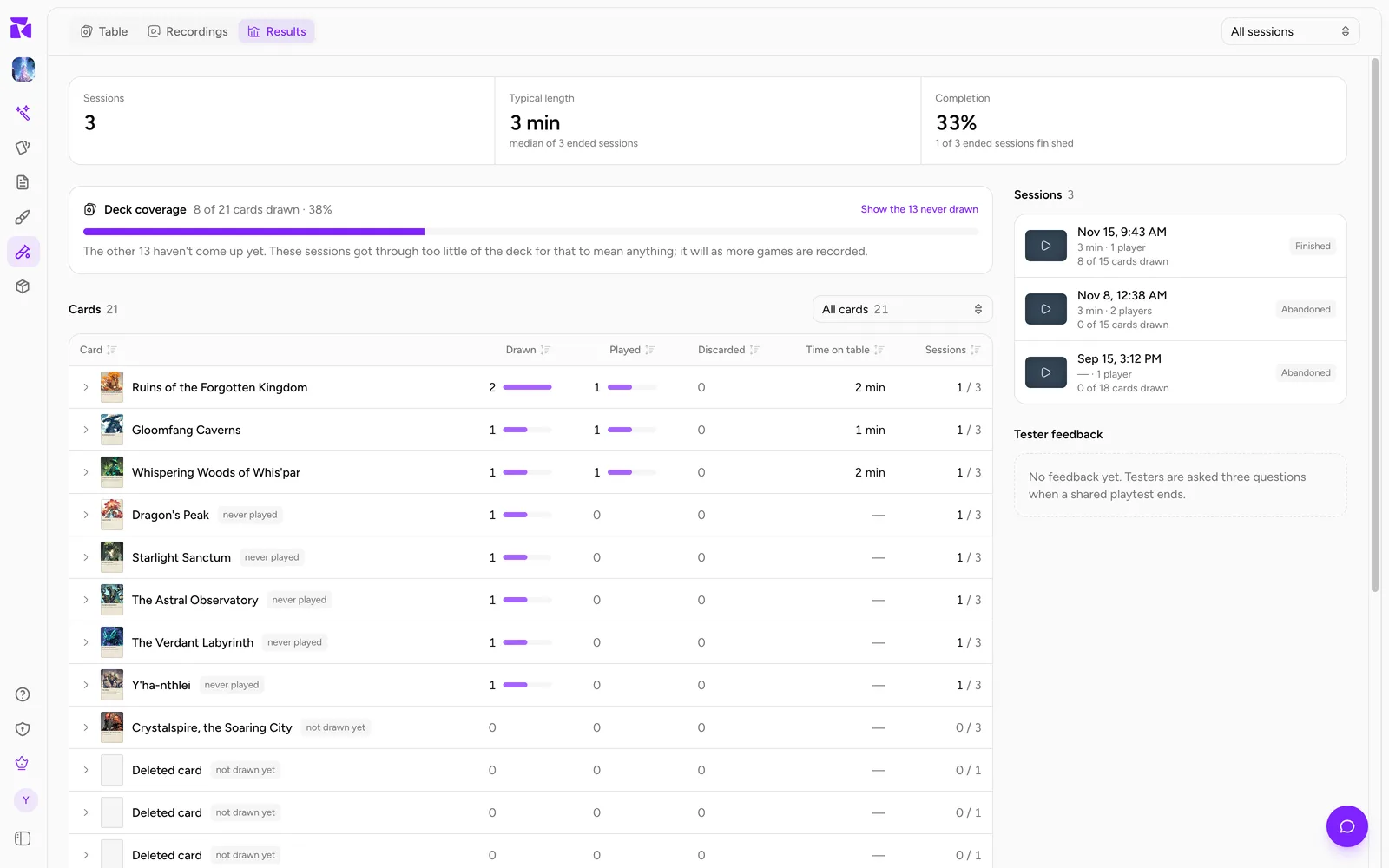
Results adds up your recorded playtests so you can see which cards actually get used. One game tells you how that game went; ten games tell you that a card is never played, that a third of the deck never leaves the pile, or that testers rate the rules lower than the fun. Open Results after a round of testing, before you decide which cards to change.
Open Results
Open Playtable in a project and choose Results in the section menu at the top of the page (three tabs at the top left on a wide screen; one menu in the top bar on a phone). Results shows the project you are in, so switch projects with the picker at the top of the sidebar to read another game.
Results reads the same recordings as the Recordings page: every online table, every game played from one of your playtest links, and solo games you played signed in, in your own project (since 14 November 2026). See Playtest Recordings, Replays & AI Debrief for what gets recorded and for how long. Only the project's owner can open Results.
While it adds the games up, the page reads Reading the recordings…. With nothing recorded yet it shows Nothing recorded yet and an Open the table button.
What each plan sees
| Plan | Results covers |
|---|---|
| Free, Hobby | Your newest recorded session |
| Indie, Professional | Your newest 25 recorded sessions, added together |
On Free and Hobby, when there are more recordings, a line at the top reads, for example, Summarising your newest session. 6 more recordings recorded, and Indie reads them back together. with a See all 7 button that shows the Indie plan.
On every plan, 25 sessions is the most Results adds up at once. When more exist, the Sessions tile says so (newest 25 of 40). Use Game setup (below) to look at one link's games instead.
Recordings past your plan's history have nothing left to read, so they are not counted. A line says how many, for example 2 older recordings passed your plan's playtest history and were deleted. See Settings & Plan.
Filter by game setup
When the project has at least one published playtest link, a Game setup menu appears at the top right. All sessions adds up every recorded game. Choosing a link narrows everything on the page (tiles, coverage, cards, dice and feedback) to the games played from that link. The page address keeps your choice, so a bookmark or a refresh opens the same view.
This is how you compare versions: publish a link per version of the game, then read each one's results on its own. See Share a Playtest Link.
The headline tiles
A row of tiles sums up the games. A tile that would read 0 is left out.
| Tile | What it counts |
|---|---|
| Sessions | The recorded games added up. Its hint says when that is only the newest few (newest 1 of 7) and how many are still being played (2 still being played). |
| Typical length | The median length of the games that are over, from the first recorded move to the last. Its hint reads median of 4 ended sessions, or none has ended yet. The median keeps one abandoned 15-second table from dragging the number down. |
| Completion | The share of ended games that were finished rather than abandoned, for example 3 of 4 ended sessions finished. A game still being played counts as neither. |
| Mean turn | The average length of a turn, across games that tracked turns. A long game's turns count for more. The hint gives the number of turns and whether they come from every session or, say, from 2 of 5 sessions. Shown only when some game tracked turns. |
| Card notes | Cards flagged during these games. |
| Feedback | How many testers answered the end-of-game questions, with the average for each rating (fun 4.2 · clarity 3.6 · balance 3.9). |
Short sessions count here too. A table that was opened and closed after a few moves is hidden on the Recordings page by default, but Results includes it, so it can lower Completion and deck coverage.
To track turns, turn on Track turns from the start in the setup screen's Turns tab; see Start a Card Playtest.
Deck coverage
Deck coverage says how much of the deck the games got through: 41 of 52 cards drawn · 79%, with a bar. A card counts as drawn when a copy left the pile in any of these games, whether it was drawn to a hand, played straight to the table, or dealt in an opening hand. The total is every card that was in the deck of at least one of these games.
The line under the bar explains the cards that never came up:
- Every card was drawn at least once across these sessions.
- The other 11 haven't come up yet. These sessions got through too little of the deck for that to mean anything; it will as more games are recorded.
- The other 11 haven't come up yet. For most of them that's luck, but not for all.
Show the 11 never drawn filters the card table to those cards and scrolls to it.

"Should have come up"
For each card that never came up, Results works out the chance of missing it that often by luck: in each game, how much of the deck stayed in the pile, multiplied across every game that dealt the card, with extra copies making a miss less likely. When that chance is under 1 in 10, the card gets a warning. A yellow box reads 2 cards should have come up by now and These sessions got through enough of the deck that missing them is unlikely to be chance. Check they are really in the deck, or whether a rule keeps them buried. It lists the cards, least likely first; click a name to open its row in the table.
Common causes:
- Shuffle on start is off, so the deck stays in order and the card sits near the bottom;
- Separate draw piles is on, and the card is in a pile players rarely draw from;
- a rule tells players to set the card aside, or keeps it under other cards.
The card table
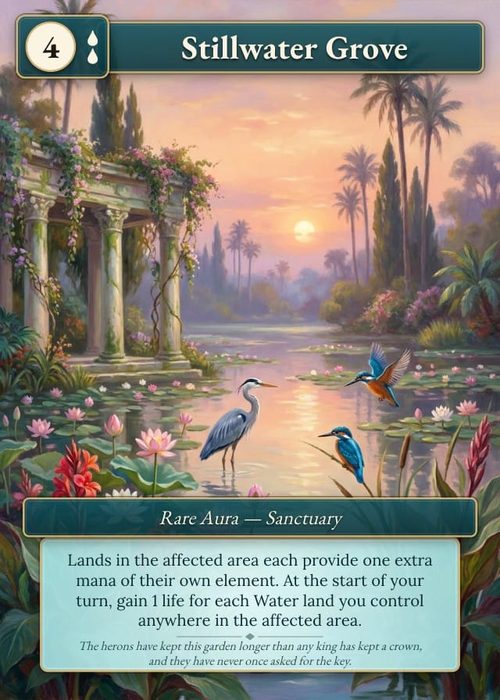
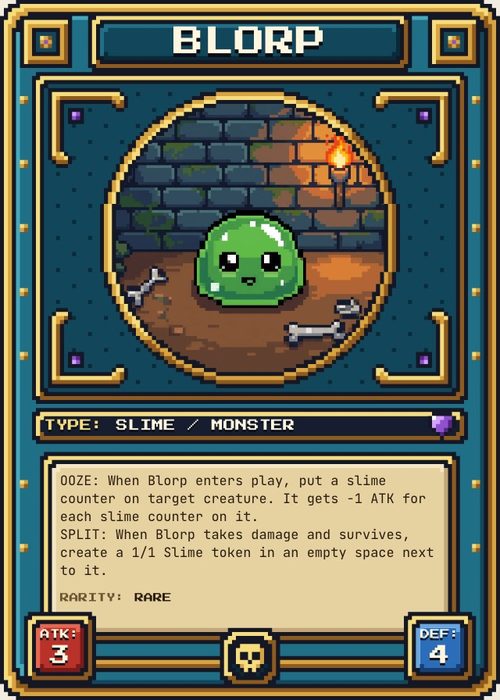
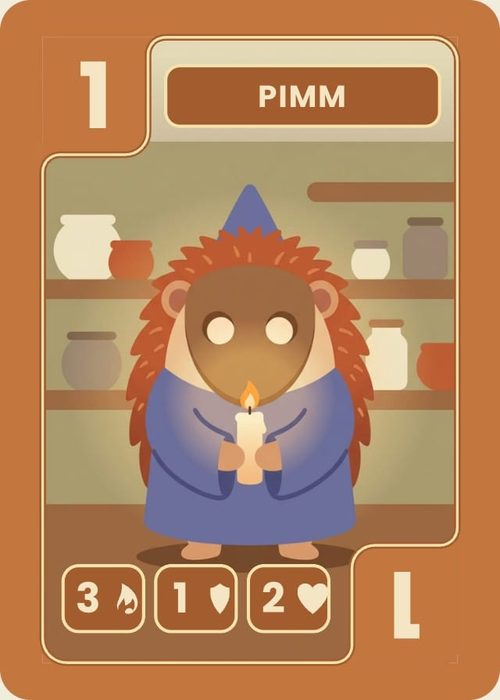
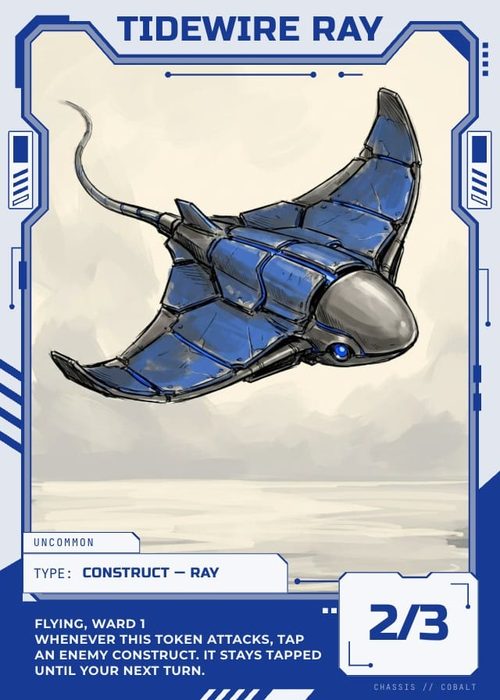
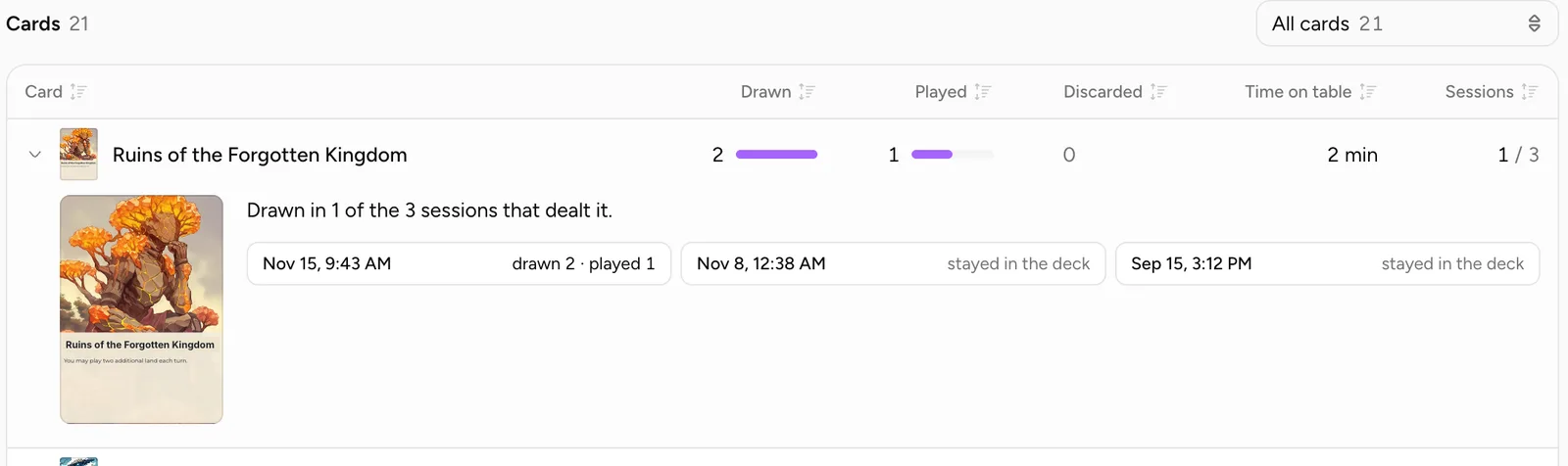
Cards lists every card that was in the deck of at least one game, with a small picture of its current front. The heading shows the count, or 12 of 52 while a filter is on.
| Column | What it counts |
|---|---|
| Card | The card's name. |
| Drawn | Times a copy left the deck, into a hand or straight onto the table. |
| Played | Times a copy landed on the table. |
| Discarded | Times a copy went to the discard pile, or any face-up pile. |
| Time on table | Total time on the table, across every copy and every session. |
| Sessions | Sessions the card was drawn in, out of the sessions that had it in the deck (3 / 5). A card added to the deck later was in fewer. |
Hover a column heading to read its definition. Drawn, Played and Discarded have a small bar beside each number, all on one scale, so a row's bars compare with each other and with the rows around it. A card dealt in an opening hand counts as having come up, but not as a draw: nobody drew it.
Sorting
The table opens with the most drawn cards first, then the most played, then by name. Cards that were never drawn come last, with the "should have come up" cards leading them. Click a column heading to sort by it (numbers high to low, Card A to Z), and click it again to reverse.
Filtering
The menu above the table (Show cards) has four views, each with its count:
- All cards
- Drawn at least once
- Never drawn
- Drawn, never played: cards people held but never put on the table. These are often too expensive, too situational, or unclear.
Badges
- should have come up: never drawn, and luck is an unlikely explanation.
- not drawn yet: never drawn, but the games have not seen enough of the deck to say why.
- never played: drawn at least once, never played.
Open a card
Click a row to open it. You get a larger picture and one line about the card:
- Drawn in 3 of the 5 sessions that dealt it.
- Not drawn in any of the 4 sessions that dealt it. The chance of missing it that often by luck: about 1 in 40.
Below that is one link per game that dealt the card, newest first, named after its playtest link or the date and time it was played. Each says what the card did there (drawn 2 · played 1, opening hand · played 0, or stayed in the deck) and opens that game's replay. Click the row again to close it.
Sessions
On a wide screen, Sessions sits beside the card table; on a narrower one it comes after it. It lists the games Results added up. Each row shows:
- the playtest link's name, or the date and time the game started;
- when it was played (for a link game), its length, and how many players;
- how many cards it drew out of the cards it dealt (18 of 52 cards drawn), and its number of turns when turns were tracked;
- its status: Finished, Abandoned, In progress or Lobby, plus cut short when the recording hit its length limit.
Click a row to open the replay.
Dice and coins
When dice were rolled or coins flipped, Dice shows one chart per kind: a bar for each face of each die size (d4, d6, d20 and so on), and Heads and Tails for coins. The top line gives the number of rolls and what a fair die would give each face, for example 60 rolls · expect ~10.0 each. A face far above or below that number over many rolls is worth a closer look; over a dozen rolls it usually means nothing.
Tester feedback
Tester feedback collects the answers testers give when a game from your playtest link ends. They are asked Was it fun?, Were the rules clear? and Did it feel balanced?, each from 1 to 5, and Anything else? for a comment. Only you see the answers.
The section shows the average for each question out of 5, with how many people answered it, then the 10 most recent comments with their date and that tester's ratings. With All sessions chosen, it covers the links the games on the page came from; with a link chosen in Game setup, only that link. Until someone answers it reads No feedback yet. Testers are asked three questions when a shared playtest ends.
On a phone
Results works on a phone. The section menu is in the top bar, with Game setup beside it. The tiles wrap onto several rows, the card table scrolls sideways, and Sessions, Dice and Tester feedback come after the table.
Common problems
- Only one session is counted. On Free and Hobby, Results covers your newest session; Indie adds up 25.
- Completion looks low. Tables that were opened and left count as abandoned games. Choosing a playtest link in Game setup leaves out the tables you opened yourself.
- A card shows "Deleted card". It was deleted after the games were played.
- No Game setup menu. The project has no published playtest link yet.
- A collaborator sees no results. Only the project's owner can open Results.