AI Trading Card Generator for a Whole Set
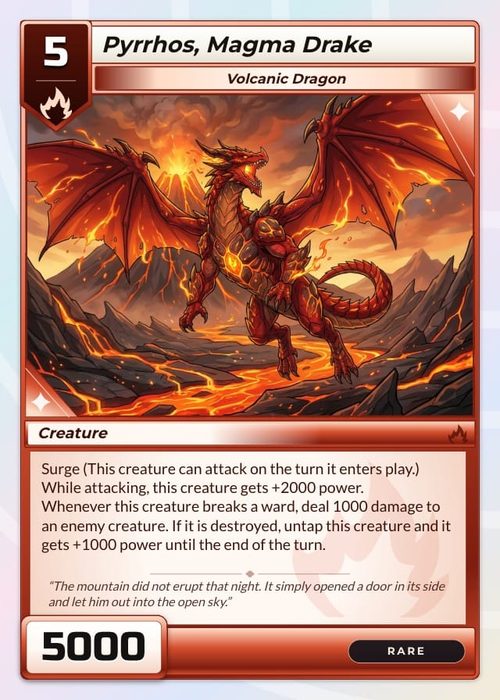
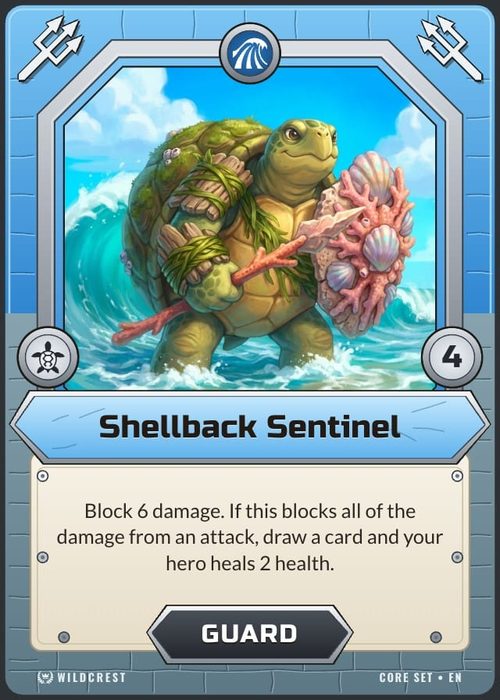
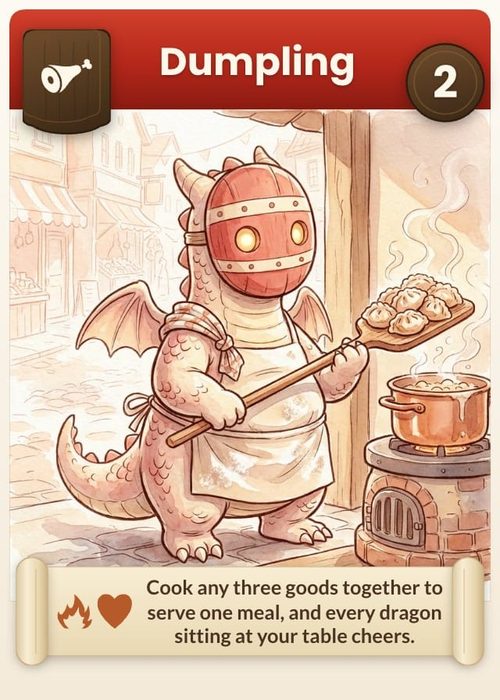
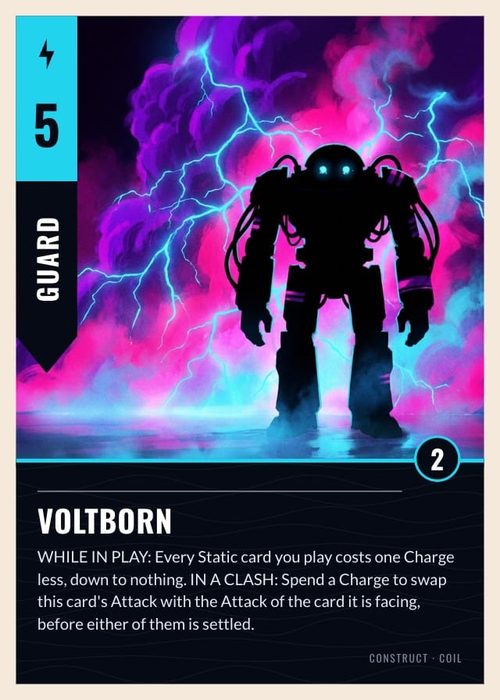
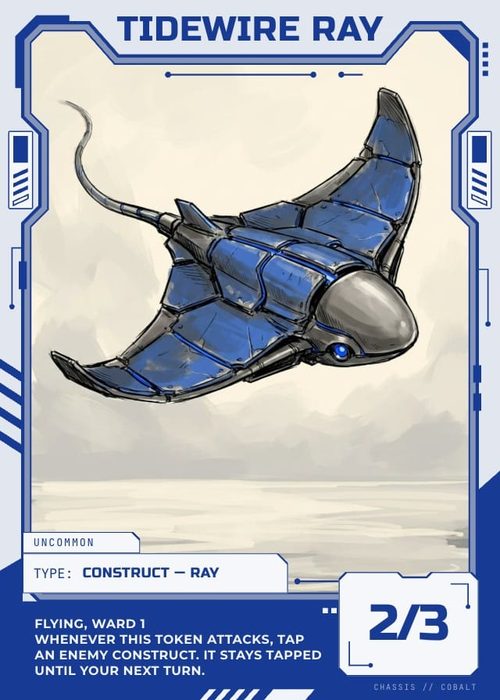
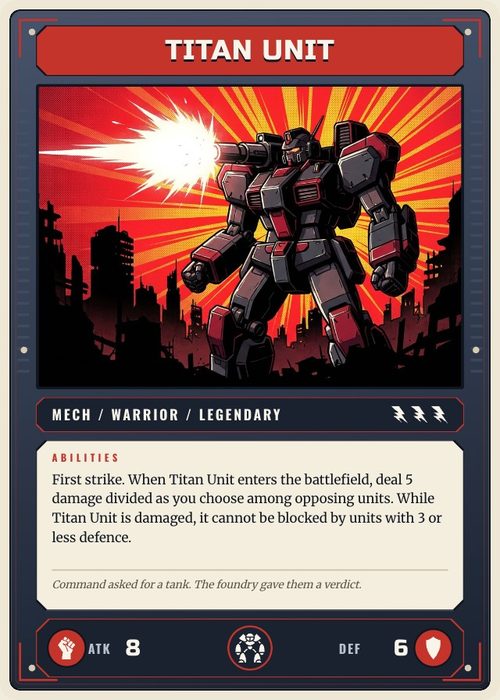
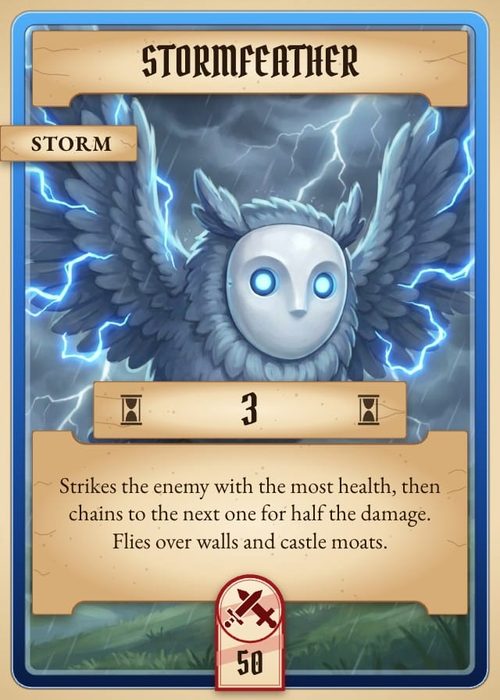
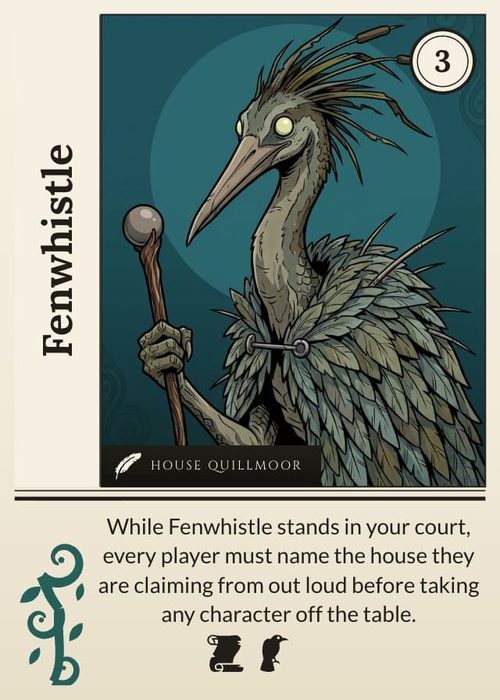
Describe your factions and rarities, and Shufflo writes up to 50 cards into your sheet at a time, with names, costs, stats and rules text. Then it draws each card's art from that card's own row, at the shape of your frame's art window.
One card from one photo is a gift. A set is 150 cards.
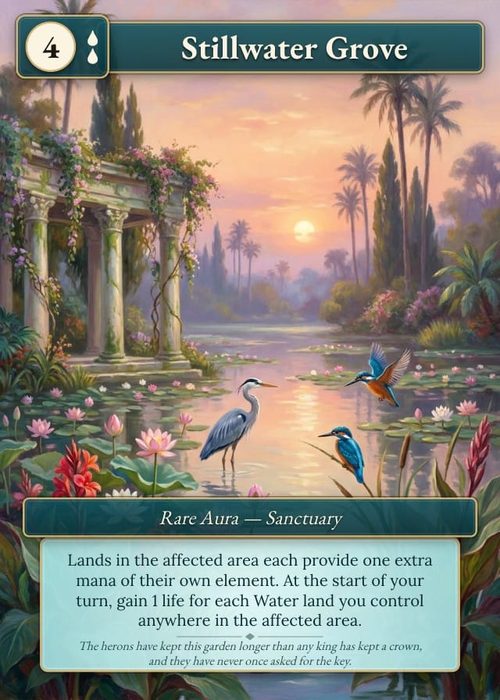
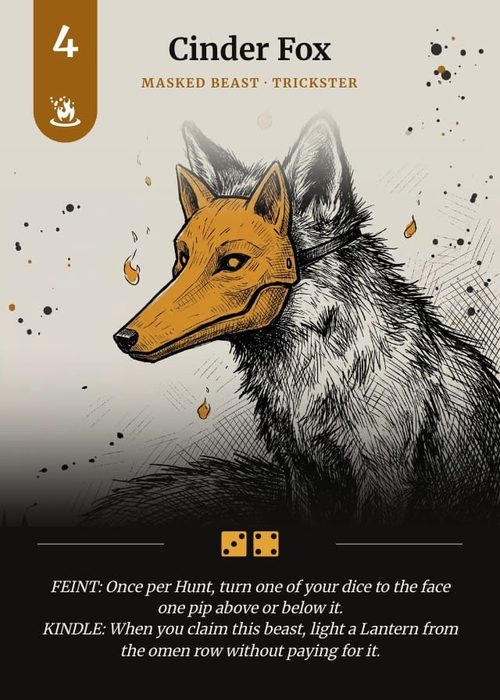
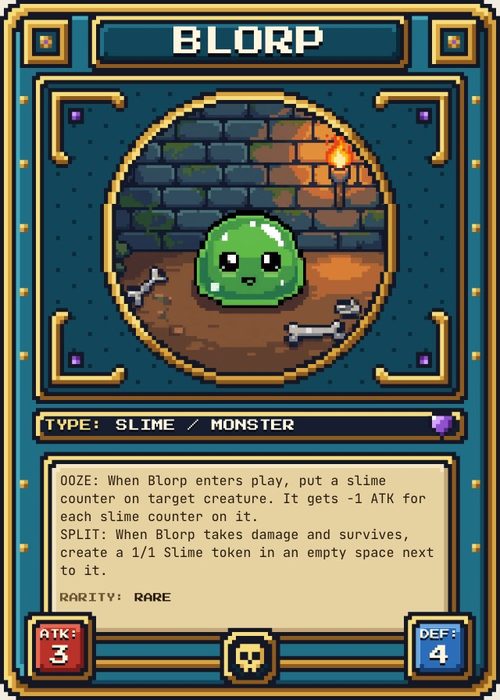
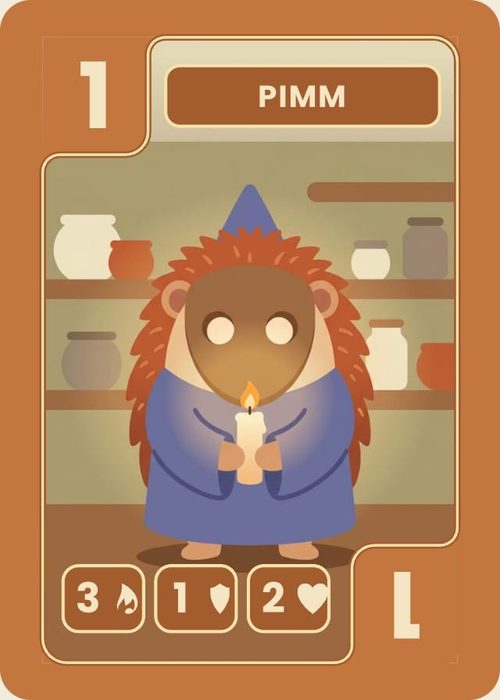
Most AI trading card generators turn a single picture into a single card. A trading card game needs every card on the same frame, a cost curve you can sort, art that looks like it came from one artist, and edits that reach the whole set at once. ShuffleKit keeps the set in a spreadsheet, so the AI writes rows and every row prints in your layout.
 1
1Set up the columns
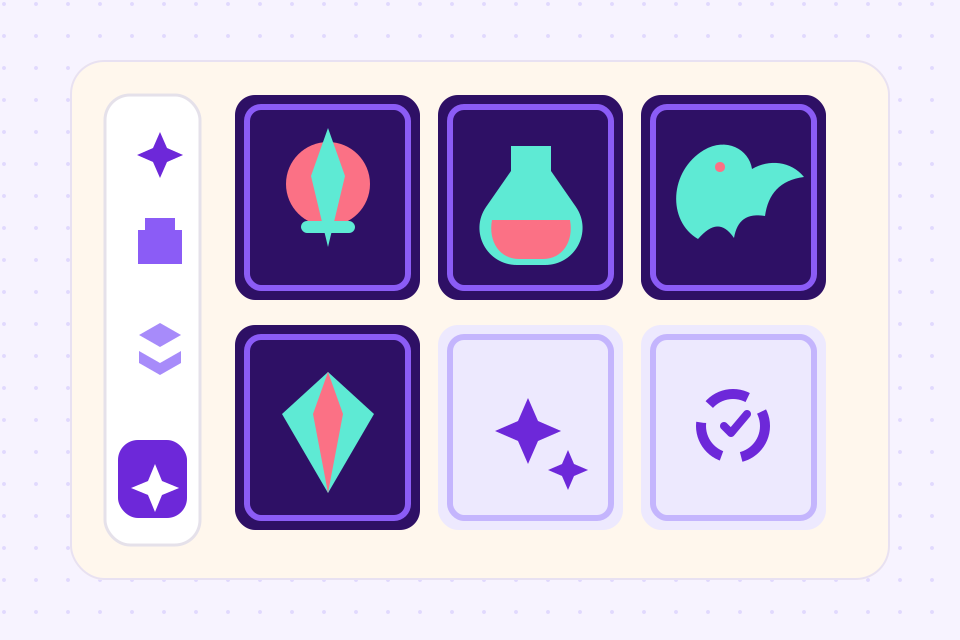
Start from a trading card template or describe your game. Shufflo adds the columns the set needs, such as Cost, Attack, Faction and Rarity, and suggests a template that already shows them.
 2
2Generate the cards
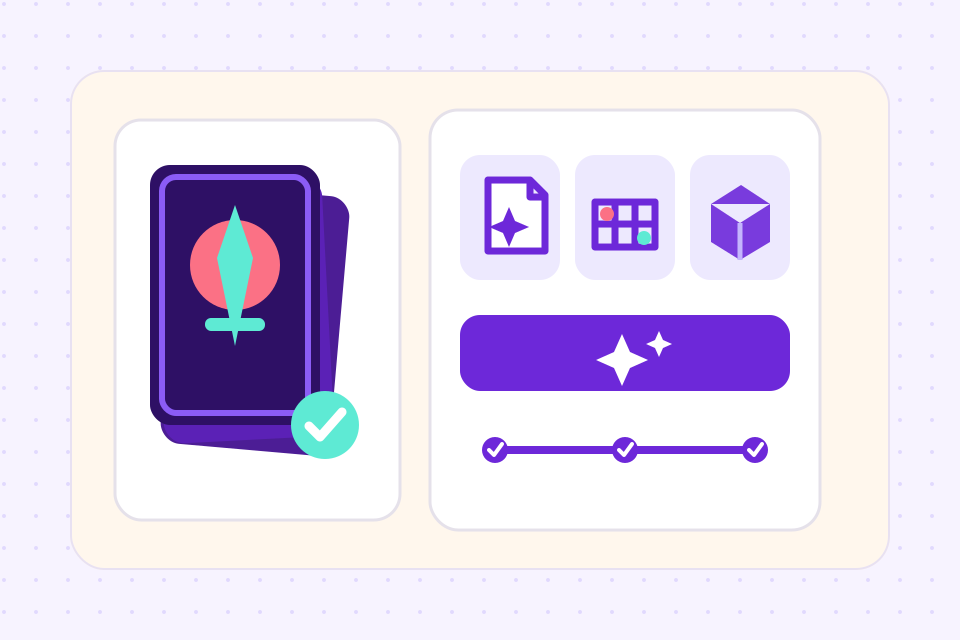
Ask for 30 Commons and 8 Rares for one faction. Up to 50 cards land in the sheet per batch, each with an Undo, written after Shufflo has read your rules doc and the cards you already have.
 3
3Draw the art, then print
Shufflo illustrates 6 cards a message from each card's name and text. Export PNG, PDF or Tabletop Simulator files on Hobby, or order printed decks on Indie.
What the AI does across a trading card set
A cost goes into Cost and a faction into Faction, so the new cards sort and filter with the rest of the set. A field your set has no column for is reported back to you, never dropped quietly.
Each picture is drawn full bleed with no text or border, at the shape of the art window on the layout that card uses. A Monster with square art and a Spell with tall art each get their own shape.
Attach a picture whose look you want and Shufflo draws every card in that batch in its palette and line work, without copying its subject. Match style in the image generator redraws a stray picture to fit.
Ask for every Rare to cost one more, or for one faction's rules text to be rewritten. Each card is saved to its version history before it changes.
Ask Shufflo to show the gold frame only on Legendary cards, or hide the stats box on spells, and it sets that rule on your layout.
Have Shufflo build a deck from every Common in one faction, with copy counts, then deal it on the playtable to up to 6 players.
Frequently asked questions
Everything you need to know before getting started.
Still have questions? Contact us
Can I turn a photo into a trading card?
Yes. Attach the photo to Shufflo and ask for a card from it: the photo goes on the card as its picture, and Shufflo fills in the name, stats and text in that card's row. Use photos you have the rights to.
What does a 150-card set cost to generate?
The card data is three batches of 50. The art is one image credit per card, so 150 pictures fit inside Indie's 400 credits a month and take two months of Hobby's 80. Free is a trial: one project of up to 120 cards with 30 image credits and 30 Shufflo messages a month, and exporting starts on Hobby at $4 a month billed yearly.
How do I keep the art in one style across the set?
Attach the same reference picture each time you ask for art, and every card is drawn in its colours, line work and rendering. If one picture drifts, open it in the image generator and use Match style, with the art from two or three of your other cards as the reference.
Does the AI design the card frame too?
No. It draws the art that sits inside the frame. The frame is a layout: start from a trading card template, or build your own in the Layout Editor. Shufflo can suggest which template fits your columns, recolour parts of a layout and set rules for when an element shows.
Can I sell a trading card game made with it?
Yes. The cards, text and art you generate in your projects are yours to use commercially, on Kickstarter, in a shop or printed on demand. Some backers ask whether art is AI-made, so many designers generate art for the prototype and commission the final pieces later.
What can't the AI do?
It doesn't generate boards or tile sets, and it won't invent a finished game from one sentence. Moving, resizing and adding elements on a layout are done by hand in the Layout Editor. Card art is drawn 6 cards per message, so illustrating 150 cards takes 25 messages.
Start from a template
Related tools
TCG Maker
A trading card game maker that runs in the browser: design the cards, define the mechanics, balance the meta, and print real decks. The full TCG pipeline in one tool, from first sketch to backer fulfillment.
AI Card Game Maker
Generate cards, art, and rules with an AI built for game design, not a generic chatbot. Iterate fast, keep creative control, export print-ready files.
MTG Style Card Maker
Fill in a row, pick the card's colour, and it draws itself on an original stained glass frame, with the cost at the top and power and toughness at the foot. A whole set lives in one sheet and prints at poker size.
Ready to build it?
Start free. Upgrade only when you're ready to publish.