The AI Card Game Maker Built for Real Designers
Generate cards, art, and rules with an AI built for game design, not a generic chatbot. Iterate fast, keep creative control, export print-ready files.
Generic AI tools don't understand card games
ChatGPT gives you card names. ShuffleKit's AI is wired into a real card game database, so it generates properties, art, and mechanics against your project's actual rules, and edits them in bulk.
 1
1Describe your game
Tell the AI your theme, mechanics, and tone. It scaffolds a starter deck with properties that match.
 2
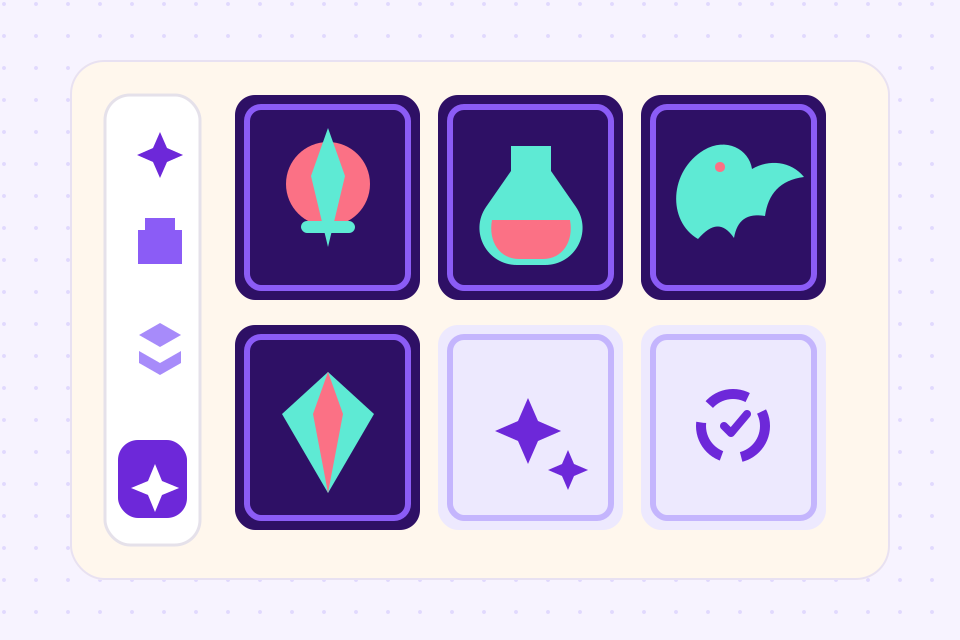
2Generate cards & art
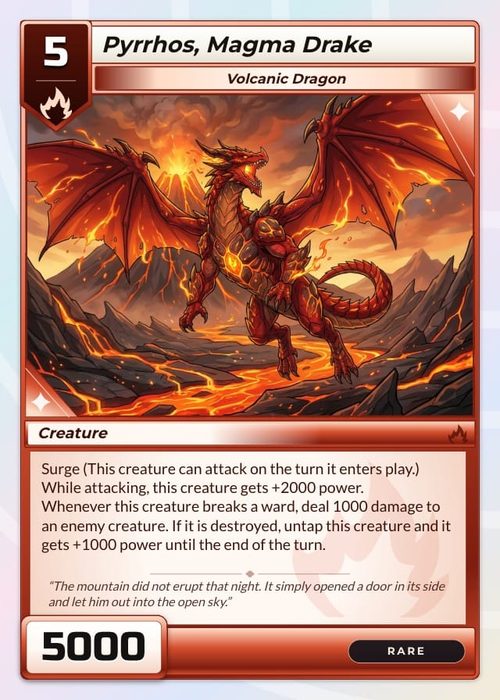
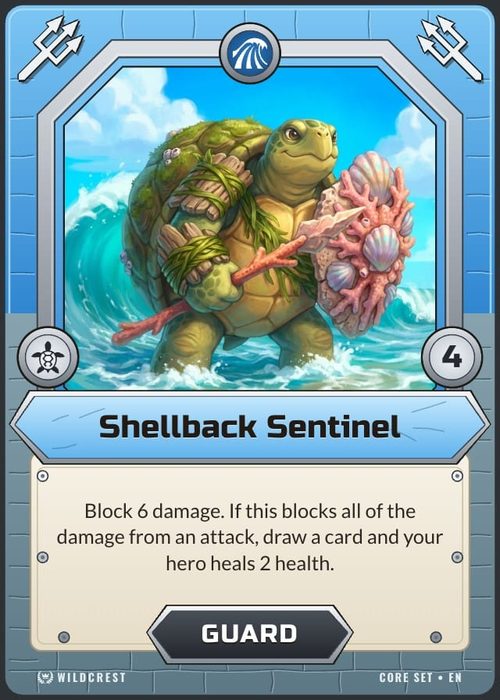
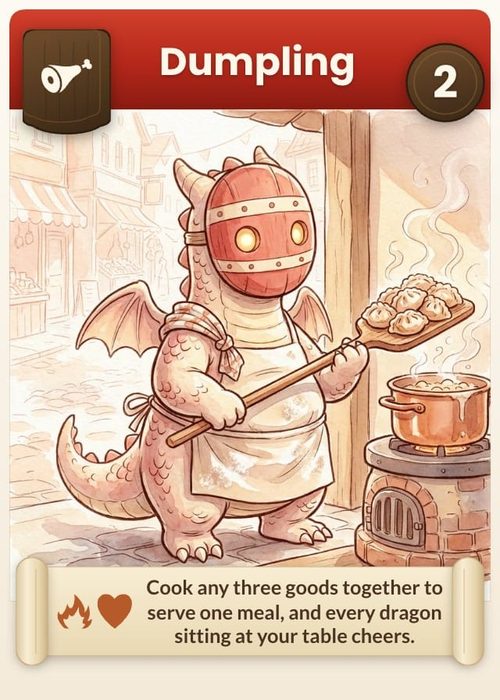
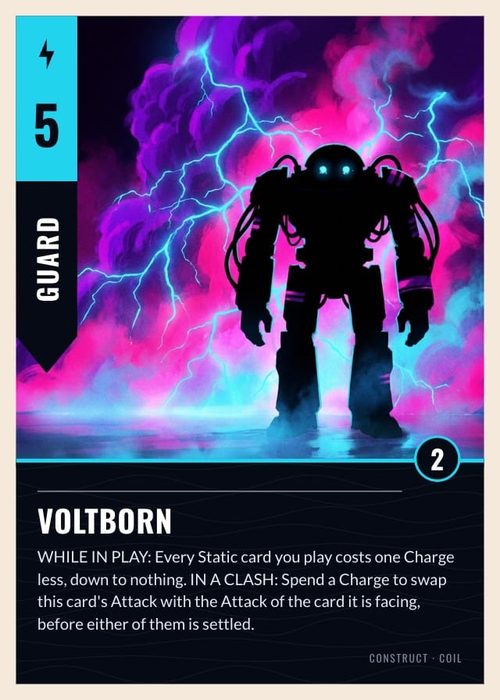
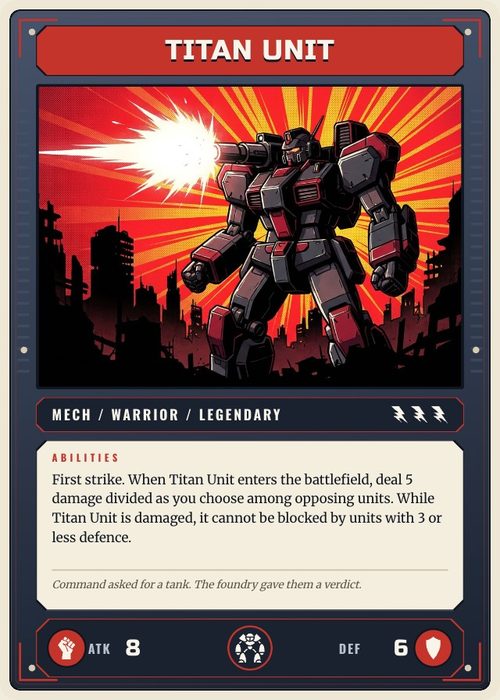
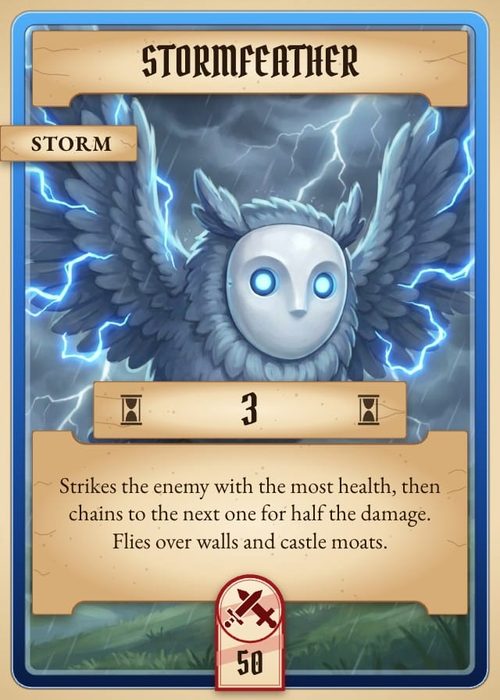
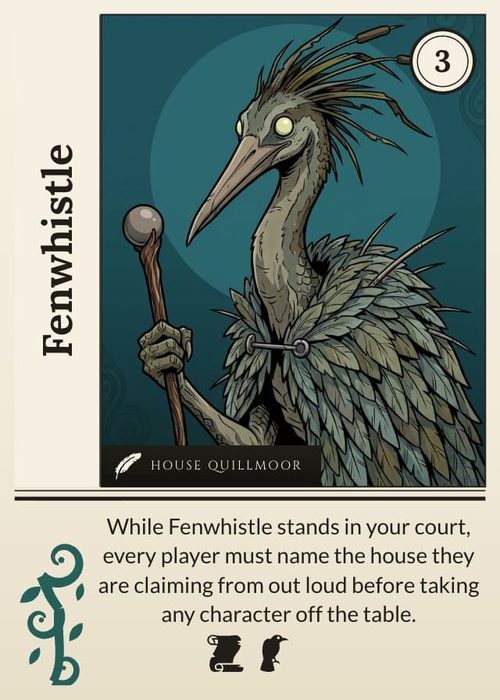
Shufflo writes up to 50 cards per request straight into your sheet. Ask for art next and it illustrates them from the same columns.
 3
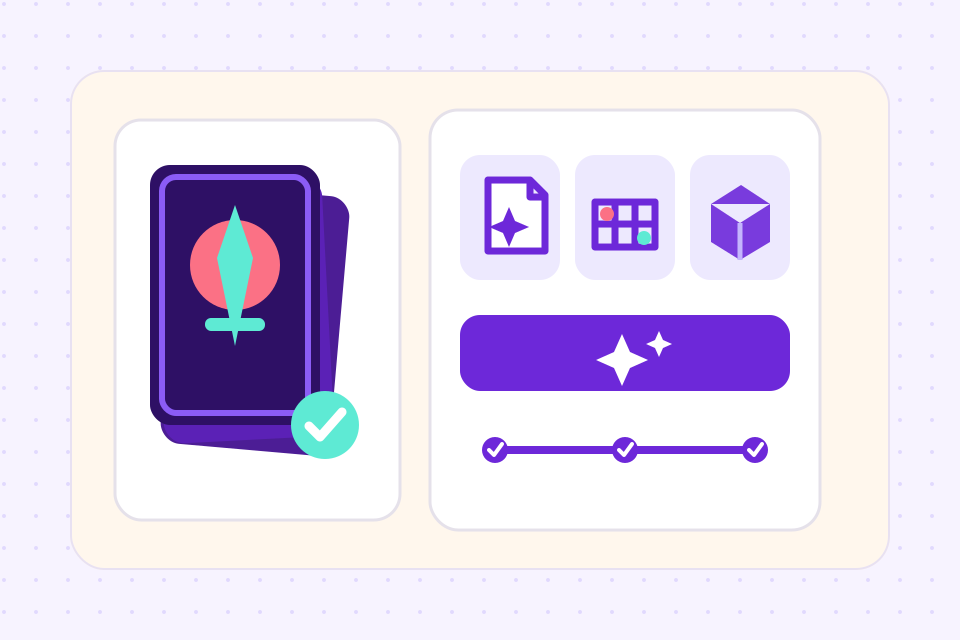
3Refine and export
Keep what works and undo the rest. Then export for print or Tabletop Simulator on Hobby, or send the deck to The Game Crafter on Indie.
What sets ShuffleKit's AI apart
Shufflo reads your card properties, existing deck and design docs before it writes anything new.
Generate up to 50 cards at once, written straight into your sheet. Undo a batch in one click, or ask for another pass.
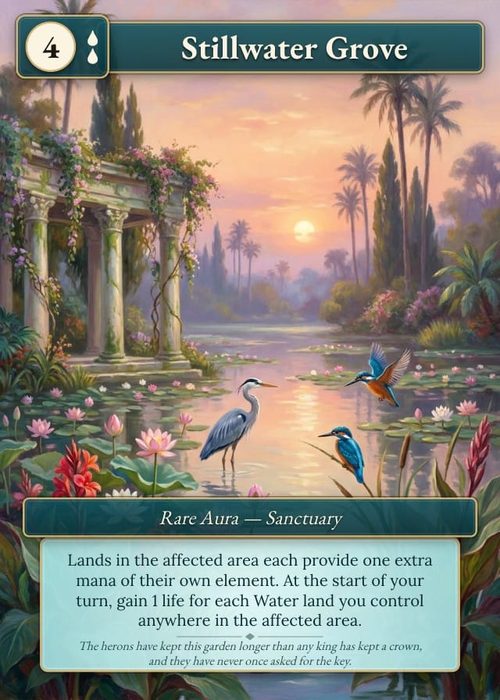
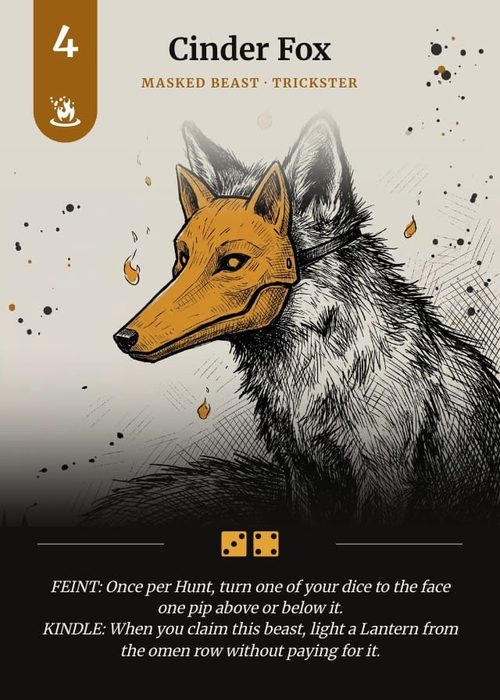
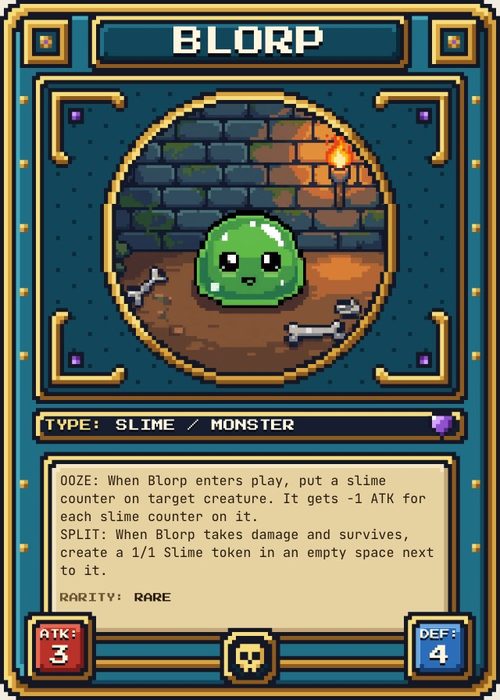
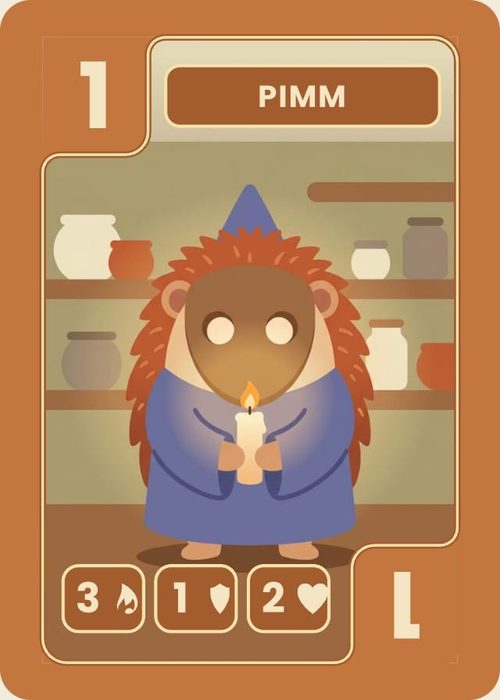
Each card can have AI-generated art in one of 8 styles, and Match style keeps a new picture in step with the art you already have.
Ask for a balanced cost curve, a new keyword, or a rule clarification. The AI works in your design language.
Every AI edit is a tracked change. Roll back per-card without losing your other work.
All cards and art generated in ShuffleKit are yours to use commercially, including for crowdfunding.
Frequently asked questions
Everything you need to know before getting started.
Still have questions? Contact us
Is the AI card game maker free to use?
Yes. Free accounts get 30 image credits and 30 Shufflo messages a month, and one message can create 50 cards. Hobby raises both to 80 and Indie to 400.
Can I sell games created with ShuffleKit's AI?
Yes. You retain full commercial rights to cards, art, and rules generated in your projects, including for Kickstarter, retail, or print-on-demand fulfillment.
What models power the AI?
ShuffleKit uses Google Gemini for text and Gemini's image models for card art, a fast one for everyday pictures and a Pro model for detailed pieces. Model choice is tuned per task, so rules editing uses a different model than art generation.
Can I import an existing deck and edit it with AI?
Yes. Import cards from a CSV, Excel or JSON file, a Google Sheet or a PDF with one card per page, or attach any PDF to Shufflo, then ask it to rebalance, rewrite or extend the set.
Will the AI replace my creative vision?
No. Shufflo works from what you ask for and from your own columns and rules, and every card it writes or edits comes with an Undo. Art and designs arrive as previews you choose to keep.
Can the AI card game generator make a whole game from one prompt?
It gets you a playable first draft of the cards. From a description of your theme and mechanics, Shufflo adds the columns your cards need, writes up to 50 cards into the sheet per batch, suggests a layout that shows those columns and drafts a rules document you can edit. Whether the game is fun still gets settled at the table, and the online playtable seats up to 6 people for that.
Can I use it as an AI card maker for one card at a time?
Yes. Right-click a card's image cell and choose Generate artwork to draw its picture from that card's own text, or select a few cells and choose Fill with AI to write just those fields, up to 40 rows at once. Then ask Shufflo to look at the card as it prints: it flags text past the safe line, art below 300 DPI and fields the design shows empty.
Related tools
Card Game Maker
Most tools make you design cards one at a time. ShuffleKit treats your deck as data: import a spreadsheet, design one layout, and watch it fill 200 cards at once.
Tabletop Simulator Card Maker
Design custom cards, export TTS-ready spritesheets in one click, and skip the manual sprite slicing. Built for modders, prototypers, and game designers.
Card Game Prototype Software
Build a deck, playtest it online the same afternoon, and revise before your testers leave the table. The design-test-iterate loop, minus the paper cutouts, the Photoshop, and the Tabletop Simulator setup.
AI Trading Card Generator
Describe your factions and rarities, and Shufflo writes up to 50 cards into your sheet at a time, with names, costs, stats and rules text. Then it draws each card's art from that card's own row, at the shape of your frame's art window.
Ready to build it?
Start free. Upgrade only when you're ready to publish.