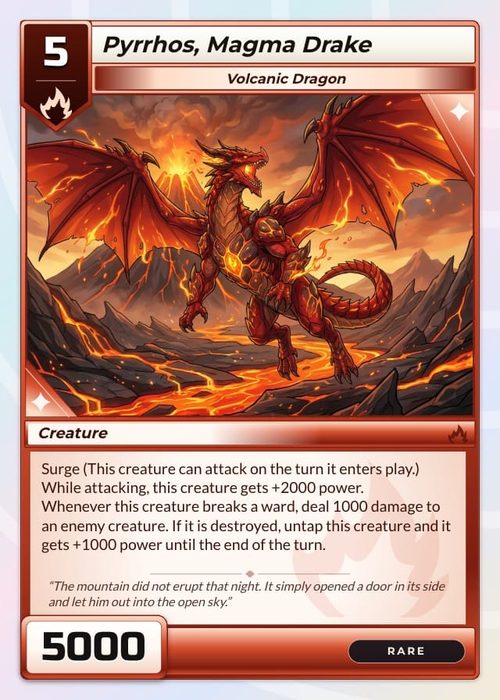
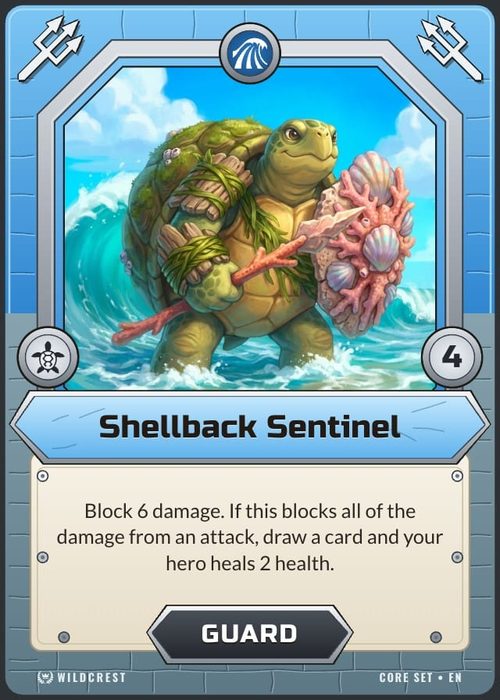
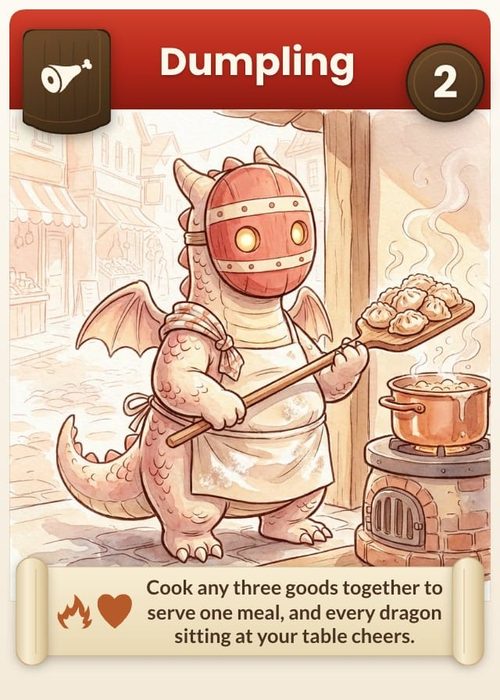
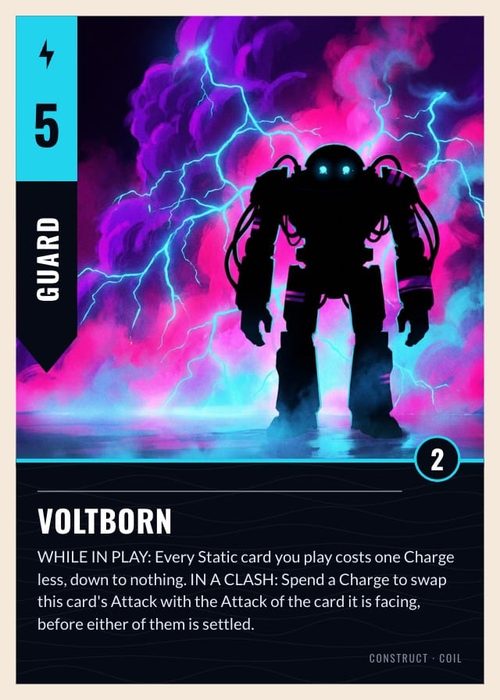
Make Your Own Trading Cards, From One Card to a Full Set
Pick a trading card frame or draw your own, then type your cards into a sheet. Every row becomes a card on that frame, ready to print at home or to order as finished decks.
One card takes minutes. The set is where it gets slow.
A single trading card is quick in almost any editor. Sixty of them on the same frame, with stats you will change after every playtest, is where copying and pasting gives out. ShuffleKit keeps the cards in a sheet and the look in one layout, so an edit to either reaches every card.
 1
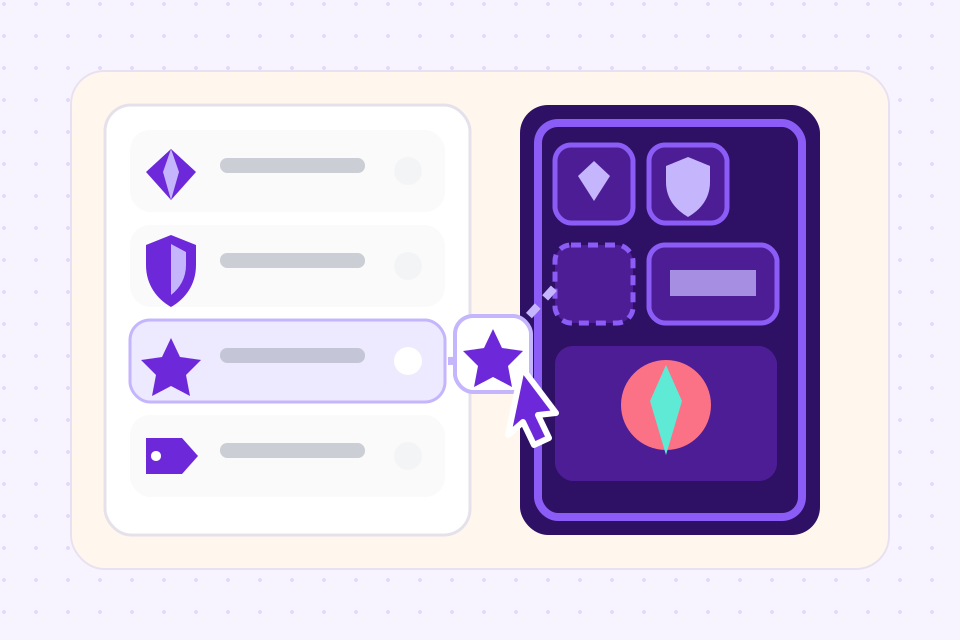
Pick a frame
Start from one of the trading card templates further down, or build a frame in the Layout Editor from shapes, text and images. Each field on the card, such as the name, cost, art, type line, rules and stats, becomes a column.
 2
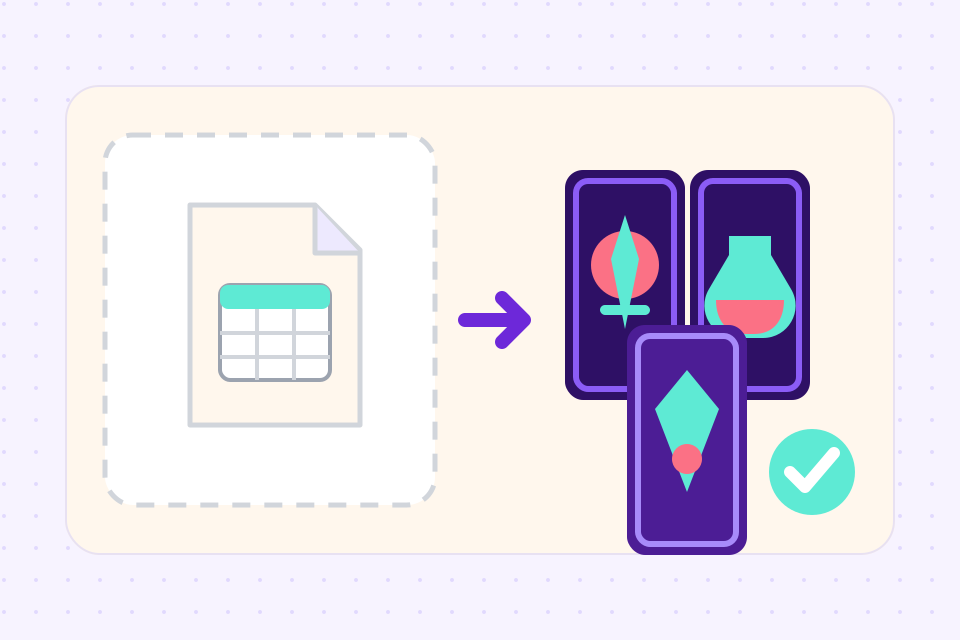
Fill in the sheet
One row per card. Type them in or import a CSV or Excel file, and add a picture to each row. The cards fill in on the frame as you go.
 3
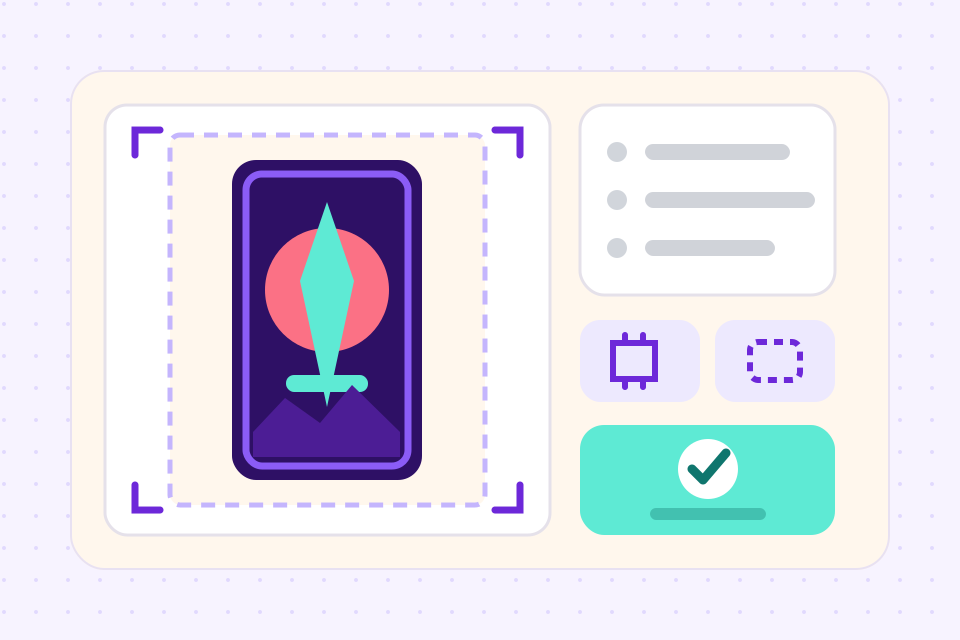
Print or export
On Hobby, export PNG or SVG, or a print PDF with nine cards to a sheet and the backs lined up for two-sided printing. On Indie, order printed decks from The Game Crafter without leaving the project.
What people mean by "trading card maker"
The results for this search mix tools that do quite different jobs. Which one suits you depends on what the cards are for.
What a trading card maker needs for a whole set
Every template is drawn from shapes and text you can edit. Recolour a border, swap the font or resize the art window, and every card on that frame changes with it.
Sort the set by cost and fill one value down a whole column. A typo fixed in the sheet is fixed on the card.
Show a gold border only on Legendary cards, or hide the stats box on spells. Set it once on the layout and each card follows its own row.
Upload a picture to each row, from your own drawings or a commissioned artist. Or have the AI draw the art in one style across the set.
Cards come in poker size, 2.5 × 3.5 in, the usual trading card size. Bridge, tarot, mini, square and large are there too, and print files carry the bleed a printer asks for.
Deal the cards on the online playtable with up to 6 players and find the broken one before it costs you a print run.
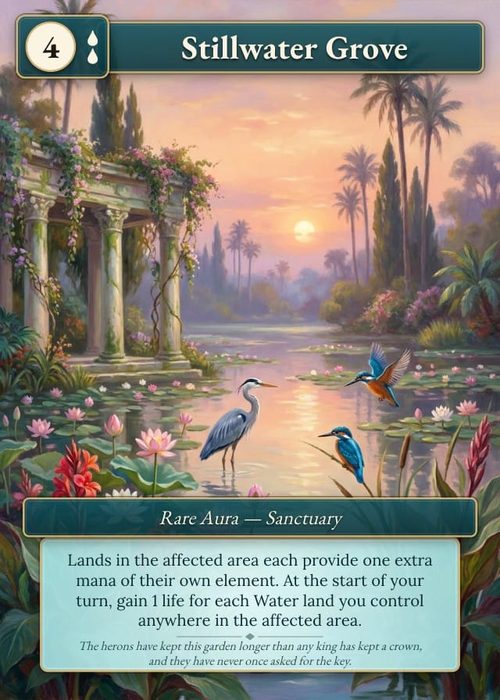
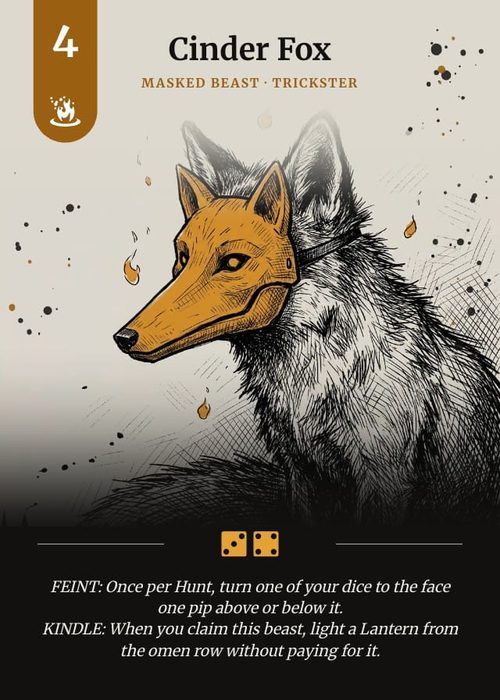
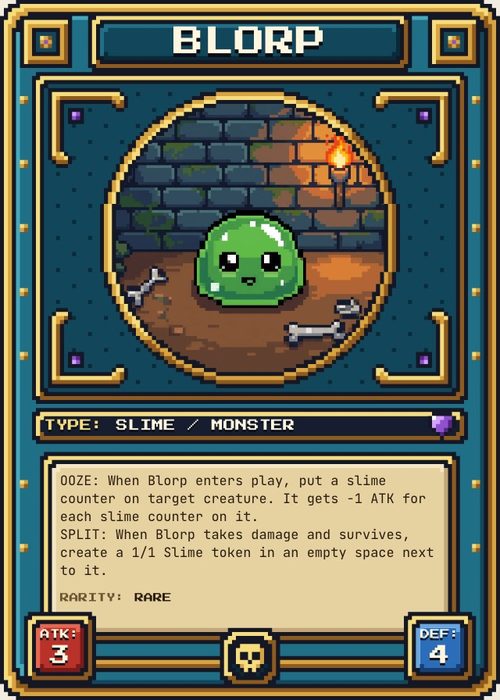
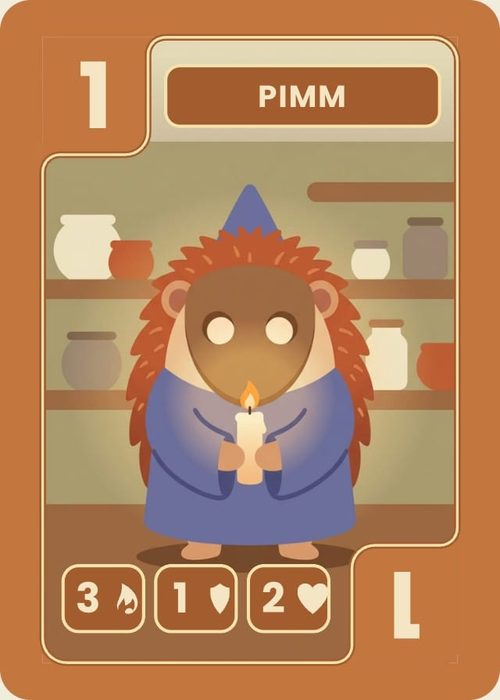
Trading card sets you can start from
Each is an original set in our template gallery, with its own fronts, a back and sample cards. Add one to a project and every part of it is yours to change.
- Classic trading card frame
Quillspire
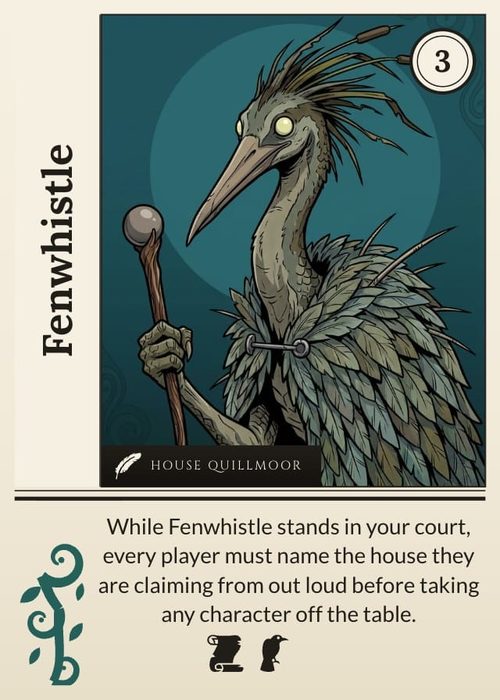
Creature and Spell fronts and a back, with 24 sample cards. The border takes its colour from each card's faction, and the frame prints blank as well.
- Full-art fantasy cards
Halcyon
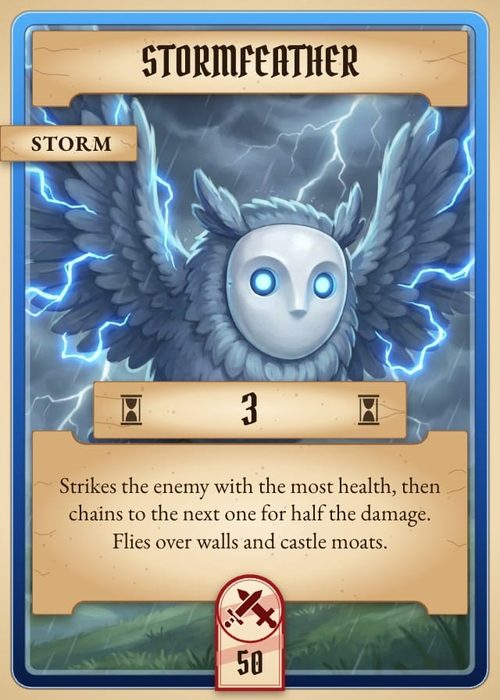
Water, Fire, Earth and Air fronts. The painting runs to every edge, and the name, cost and rules sit on tinted glass plates over it.
- Mecha cards
Hardpoint
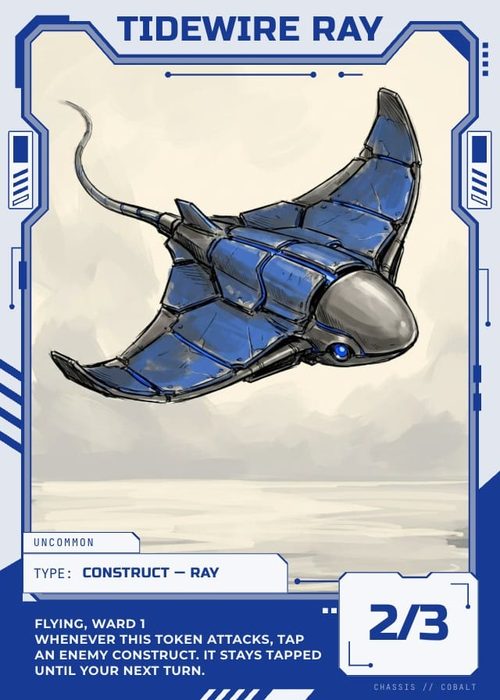
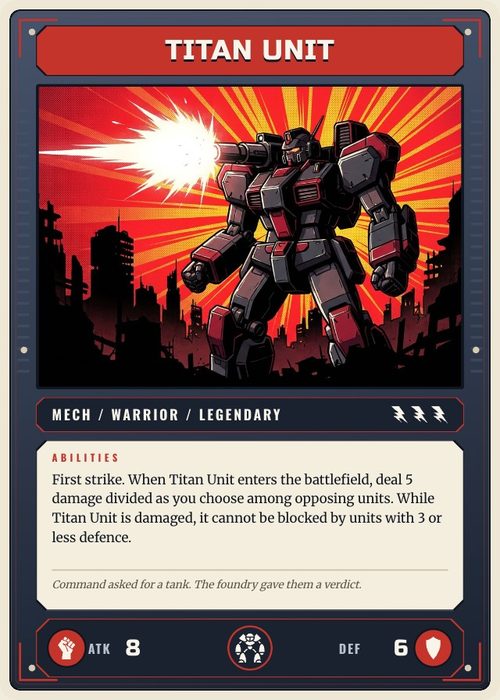
Three unit fronts and a tactic front in flat comic style, with a cost strip on the type line and attack and defense either side of the unit's class.
- Space opera cards
Aphelion
Ground unit, starship, event and upgrade fronts, with the art running the full width of the card between lit rails.
- Spell cards
Cantrip
Five schools of magic, from Cinder to Hex, each with its emblem in one corner and the cost on a cream diamond in the other. Ten sample spells come with it.
- Monster cards
Rumpus
Masked beasts on Common, Rare, Epic and Legendary fronts, where the frame colour tells you the rarity at a glance.
Frequently asked questions
Everything you need to know before getting started.
Still have questions? Contact us
Is this trading card maker free?
You can try it free: one project with up to 120 cards, enough to design a set and play it online before you pay anything. Exporting PNG, SVG and print PDFs starts on the Hobby plan at $4 a month billed yearly, and ordering printed decks is on Indie.
How do I make my own trading cards?
Decide the size first, since it sets everything else. Poker size, 2.5 × 3.5 in, is what most trading cards use and what sleeves fit. Pick a frame or build one, list your cards in the sheet with one row each, and add the art. Then print one sheet at home and check it in your hand before you print the rest or order a deck.
Can I print my trading cards at home?
Yes. The print PDF puts nine cards on a sheet of Letter or A4 with the backs lined up, so a two-sided print comes out with each back behind its front. Card stock of about 300 gsm feels close to a bought card. Exporting it starts on the Hobby plan.
What size is a trading card?
2.5 × 3.5 inches, or 63.5 × 88.9 mm. At 300 DPI that is 750 × 1050 pixels, and 825 × 1125 with the eighth of an inch of bleed a printer asks for on every edge. Every card size, with the bleed figures.
Can I make sports cards, or a card with someone's photo on it?
You can put any photo you have the rights to on a card, and the blank trading card template sets the size and bleed for you. The frames here are built for game cards, with a cost, rules text and stats. For a single photo card of a player as a gift, a custom card printer's own editor will be quicker. ShuffleKit earns its keep once there is a set. Trading card templates, with a blank one to download.
Is this the same as the TCG maker?
It is the same editor. This page is about making the cards: the frame, the sheet and printing. If you are building a whole trading card game around them, with keywords, a cost curve, playtests and a print-on-demand listing, the TCG maker page covers that side. The TCG maker.
Can AI make the cards for me?
It can write them and draw them. Describe the set and the assistant writes up to 50 cards into your sheet at a time, with names, costs, stats and rules text, then draws art for each card from its row. The frame is still yours to pick or build. The AI trading card generator.
Can I sell the trading cards I make?
Yes. The cards, text and art you make are yours to sell, crowdfunding and retail included. The templates in our gallery are ours, and you keep commercial rights to what you build from them.
Related tools
TCG Maker
A trading card game maker that runs in the browser: design the cards, define the mechanics, balance the meta, and print real decks. The full TCG pipeline in one tool, from first sketch to backer fulfillment.
AI Trading Card Generator
Describe your factions and rarities, and Shufflo writes up to 50 cards into your sheet at a time, with names, costs, stats and rules text. Then it draws each card's art from that card's own row, at the shape of your frame's art window.
Card Game Printing
Design the deck here, then send it to The Game Crafter from the same project. They print it on demand and ship it worldwide, so your first order can be a single proof copy.
CSV to Card Game
Drop in a spreadsheet, get a deck. Map columns to card fields, bulk-edit in grid view, and push print-ready files in one click.
Ready to build it?
Start free. Upgrade only when you're ready to publish.