MTG Card Maker for Custom Magic-Style Cards
Fill in a row, pick the card's colour, and it draws itself on an original stained glass frame, with the cost at the top and power and toughness at the foot. A whole set lives in one sheet and prints at poker size.
Most card makers for this use the official frame
That is fine for one card to show a friend. It stops working when the cards are for a game of your own that you want to print and sell, because the frame and the symbols belong to someone else. Leadlight is ShuffleKit's own frame in the same layout: name and cost along the top, the picture, the type line, the rules and the power and toughness in the corner. The cards you make on it are yours to print.
 1
Open the template
It installs as a project with eight colour fronts, a back and ten sample cards to overwrite or keep.
 2
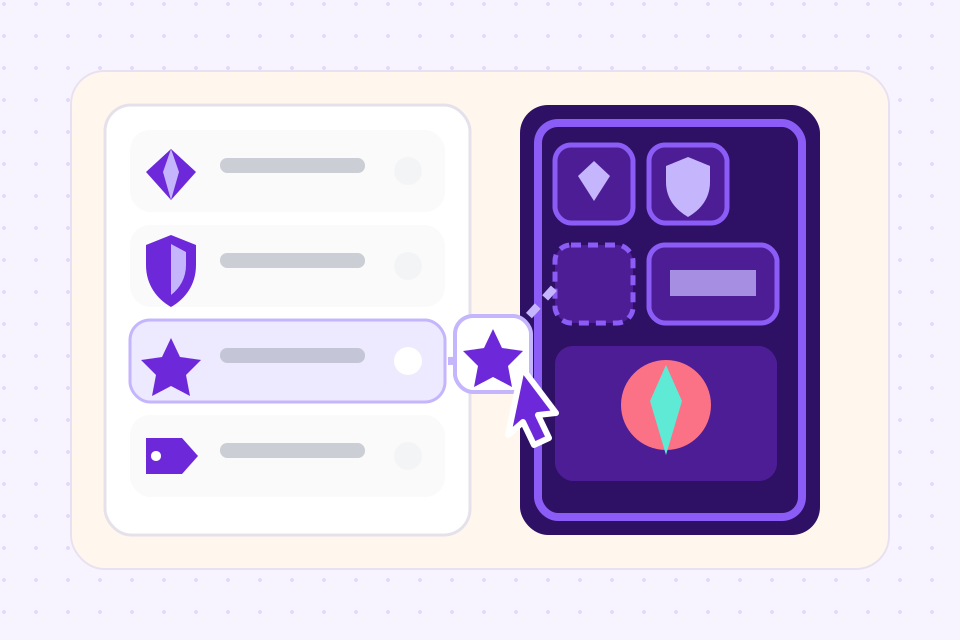
Fill in your cards
Each row is a card. Type the rules, pick the cost pips from the palette, drop in the art and set the colour.
 3
Export or print
On a paid plan, PNG files for sharing and Tabletop Simulator or a PDF with bleed for a home printer. On Indie, a boxed deck through Print & Ship.
What goes on each card
Eight columns, one for each part of the card. A card is a row in the sheet, so the fields are the same for one card or three hundred.
| Field | What it holds | How you fill it in |
|---|---|---|
| Name | The card's name, on the plate across the top | Type it. |
| Cost | What the card costs to play, at the top right: a number and coloured pips | Click pips from a palette of five coloured marks, the numbers 0 to 10 and an X, in the order you want them. |
| Artwork | The picture in the arched window | Upload your own, or generate one from a description of the card. |
| Type line | What kind of card it is, such as Creature — Drake, Artifact or Land — Cliffs | Type it. A type line that says Land moves the card to the land front. |
| Rules text | What the card does, with any keywords first | Type it. A new line starts a new paragraph. |
| Flavour text | A line of story under the rules | Type it, or leave it empty. |
| Attack and Defense | The two numbers in the bottom corner: how hard a creature hits and how much it takes before it falls | Two number columns. Leave Attack empty and the corner box goes, for spells, artifacts and lands. |
| Color | Which of the eight glass fronts the card is drawn on | Pick White, Blue, Black, Red, Green, Multicolor, Colorless or Land from a list. |
What the card maker does
White, Blue, Black, Red, Green, Multicolor, Colorless and Land, each its own glass. The card's Color column picks one, and a land finds its front from the type line.
Five coloured marks, the numbers 0 to 10 and an X, in the order you click them. A long cost shrinks to stay on one line.
Leave Attack empty and the corner box goes, so spells and artifacts share their colour's front with the creatures.
Every card is a row in one sheet. Import a CSV of three hundred cards and each draws on its colour's front.
Upload your own pictures, or generate one per card from the sheet with the AI image tool.
750 by 1050 at 300 DPI with bleed on export, the size print shops cut and sleeves fit.
Cards from the sample set
The template comes with ten cards, every one invented for it, so each front has a filled-in card to look at before you write over it. Five of them, and one other frame for the same kind of game:
- Blue creature
Glassdeep Eel
A cost of 1 and two waves, 3 and 2 in the corner, two lines of rules and a line of flavour, on the blue glass.
- Red creature
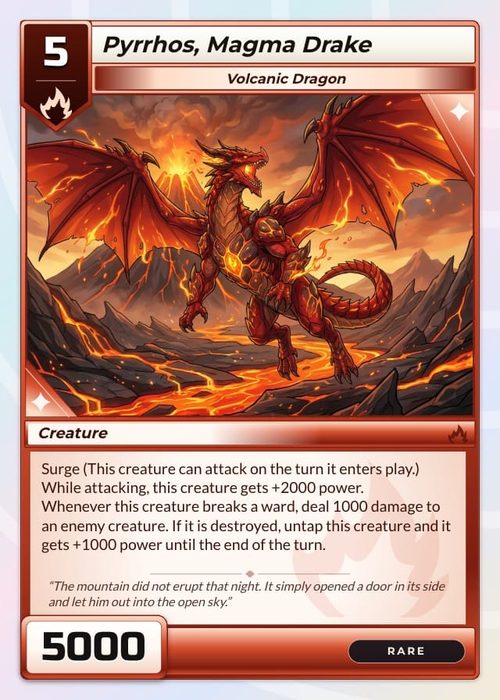
Kilnback Drake
A cost of 3 and a spark, 4 and 3 in the corner, and two keywords on the first line of its rules.
- Multicolour creature
Prism Chimera
A blue pip and a red one in the same cost, so it draws on the harlequin border that every multicolour card shares.
- Red spell
Cinder Squall
No attack or defense, so the corner box is gone. It stays on the red front with the creatures of its colour.
- Land
Shardfall Reach
No cost, and a type line that starts with Land, which moves it to the amber land front whatever its Color column says.
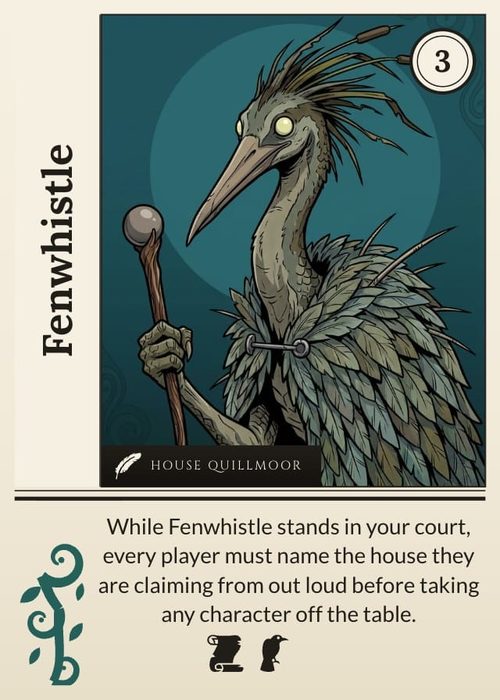
- Another trading card frame
Quillspire
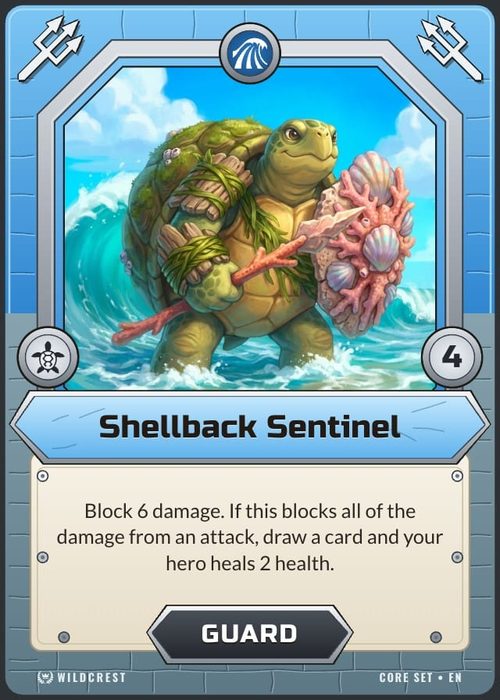
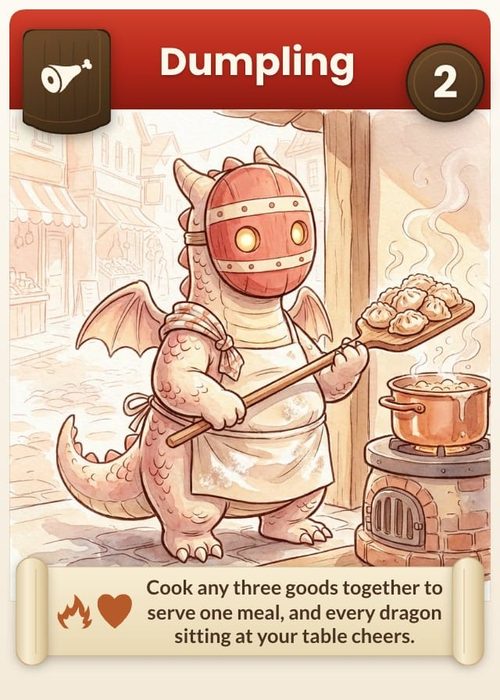
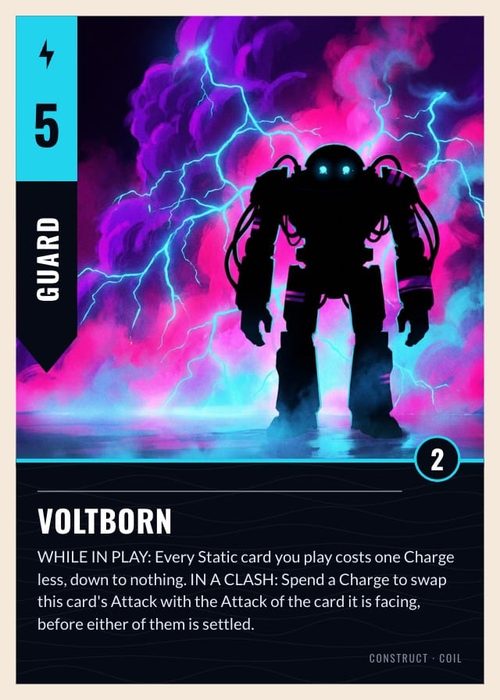
Creature and Spell fronts with a cost disc, a rarity gem and attack and defense plates. The border takes each card's faction colour, and there are six.
Frequently asked questions
Everything you need to know before getting started.
Still have questions? Contact us
Is this an official MTG card maker?
No. ShuffleKit has no connection to Wizards of the Coast. The frame you make cards on, Leadlight, is an original stained glass design with its own cost symbols, laid out the way these cards are laid out.
Can I make a whole set and not just one card?
Yes, that is what the sheet is for. Each card is a row, so a set of sixty or six hundred is typed or imported once, and a change to the frame reaches every card on it.
Can I change the frame?
Yes. Every pane, came and plate is a shape in the editor, so you can recolour the glass, move the boxes or replace the frame with your own and keep the columns.
Can I print the cards I make?
Yes, if they are your own designs. Export a PDF with bleed and cut lines for a home printer, or send the deck to a print-on-demand partner from the project and get cut cards back.
Is it free?
The free plan opens the template and makes up to 120 cards on it. Exporting card files starts on the Hobby plan, and Print & Ship is on Indie.
I only want a blank frame to use in Photoshop.
The template page has one for each colour as a PNG with a clear picture window, and as an SVG with the cut line and safe zone on their own layer. No account needed. MTG style card templates, with blank frames.
Can it generate the cards for me?
Yes, if you want it to. Describe your set to Shufflo, the assistant in the editor, and it writes the cards into the sheet: names, costs, type lines and rules. The image tool then draws a picture for each card from its row. You can change every word afterwards. The AI trading card generator.
Do I need an account?
For the maker, yes. A free account holds the project the template installs into, so your cards are still there next time. The blank frames on the template page download without one.
Can I copy a real card with it?
No. It is for cards you design. The frame is ours, and no real card's name, text, symbols or art is in it, so it is no help for remaking cards that already exist.
I want to make a whole game, not just a few cards.
Then start from the TCG maker. It covers the rest of a trading card game: more kinds of card, a card back, a rules document, playing it online with friends and a printed deck. Leadlight is one of the frames you can use there, and the trading card templates have others. The TCG maker.
Start from a template
Related tools
TCG Maker
A trading card game maker that runs in the browser: design the cards, define the mechanics, balance the meta, and print real decks. The full TCG pipeline in one tool, from first sketch to backer fulfillment.
CSV to Card Game
Drop in a spreadsheet, get a deck. Map columns to card fields, bulk-edit in grid view, and push print-ready files in one click.
Card Game Printing
Design the deck here, then send it to The Game Crafter from the same project. They print it on demand and ship it worldwide, so your first order can be a single proof copy.
AI Trading Card Generator
Describe your factions and rarities, and Shufflo writes up to 50 cards into your sheet at a time, with names, costs, stats and rules text. Then it draws each card's art from that card's own row, at the shape of your frame's art window.
ShuffleKit is not affiliated with, endorsed by or sponsored by Wizards of the Coast. Magic: The Gathering and MTG are trademarks of Wizards of the Coast LLC, named on this page only to describe the kind of card it makes. The Leadlight frame, its cost symbols and its sample cards are original to ShuffleKit.
Ready to build it?
Start free. Upgrade only when you're ready to publish.