Playing Card Maker for a Deck of Your Own
Start from a painted four-suit set or draw your own fronts and back, then list the deck in a sheet. Each row becomes a card, ready to print at home or to order as a printed deck.
One card is easy. Fifty-four of them is the job.
A single card takes minutes in any drawing program. A deck is 52 cards plus jokers, every one with its rank in two corners and its suit's colour, and a back that has to land behind each front when you print both sides. ShuffleKit keeps the deck in a sheet and the look in one design per suit, so a change to either reaches every card.
 1
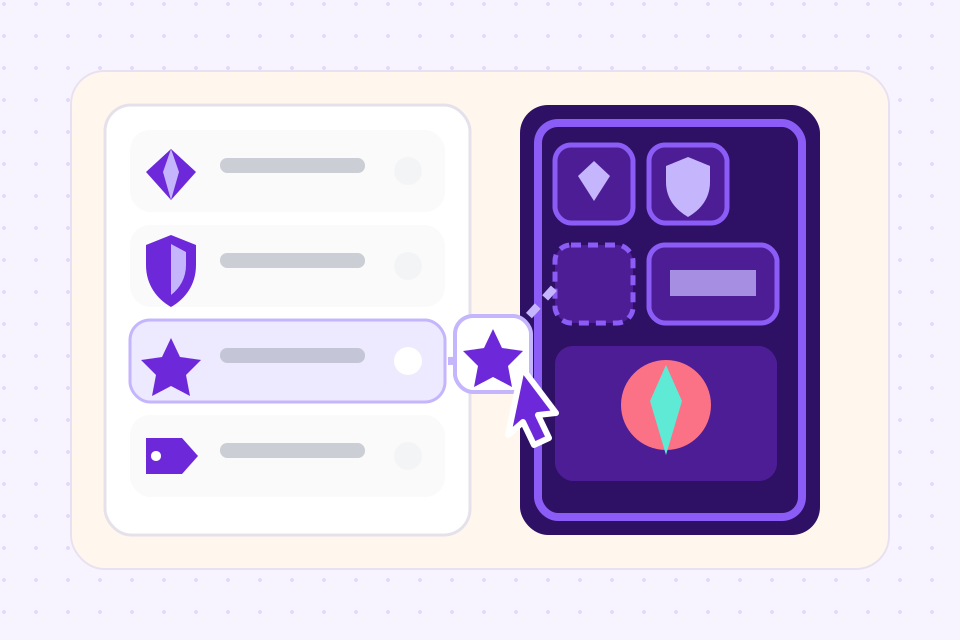
Pick the fronts and the back
Start from Tidestone, a painted set with four suit fronts and a back, or draw your own in the Layout Editor. The rank, the suit, the picture and the name are each a column, and the suit picks which front a card uses.
 2
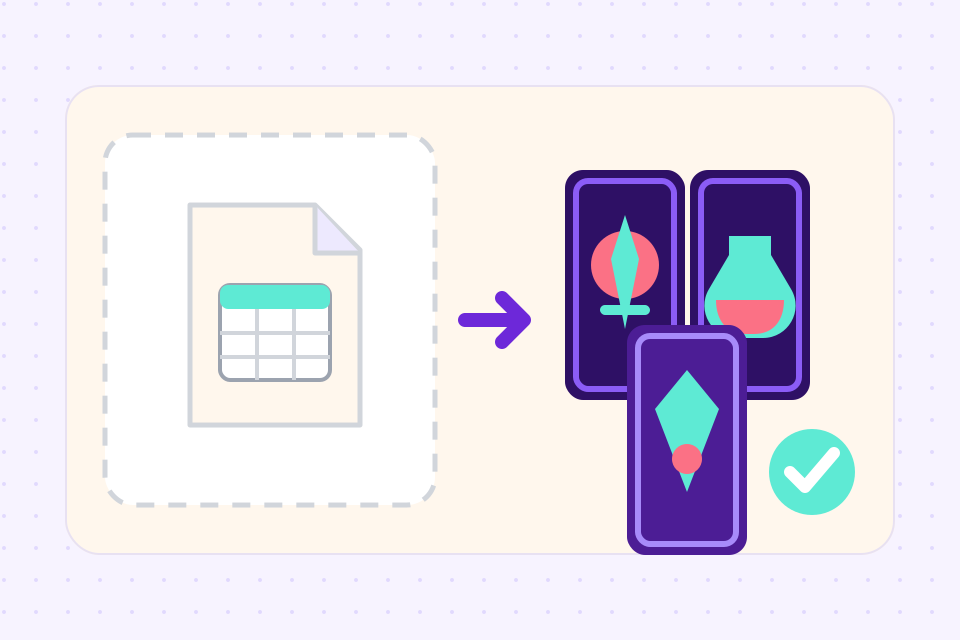
List the deck
One row per card: 52 for a standard deck, 54 with two jokers. Type them in or import a CSV, and add a picture to any row that needs its own.
 3
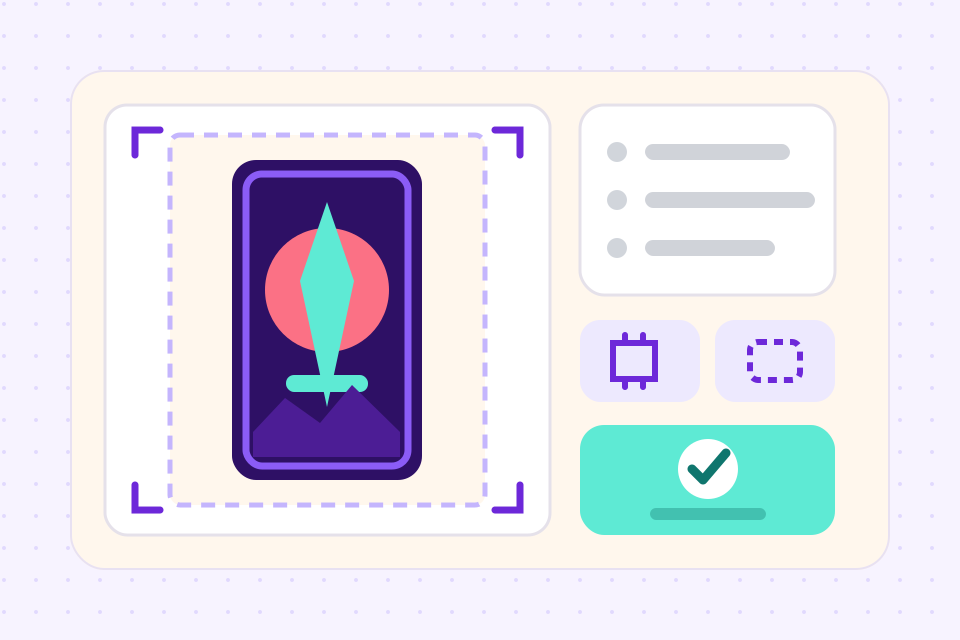
Print it or order it
On Hobby, export a PDF with nine cards to a sheet and the backs lined up for two-sided printing. On Indie, send the deck to The Game Crafter from the project and order printed copies there.
What people mean by "playing card maker"
The results for this search mix printers, design tools and how-to guides. Which one suits you depends on whether the deck is already designed.
What a whole deck needs
Each suit has its own front, and a card lands on the right one as soon as its suit is filled in. Recolour a suit's front once and all thirteen of its cards change.
A rank can be a letter, so J, Q, K and A use the same fronts as the numbers. For court cards or jokers with their own picture, duplicate a front, redraw it and set those cards to use it.
The back is a design at the same size as the fronts. The two-sided PDF lays it out sheet by sheet behind the right cards, flipped on the long or the short edge to suit your printer.
The sample sets print the rank in two opposite corners, so it still shows when the card is fanned in a hand. Both corners come from one column, so you type each rank once.
Upload a picture to each card, from your own drawings or family photos. Or have the AI draw them in one style across the deck.
Cards start at poker size, 2.5 × 3.5 in, which shop decks, sleeves and tuck boxes use. Bridge, tarot, mini and square are a click away.
Playing card sets you can start from
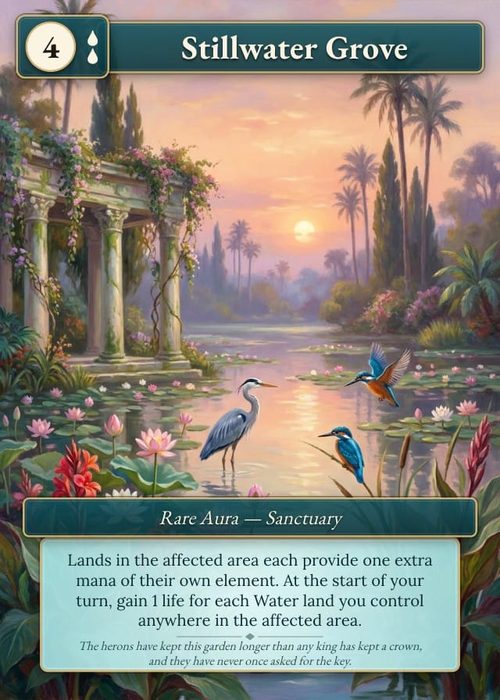
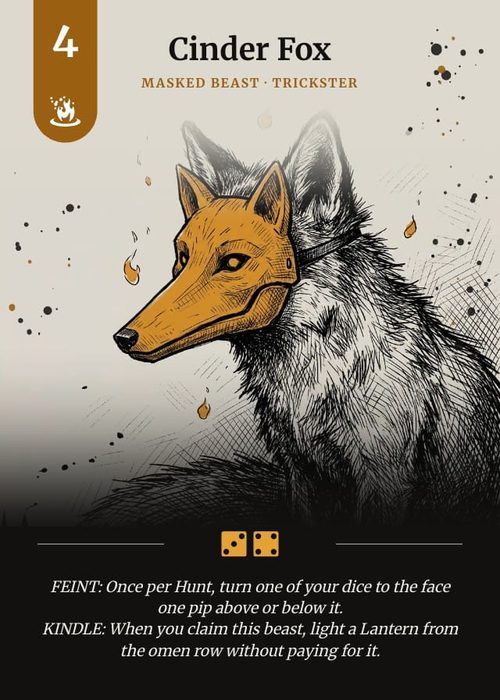
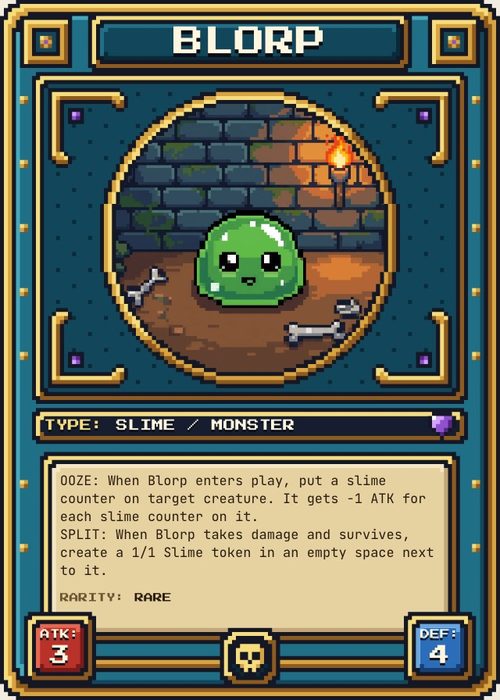
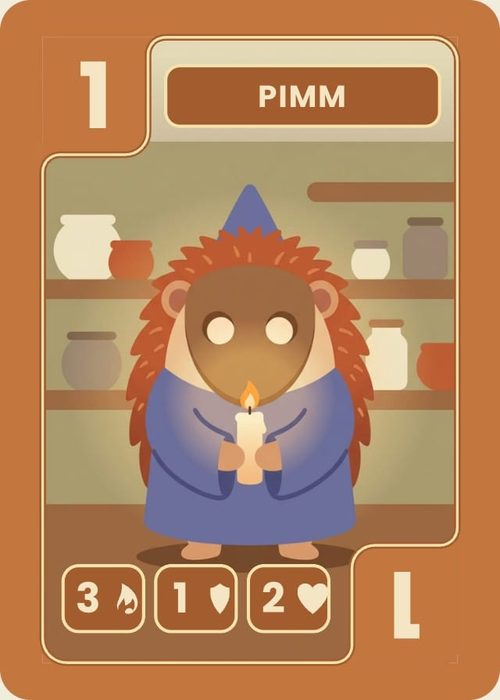
Each is an original set in our template gallery with its own fronts, a back and sample cards. Add one to a project and every part of it is yours to change.
- Painted playing cards
Tidestone
Lagoon, Coral, Kelp and Sand suit fronts and a shared back. A painting fills each card to a jagged edge, and the rank is carved in stone numerals in two corners.
- Numbered cards with characters
Rabble
Four suits of masked goblins on parchment. The rank sits in a tab at the top and again upside down at the bottom, and a 6 or a 9 gets a bar underneath.
- Cards for a game of your own
Dibbleton
Number, action and rules fronts that print cleanly at home and take a pen. Comes with a 54-card sample game: 36 number cards in four suits, 16 action cards and two rules cards.
Frequently asked questions
Everything you need to know before getting started.
Still have questions? Contact us
How do I make my own playing cards?
Settle the size first: poker size, 2.5 × 3.5 in, fits sleeves and standard boxes. Design one front per suit and a back, or start from a set that has them. Then list the deck with one row per card, a rank and a suit on each, and print a single sheet to check in your hand before you print the rest or order a deck.
What size are playing cards?
Poker size is 2.5 × 3.5 in (63.5 × 88.9 mm), which is 750 × 1050 pixels at 300 DPI, or 825 × 1125 with an eighth of an inch of bleed on each edge. Bridge size is a quarter inch narrower at 2.25 × 3.5 in: 675 × 1050, or 750 × 1125 with bleed. Most decks sold in shops are poker size. Every card size, with the bleed figures.
Can I print a custom deck?
Yes, two ways. At home, the print PDF puts nine cards on a sheet of Letter or A4 with the backs lined up behind them; 300 gsm card stock is close to a bought deck. Or, on Indie, Print & Ship sends the deck to The Game Crafter, who print poker decks on both sides on 320 gsm black-core card with rounded corners. They print by the 18-card sheet, so a 54-card deck is three sheets, and a printed 54-card tuck box can go in the same order. The cards arrive unsorted. How printing a deck works.
Is this playing card maker free?
You can try it free: one project with up to 120 cards, enough for a full deck, which you can also deal out on the online playtable. Exporting PNG, SVG and print PDFs starts on the Hobby plan at $4 a month billed yearly, and ordering printed decks is on Indie.
Can I make a deck with my own photos?
Yes. Add a photo to each card's row and it fills the picture area on that card's front, so a deck of family photos is 52 uploads and no layout work. Use photos you took or have permission to use.
Can I sell the playing cards I make?
Yes. The cards, text and art you make are yours to sell, through a print-on-demand shop, a crowdfunding campaign or a print run of your own. The templates in our gallery are ours, and you keep commercial rights to what you build from them.
How is this different from a custom playing card printer?
A printer such as MakePlayingCards or PrinterStudio prints the images you upload, and their editors place a photo or a finished picture on each card. ShuffleKit is where the 54 card faces get designed in the first place. You can export the files to any printer, or send the deck to The Game Crafter from the project. We compared the printers on price, minimum order, card stock and file specs. The print-on-demand printers, compared.
What if I'm making a card game, not a standard deck?
Same editor, more fields. Add a cost, a type or a rule as columns and each card shows them. Dibbleton above is built that way, and the card game maker page covers playtesting and balancing a game of your own. The card game maker.
Related tools
Card Game Printing
Design the deck here, then send it to The Game Crafter from the same project. They print it on demand and ship it worldwide, so your first order can be a single proof copy.
CSV to Card Game
Drop in a spreadsheet, get a deck. Map columns to card fields, bulk-edit in grid view, and push print-ready files in one click.
Trading Card Maker
Pick a trading card frame or draw your own, then type your cards into a sheet. Every row becomes a card on that frame, ready to print at home or to order as finished decks.
Uno Style Card Maker
Change a number or write a house rule with a photo on it, and the card redraws as you type. The finished deck prints at home or comes back from the printer cut and boxed.
Ready to build it?
Start free. Upgrade only when you're ready to publish.