Flash card templates

Flash cards at poker size, nine to a sheet, with each answer printed on the back of its own question so a double-sided print lines up. Download a blank sheet to write on, or open the set in ShuffleKit and type or import your own questions.

Card size
Poker, 2.5 × 3.5 in (750 × 1050 at 300 DPI), nine to a sheet of Letter or A4
Includes
Flipwren: a ruled front and an answer back in three subject colours, with 40 sample cards of times tables, world capitals and science
Fields
Question, Answer and Subject, which sets each card's colour
Output
Edit in the browser, export a print PDF with the backs lined up for double-sided printing, or PNG and SVG

The template

Flipwren Printable Flash Card Template preview
FlipwrenPrintable Flash Card

Flipwren Printable Flash Card Template

by ShuffleKit

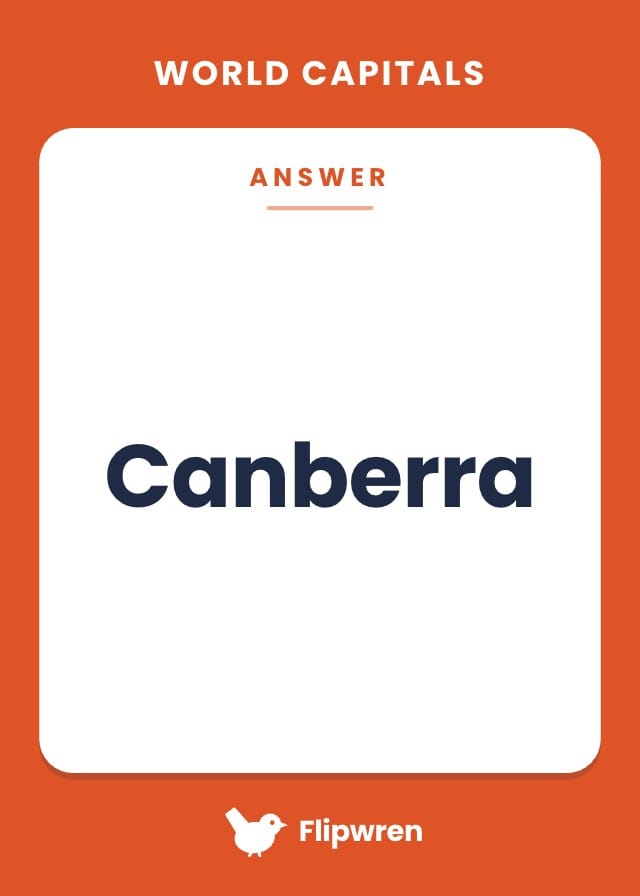
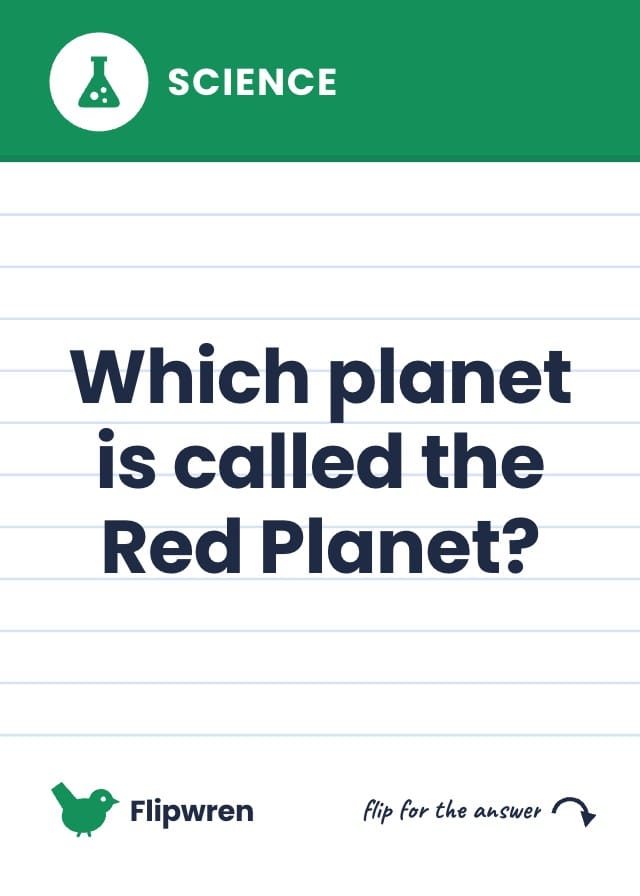
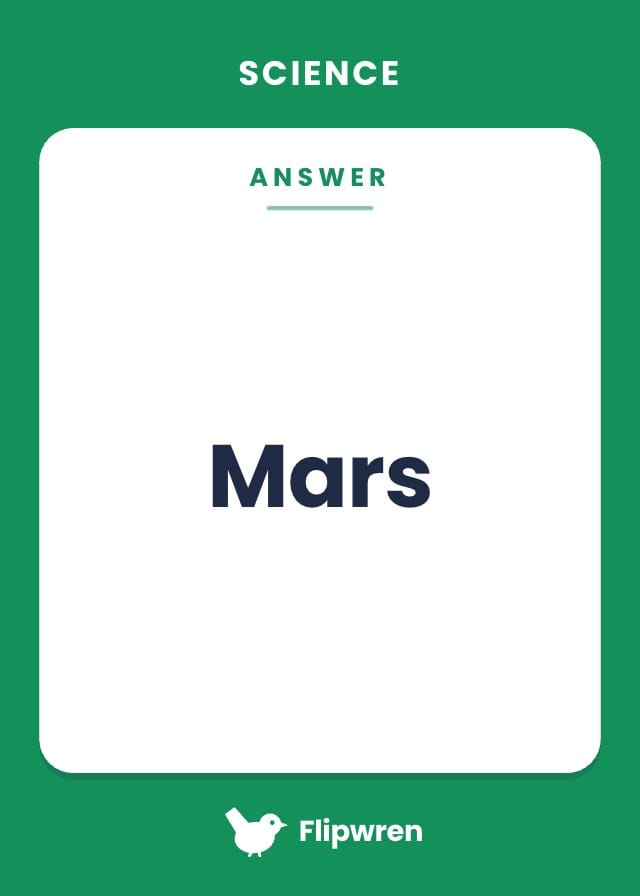
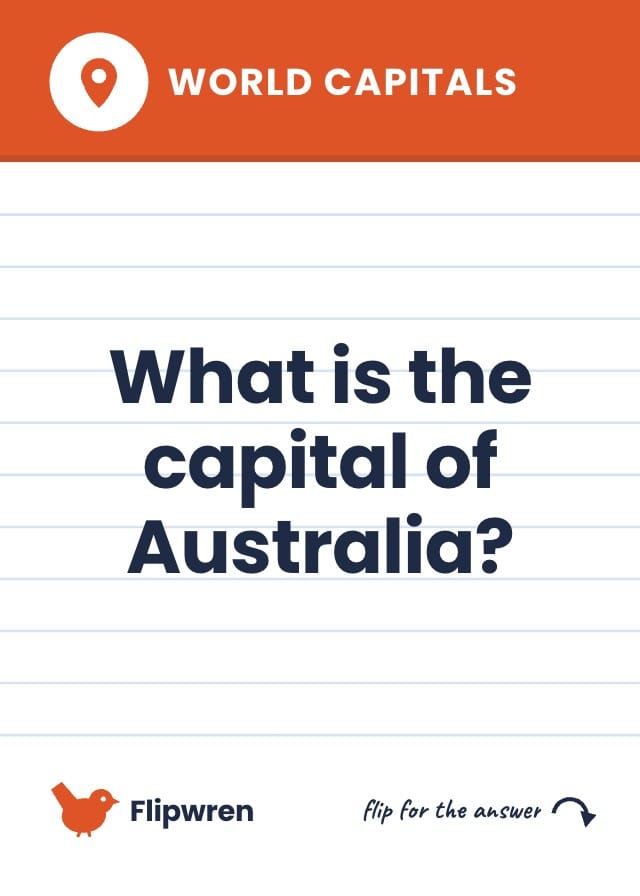
Printable flash cards with the question on the front and its answer on the back, nine to a sheet, lined up to print double-sided at home. A free flash card template at poker size (2.5 × 3.5 in) for Letter or A4 paper. The front is a white index card with faint blue ruled lines, the question big in the middle, and a band across the top in the subject's colour with the subject's name and its emblem. The back is the subject's colour edge to edge, with the card's own answer on a white panel. Type your questions and answers into a sheet or import them from a spreadsheet; Subject colours each pile, and a subject you add gets a colour of its own. Comes with forty sample cards: fourteen times-table facts, thirteen world capitals and thirteen science questions, each with its answer.

2 designs40 sample cards3 fields

Fields you get: Question, Answer, Subject

Use this template free
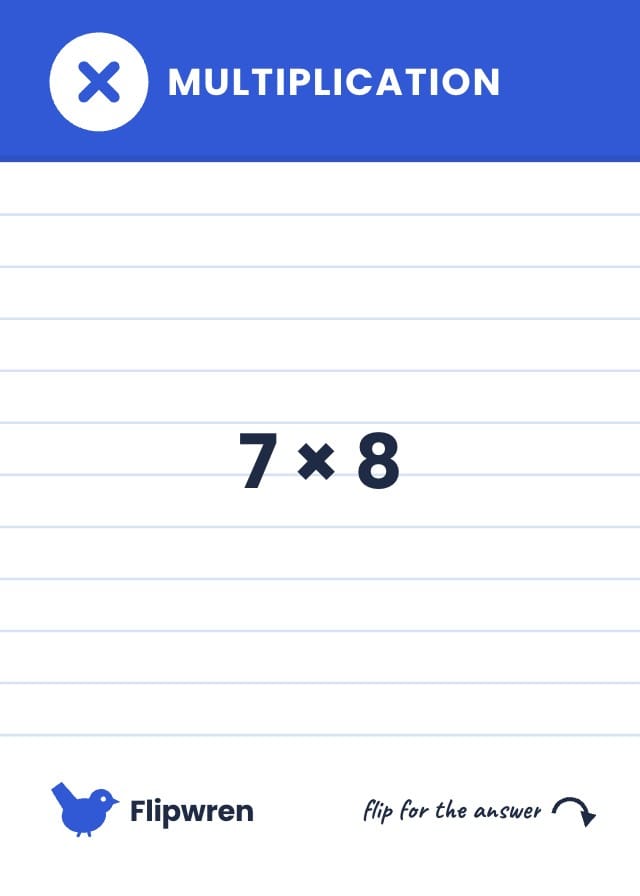
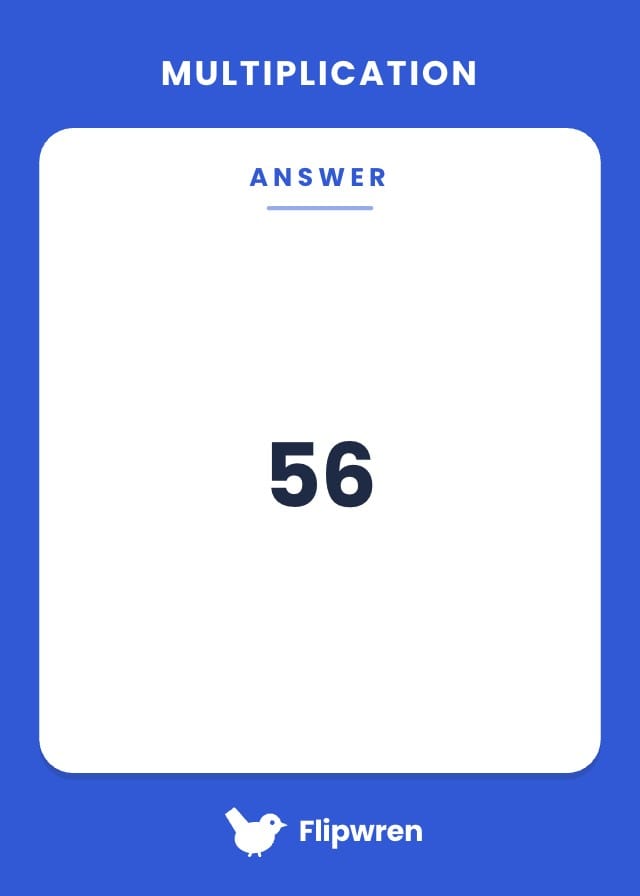
From this template to a deck of flash cards

Each flash card is a row in a sheet: the question, the answer and the subject. The front prints the question and the back prints that card's answer, so a deck of a hundred cards is as quick to fix as a deck of ten.

  1. Add the set to a project

    Free. It copies the front, the back and forty sample cards into a project of your own, so you can see how a finished deck looks before you change anything.

  2. Type or import your questions

    Replace the sample rows with your own, or import a CSV or Excel file with a column for the question and one for the answer. Set Subject on each card to colour its band and its back, and add subjects of your own.

  3. Check the fronts and backs

    The cards preview turns each card over, so you read its question and then its answer, and a typo or an answer on the wrong card shows up before you print.

  4. Print them double-sided

    On Hobby and up, export a print PDF with Card back set to Auto and Double-sided flip on Long edge. Each back lands behind its own front. Print two-sided on card stock and cut along the marks.

What size are flash cards?

There is no one standard. The index card is the classic, and poker size is the one that fits nine to a sheet and slides into a card sleeve, which is why these templates use it.

CardInchesMillimetresPixels at 300 DPI
Poker card — these templates2.5 × 3.563.5 × 88.9750 × 1050
Index card, small3 × 576.2 × 127900 × 1500
Index card, large4 × 6101.6 × 152.41200 × 1800
Business card2 × 3.550.8 × 88.9600 × 1050
Tarot card2.75 × 4.7569.9 × 120.7825 × 1425
Large card, the nearest preset to an index card3.5 × 588.9 × 1271050 × 1500

A sheet of Letter or A4 holds nine poker cards or four large cards. Poker and tarot cards can also be ordered printed and cut from a print-on-demand partner; a large card exports to PDF and PNG but cannot be ordered.

Playing card sizes and dimensions, in full

Prefer a blank file?

A blank front with ruled lines and a blank back with a panel for the answer, in one slate blue. Print the PDF double-sided and write the questions and answers in pen, or open the PNGs in an image editor and type them. No account needed.

Questions about flash card templates

Everything you need to know before getting started.

Still have questions? Contact us

Are these flash card templates free?

Yes. The blank PDFs and PNGs below download free with no account. The Flipwren set is free to add and edit in ShuffleKit; exporting a print PDF of your own cards needs the Hobby plan.

How do I print flash cards double-sided so the answers line up?

Print the PDF two-sided and choose flip on long edge, which is most printers' default. The blank sheets have the backs on page two in the same place as the fronts on page one. When you export your own cards, set Card back to Auto and Double-sided flip to Long edge, and each answer is placed behind its own question. Print one sheet on plain paper and hold it up to a window to check before you print the whole deck.

What paper is best for printable flash cards?

Card stock, if your printer takes it: 65 lb cover, about 176 gsm, feeds through most home printers and is stiff enough to shuffle. Plain paper works for a set you will only use once, and laminating the cards after you cut them makes them last.

Can I import my own questions from a spreadsheet?

Yes. Import a CSV or Excel file and map one column to Question and one to Answer, and every row becomes a card with its answer on the back. You can also paste rows straight into the sheet.

Can I make flash cards for any subject?

Yes. Subject is a dropdown, and a subject you add gets a colour of its own, which the front's band and the back take. Spelling words, vocabulary in another language, dates for a history test or formulas all fit, and the sample deck shows times tables, world capitals and science.

Why poker size and not a 3 × 5 index card?

Nine poker cards fit on one sheet of Letter or A4, so a double-sided print lines up on every card, and they fit standard card sleeves. If you want a bigger card, set the design to Large (3.5 × 5 in), which prints four to a sheet.

Ready to build your card game?

Open any template above, or start from a blank deck at the same printable size.