Playing card templates

Rank-and-suit card layouts with the rank in both index corners, a suit that colours the card it is on, and a back that lines up with every front. Open one in ShuffleKit and it becomes your project, with a column behind every field.

Card size
Poker, 2.5 × 3.5 in (750 × 1050 at 300 DPI)
Includes
Four suit fronts, a shared back, and a sample deck
Fields
Name, rank, suit and artwork, with the rank printed twice
Output
Edit in the browser, export PNG, SVG or a print PDF

The template

Rabble Number Card Game Template preview
Rabble Number Card Game Templateby ShuffleKit

Rabble Number Card Game Template

by ShuffleKit

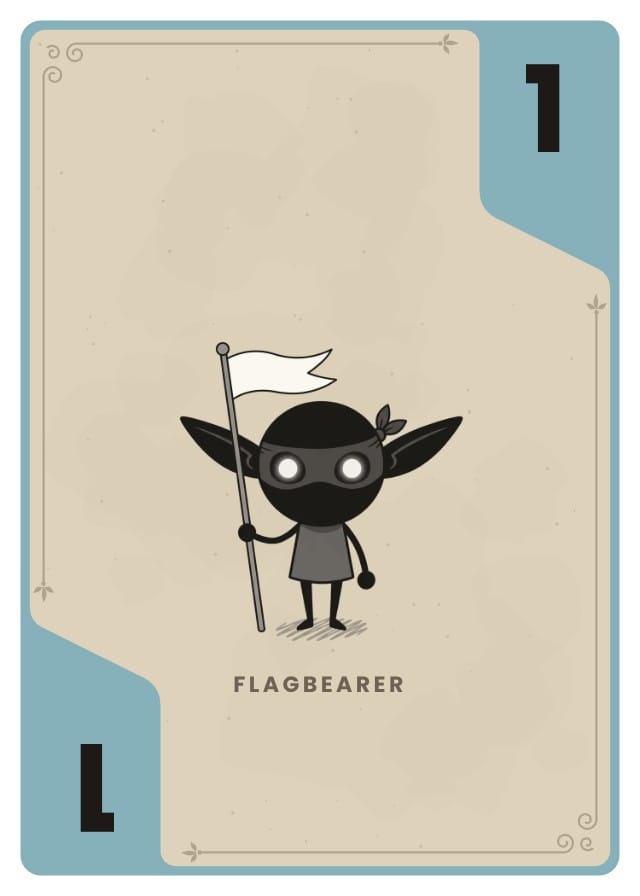
A small numbered card game set of masked goblins: Puddle, Plum, Moss and Rose suit fronts and a shared back, cut to poker size and print-ready. Each card is a parchment face inside a band of its suit's colour, which widens into a tab in two opposite corners. The rank sits in the top tab and again upside down in the bottom one, so the card reads from either end of a hand, and a 6 or a 9 gets a bar underneath. A fine frame with scroll corners runs between the tabs, and the goblin's name sits under its feet. Every part of the frame is an editable shape, and a Suit column picks each card's colour. Comes with an eight-card sample deck.

5 designs8 sample cards4 fields

Fields you get: Name, Rank, Artwork, Suit

Use this template free
From this template to a printed deck

Fifty-two cards is the point where typing them one at a time stops being reasonable. These templates are built for the other way round: the deck is a spreadsheet, and the design is a separate thing that every row draws on.

  1. Add the template to a project

    Free, and it copies the suit fronts, the back, the fields and the sample cards into a project of your own. The author's later changes never reach your copy.

  2. Import the deck as a spreadsheet

    Thirteen ranks across four suits is 52 rows, which is a CSV rather than an afternoon. Map your column names onto the template's on the way in, or type a shorter deck straight into the sheet.

  3. Point each card at its suit

    Right-click a design and use it for the cards whose suit column matches, so all thirteen cards of a suit draw on that suit's front without being touched one at a time.

  4. Print the deck

    Export a print-ready PDF with bleed and cut lines for a home printer, or send the deck to a print-on-demand partner from inside the project and get it back cut, squared and boxed.

What size are playing cards?

Poker is the size these templates use, and it is what card sleeves, tuck boxes and print-on-demand partners are cut for. Bridge is the one worth knowing about, because a hand you have to hold is easier to fan at a quarter inch narrower.

CardInchesMillimetresPixels at 300 DPIWith bleed
Poker — these templates, and most decks sold in shops2.5 × 3.563.5 × 88.9750 × 1050825 × 1125
Bridge — narrower, for a hand held in a fan2.25 × 3.557.2 × 88.9675 × 1050750 × 1125

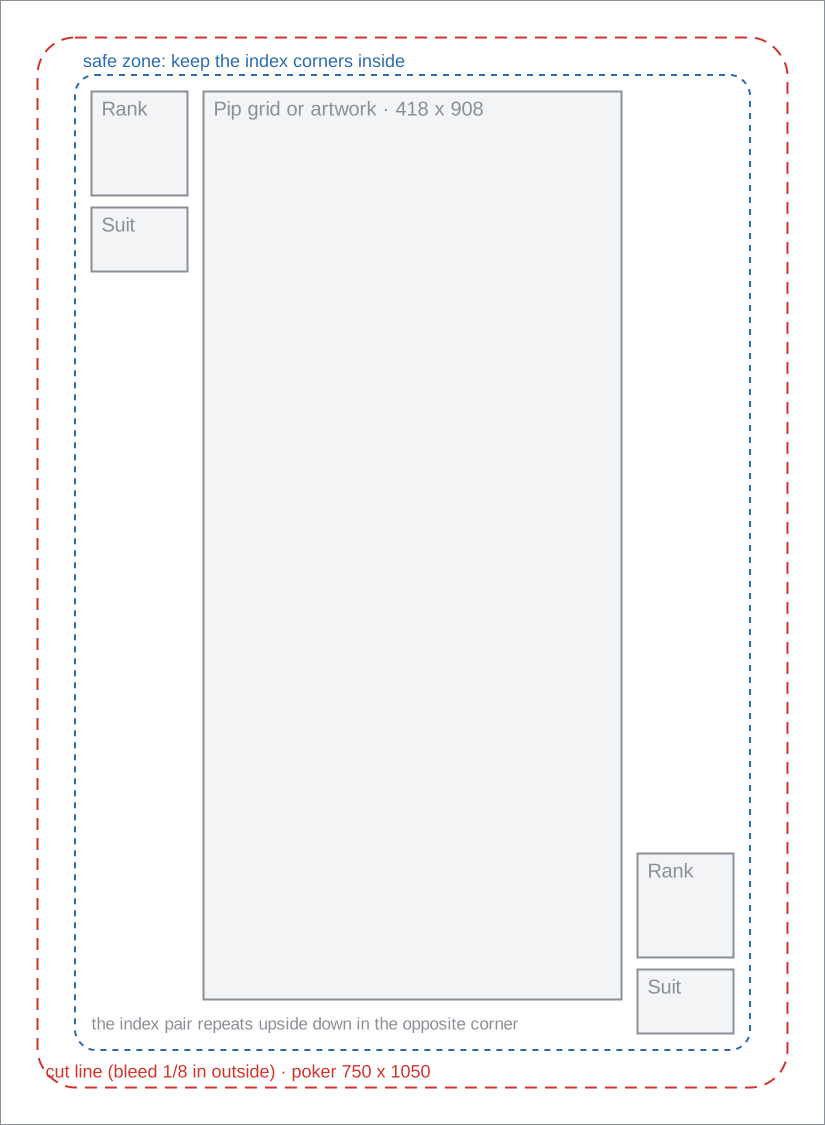
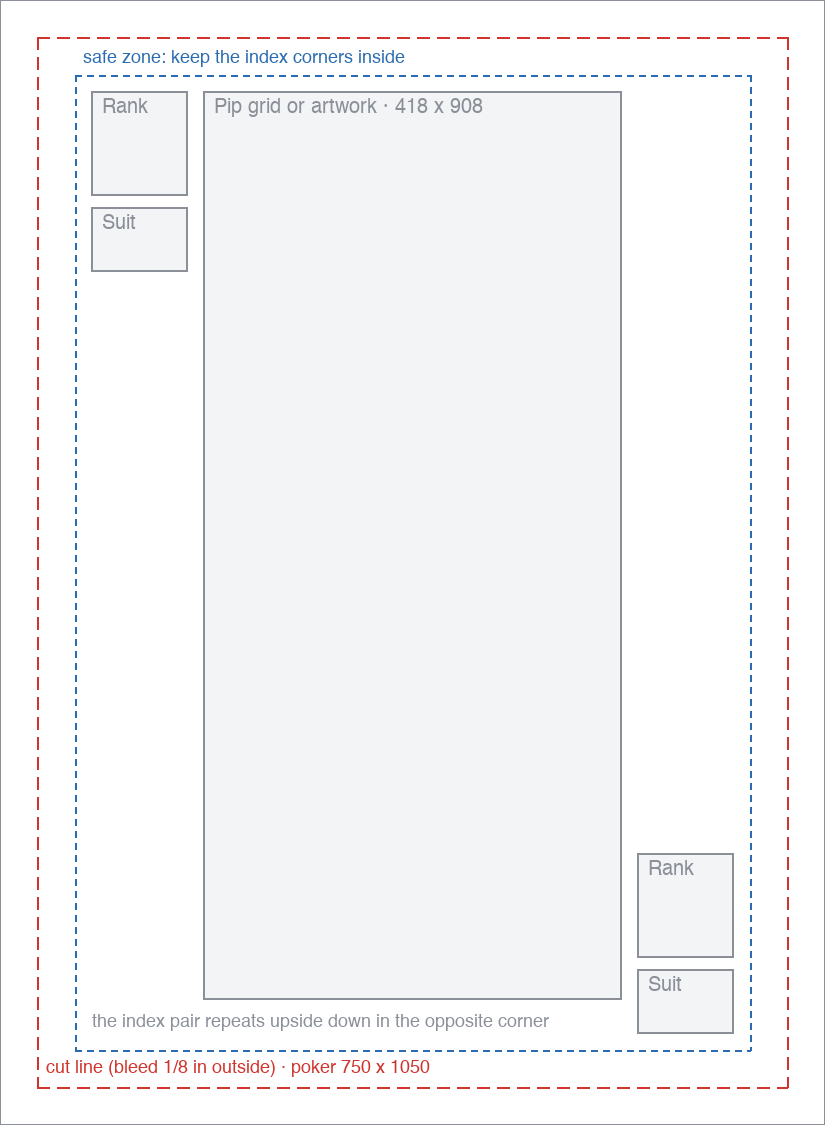
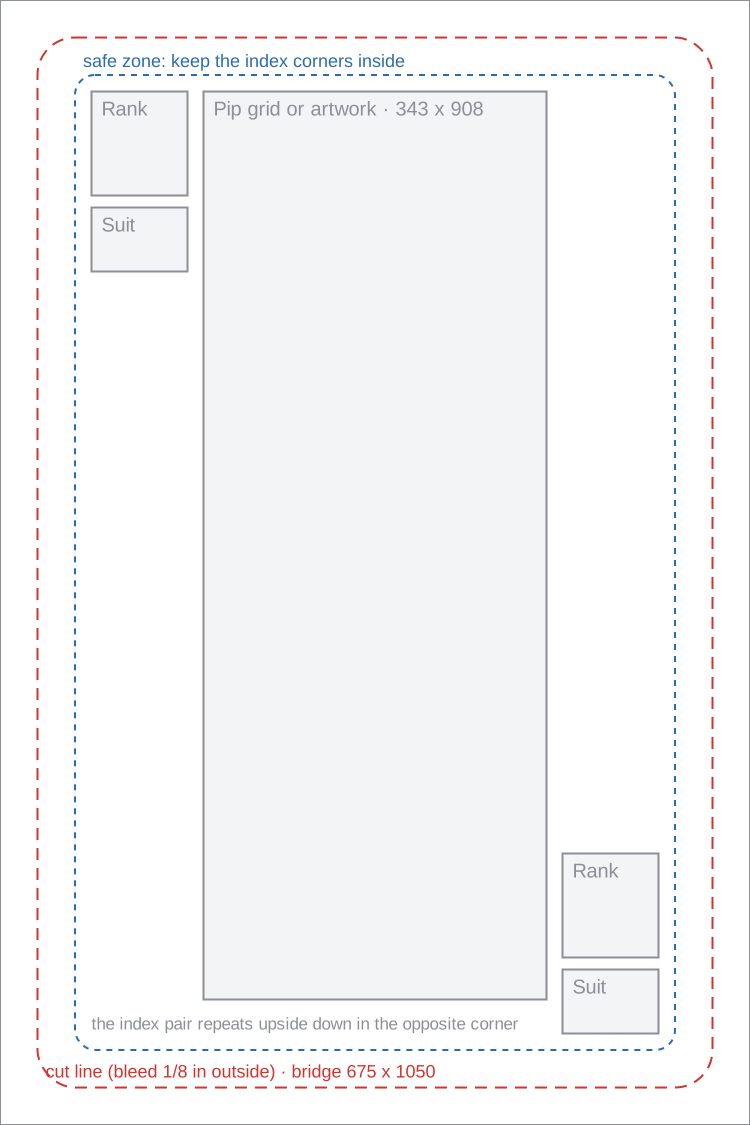
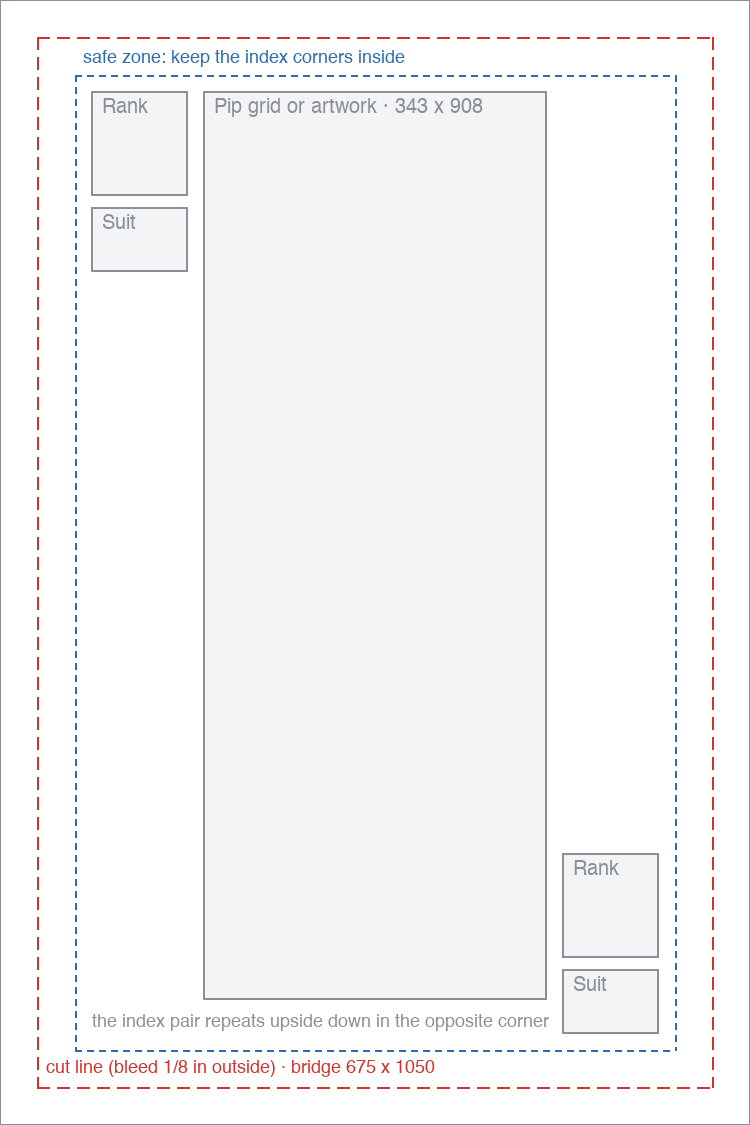
The bleed column is the canvas a printer asks for: an eighth of an inch past the cut on every edge, which the blank files below are already sized to. Keep the index corners inside the safe zone rather than against the cut, because a deck is trimmed in a stack and the last card is never cut exactly where the first one was.

Every card size, with the bleed figures

Questions about playing card templates

Everything you need to know before getting started.

Still have questions? Contact us

Are these playing card templates free?

Yes. Adding a template to your project is free, and so is editing it. Paid plans cover higher export volumes and printing, not access to the templates.

Can I make a full 52-card deck?

Yes. Import a spreadsheet of 52 rows, one per card, with a rank column and a suit column. Each suit has its own front, and pointing the cards at the design that matches their suit is one action rather than 52.

How do I get the back to line up with the fronts?

The back is a design in the same project at the same size, so it is already aligned with every front. Export a duplex PDF and the backs are laid out to match the fronts sheet by sheet, with a long-edge or short-edge setting to match the way your printer turns the paper over.

Can I print these at home?

Yes. Export the print-ready PDF and run it on 300gsm cardstock, which is close to what a shop-bought deck uses. Cut inside the crop marks with a guillotine rather than scissors, and expect the corners to be square unless you round them yourself.

Can I change the suits?

Yes. The suit is a column with its own options and colours, not something baked into the artwork, so renaming a suit or adding a fifth one is an edit to the field rather than a redraw.

Ready to build your card game?

Open any template above, or start from a blank deck at the same printable size.