
Tuckwell Card Box Template
by ShuffleKit
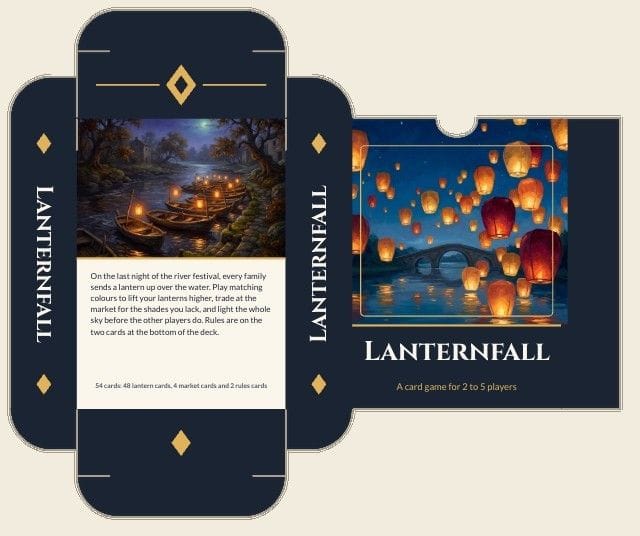
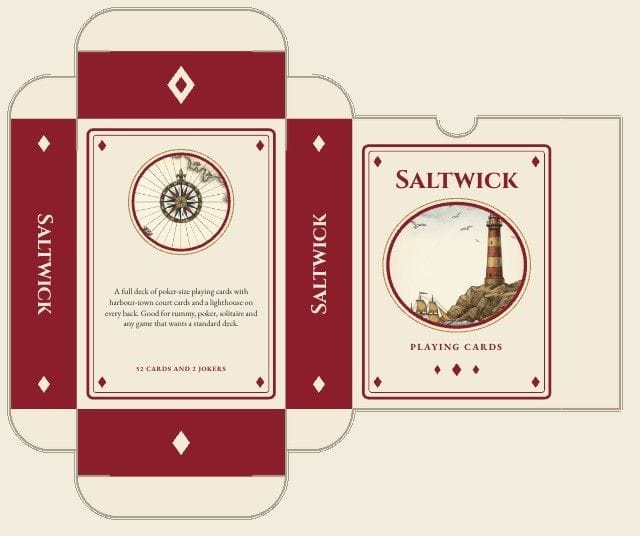
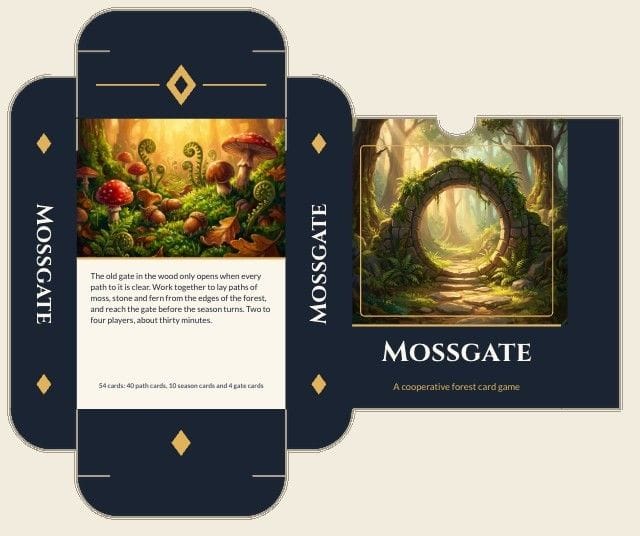
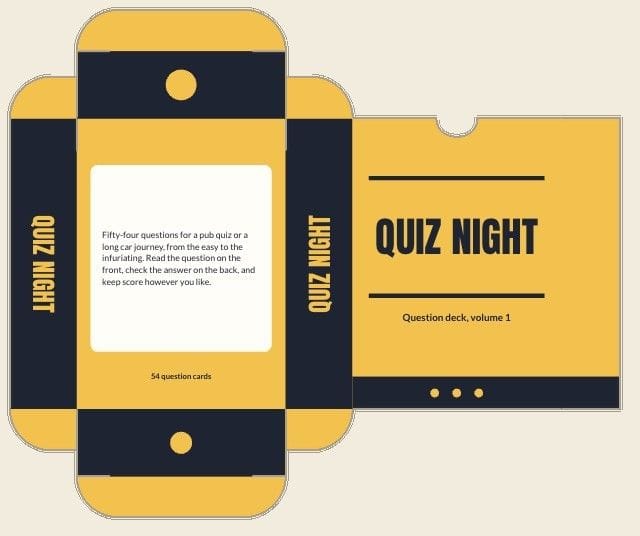
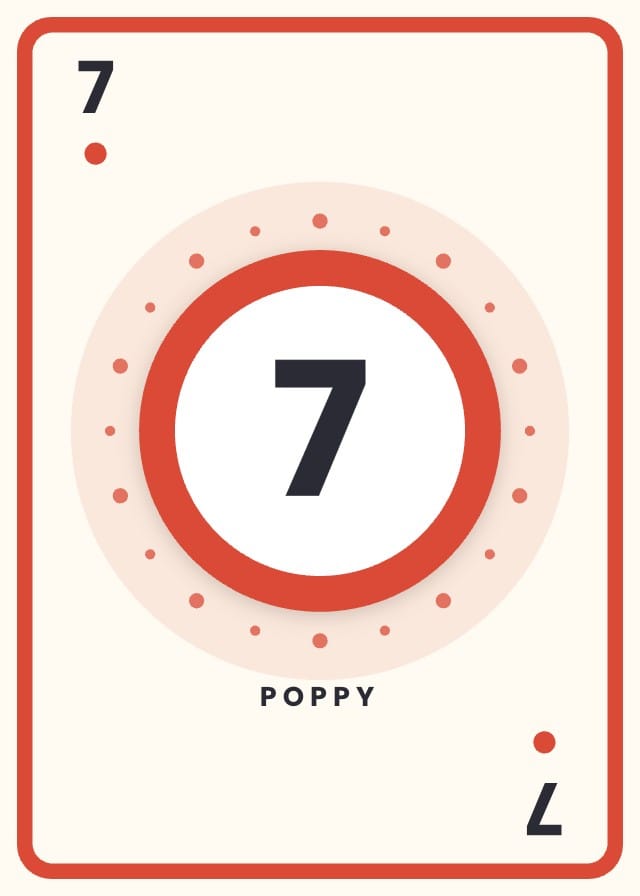
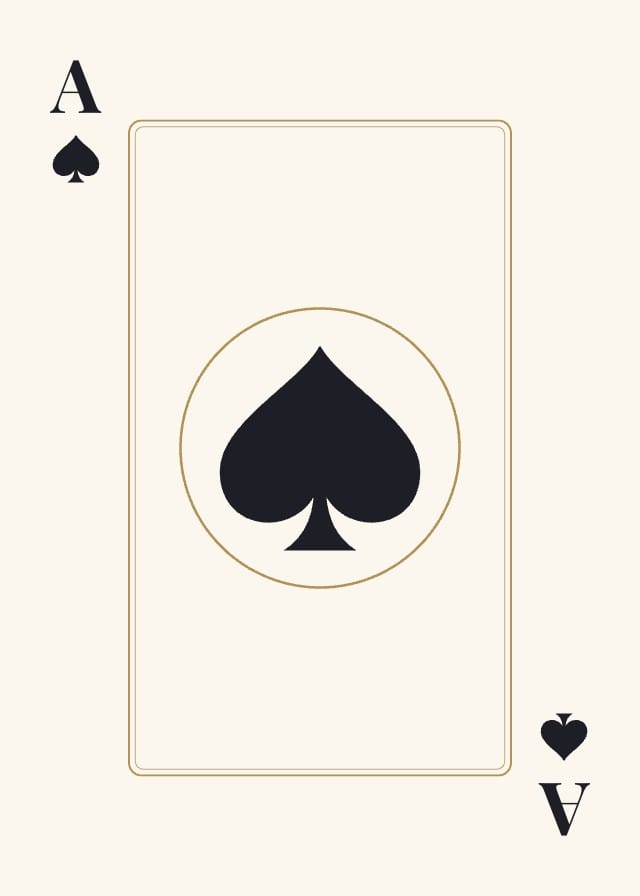
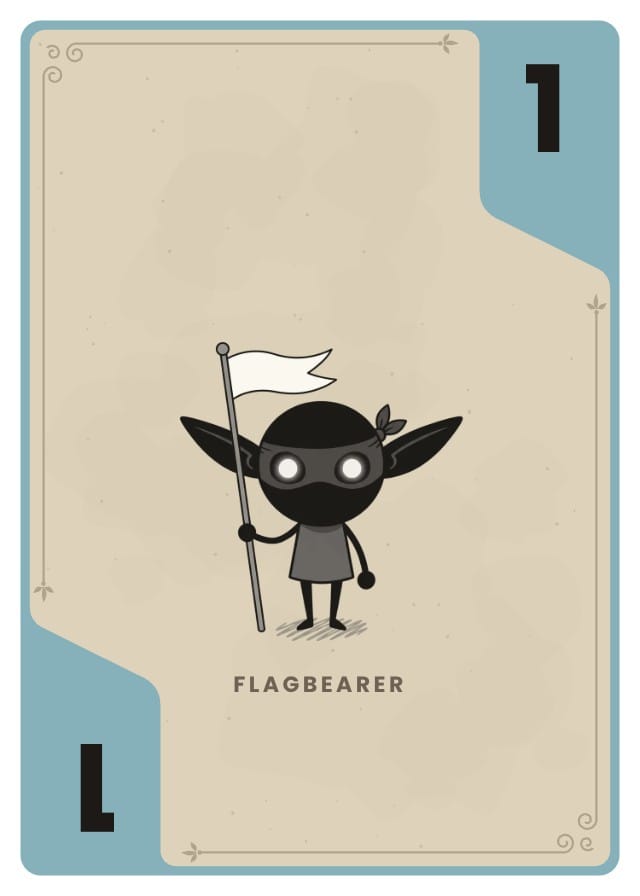
A card box template for a deck of 54 poker-size cards: a tuck box drawn flat, ready to print, cut, fold and glue. Front, back, both sides, the lid and the bottom are all in place on the dieline. The title, deck name, blurb and contents are fields, so one row in the sheet is one box, and the front and back each take a picture of your own. Three designs come with it: a picture box, a classic playing card box with a double border, and a label box with no pictures at all. Print it at full size on Letter or A4 with the cut and fold lines over it, or order it from The Game Crafter as their Poker Tuck Box (54) with the deck it holds.
- Designs
- 3
- Sample card boxes
- 4
- Card Box size
- Poker tuck box for 54 cards
- 2.5 × 3.5 × 0.81 in folded · a 7.75 × 6.5 in sheet flat (2325 × 1950 px at 300 DPI)
- Card Box fields
- Title
- Deck Name
- Blurb
- Contents
- Front Art
- Back Art
- Style
Adding a template copies its designs, fields, and sample card boxes into your own project. Your copy is yours, and later changes by the author never touch it.
Part of playing card templates
What’s in Tuckwell Card Box Template
Three designs: Picture Box, Classic Deck Box and Label Box.
Your card boxes live in a sheet, one row each, with a column for every field the designs read: Title, Deck Name, Blurb, Contents, Front Art, Back Art and Style. Four of those rows arrive filled in, so there is something on the design before you type a word.
How to make a tuck box for your cards
You need card stock, a craft knife or sharp scissors, a ruler, something blunt to score with (an empty ballpoint pen works) and a glue stick or double-sided tape.
- Export the box as a PDF on Letter or A4 with "Include cut & fold guides" ticked, and print it at actual size on card stock of about 200 to 250 gsm. The flat sheet is 7.75 × 6.5 inches, so it fits either paper without being shrunk.
- Cut along the solid red line, round the tuck flaps and the thumb notch too. A knife against a ruler gives the straight edges; scissors are easier on the curves.
- Score every dashed blue line by running the blunt point along it against the ruler. A scored line folds straight and doesn't crack the print.
- Fold on every scored line with the print on the outside: the four tall folds between the panels, then the lid, the bottom and the small dust flaps.
- Glue the narrow flap at the front's edge to the inside of the side panel at the other end of the sheet, so the panels close into a tube. Hold it for half a minute while the glue takes.
- Fold in the bottom dust flaps, close the bottom panel and tuck its tongue in, or glue it shut. Slide the deck in, fold in the top dust flaps and tuck the lid's tongue behind the front.
Printing a card box
At home: on the Hobby plan, export a PDF on Letter or A4 and tick "Include cut & fold guides". The sheet prints at full size with the cut line in red and the folds in blue over your design. Print it at actual size on card stock, then cut, score, fold and glue.
Printed for you: on the Indie plan, Print & Ship sends the box to The Game Crafter as their Poker Tuck Box (54), and it can go in the same order as the deck it holds. They print and cut it on their own die, so the guides stay off.
The ground runs past every cut line, so a cut that wanders a little still lands on colour. Keep words inside the panels, clear of the folds and of the thumb notch at the top of the front.

Questions about Tuckwell Card Box Template
Everything you need to know before getting started.
Still have questions? Contact us
What size box does a deck of cards need?
A standard deck of 52 cards and two jokers at poker size (2.5 × 3.5 in, 63.5 × 88.9 mm) needs a tuck box of about 2.5 × 3.5 × 0.81 inches, and that is the box this template makes: The Game Crafter's Poker Tuck Box for 54 cards. Trading cards of the same size fit too, as long as they are not sleeved. For other decks, a new box in ShuffleKit can be set to tuck boxes for 36, 72, 90 or 108 poker cards, or for bridge, tarot, jumbo and square cards, though these three designs are drawn for the 54-card box. Trading card templates.
How do I make a tuck box for my cards?
Put your title, deck name, blurb and pictures in the box's row, export it as a PDF with the cut and fold guides on, and print it on card stock. Then cut on the red line, score and fold the blue lines, glue the side flap into a tube and tuck the ends closed, as in the steps above. The cards that go inside can be made here too, from a playing card template: Playing card templates.
Can I print the box on card stock at home?
Yes. Any printer that takes card stock will do, and 200 to 250 gsm is the range that folds cleanly and still holds its shape; heavier board tends to crack at the folds unless it is scored well. Print at 100% or actual size, never "fit to page", because a box printed even a little small won't close round its cards. Only the outside is printed, so the inside stays plain.
What happens when I add Tuckwell Card Box Template to a project?
The three designs, the seven fields and the four sample card boxes are copied into a project of yours, with the fields already pointed at the design. Nothing stays linked to this page afterwards, so the author's later edits never reach your copy.
What size does Tuckwell Card Box Template print at?
Folded, the box is 2.5 × 3.5 × 0.81 inches (63.5 × 88.9 × 20.6 mm), which holds 54 poker-size cards without sleeves. Flat, it is one 7.75 × 6.5 inch sheet (2325 × 1950 pixels at 300 DPI), laid out on The Game Crafter's dieline for their Poker Tuck Box (54), so it prints at full size on Letter or A4.
Is Tuckwell Card Box Template free?
Yes. Adding it, editing it, filling it with your own cards and playtesting it online are all free. Exporting print files starts on the Hobby plan, and Print & Ship through The Game Crafter is on Indie. No template sits behind a paid plan.
Can I change the designs?
Yes. They land in your project as ordinary layouts, so you can drag an element somewhere else, put your own art behind the frame, restyle the type or rename a field. Edit a design once and every card box on it follows.
Can I use my own card boxes instead of the samples?
Yes — the samples are rows in a sheet, and they are there to be overwritten. Type over them, add rows of your own, or bring a CSV and match its headers to the fields.
Can I sell a game made with Tuckwell Card Box Template?
Yes. This one is ours, and you keep commercial rights to what you build from it, crowdfunding and retail included.
Ready to make your own card box?
This template is free, and so is the editor it opens in.