Card Game Prototyping Software, Built for Fast Iteration
Build a deck, playtest it online the same afternoon, and revise before your testers leave the table. The design-test-iterate loop, minus the paper cutouts, the Photoshop, and the Tabletop Simulator setup.
Stop stitching together five different tools
Most prototypers juggle Google Sheets for data, Photoshop for layout, TTS for testing, and a broker for printing, and every handoff loses fidelity. ShuffleKit collapses the whole pipeline into one project.
 1
1Sketch the game
Start with AI brainstorming, a CSV import, or a blank canvas. Define properties once, reuse everywhere.
 2
2Build the deck
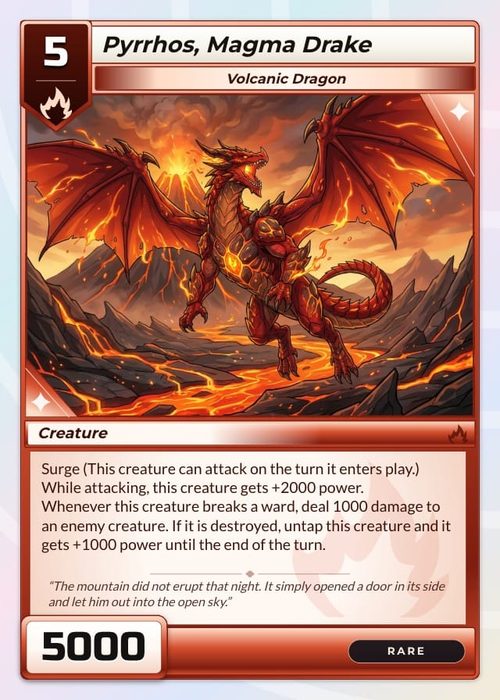
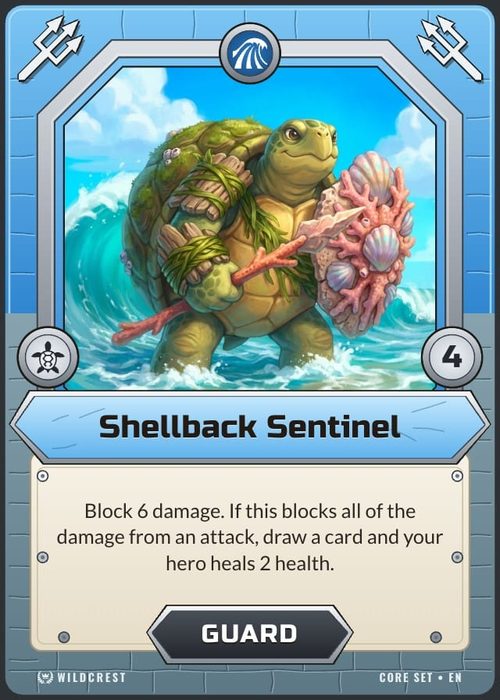
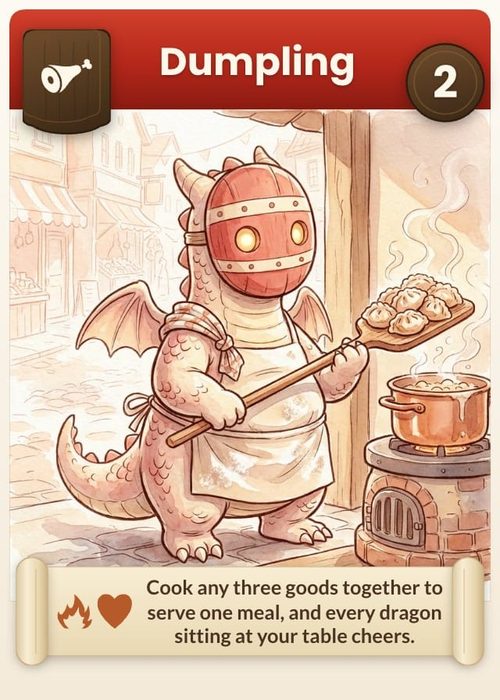
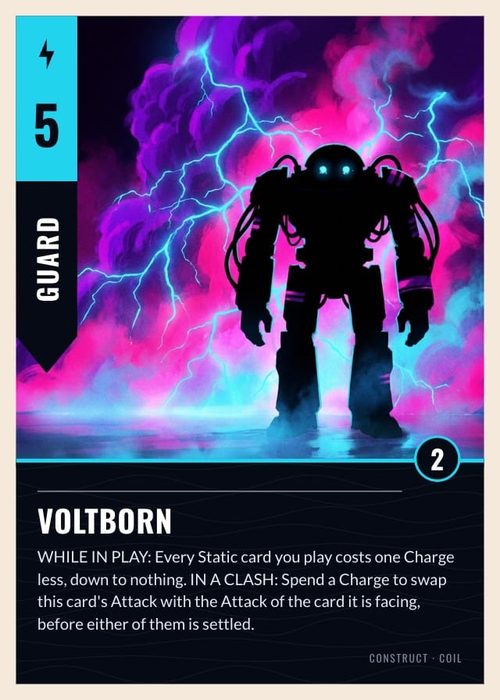
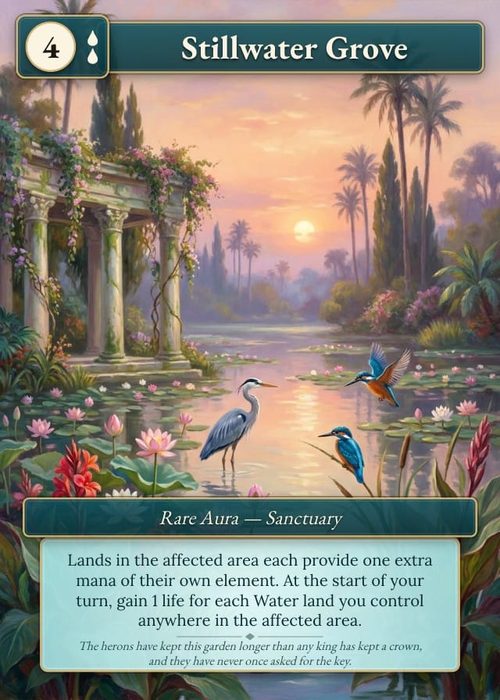
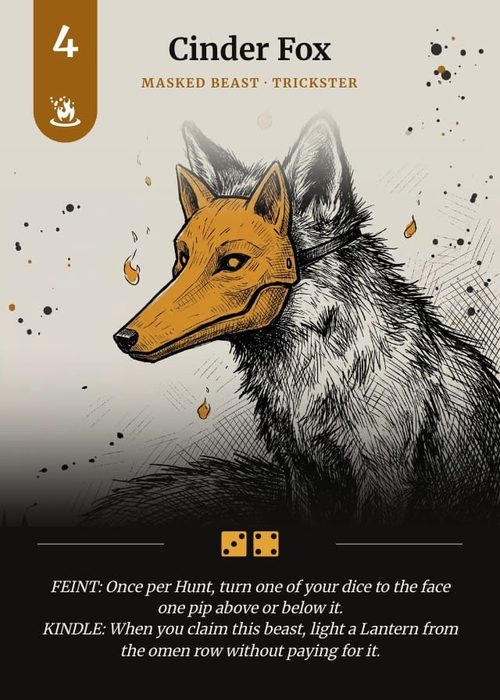
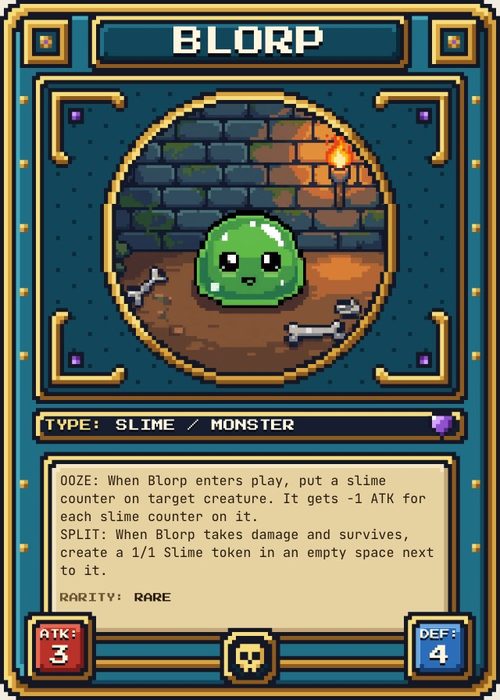
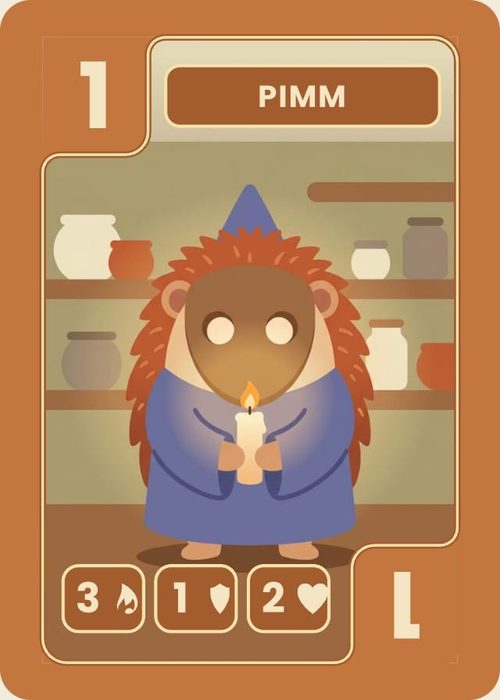
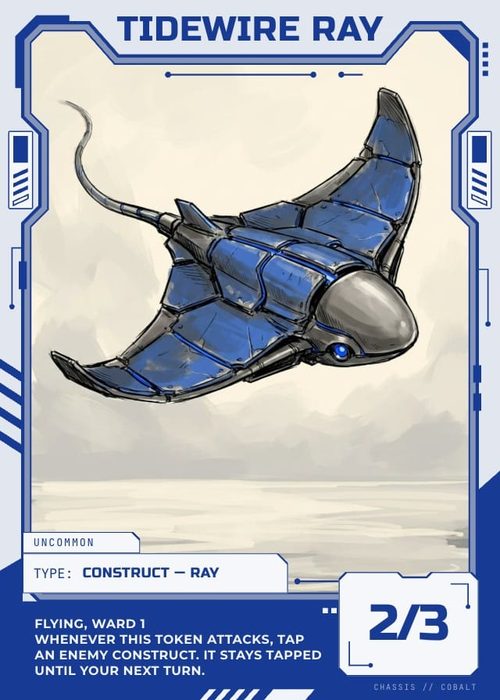
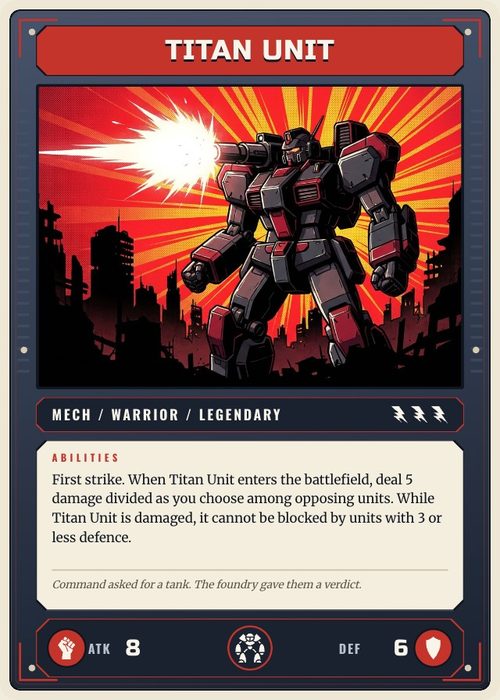
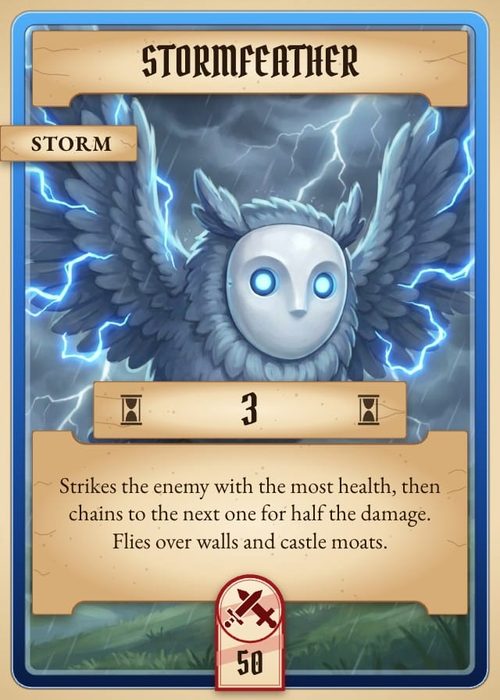
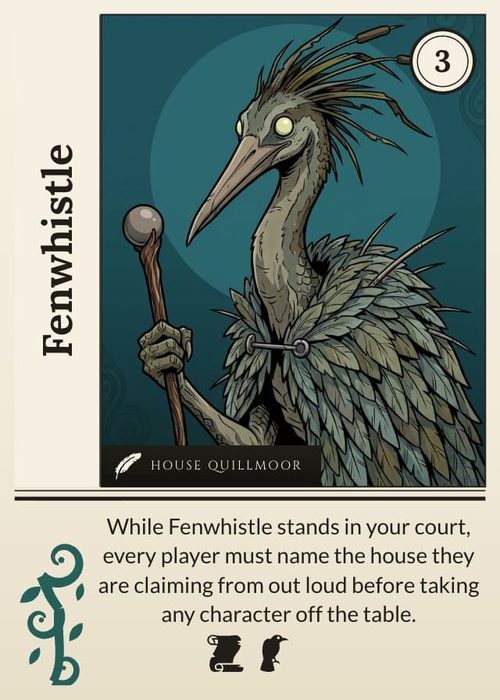
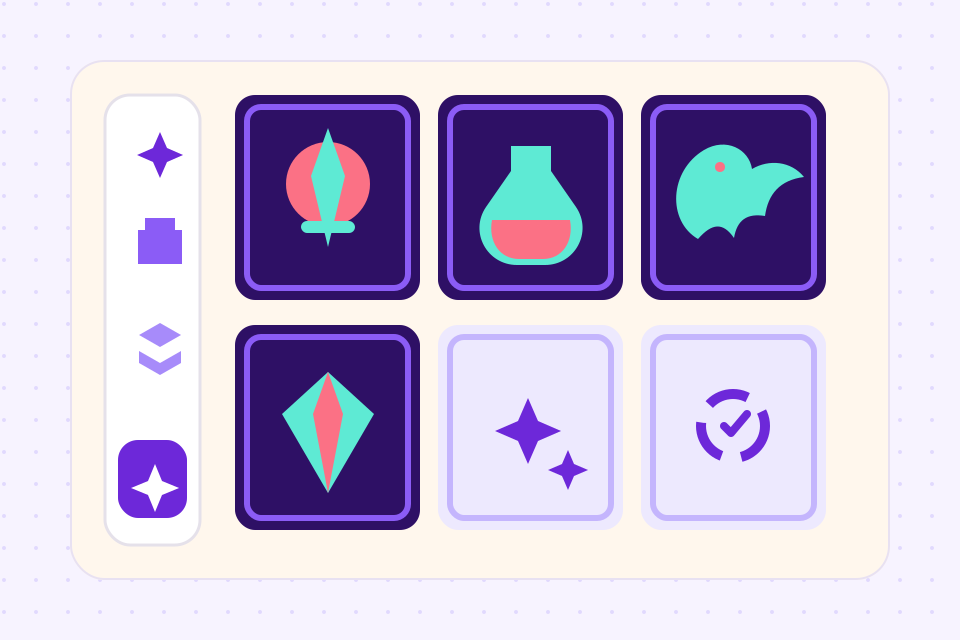
Pick from 35 template packs or build your own design. Bulk-edit cards in a spreadsheet view.
 3
3Test it, then ship it
Iterate on the online playtable in real time, then export to TTS, Roll20, PDF, or print on demand via The Game Crafter.
One project, the whole prototype
Cards are rows in a database. Change a property, every card updates. No copy-paste between tools.
Brainstorm mechanics, generate cards, balance costs, with an AI that reads your project context.
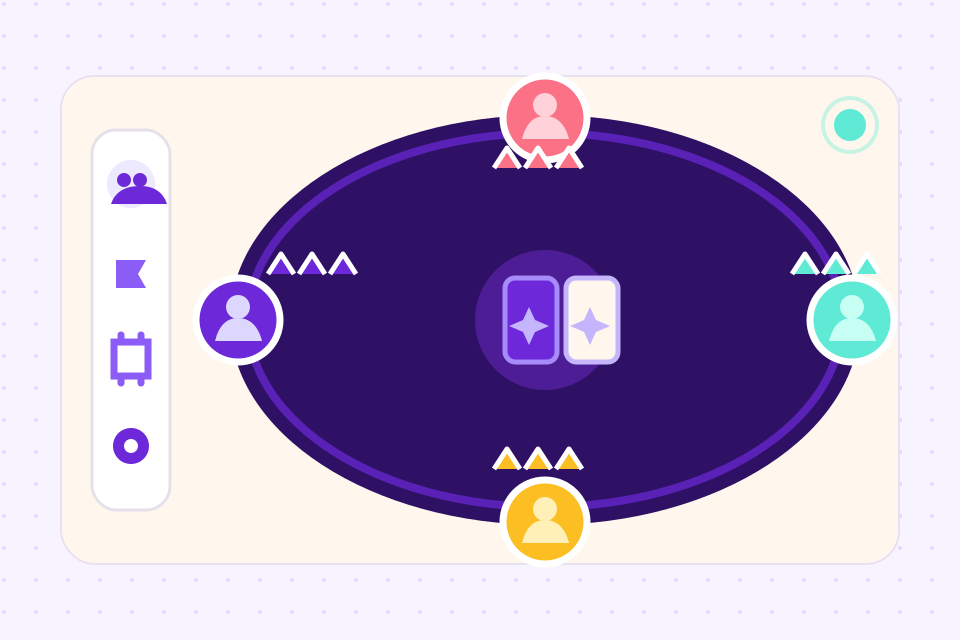
Built-in playtable for up to 6 players. No install, no licence, no setup.
Tabletop Simulator spritesheets, Roll20 decks, print PDFs with crop marks, all from the same project.
Direct integration with The Game Crafter. Click publish, get a real printed deck shipped.
Snapshot cards, decks and rules docs and restore any of them, with an automatic snapshot before every import.
Frequently asked questions
Everything you need to know before getting started.
Still have questions? Contact us
What can I do for free?
The free plan covers full design, AI card generation with a monthly allowance, and online playtesting with up to 6 players, for one project of up to 120 cards. Paid plans add unlimited cards, more AI credits and export to PDF, PNG, SVG, Tabletop Simulator and Roll20, with printing through The Game Crafter on Indie.
Can I import an existing prototype?
Yes. Import card data from CSV, Excel or JSON, and designs from a PDF with one card per page or an Illustrator or Photoshop file, which come in as editable layouts. ShuffleKit matches your columns to fields as they come in.
Does this replace Tabletop Simulator?
For most card-game prototyping, yes, and faster. For 3D physics or non-card components, no. ShuffleKit also exports cleanly to TTS if you need both.
Is my data exportable if I leave?
Yes. Card data exports as CSV or JSON on every plan, and paid plans also export every card as images and print PDFs. No lock-in.
How long does it take to build a prototype?
A simple deck takes about 30 minutes from scratch. A full balanced TCG can be prototyped, playtested, and printed in a weekend.
Related tools
AI Card Game Maker
Generate cards, art, and rules with an AI built for game design, not a generic chatbot. Iterate fast, keep creative control, export print-ready files.
Tabletop Simulator Card Maker
Design custom cards, export TTS-ready spritesheets in one click, and skip the manual sprite slicing. Built for modders, prototypers, and game designers.
Playtest Card Game Online
Share a link, sit your playtesters at a virtual table, and watch your game in motion. No TTS license, no install, no setup.
Ready to build it?
Start free. Upgrade only when you're ready to publish.