Make your own Yu-Gi-Oh style cards
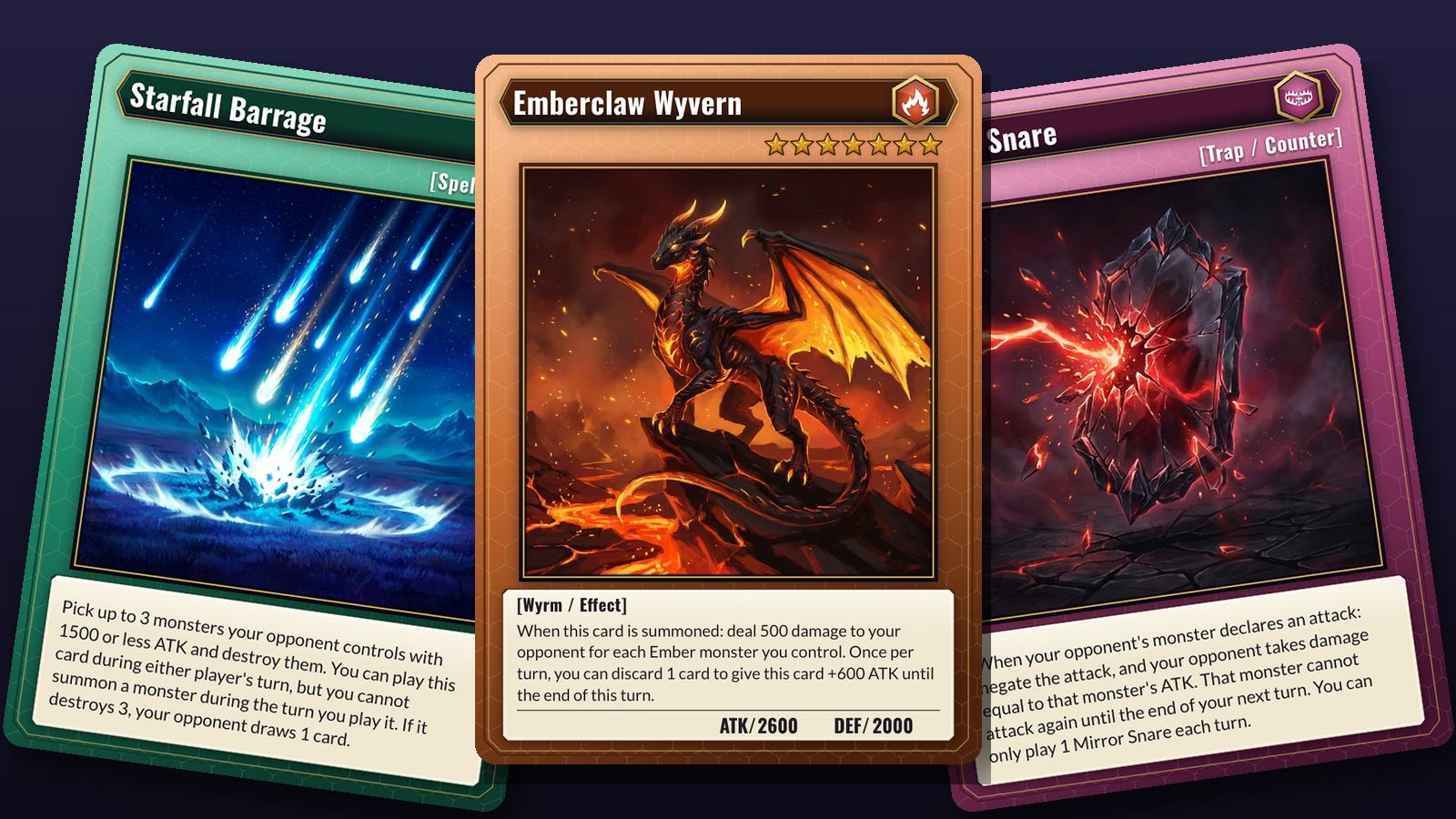
Pick a frame, type a name, set the level and the attribute, and drop in your art. The card redraws as you type, and when you have a set of them, it prints as a real deck.
Card generators stop at one card
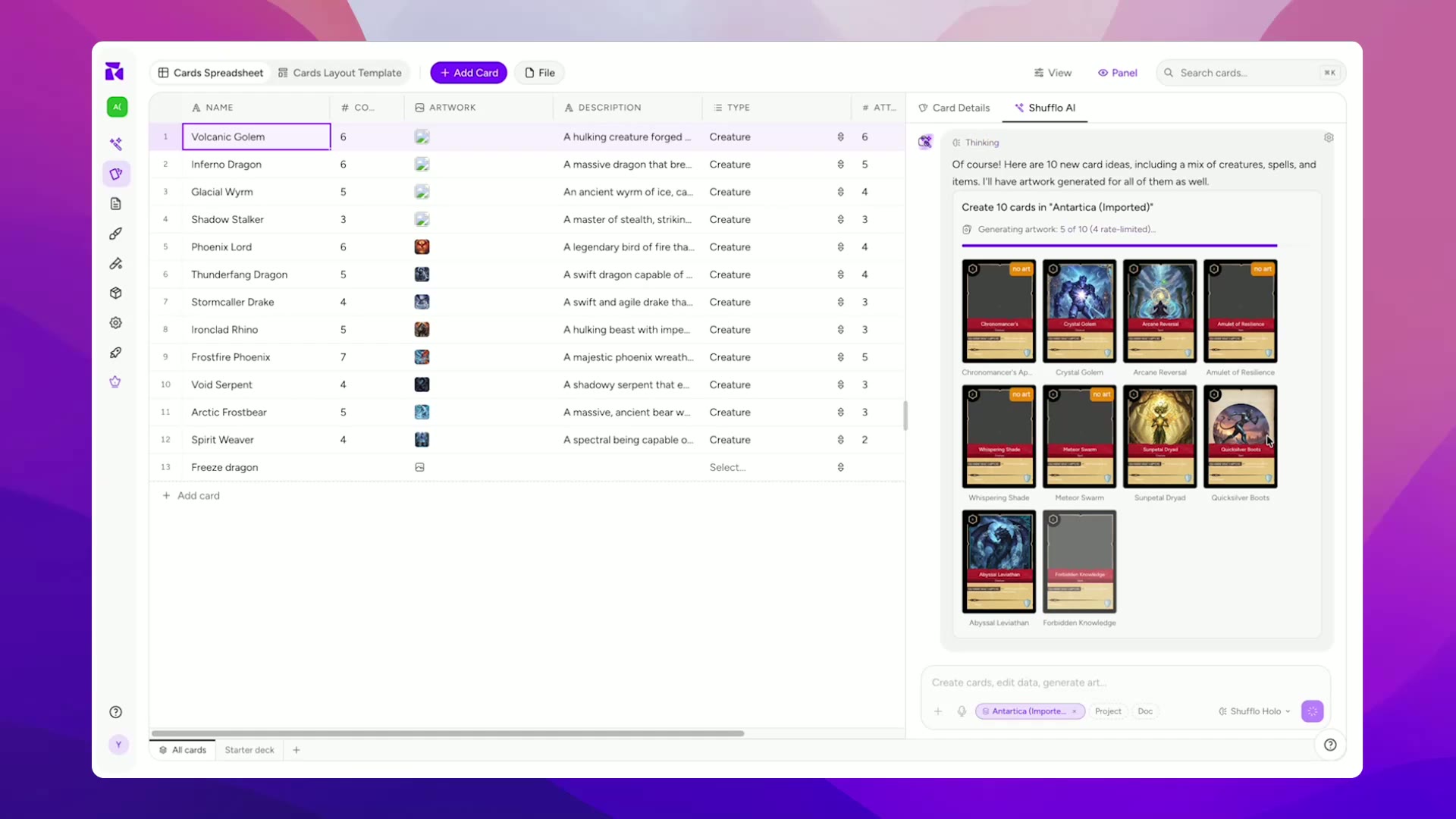
Most card generators are a form and a download button, and the next card starts from an empty form. That works for a single fan card. Forty monsters, spells and traps need the cards kept as a list, a frame for each kind of card, and a way to fix a typo in the frame once for all forty.
 1
1Start from the Riftcall frames
Normal, effect and fusion monster fronts, a spell and a trap front, a back, and fourteen sample cards to write over. Or draw a frame of your own in the same editor.
 2
2Fill in each card
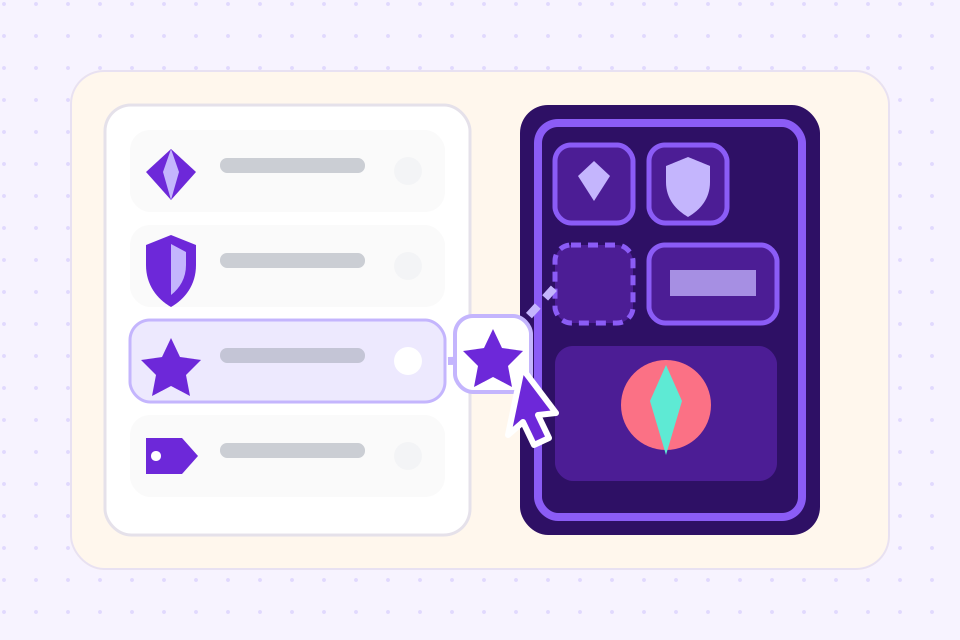
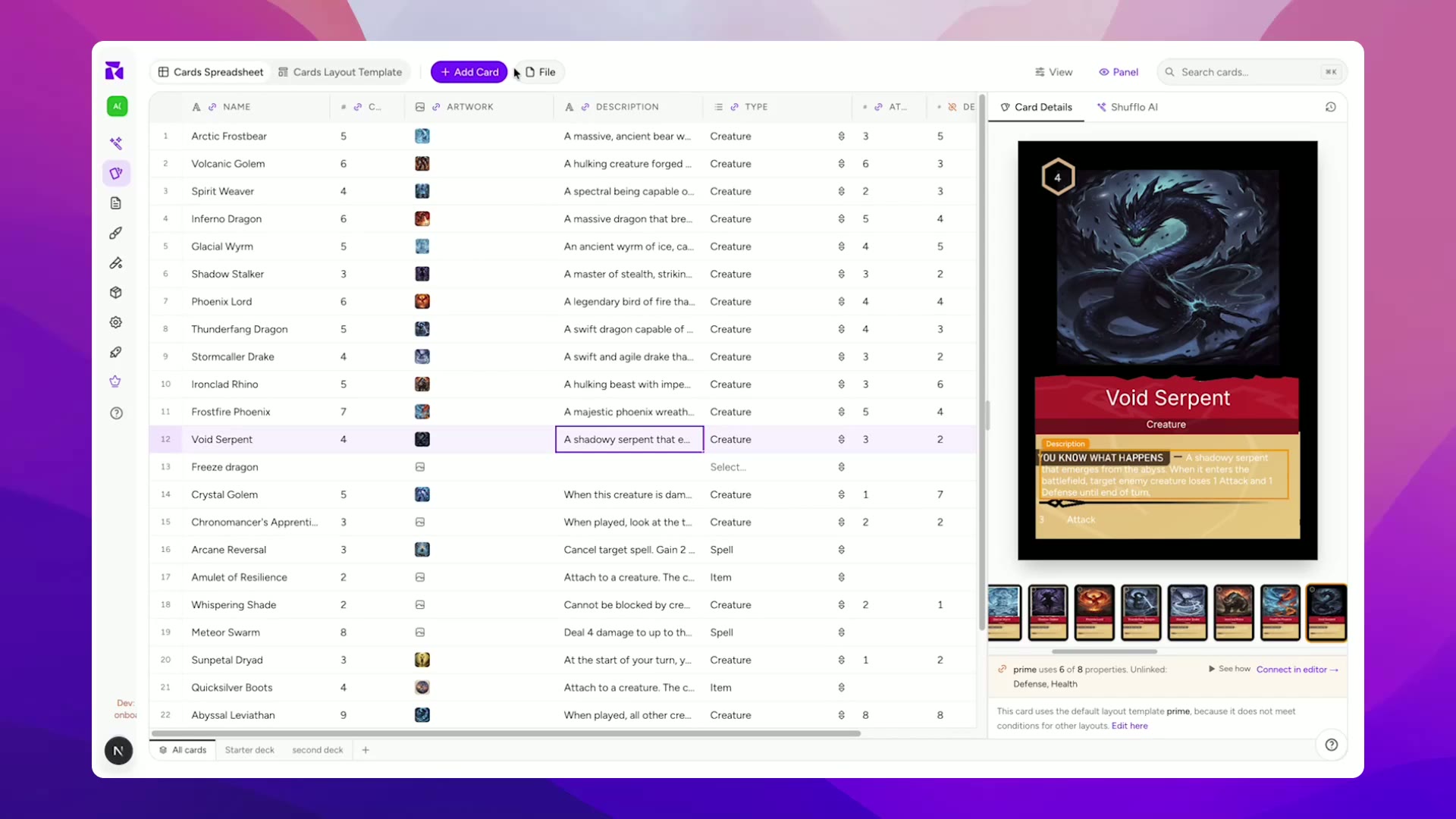
Name, type line, effect text, ATK and DEF are columns in a sheet. Level lights up to twelve stars and Attribute sets the gem, so each card is one row in the sheet.
 3
3Export or print the set
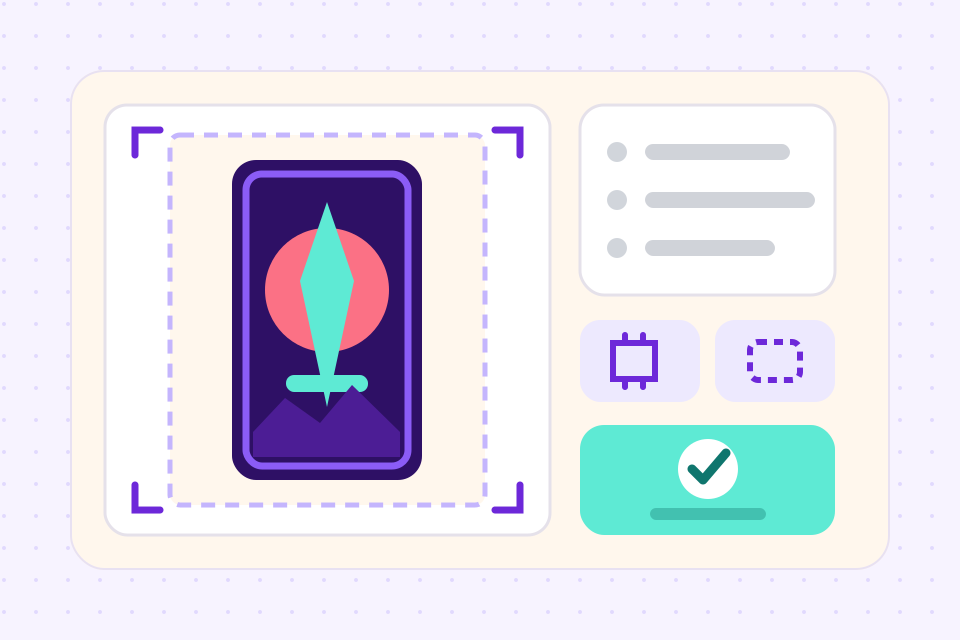
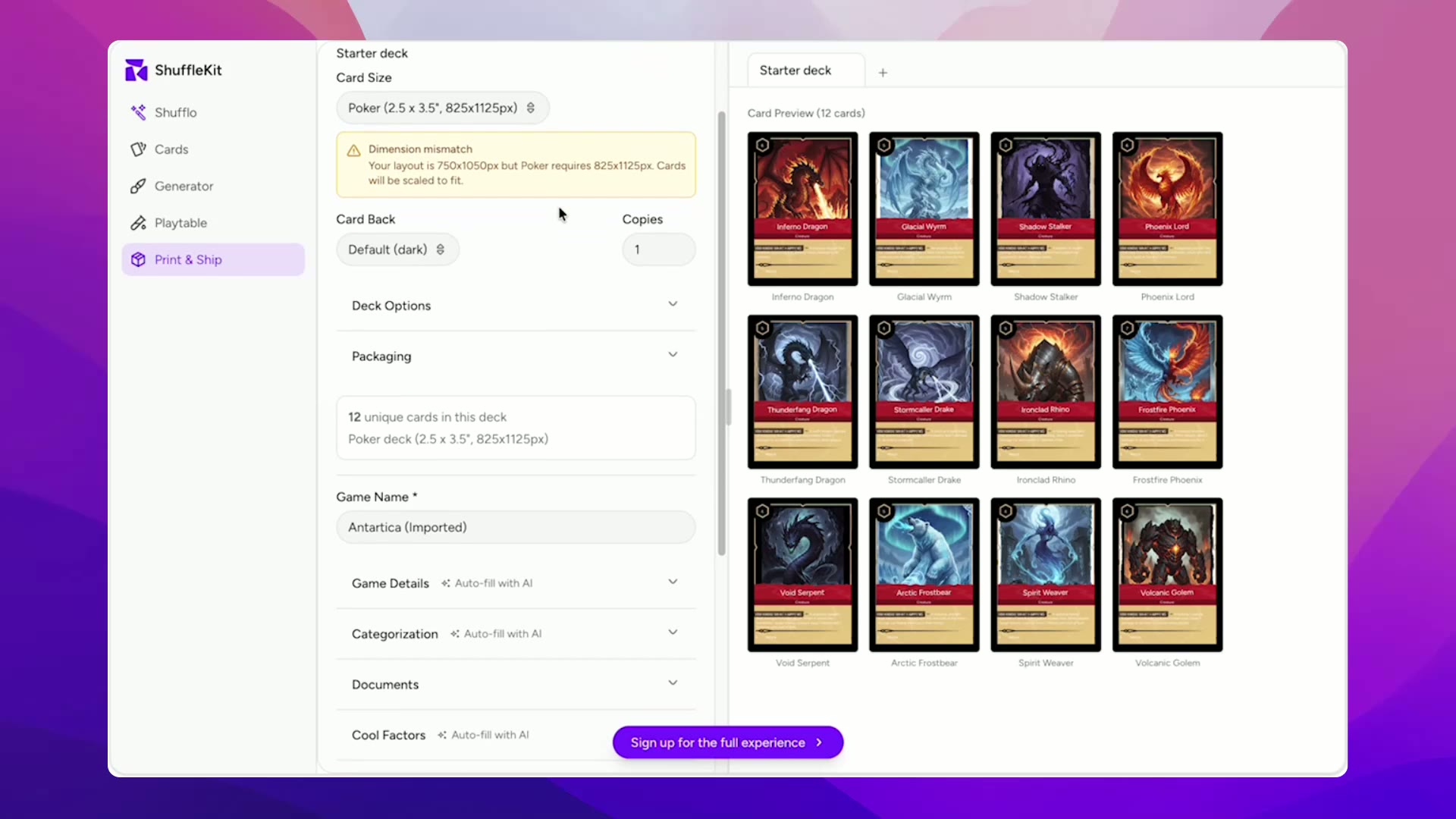
PNGs to share, a Tabletop Simulator sheet, or a print PDF with bleed. Print & Ship orders a poker-size deck from The Game Crafter, cut and boxed.
What the maker does with each card
Type 4 and four gold stars light up under the name; type 10 and ten do. No star layer to show or hide by hand.
Six attributes, each a coloured gem with its own mark. Pick one from a list and the badge in the corner changes to match.
Set a card to Spell and it moves to the green spell frame, which has no level stars and no stats and prints its type up in the header. Effect, fusion and trap cards do the same.
Upload a picture and it fills the square window, cropped to fit. The same picture can sit on several cards without being uploaded twice.
Describe a monster and generate a picture for it in the editor, from the 30 image credits a month on the free plan. Leave it alone if you draw your own.
Print the PDF at home on cardstock, or order the set from The Game Crafter through Print & Ship at poker size, with a card back of your choice.
Frequently asked questions
Everything you need to know before getting started.
Still have questions? Contact us
Is this the official Yu-Gi-Oh card maker?
No. ShuffleKit is not affiliated with or endorsed by Konami. The frames are an original design called Riftcall that uses the layout duel card games share, and none of Konami's frames, attribute symbols, level stars or logos are in it. Use it for monsters you invent, not to copy real cards.
Is it free?
Making cards is free. The free plan holds one project of up to 120 cards and 30 image credits a month, with no time limit. Downloading PNG, SVG, PDF and Tabletop Simulator files starts on the Hobby plan at $4 a month billed yearly, and Print & Ship is on the Indie plan.
What goes on a Yu-Gi-Oh style card?
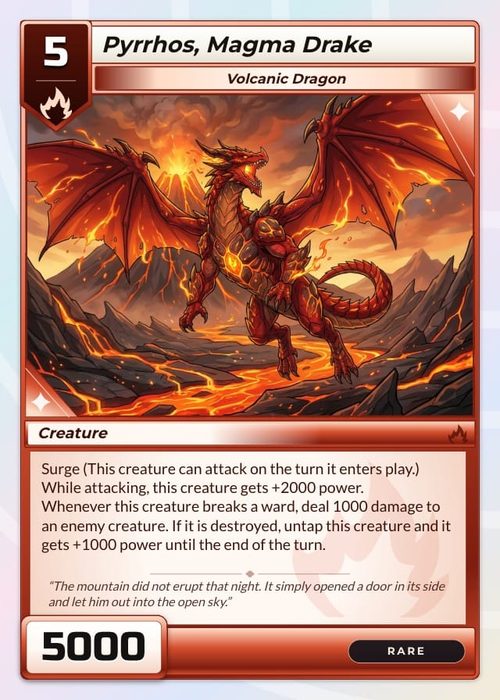
From the top: the name, with the attribute badge at its end, then the level as a row of markers, then the picture. Under the picture sits the type line in square brackets, such as [Wyrm / Effect], then the effect text, or flavour text for a normal monster, and the ATK and DEF line along the foot. Spells and traps drop the level and the stats, and their type line moves up to where the level would be and names the kind of spell or trap, such as [Spell / Quick].
What size are the cards?
Poker size, 2.5 by 3.5 inches, which is 750 by 1050 pixels at 300 DPI. Real Yu-Gi-Oh cards are the smaller Japanese size, 59 by 86 mm. The Game Crafter prints no deck at that size, so these frames use the size it does print. The template page explains how to print them down to Japanese size at home.
Can I make a whole set of cards?
Yes. Every card is a row in the project's sheet, so a set of forty is forty rows, and you can import them from a CSV if you have written them in a spreadsheet. Change the effect frame once and every effect monster follows.
Can I sell a game I make with it?
Yes, if the cards are yours. The Riftcall frames are ours and original, so a game built on them, or on a frame you draw yourself, is yours to publish. Fan cards that reuse a real game's names, art or logos are a different matter, and are for personal play only.
Can I use my own frame instead?
Yes. Every part of the Riftcall frame is a layer you can move, recolour or delete, and you can put a PNG frame of your own underneath instead. Keep the star and gem layers and the Level and Attribute columns go on driving them.
Do I need to install anything?
No. It runs in the browser on Windows, Mac, Linux and ChromeOS, and a project saves as you work.
Start from a template
Related tools
TCG Maker
A trading card game maker that runs in the browser: design the cards, define the mechanics, balance the meta, and print real decks. The full TCG pipeline in one tool, from first sketch to backer fulfillment.
Card Game Printing
Design in ShuffleKit, publish straight to The Game Crafter, ship to your backers. No print broker, no MOQs, no Photoshop bleed math.
Tabletop Simulator Card Maker
Design custom cards, export TTS-ready spritesheets in one click, and skip the manual sprite slicing. Built for modders, prototypers, and game designers.
Yu-Gi-Oh! is a trademark of Konami. ShuffleKit is not affiliated with or endorsed by Konami. The Riftcall frames and sample cards are an original design and contain none of Konami's card art, symbols or logos.
Ready to build it?
Start free. Upgrade only when you're ready to publish.