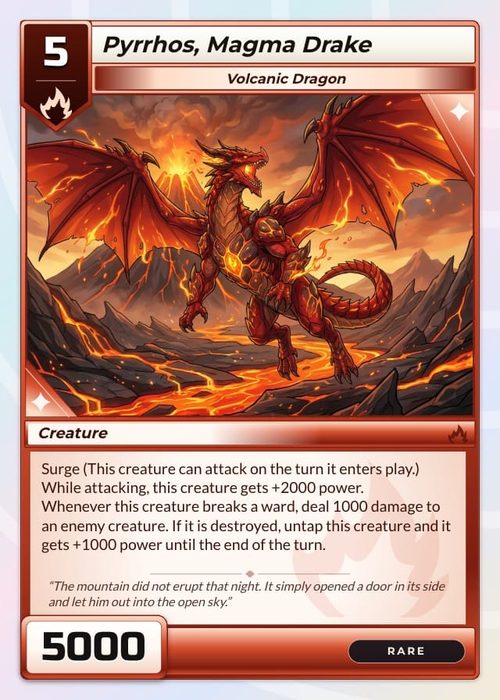
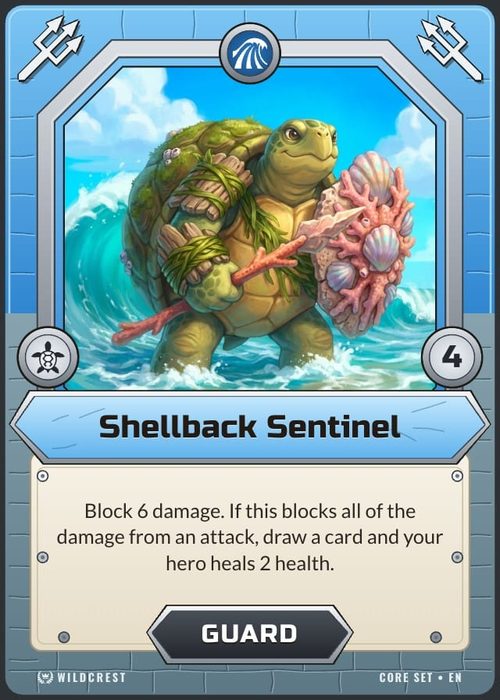
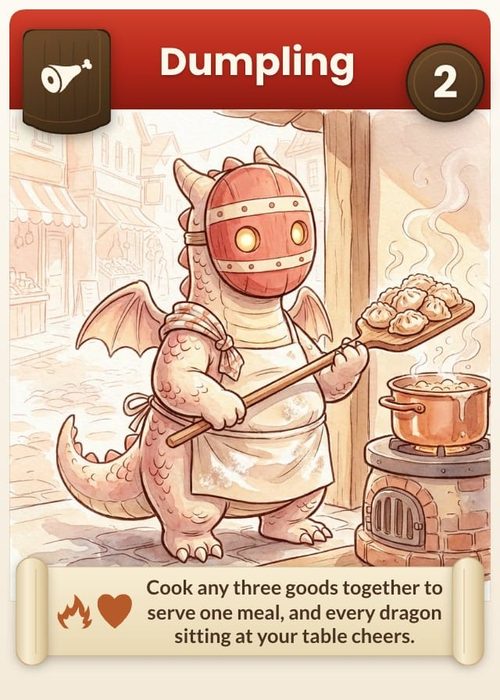
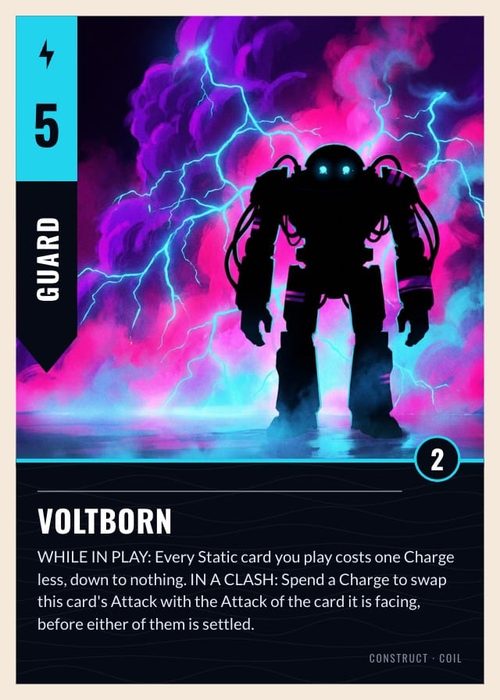
Print Your Own Card Game, From One Copy Up
Design the deck here, then send it to The Game Crafter from the same project. They print it on demand and ship it worldwide, so your first order can be a single proof copy.
From your project to a printed deck
A printer wants every card at its exact pixel size with an eighth of an inch of bleed on each side. Print & Ship does that part: it renders each card at the size The Game Crafter asks for, adds the bleed, uploads the deck and creates the game in your TGC account, usually in under 10 minutes. You order and pay on The Game Crafter, and they print it and ship it to you.
 1
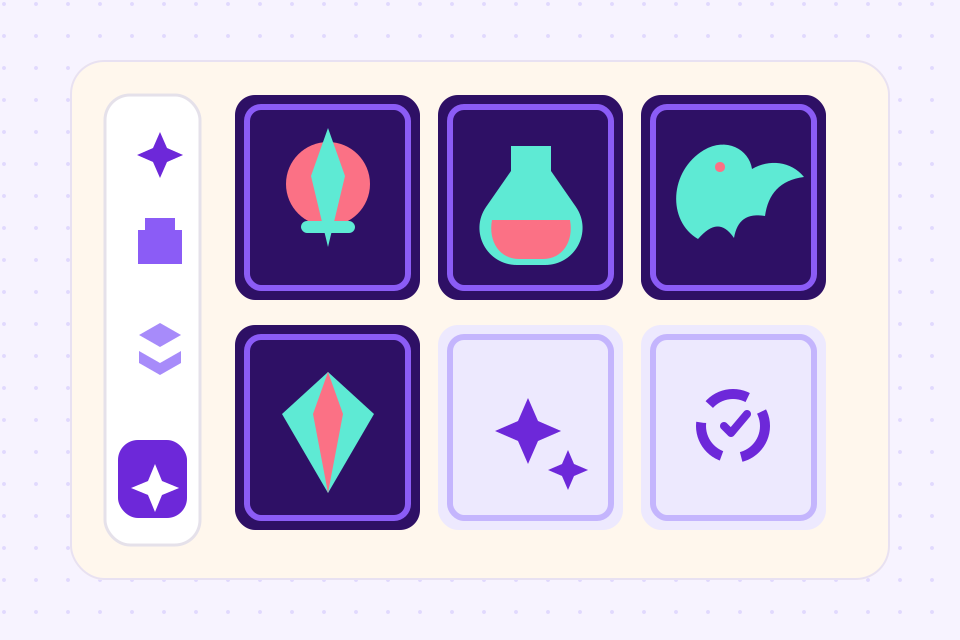
Tick what goes in the box
Every deck in the project is listed, along with any boards, tokens, dice and tuck boxes, each with its TGC product and an estimated price for one copy. The total shows before anything is sent.
 2
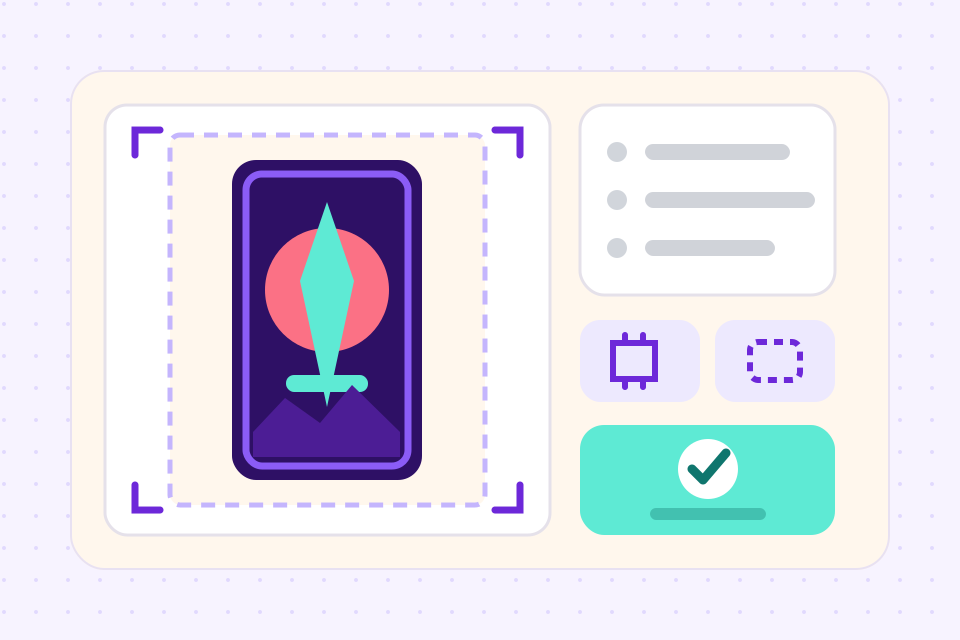
Name the game and send it
Sign in to The Game Crafter, or make a free account there. Print & Ship flags text near the cut and art under 300 DPI, then renders and uploads every card at print size.
 3
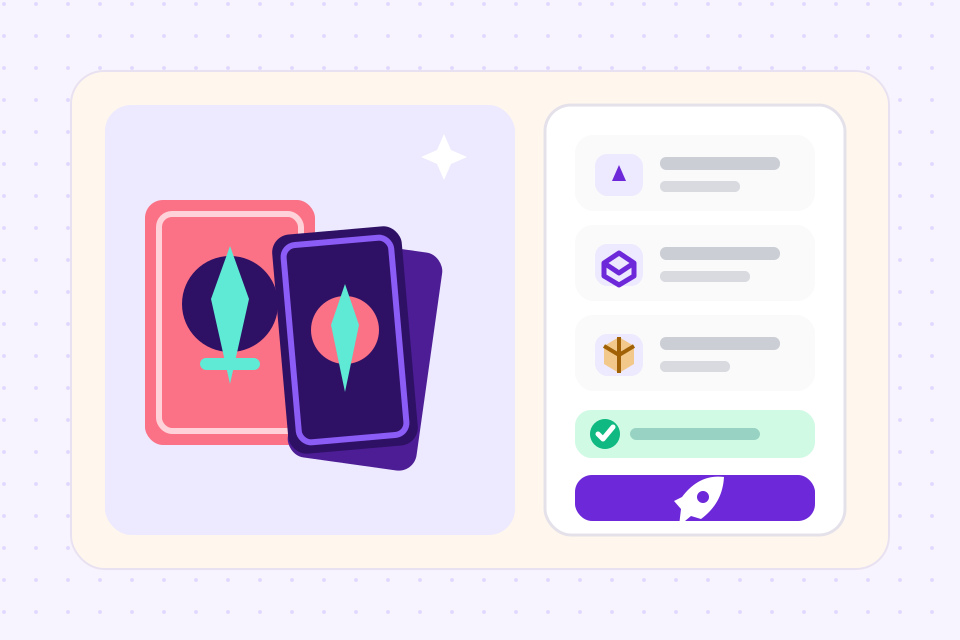
Order a copy on TGC
The game lands in your TGC account, and its real costs and bulk prices come back into ShuffleKit. Order one proof first, then more, or publish it to TGC's shop.
Four ways to get a card game printed
Which one fits depends on how many copies you need and how much of the file preparation you want to do yourself. Prices are for a 54-card poker deck, from the printers' own lists in September 2026, before shipping.
Built for print-on-demand
Native The Game Crafter publishing, no broker, no manual upload, no template translation.
Every design is built at the printer's size with bleed added on the way out. A PDF export or a Print & Ship upload first checks every card for text within 1/8 in of the cut, pictures under 300 DPI and backgrounds that stop short of the bleed.
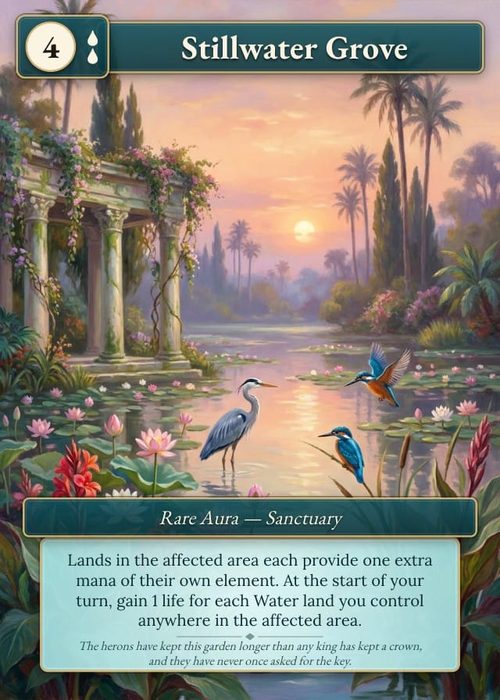
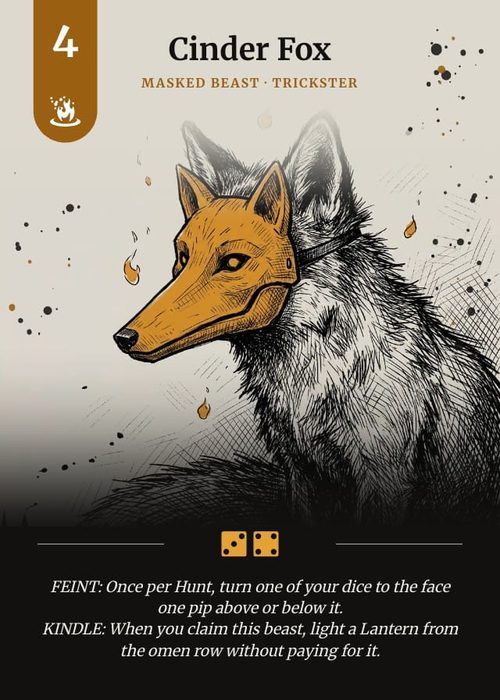
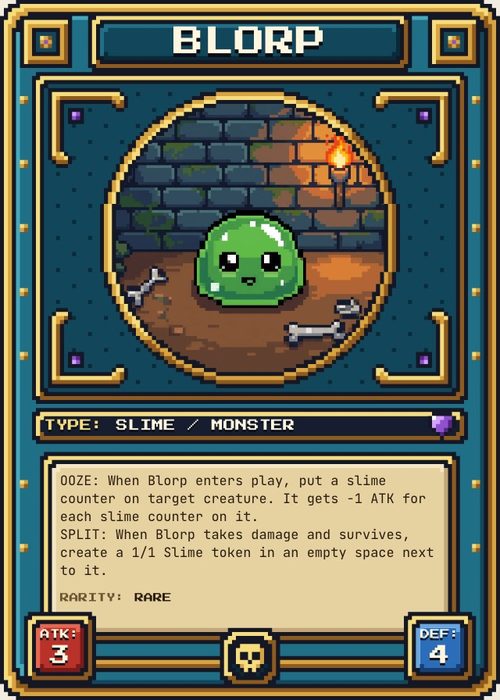
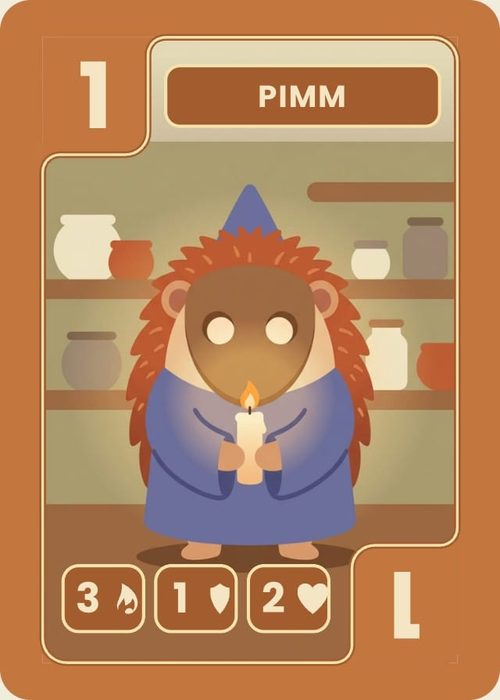
Poker, bridge, tarot, mini, jumbo, every TGC-supported card size is available out of the box.
Print one copy for playtesting or a hundred for a launch, through the same pipeline.
Design unique backs, art-direct them with AI, and print them at the same resolution as fronts.
TGC ships globally. ShuffleKit handles the design pipeline; TGC handles fulfillment.
Frequently asked questions
Everything you need to know before getting started.
Still have questions? Contact us
Which card game printer should I use?
For a first proof deck from a ShuffleKit project, The Game Crafter, because Print & Ship sends the deck there for you. Past a handful of copies MakePlayingCards is cheaper per deck, DriveThruCards suits a deck you want on sale the day the proof arrives, and an offset printer like PrintNinja only makes sense at 500 copies. We compared prices, minimums, card stock and file specs for each. Card game printers compared.
Do I order the printed deck in ShuffleKit or on The Game Crafter?
On The Game Crafter. Print & Ship sends the game from your project to your TGC account, and you order and pay there, the same as any TGC customer. ShuffleKit shows an estimated price before you send and pulls TGC's real per-component costs and bulk prices back afterwards, so you know what a run will cost before you order one.
How does ShuffleKit connect to The Game Crafter?
ShuffleKit is a TGC integration partner. On the Indie plan, sign in to TGC from Print & Ship when you are ready to send; the sign-in lasts a day, and everything you set up is kept if it runs out. Cards, decks, components and the game's name go over together as one TGC game.
How long does it take?
Sending usually takes under 10 minutes: Print & Ship renders each card at full resolution, uploads it and creates the game. Printing and shipping times after that are The Game Crafter's, so check their current turnaround before you promise anyone a date.
Can I get custom playing cards printed on demand, one deck at a time?
Yes. The Game Crafter has no minimum order, so a single poker, bridge, tarot, mini or jumbo deck is a normal order. Poker, bridge, tarot and jumbo decks can also come in a printed tuck box. Order one copy as a proof and check the colours and the cut before you order more.
What does printing actually cost?
Designing and playtesting in ShuffleKit are free. Exporting files starts on Hobby, and publishing to The Game Crafter is on Indie ($10 a month billed yearly). Print costs are paid directly to The Game Crafter and depend on card count, size, and finish. A typical 54-card poker deck runs around $7–10 per copy on demand.
Can I sell on Kickstarter?
Yes. Many successful Kickstarter campaigns use TGC for fulfillment. ShuffleKit handles the design and print files; TGC handles printing and shipping to backers.
Do I need to format files for bleed and safe zones?
No. Print & Ship adds the bleed TGC asks for and renders every card at the exact size and resolution TGC expects. Before you upload, it also points out text within 1/8 in of the cut and pictures that would print under 300 DPI.
Can I print to a different service?
Yes. ShuffleKit also exports print-ready PDF and PNG with crop marks, which you can send to MakePlayingCards, DriveThruCards, or any local printer.
Related tools
Card Game Prototype Software
Build a deck, playtest it online the same afternoon, and revise before your testers leave the table. The design-test-iterate loop, minus the paper cutouts, the Photoshop, and the Tabletop Simulator setup.
Tabletop Simulator Card Maker
Design custom cards, export TTS-ready spritesheets in one click, and skip the manual sprite slicing. Built for modders, prototypers, and game designers.
AI Card Game Maker
Generate cards, art, and rules with an AI built for game design, not a generic chatbot. Iterate fast, keep creative control, export print-ready files.
Board Game Maker
A board game is never one component. Design the board, the deck, the tokens, the dice and the box in one project in your browser, playtest them together, and send the whole thing to print at once.
Playing Card Maker
Start from a painted four-suit set or draw your own fronts and back, then list the deck in a sheet. Each row becomes a card, ready to print at home or to order as a printed deck.
Ready to build it?
Start free. Upgrade only when you're ready to publish.