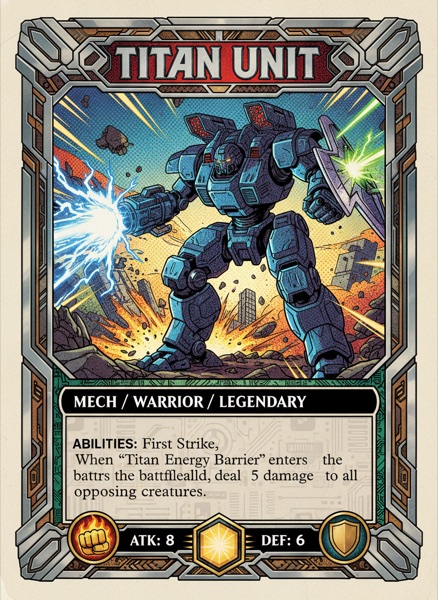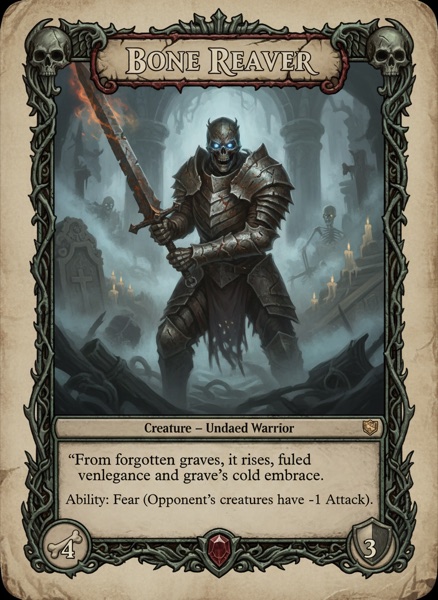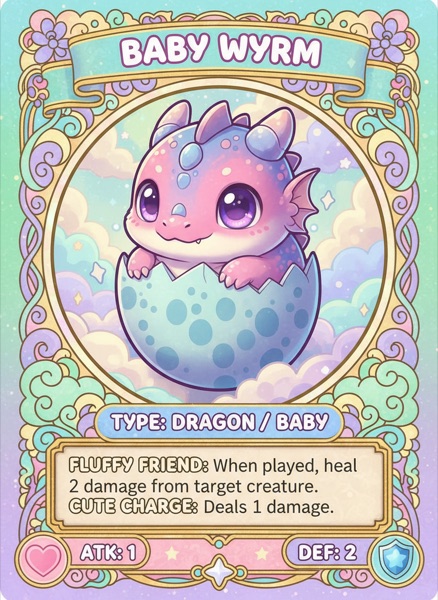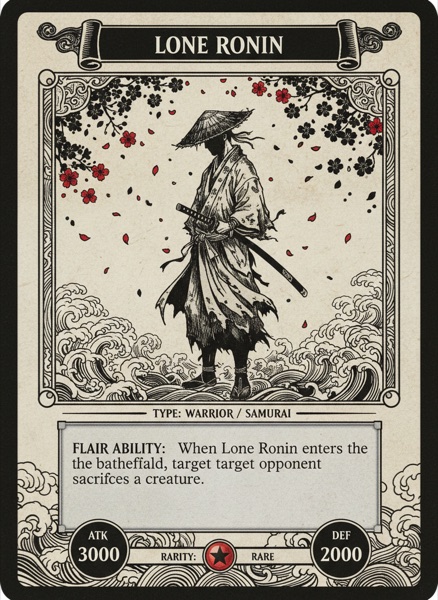
At some point the prototype has to stop being paper and sleeves and become a real deck, and that's when you discover card printing is two industries. Print on demand makes one deck at a time and charges accordingly. Offset printing makes five hundred and charges less per deck but far more per order. Here are the printers designers actually use for both, and when each is the right call.
For each one we checked the price of a 54-card poker deck, the minimum order, the card stock, the upload spec, and whether you can sell through them. Prices are what the vendors listed in early September 2026, before shipping, and they move.
Disclosure: we make ShuffleKit, and it prints through The Game Crafter. We've tried to be straight about where others win.
ShuffleKit with The Game Crafter
Best for: going from card data to a proof deck without ever reading a spec sheet.
ShuffleKit isn't a printer. It's the design side of the pipeline, and it hands your deck to The Game Crafter in the exact shape the printer wants. You design one layout, your card data fills it, and Print & Ship renders every card at 825 by 1125 pixels with the bleed in place, uploads them, and creates the listing. You order a proof from it like any other customer.
You're buying a Game Crafter deck, so those facts matter. Cards are 12 point, 320 gsm black-core matte stock, priced per sheet of 18 cards: $2.99 at a single deck, which makes a 54-card deck about $9, or 17 cents a card, and it falls to about $1.04 per sheet at a thousand decks. There's no minimum, they ship worldwide, and the shop lets you set a retail price above the print cost and keep 70 percent of the difference as a royalty.
The honest cons: Game Crafter cards come in random order, users on Reddit report the occasional uneven cut, and at volume MakePlayingCards is cheaper. Publishing from ShuffleKit is on the Indie plan ($20 a month); the free plan lets you set everything up and see the print guides before you pay.
MakePlayingCards
Best for: the lowest price per deck once you're past a handful.
MakePlayingCards is the printer design forums keep recommending, and the price table is why. One 54-card poker deck is $16.95 with no minimum, but it's $8.55 each at 50 decks and $2.95 at a thousand. The stock menu is the widest here: S30 and S33 smooth, M31 linen, plastic, and thinner stocks for prototypes. Files need 300 DPI and an eighth of an inch of bleed, the same 825 by 1125 canvas as everyone else.
The trade-offs are distance and the editor. Decks ship from Asia, so shipping is a real line item and takes a while, and the upload tool is clunky when you have 54 different faces to place. No marketplace either; you sell it yourself.
DriveThruCards
Best for: selling a deck to an audience that's already shopping.
DriveThruCards is print on demand attached to a storefront, which changes the maths. You upload a press-ready PDF, order a single proof, and once you approve it the deck is listed for sale. Each copy is printed when someone buys it, and on an exclusive deal you keep 70 percent of the margin between your price and the print cost. Cards are printed on Tango 12 point stock with a low-gloss UV coat.
The catch is the pipeline. It wants a PDF with one face per page, an eighth of an inch of bleed on a 2.75 by 3.75 inch page, CMYK, PDF/X-1a. That's stricter than the image uploads above, and the print cost only shows in their calculator.
PrintNinja
Best for: a real print run, once the game is finished.
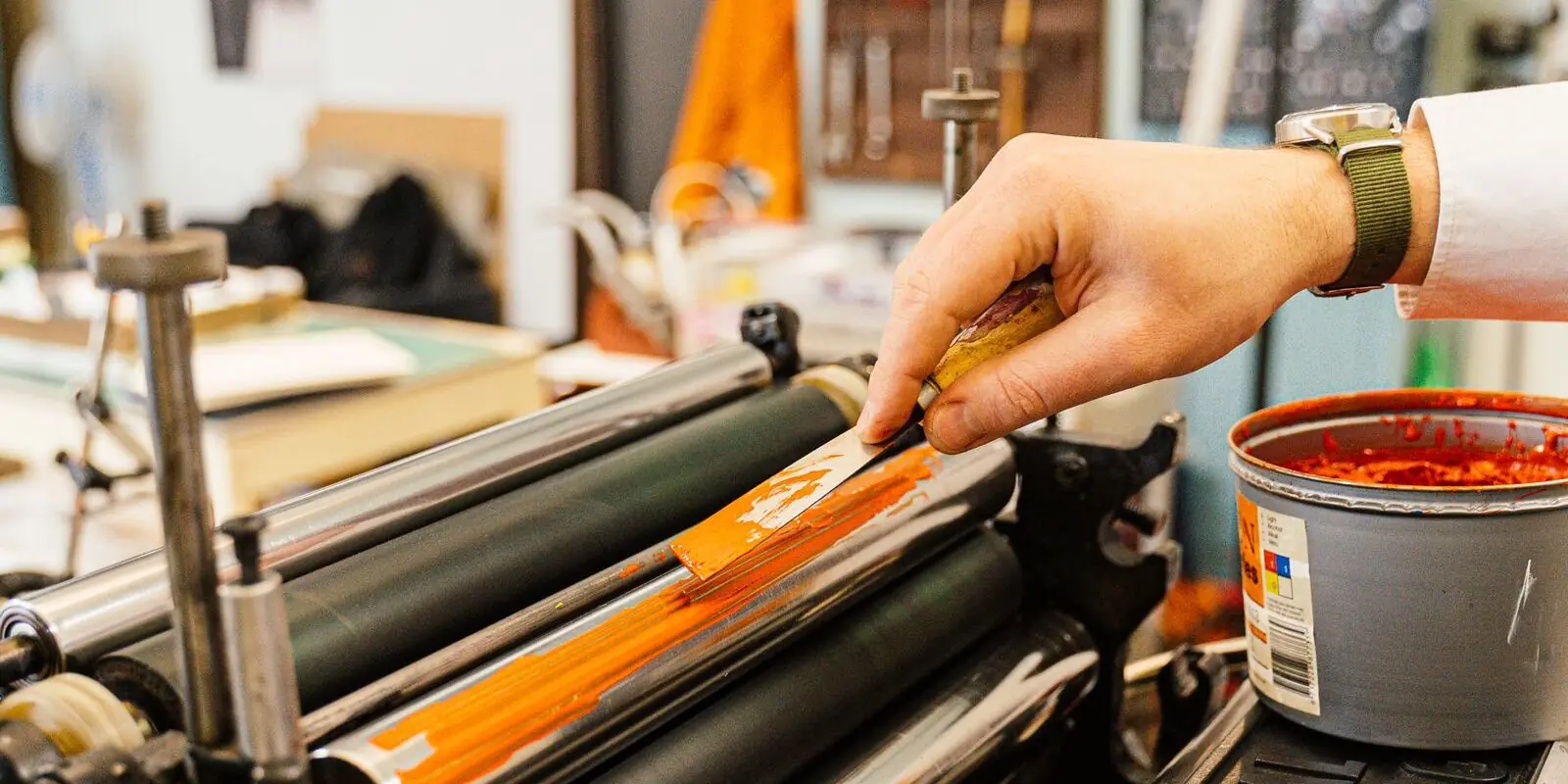
PrintNinja is the offset printer on this list, and it's here because "500 copies" is where print on demand stops. Minimum order is 500 decks. A 54-card poker deck with a printed tuck box on their Blue Core stock starts around $5 to $7 per deck at that quantity, and the stock ladder runs up through coreless and black-core linen to PVC. Electronic proofs are free; a physical proof costs extra and takes weeks.
You get better cards and a better box than any on-demand printer makes. You also commit thousands up front and wait two to three months from proof approval. Don't come here before the game is done.
BoardGamesMaker
Best for: a boxed game with boards and tokens, not only cards.
BoardGamesMaker is the board game arm of the same group behind MakePlayingCards, with the same no-minimum policy and the same S30, S33 and linen stocks. The reason to choose it is everything else in the box: boards, punchboards, tiles, dice and boxes ordered as one game. Users report two to four week turnarounds.
The cons mirror its sibling: overseas shipping, a per-deck price that only appears in the configurator, and a few Reddit reports of components arriving with quality issues.
Which should you pick?
- First proof deck, and you'd rather not learn the spec? ShuffleKit to The Game Crafter.
- Ten or more decks, lowest price, you'll handle the files? MakePlayingCards.
- You want it for sale the day the proof arrives? DriveThruCards.
- The game is done and you're printing 500? PrintNinja.
- The box has a board in it? BoardGamesMaker.
Whatever you choose, order one deck first. Every printer above sells single copies, and a proof in your hand catches the thin border, the text too close to the edge, and the colour that looked fine on screen. The print and ship tutorial shows the guides to check before ordering, and the spec every printer shares is in the best card game template tools.
If you'd rather skip the file prep, ShuffleKit is free to start and the print guides show on every plan. I'd love to see what comes back from the printer. Design your deck.