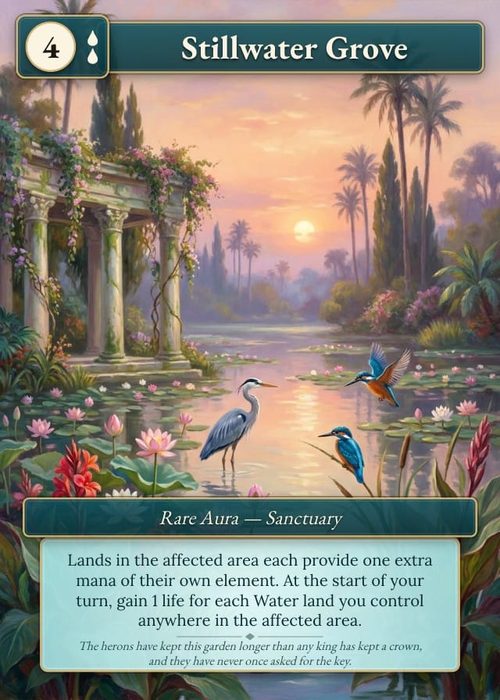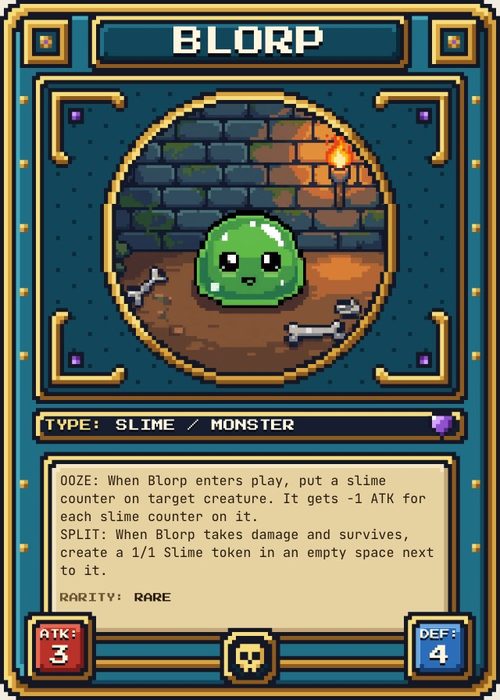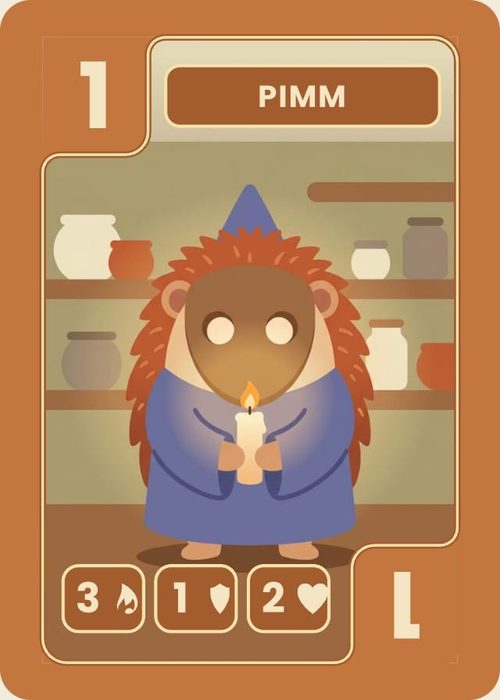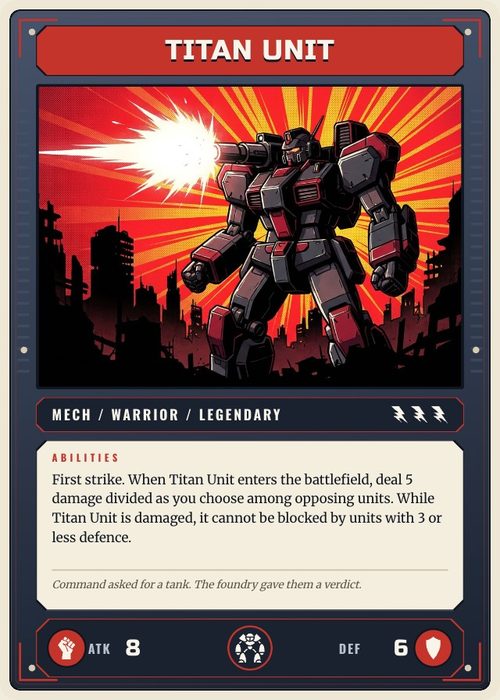
Designing a card game sounds simple until you actually sit down and try it. You've got a killer idea, a handful of mechanics floating around in your head, and a vague sense that it could be something great. But between that first spark and a game people actually want to play, there's a lot of ground to cover.
This guide breaks down the entire process into the stages that matter most, from your first rough prototype to a polished, balanced, beautifully designed deck. Whether you're building a competitive trading card game or a casual tabletop experience, every section here will save you time, prevent common mistakes, and get your game to the table faster.
The Card Game Design Process at a Glance
Creating a card game isn't a straight line. You'll loop back through stages multiple times as your game evolves. But broadly, the journey looks like this:
Prototyping → Get a playable version of your game into your hands as fast as possible. Start ugly, iterate fast, and don't get attached to your first version.
Graphic Design → Structure your card layout so it's readable, functional, and visually appealing. This isn't about final artwork. It's about information design.
Balancing → Make sure no single card, combo, or strategy dominates the game. Build in counterplay, test at every copy count, and future-proof your effects.
Playtesting → The thread that runs through everything. Every stage above depends on getting real people to play your game and tell you what works.
Each of these stages has its own pitfalls, shortcuts, and hard-won lessons. Let's walk through them.
Stage 1: Prototyping Your Card Game
The single biggest mistake new designers make is spending months perfecting a game before anyone else plays it. Your first prototype should be fast, cheap, and disposable, because it's going to change dramatically once real players get their hands on it.
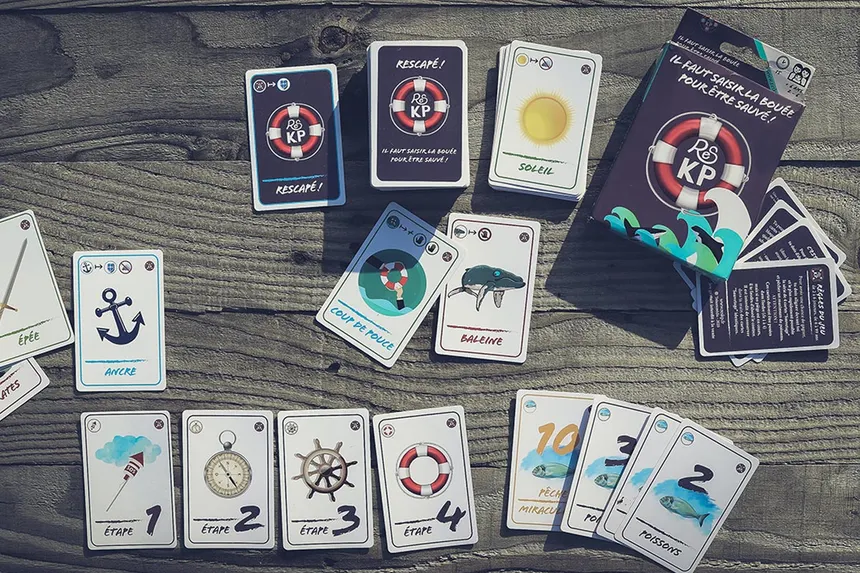
There are three levels of prototype, and each one serves a different purpose in your development process. Hand-drawn cards on blank decks get you started the same day. Print-and-sleeve prototypes using a home printer let you iterate in minutes instead of hours. And manufacturer test prints give you the feel and finish of a real product before you commit to a full production run.
The key lesson: don't linger on any one stage longer than you need to. The faster you move from rough draft to polished prototype, the faster your game gets better.
Read the full prototyping guide →
Stage 2: Designing Your Card Layout
Once your mechanics are taking shape, you need to think about how information is presented on each card. This isn't just about making things look pretty. A poorly laid out card actively makes your game harder to play.
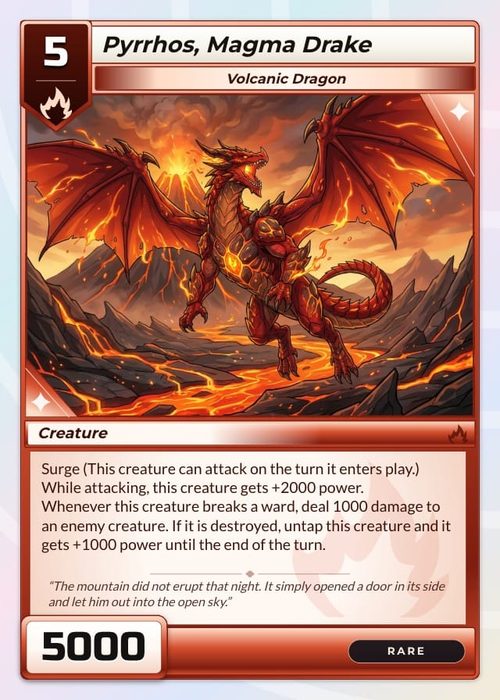
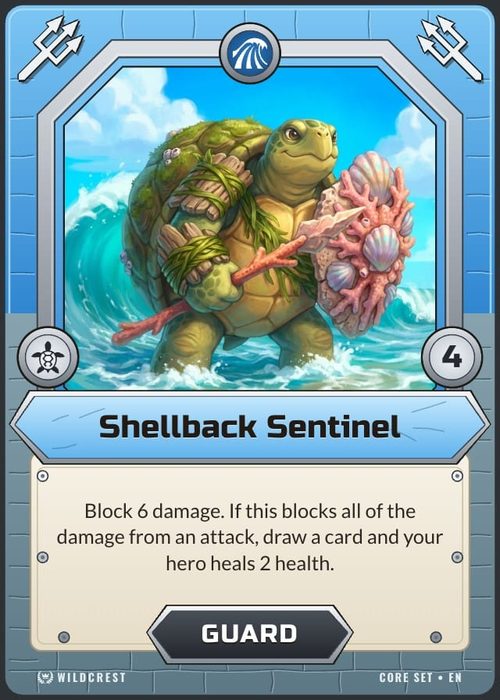
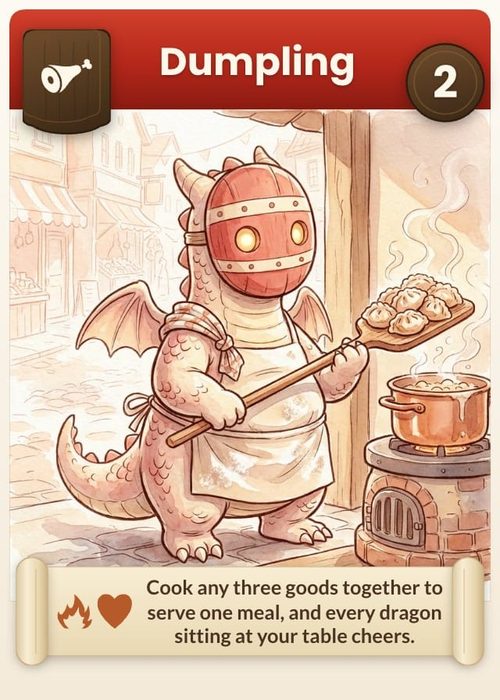
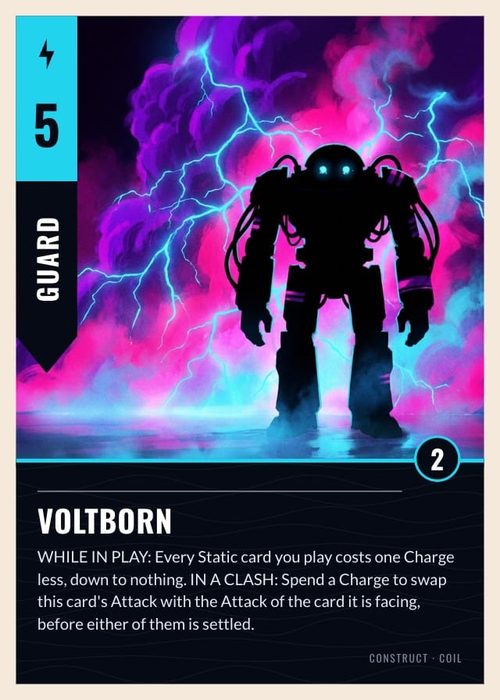
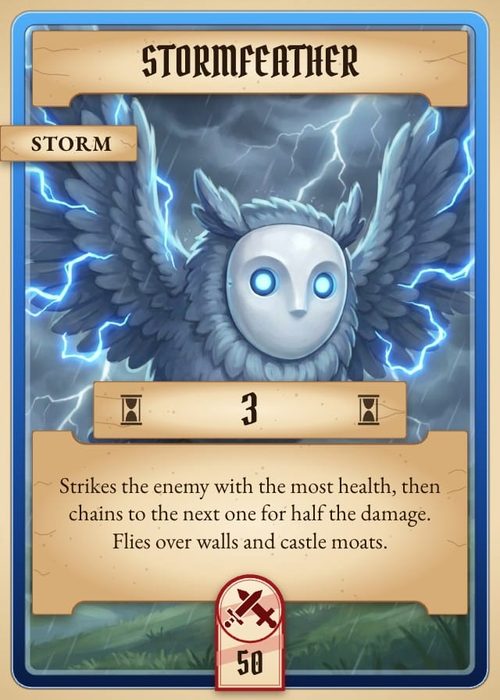
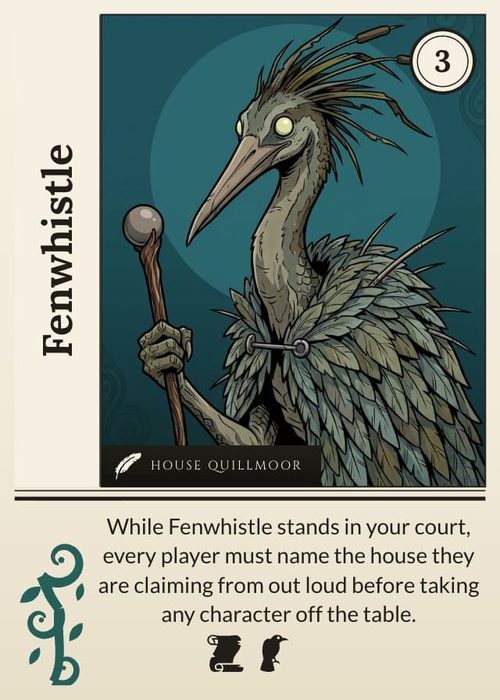
Six core principles drive effective card graphic design. You need to make sure vital information is never hidden when cards overlap or fan out in a player's hand. Visual hierarchy should guide the eye from the most important elements to the least. Card text should be ruthlessly concise. Recurring phrases should be replaced with icons and symbols. And the overall layout should be built around a central art space that ties everything together.
Getting this right during prototyping, before you commission final artwork, means you won't discover layout problems after it's too expensive to fix them.
Read the full graphic design guide →
Stage 3: Balancing Your Cards
A fun game becomes frustrating the moment one card or strategy dominates everything else. Balancing is an ongoing process that starts the moment you write your first card effect and never truly ends, but having a solid framework from the beginning prevents the worst problems.
Five principles keep most balance issues in check. Every card effect should have at least two viable counters within the game. Card effects should be specific rather than broad, so they don't become more powerful as you add new cards in future sets. And rigorous playtesting (at different copy counts, with combo potential in mind, and with an honest "is this still fun?" check) catches the problems that theory alone can't predict.
Balance isn't about making every card equal in power. It's about making sure every card creates interesting decisions and that no single option feels mandatory.
Read the full balancing guide →
The Role of Playtesting
You'll notice that playtesting shows up in every stage above. That's not an accident. It's the single most important activity in card game design, and it serves a different purpose at each phase.
During prototyping, playtesting tells you whether your core mechanics work at all. Does the game flow? Do turns take too long? Is there a clear path to winning?
During graphic design, playtesting reveals layout issues you'd never catch alone. Can players read cards from across the table? Do they keep forgetting about an icon tucked in the corner? Does important information get hidden when cards stack?
During balancing, playtesting is the only reliable way to find broken combos, overpowered strategies, and cards that sound fine on paper but ruin the experience in practice.
Start playtesting earlier than you think you should. Your game doesn't need to be "ready." It needs to be played.
Tools and Resources for Card Game Designers
You don't need expensive software or professional experience to start designing. Here are the most commonly used tools at each stage of the process.
Prototyping
Blank playing cards and coloured pens get you started for under £5. Plastic card sleeves (around £2 for a pack of 50-100) plus a home printer take you to the next level. For digital design, free tools like Canva or Google Slides work well for early card layouts.
Graphic Design
Dedicated card design platforms like Dextrous let you make sweeping changes across an entire deck at once, which is a huge time saver during iteration. For more control, Affinity Designer or Adobe Illustrator handle professional-grade card layouts. GIMP is a solid free alternative for image editing.
Balancing and Playtesting
Spreadsheets are your best friend for tracking stats, costs, and win rates across playtests. A simple Google Sheet where you log each test session (which cards were played, which strategies won, what felt broken) builds a dataset that makes balance decisions much easier over time.
From Prototype to Product: What Comes After Design
Once your game is designed, balanced, and thoroughly playtested, the road ahead branches depending on your goals.
Self-publishing typically means running a crowdfunding campaign on Kickstarter or Gamefound, then working with a manufacturer to produce your game at scale. This path gives you full creative control and higher margins, but requires you to handle marketing, fulfilment, and community building yourself.
Publisher pitching means taking your polished prototype to game publishers who handle production, distribution, and marketing. You give up some control and revenue, but gain the support of an established team. Having a manufacturer test print to show publishers makes a strong impression.
Print-on-demand services let you sell copies without a large upfront investment. The per-unit cost is higher, but there's no minimum order and no inventory risk. It's a good option for testing market interest before committing to a full print run.
Whichever path you choose, the quality of your design work (your prototype, your card layout, your balance) determines whether your game stands out or gets lost in the crowd.
Start Building Your Game Today
The gap between "I have a game idea" and "I have a game" is smaller than you think. It starts with a blank card and a pen. It grows through iteration, feedback, and a willingness to throw out your favourite mechanic when it doesn't work.
Every section of this guide exists to shorten that gap. To help you avoid the six-month detours, the layout mistakes you'd only catch after printing, and the balance issues that kill a game's fun before anyone else sees it.
Pick the stage you're at right now, dive into the detailed guide, and get your game to the table.
- Just getting started? Learn how to prototype your card game →
- Mechanics are working, cards look rough? Master card graphic design →
- Cards keep breaking the game? Fix your balance →
- Ready to move from paper to software? Follow the step-by-step ShuffleKit tutorials →