Tabletop Simulator Card Maker
Design custom cards, export TTS-ready spritesheets in one click, and skip the manual sprite slicing. Built for modders, prototypers, and game designers.
Stop hand-stitching spritesheets in Photoshop
Custom TTS decks usually mean exporting each card by hand and stitching a grid to the exact dimensions TTS expects. ShuffleKit packs the spritesheet for you and hosts it: design, click export, and paste the links into a Custom Deck with the grid numbers ShuffleKit writes out for you.
 1
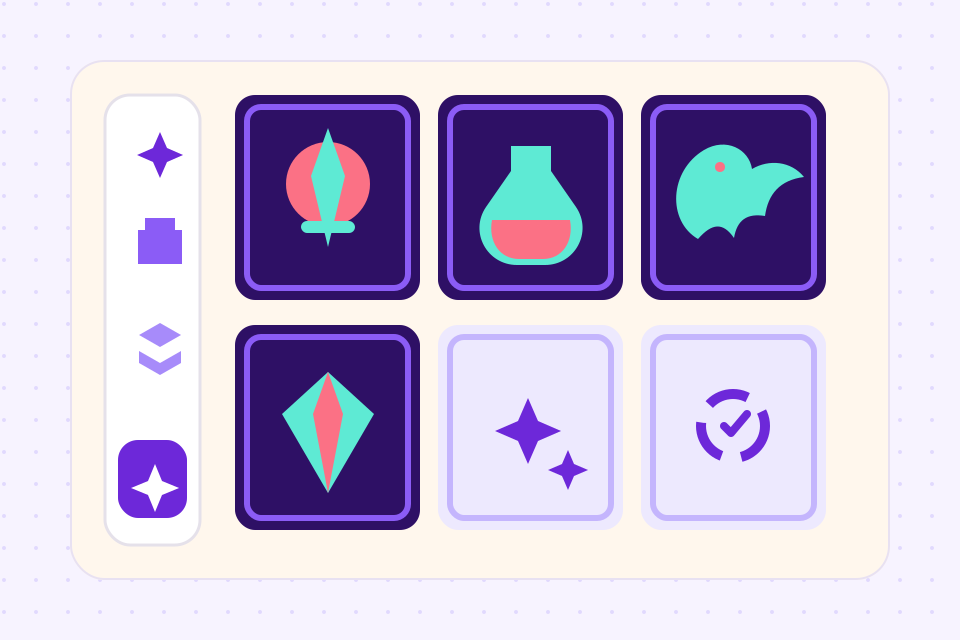
1Design your cards
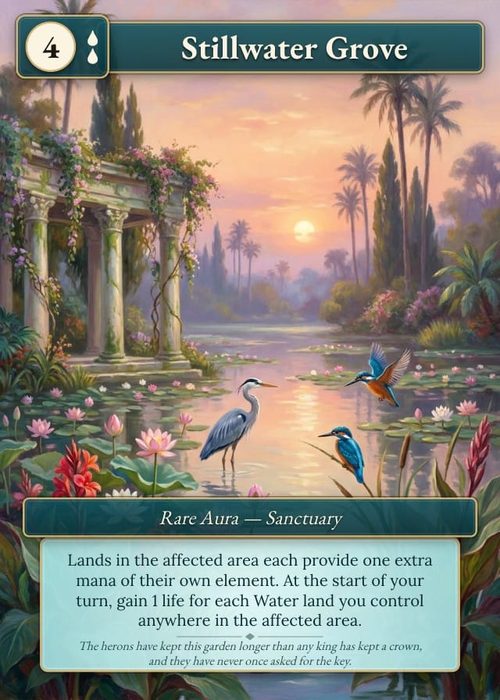
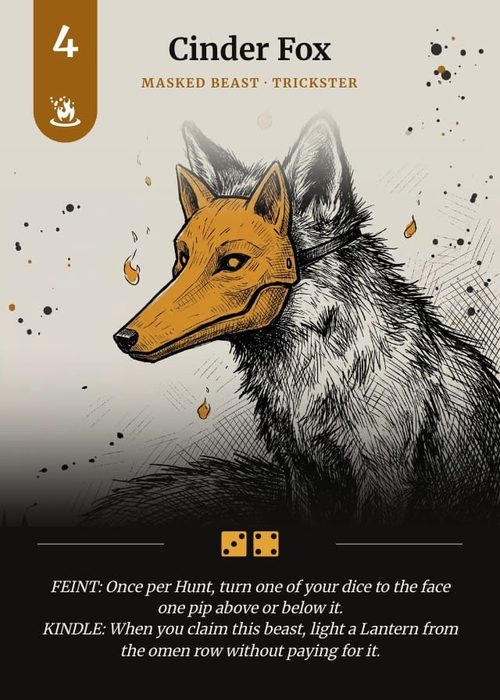
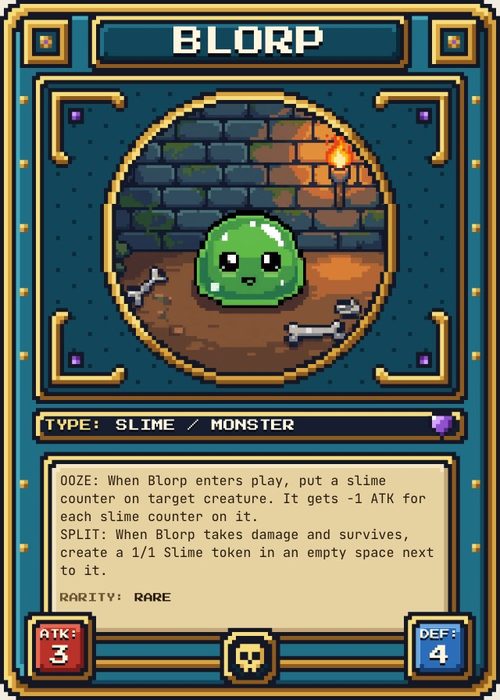
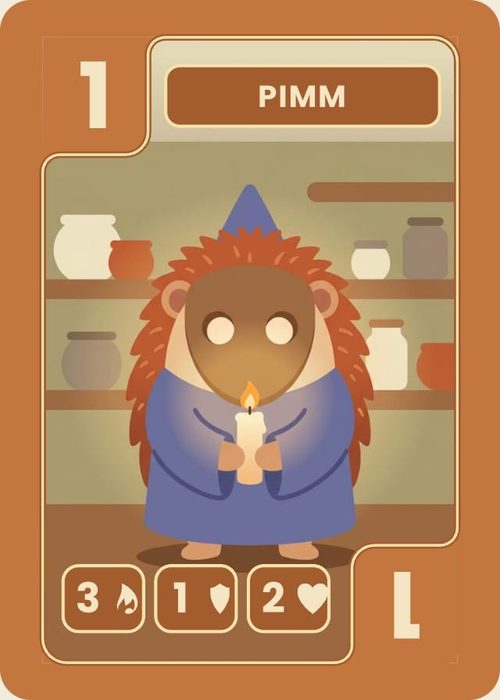
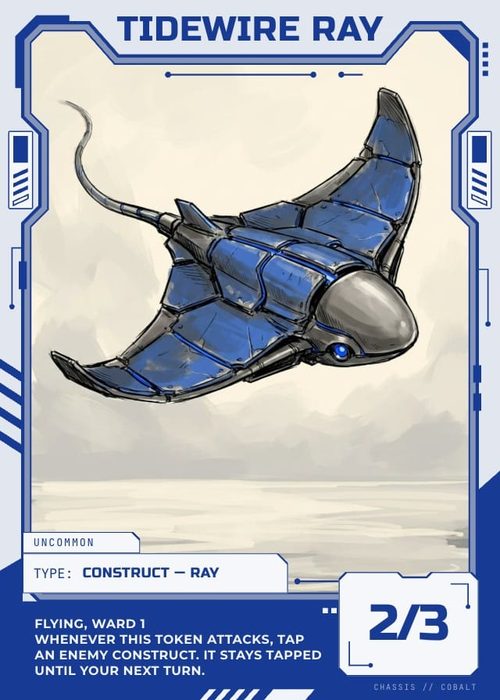
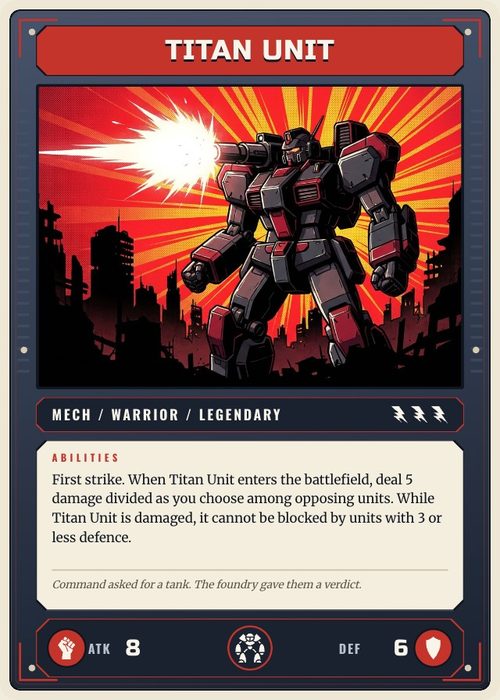
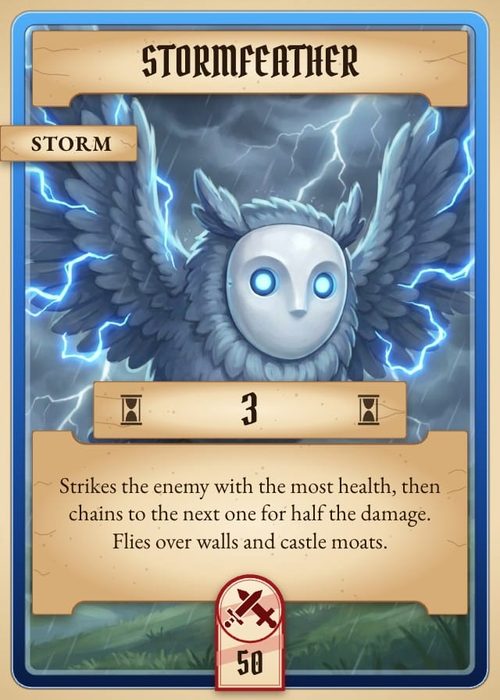
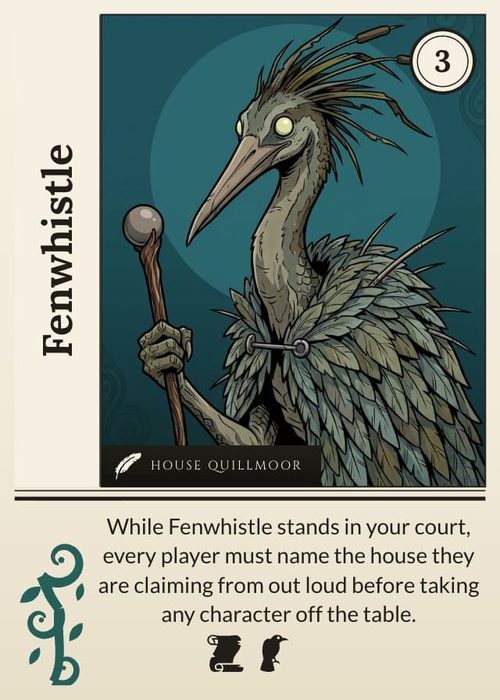
Use the visual editor or bulk-import from a CSV. 35 template packs and full design control.
 2
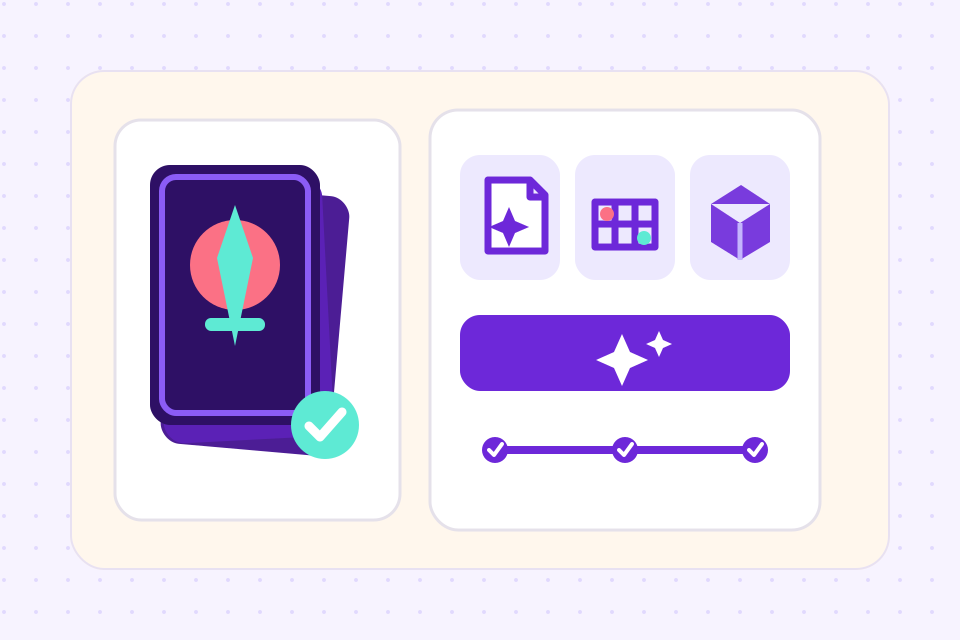
2Choose TTS export
Any card size works. ShuffleKit packs the grid, splits big decks across sheets and renders at the correct pixel ratio automatically.
 3
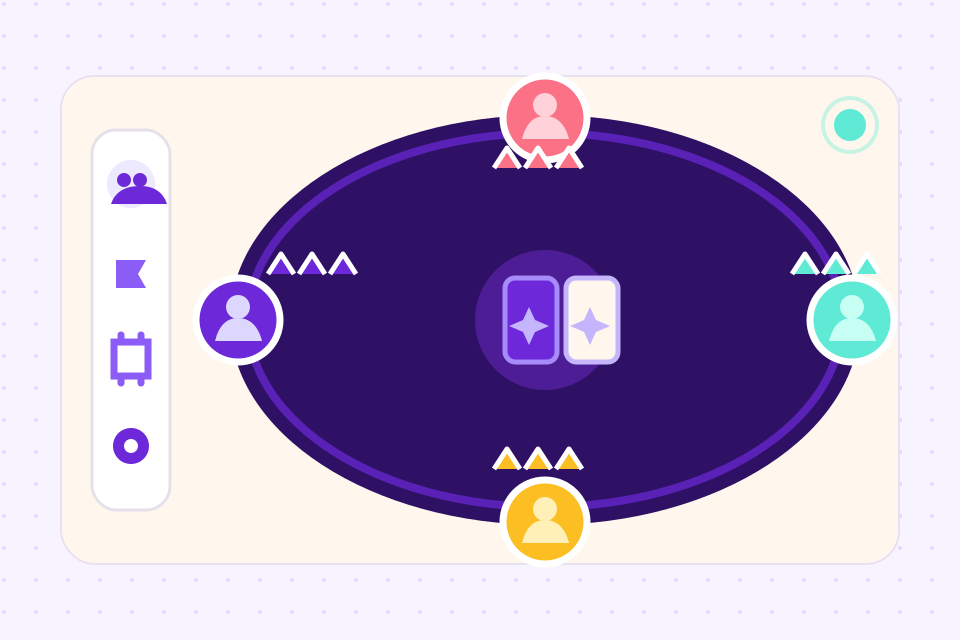
3Drop into TTS
Paste the Face and Back links into a Custom Deck and enter the Width, Height and Number from the export notes, or drop the saved object into your Saved Objects folder and the deck arrives already set up.
Tabletop Simulator deck template calculator
A Custom Deck is one image with every card in a grid, not a folder of card files. Tabletop Simulator accepts a grid from 2 × 2 up to 10 × 7, so 70 cards per sheet, and downscales any sheet with an edge over 4096px. Enter your deck and get the exact template it needs.
Card shape
455px is the widest this deck can go before the sheet passes 4096px.
Sheet grid
9 × 6
2 slots left blank. Tabletop Simulator ignores them.
Each card
409 × 573 px
Render every card face at exactly this size.
Sheet image
3681 × 3438 px
One sheet.
Images to upload
2
One shared back: upload 1 face sheet plus a single 409 × 573px back image.
Putting it in the game
- 1. Upload all 2 images somewhere that serves a direct image URL: Steam Cloud, Imgur, or your own host.
- 2. In Tabletop Simulator, Objects → Components → Custom → Deck.
- 3. Paste the face URL and the back URL, then set Width to 9 and Height to 6.
- 4. Set Number of cards to 52 so the blank slots are skipped.
Built for Tabletop Simulator creators
Spritesheets are rendered at the exact pixel ratio TTS expects, with proper card backs and aspect ratios.
Poker (63×88mm), bridge (57×89mm), and custom sizes, switch between them per project.
Design a single shared back or unique backs per card. Both are packed into the export.
Change a template field once, regenerate the whole deck, no per-card export grind.
Drop in a spreadsheet of card data and ShuffleKit maps columns to template fields automatically.
Play your deck inside ShuffleKit's online playtable before committing to a TTS export.
Frequently asked questions
Everything you need to know before getting started.
Still have questions? Contact us
What card sizes does Tabletop Simulator support?
TTS supports any aspect ratio, but the standard sizes are poker (63×88mm) and bridge (57×89mm). ShuffleKit exports both, plus custom dimensions if your game uses a non-standard format.
How do I import the spritesheet into TTS?
The quickest way is the saved object: put the .json file from the export in Documents/My Games/Tabletop Simulator/Saves/Saved Objects, then spawn the deck from Objects → Saved Objects. Or spawn a Custom Deck object, paste the Face and Back links ShuffleKit gives you, enter the Width, Height and Number from the notes that come with the export, and save.
Can I have unique card backs for each card?
Yes. ShuffleKit supports both shared and unique backs. The exporter packs unique backs into a second spritesheet, ready for the Back field, and the notes tell you which TTS settings to switch on.
Is there a card limit per spritesheet?
A TTS sheet holds 69 cards plus one hidden slot. If your deck is larger, ShuffleKit splits the export into multiple sheets automatically, and the saved object puts them back together as one deck.
Do the hosted links expire?
No. The sheets stay hosted for as long as the project exists in ShuffleKit, so a deck saved in TTS keeps loading for everyone at the table. Deleting the project deletes them.
Do I need a TTS license to use ShuffleKit?
No. ShuffleKit works standalone. TTS export is one of several output formats on the Hobby and Indie plans. You can also export to print, Roll20 or PDF.
Related tools
CSV to Card Game
Drop in a spreadsheet, get a deck. Map columns to card fields, bulk-edit in grid view, and push print-ready files in one click.
Card Game Prototype Software
Build a deck, playtest it online the same afternoon, and revise before your testers leave the table. The design-test-iterate loop, minus the paper cutouts, the Photoshop, and the Tabletop Simulator setup.
Ready to build it?
Start free. Upgrade only when you're ready to publish.