Build Your Own Trading Card Game
A trading card game maker that runs in the browser: design the cards, define the mechanics, balance the meta, and print real decks. The full TCG pipeline in one tool, from first sketch to backer fulfillment.
TCGs are the hardest card games to build. We made it easier.
Trading card games are brutal to build: hundreds of cards, dozens of keywords, balance across multiple decks, and a printing pipeline that punishes mistakes. ShuffleKit takes a TCG from first sketch to shipped product without leaving the browser.
 1
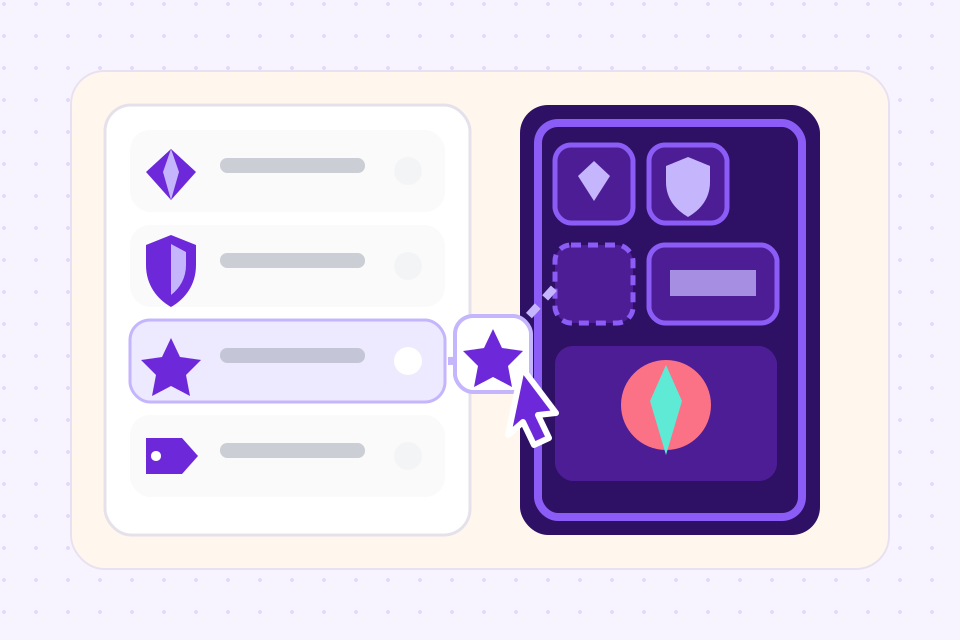
Define your mechanics
Set up properties, keywords, and card types once. Every card inherits the structure automatically.
 2
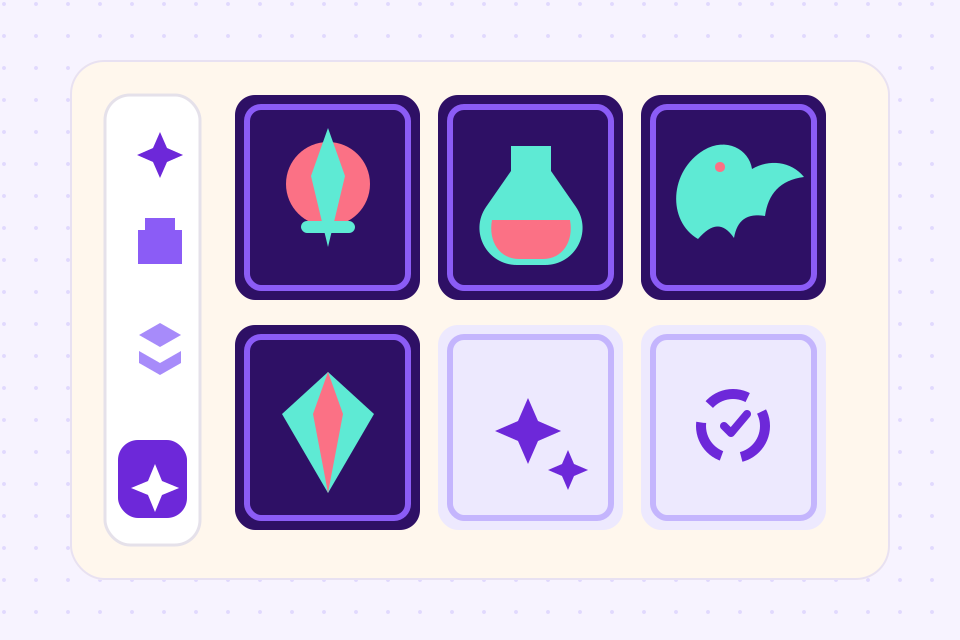
Generate and balance cards
Draft cards with the AI or by hand, then balance the whole set in spreadsheet view, spot outliers and rebalance in bulk.
 3
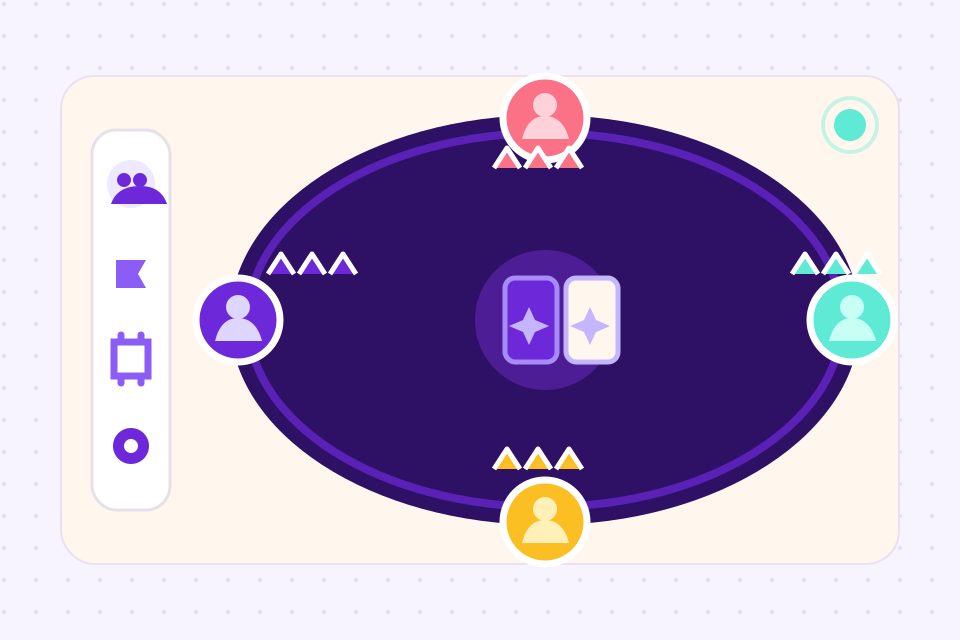
Playtest and publish
Run online sessions with up to 6 players, then publish to The Game Crafter for print-on-demand, no MOQs, no broker.
Everything a trading card game needs
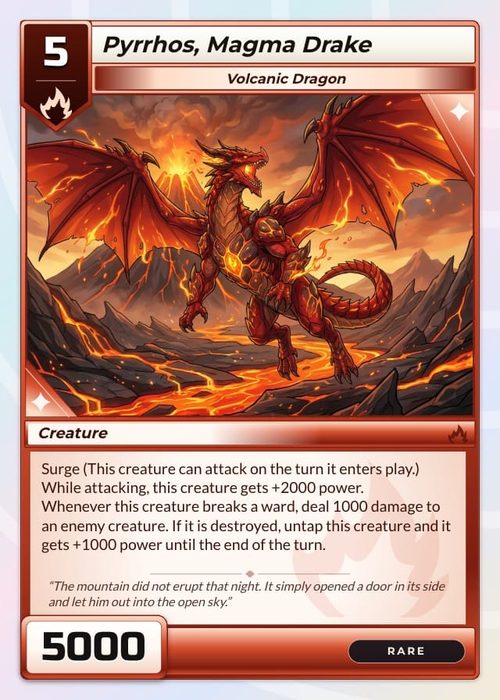
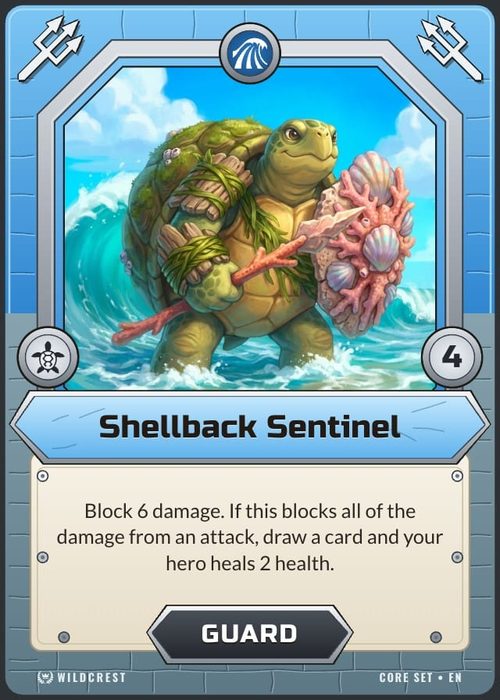
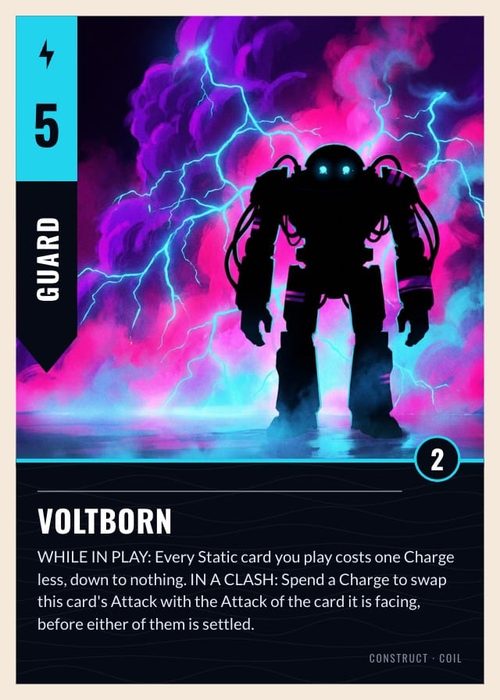
Define your own resource costs, type taxonomy and ability keywords as columns, and every card in the set shares them.
Bulk-generate cards that respect your mechanics. Shufflo reads your properties and existing cards before it writes new ones into your sheet.
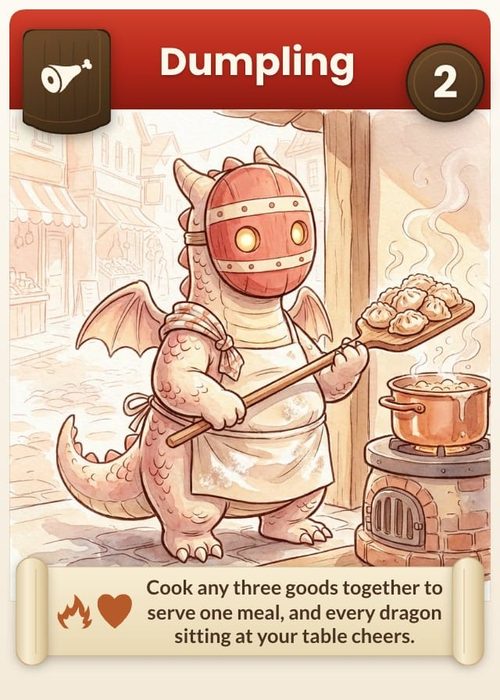
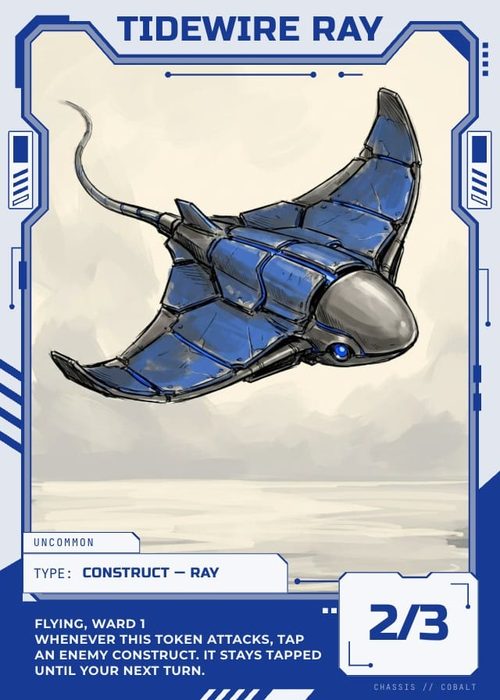
Generate art per card in a consistent style, with Match style to keep new pictures in step with old ones. Or upload your own, your TCG, your art direction.
Edit 200 cards in a grid view. Sort by cost, filter by keyword, and fill a value down the whole set.
Built-in playtable for up to 6 players. No install, no licence, just share a link to your testers.
Direct integration with The Game Crafter. Print one copy or a thousand, ship worldwide.
Frequently asked questions
Everything you need to know before getting started.
Still have questions? Contact us
Can I make a trading card game online, without installing anything?
Yes. ShuffleKit runs in the browser on Windows, Mac, Linux and ChromeOS, and your project saves as you work. There is nothing to download, and nothing to reinstall when you move to another machine.
Is this TCG card maker free?
You can try it free on your first game: one project of up to 120 cards, enough to design your cards and playtest them online before you pay anything. Exporting PNG, PDF and Tabletop Simulator files starts on the Hobby plan at $4 a month billed yearly, and printing through The Game Crafter is on Indie.
How custom can my TCG cards be?
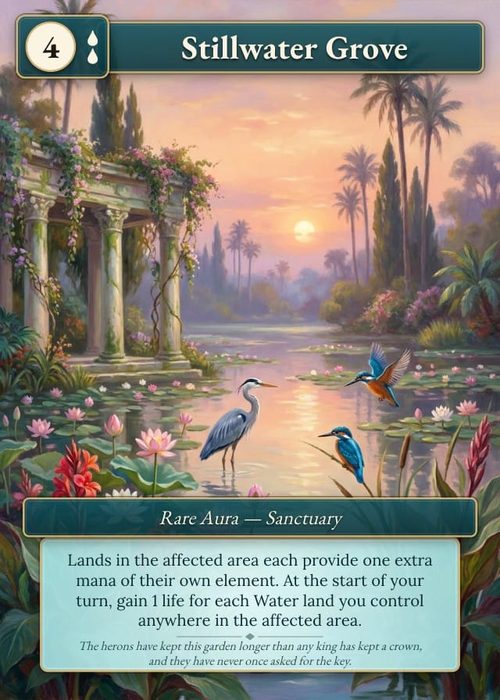
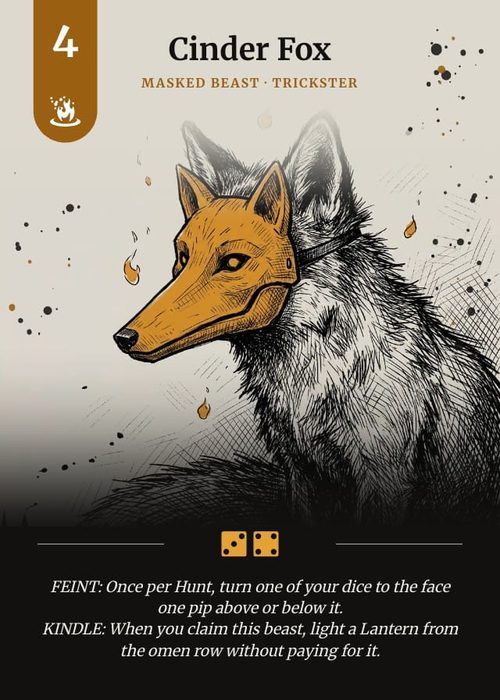
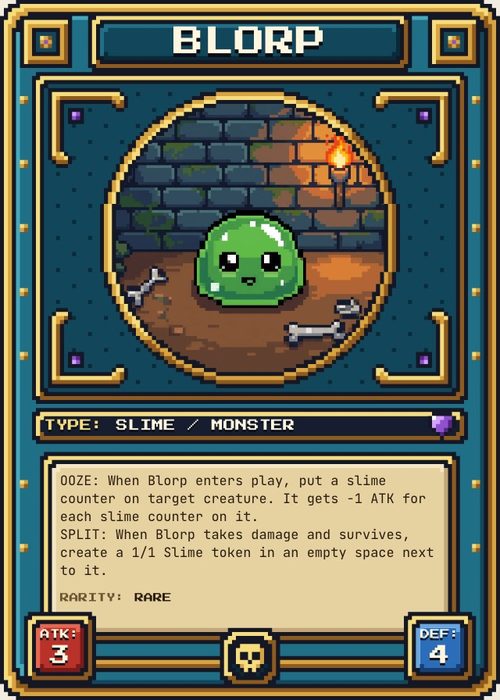
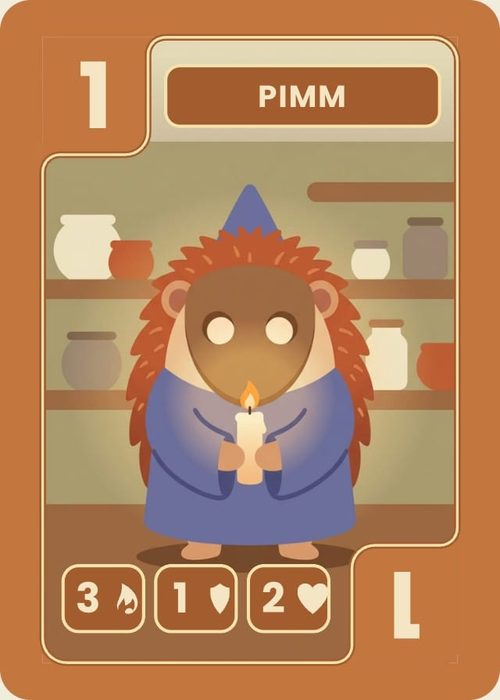
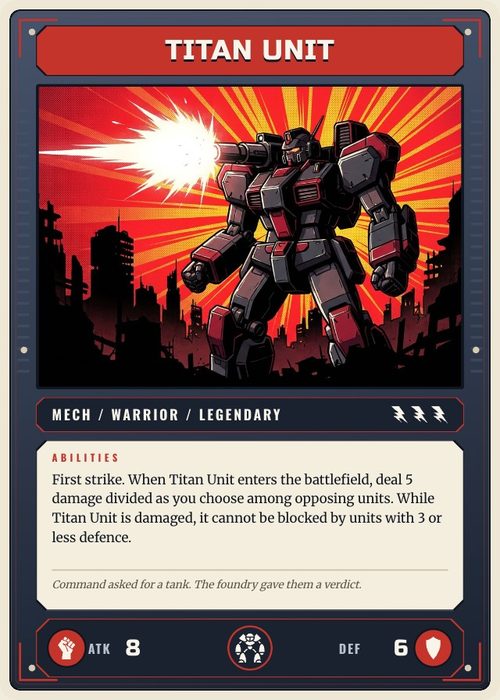
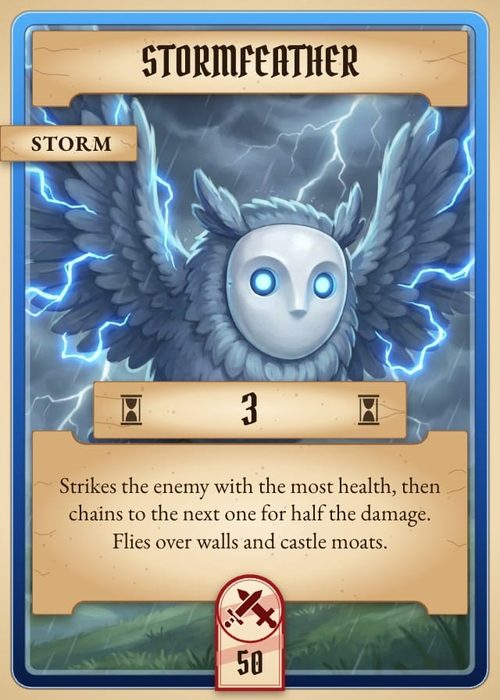
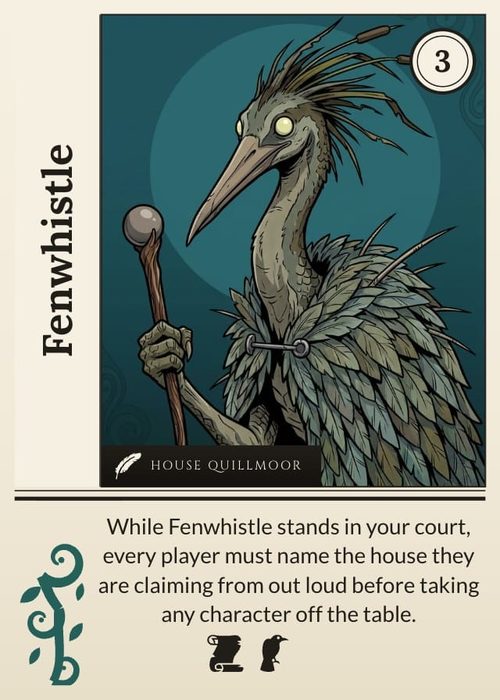
As custom as you want. Start from a trading card template, or draw your own frame from shapes, text, images and icons, or bring in frame art made in Photoshop or Illustrator. Cards come in poker size, the size most TCGs use, or bridge, tarot, mini, square and large. Rules on the layout change what each card shows, so a unit card gets its stats box, a spell card does not, and the frame colour follows the card's faction.
Where do I start if I have never made TCG cards before?
Start with one card, not a set. Make a single card you like the look of, turn it into a layout, then add rows in the spreadsheet view and watch the rest of the set take that layout automatically. Most people have a playable 30-card prototype before they have settled on a name.
Can I really build a full TCG with ShuffleKit?
Yes. ShuffleKit handles set sizes from 30 cards (small standalone games) up to 500+ cards (full expansions). Card properties, keywords, art, balance, playtesting, and print are all in one project.
How do I define custom keywords like Magic's tap/untap?
Card properties in ShuffleKit are user-defined. Add a Keywords column, as a select or as an icon list if each keyword has a symbol, write what each keyword does in your rules doc, and apply it to any card. Shufflo reads both before it writes new cards, so it uses the keyword the way your rules describe it.
Can I import an existing TCG prototype?
Yes. Import card data from CSV, Excel or JSON, and existing designs from a PDF laid out one card per page, an Illustrator file or a Photoshop file. ShuffleKit maps your columns to your card properties as they come in, and a PDF's layout is detected for you.
What about set rotation and multiple expansions?
ShuffleKit organizes cards into decks within a project. A typical TCG project has one deck per set, core, expansion 1, expansion 2, with shared properties across all decks.
Can I sell my TCG commercially?
Yes. All cards, art, and rules you create are yours to sell, through The Game Crafter, Kickstarter, retail, or your own storefront. ShuffleKit charges for the design tools, not the games you build.
How does this compare to nanDeck or Component Studio?
nanDeck is desktop-only, script-driven, and great for layout. Component Studio is web-based but lacks playtesting and AI. ShuffleKit is the only platform that combines AI design, online playtesting, and direct print integration in one workflow.
Related tools
MTG Style Card Maker
Fill in a row, pick the card's colour, and it draws itself on an original stained glass frame, with the cost at the top and power and toughness at the foot. A whole set lives in one sheet and prints at poker size.
Yugioh Style Card Maker
Pick a frame, type a name, set the level and the attribute, and drop in your art. The card redraws as you type, and when you have a set of them, it prints as a real deck.
Card Game Printing
Design the deck here, then send it to The Game Crafter from the same project. They print it on demand and ship it worldwide, so your first order can be a single proof copy.
Card Game Maker
Most tools make you design cards one at a time. ShuffleKit treats your deck as data: import a spreadsheet, design one layout, and watch it fill 200 cards at once.
Trading Card Maker
Pick a trading card frame or draw your own, then type your cards into a sheet. Every row becomes a card on that frame, ready to print at home or to order as finished decks.
Ready to build it?
Start free. Upgrade only when you're ready to publish.