Make your own UNO style cards
Change a number or write a house rule with a photo on it, and the card redraws as you type. The finished deck prints at home or comes back from the printer cut and boxed.
A card generator makes one card
Most custom card generators fill in a single card and hand you an image, and the next card starts from an empty form. A deck of this kind is 108 cards in four colours plus wilds, and a family deck usually adds a few rules and photos of its own. That wants the cards kept as a list, with each colour's design drawn once and shared by every card of that colour.
 1
1Start from the Pinwheel deck
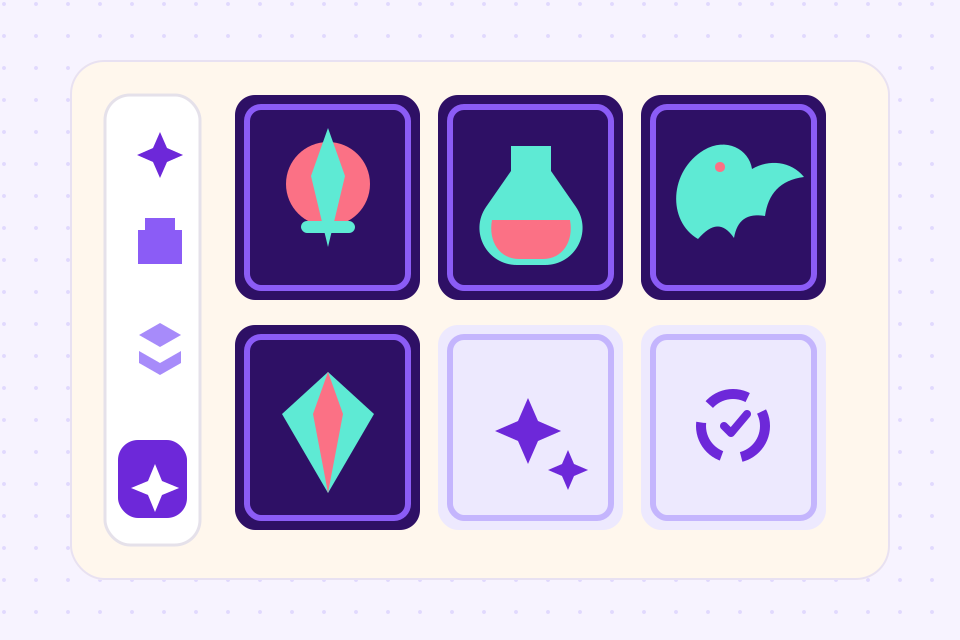
Red, yellow, green, blue and wild designs, a house-rule card and a back, with one of every card already filled in. Or draw a design of your own in the same editor.
 2
2Change the cards
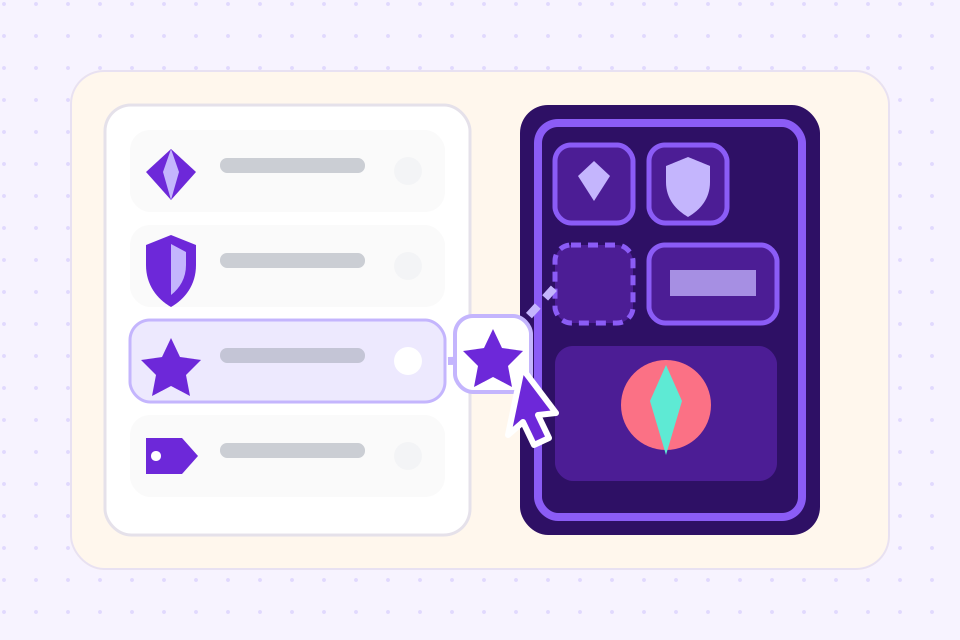
Each card is a row in a sheet: its number or +2, Skip or Reverse, and its colour. Give a card a rule and it moves onto the house-rule card, with a window for a photo.
 3
3Print the deck
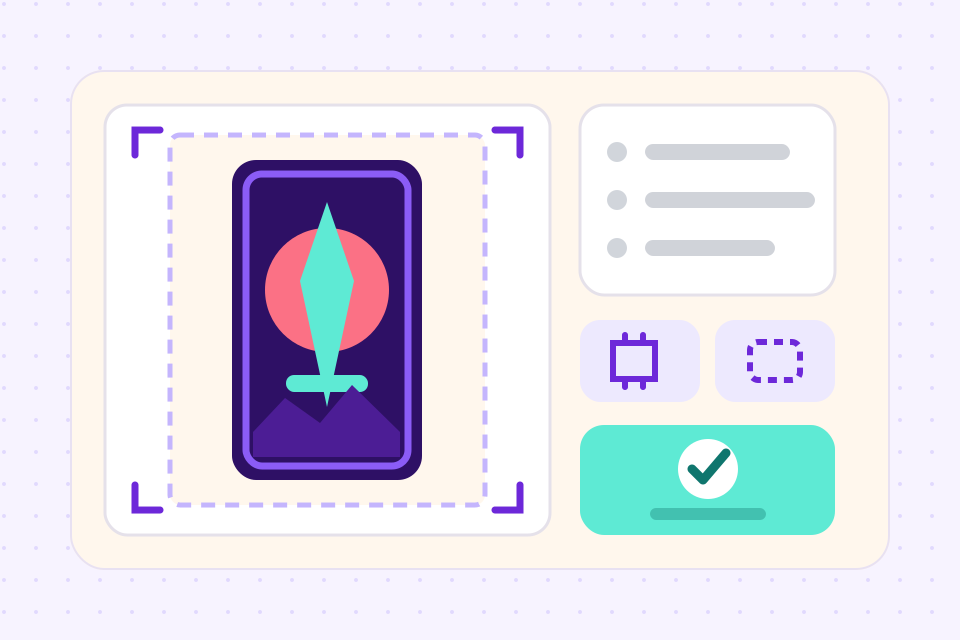
Set how many copies of each card the deck holds, then download a print PDF with bleed or order the deck from The Game Crafter with Print & Ship.
What the maker does with each card
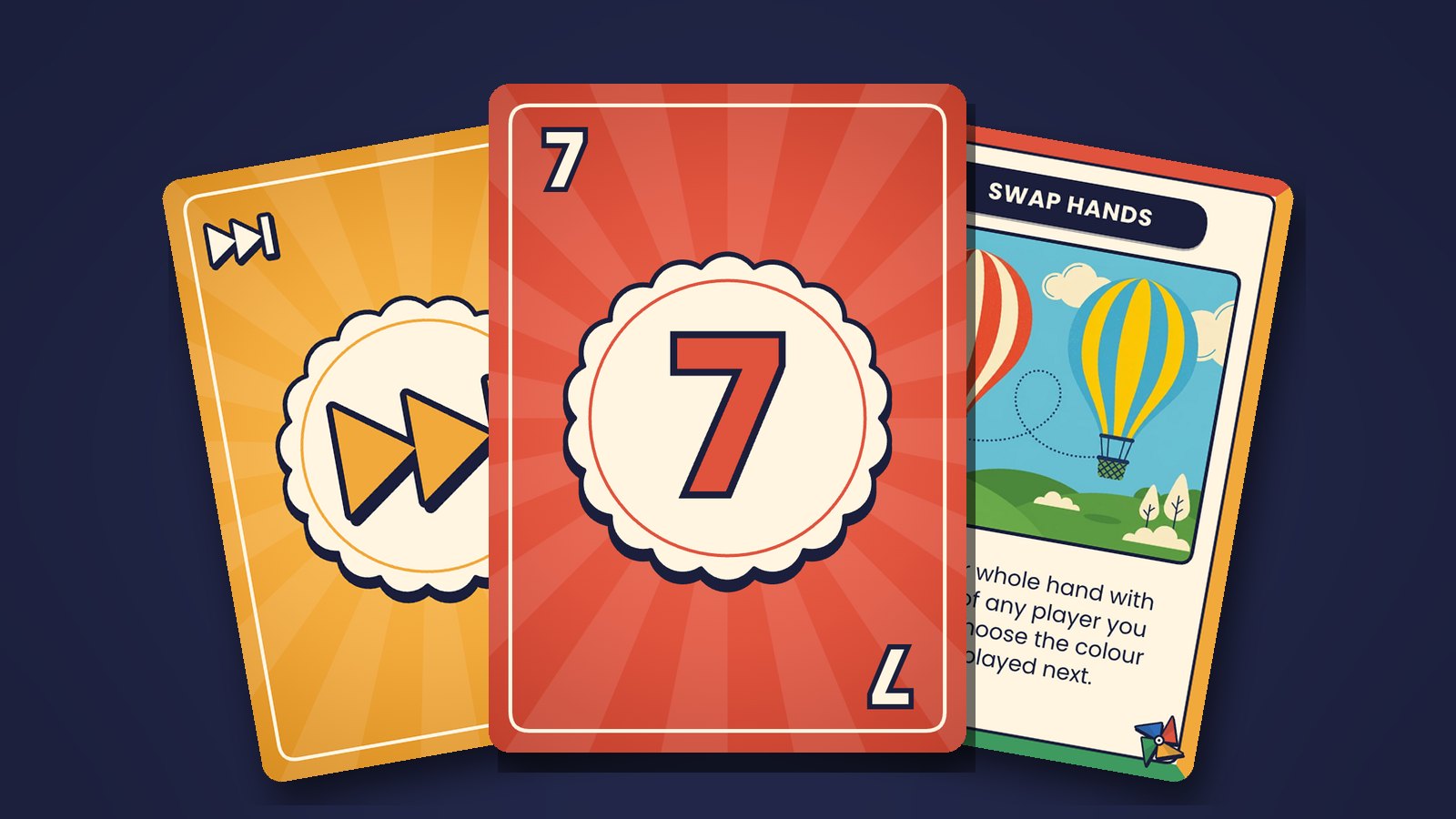
Type 7 once and it prints large in the middle and small in both corners, the bottom one upside down. A 6 and a 9 get their line underneath on their own.
Pick Skip or Reverse in the Action column and its symbol takes the number's place, in the middle and in the corners.
Set a card to Blue and it moves onto the blue design; set it to Wild and it gets the pinwheel. Change the blue design once and every blue card follows.
A card with a rule prints it under a banner with the card's name and a picture window. Upload a photo and it fills the window, cropped to fit.
Describe a picture for a house-rule card and generate it in the editor, from the 30 image credits a month on the free plan. Skip it if you have your own photos.
Print the PDF at home on cardstock, or order the deck from The Game Crafter at poker size, cut and boxed, with the card back of your choice.
Frequently asked questions
Everything you need to know before getting started.
Still have questions? Contact us
Is this the official UNO card maker?
No. ShuffleKit is not affiliated with or endorsed by Mattel. The cards are an original design called Pinwheel that follows the layout colour-matching games share, and none of Mattel's oval, symbols, logo or card back is in it. Use it for your own deck and your own house rules.
Is it free?
You can try it free on your first deck: one project of up to 120 cards, enough to design every card before you pay anything. Downloading PNG, SVG, PDF and Tabletop Simulator files starts on the Hobby plan at $4 a month billed yearly, and Print & Ship is on the Indie plan.
What goes on an UNO style card?
A number card shows its number large in the middle, with small copies in the top-left corner and upside down in the bottom-right, and a line under a 6 or a 9 so it reads the right way up. Skip and Reverse cards show a symbol in those places, a draw card shows +2, and a wild card is dark with all four colours on it. A classic deck has 108 cards: in each of four colours one 0, two of each 1 to 9 and two each of Skip, Reverse and Draw Two, plus four wilds and four wild draw fours.
What size are the cards?
Poker size, 2.5 by 3.5 inches, which is 750 by 1050 pixels at 300 DPI. The best-known game of this kind has cards about 56 by 88 mm, a few millimetres narrower. Poker is the size Print & Ship orders from The Game Crafter, and printed at home the cards fit ordinary poker sleeves.
Can I make a full deck?
Yes. The template starts with one of every card, 57 in all counting three house rules. Put them in a deck and set the copies, two of each 1 to 9 and of each action card and four of each wild, and the deck comes to 108 without a card typed twice. You can also import your own list from a spreadsheet.
Can I add my own photos?
Yes. A house-rule card has a picture window, and a photo in its Artwork column fills it, cropped to fit. To put a photo on every number card, add a picture layer to a colour's design in the editor and every card of that colour carries it.
Can I sell a game I make with it?
Yes, if the game is yours. The Pinwheel design is ours and original, so a game built on it, or on a design you draw yourself, is yours to publish. A deck that uses another game's name, logo or card designs is a different matter, and is for personal play only.
Do I need to install anything?
No. It runs in the browser on Windows, Mac, Linux and ChromeOS, and a project saves as you work.
Start from a template
Related tools
Card Game Maker
Most tools make you design cards one at a time. ShuffleKit treats your deck as data: import a spreadsheet, design one layout, and watch it fill 200 cards at once.
Card Game Printing
Design in ShuffleKit, publish straight to The Game Crafter, ship to your backers. No print broker, no MOQs, no Photoshop bleed math.
CSV to Card Game
Drop in a spreadsheet, get a deck. Map columns to card fields, bulk-edit in grid view, and push print-ready files in one click.
UNO is a trademark of Mattel. ShuffleKit is not affiliated with or endorsed by Mattel. The Pinwheel cards and sample deck are an original design and contain none of Mattel's card art, symbols or logos.
Ready to build it?
Start free. Upgrade only when you're ready to publish.