A Card Game Maker for the Whole Deck, Not One Card
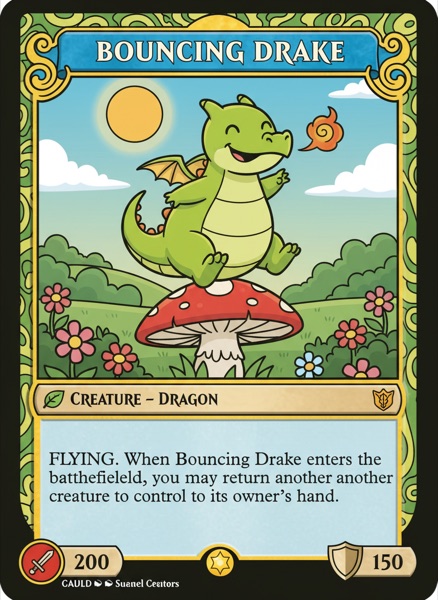
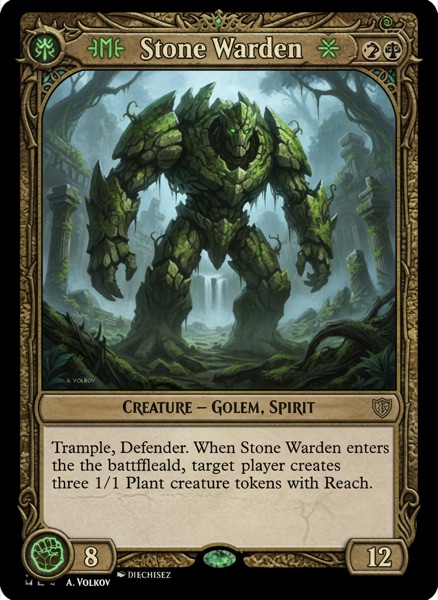
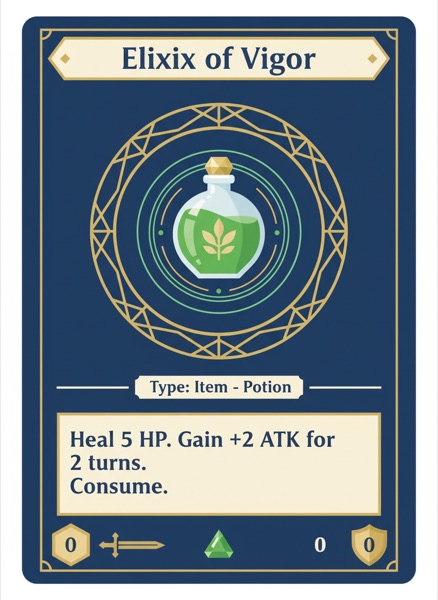
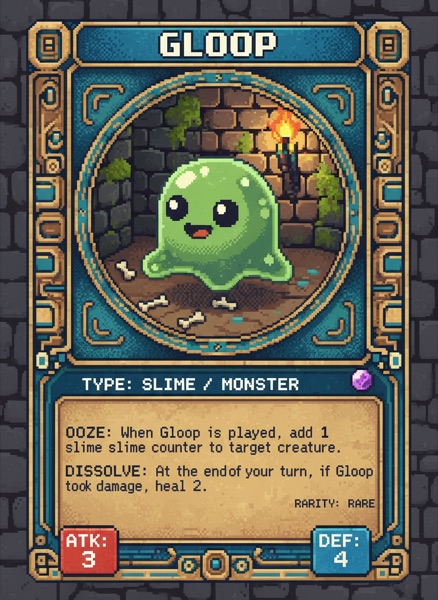
Most tools make you design cards one at a time. ShuffleKit treats your deck as data: import a spreadsheet, design one layout, and watch it fill 200 cards at once.
The bottleneck is revision, not the first card
Almost every card game maker can produce one good-looking card. The trouble starts at revision 30, when a keyword gets renamed and it has to change on 80 cards, in the layout, and in the rules. ShuffleKit keeps card data and card design as separate layers that stay bound together, so that edit is one edit.
 1
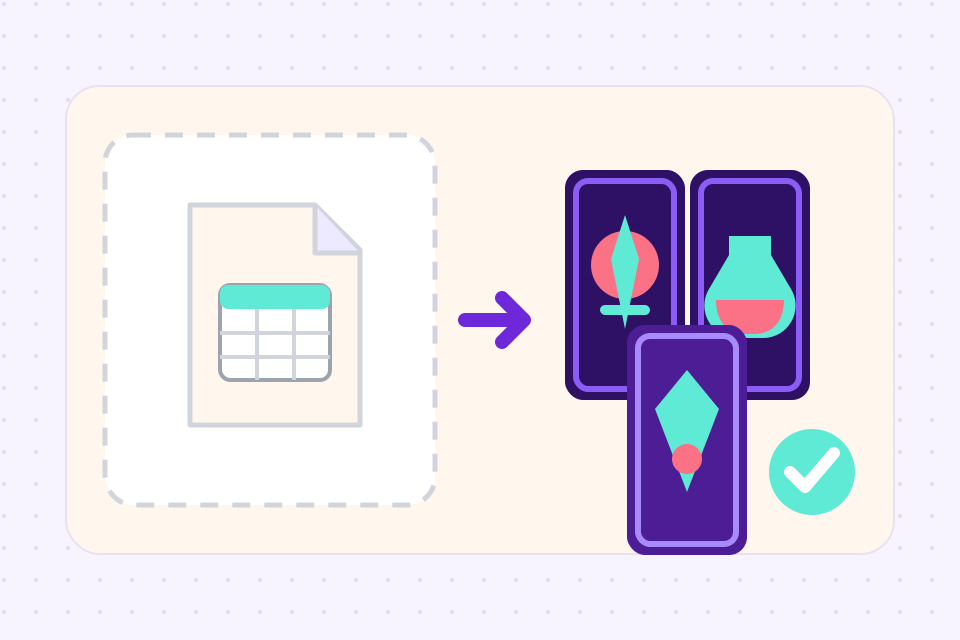
1Bring your cards in
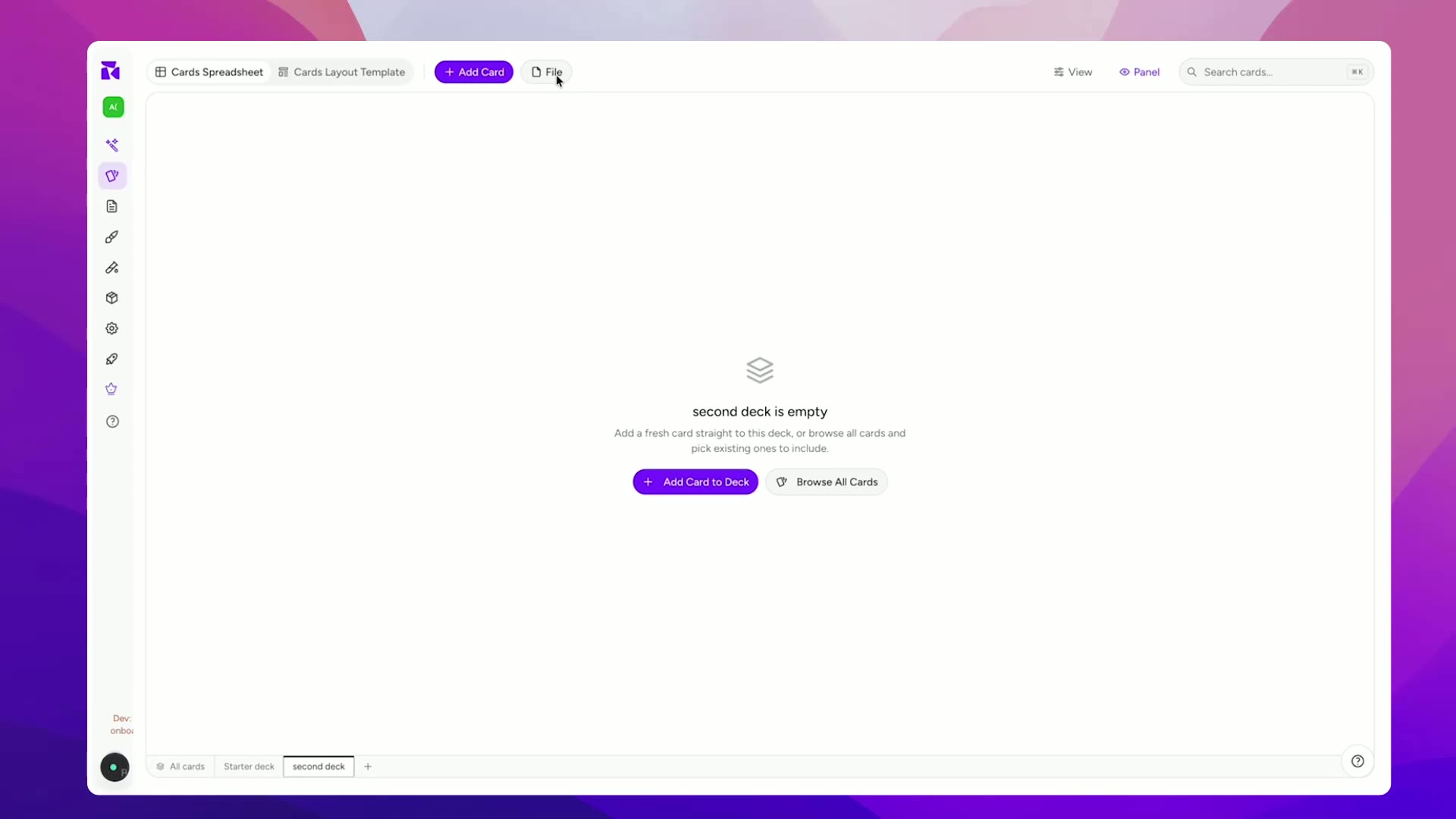
Import a CSV or Google Sheet and map your columns to card properties. Already have a PDF of an old print run? Upload it and let the AI pull the cards back out.
 2
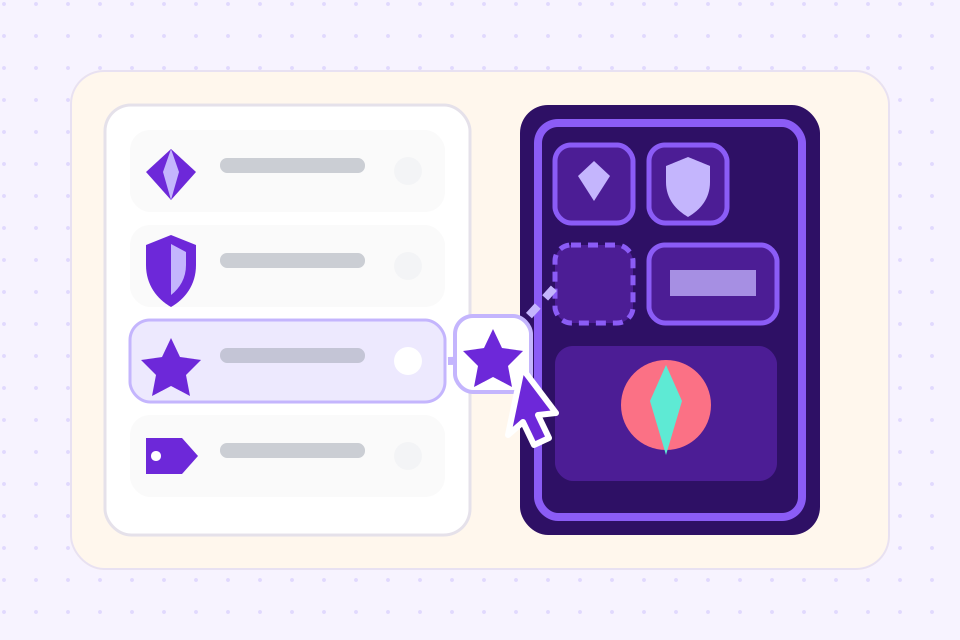
2Design one layout
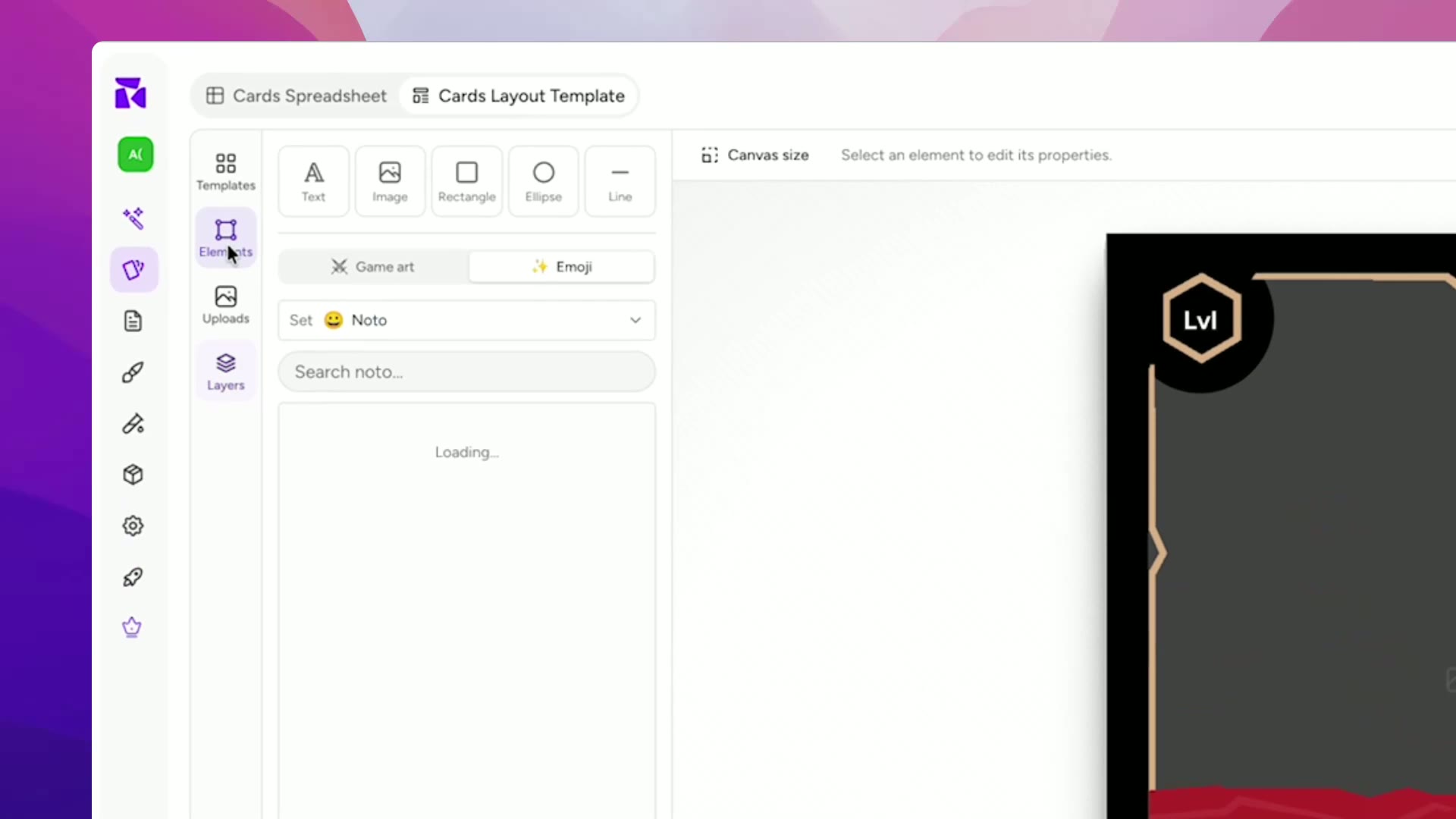
Build a single layout on a canvas, binding text, images, icons, and colours to your properties. It applies to every card that matches, so 200 cards render from one design.
 3
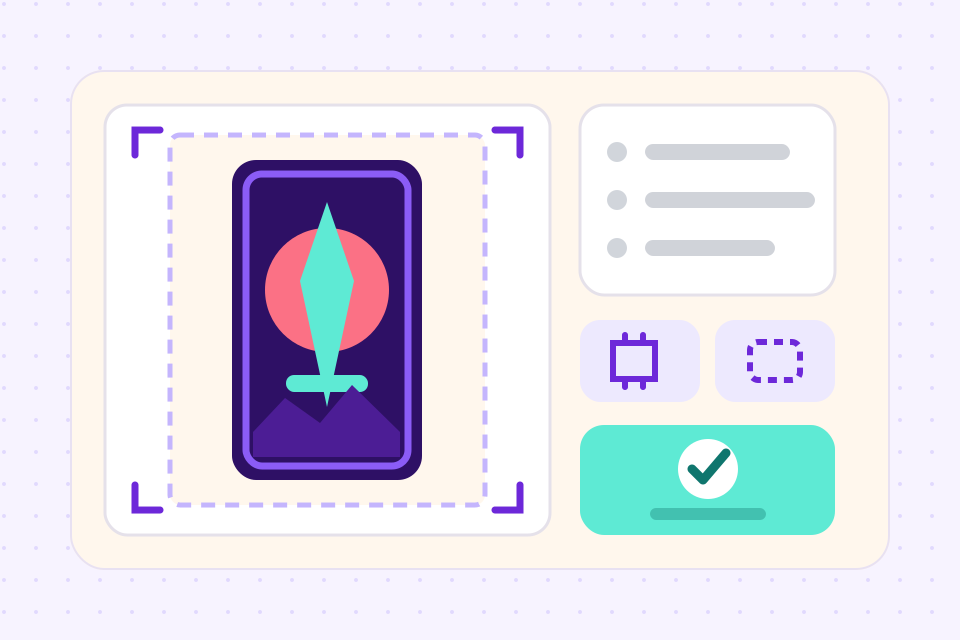
3Playtest, then print
Deal the real deck on the online playtable, fix what broke, then export print-ready PDF, PNG, SVG, or Tabletop Simulator files, or send it to The Game Crafter to be manufactured.
Five different things get called a "card game maker"
This is the part that costs people weeks. The tools in your search results do not do the same job, and picking from the wrong category is why a deck stalls halfway. Here is the actual map.
What you actually get
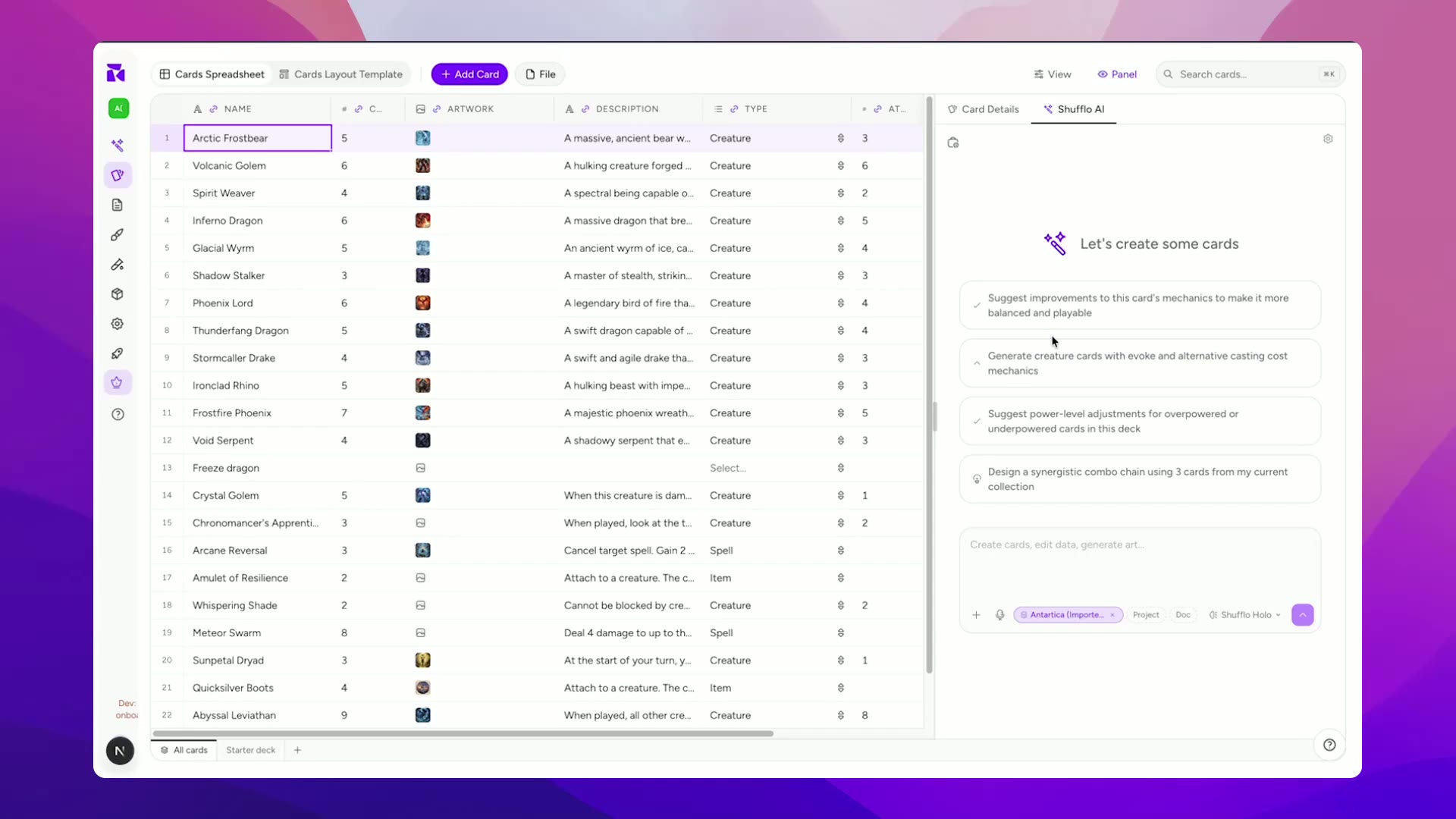
Edit hundreds of cards in a table view, sort and filter them, and bulk-change a stat across a whole faction without opening the design editor.
Elements bind to card properties, so the layout fills itself. Conditions let a legendary card take a different frame automatically.
The assistant sees your existing properties, cards, and design docs before it proposes anything, so new cards arrive in your game's language rather than generic fantasy filler.
Deal, draw, flip, tap, and shuffle the real deck in the browser with another player. No install, no exporting to a third tool first.
Export PDF, PNG, SVG, or a Tabletop Simulator spritesheet, with bleed and cut lines handled. Or push straight to The Game Crafter for manufacturing.
You keep full commercial rights to everything you make here, AI-generated art included, so the deck can go to Kickstarter or retail.
Frequently asked questions
Everything you need to know before getting started.
Still have questions? Contact us
Related tools
AI Card Game Maker
Generate cards, art, and rules with an AI built for game design, not a generic chatbot. Iterate fast, keep creative control, export print-ready files.
Card Game Prototype Software
Build a deck, playtest it online the same afternoon, and revise before your testers leave the table. The design-test-iterate loop, minus the paper cutouts, the Photoshop, and the Tabletop Simulator setup.
CSV to Card Game
Drop in a spreadsheet, get a deck. Map columns to card fields, bulk-edit in grid view, and push print-ready files in one click.
Ready to build it?
Start free. Upgrade only when you're ready to publish.