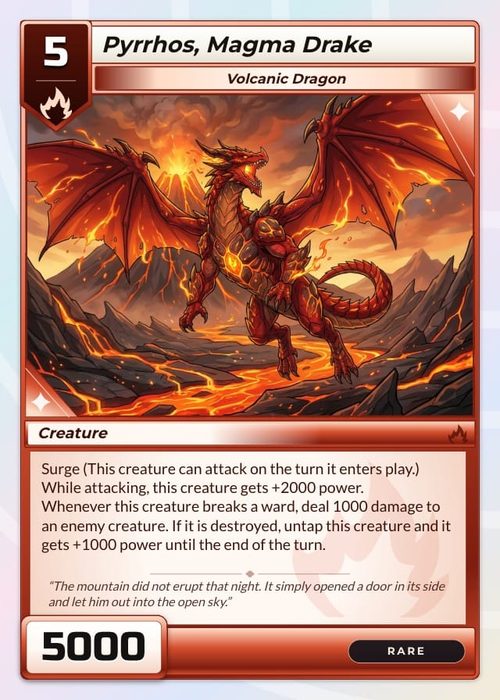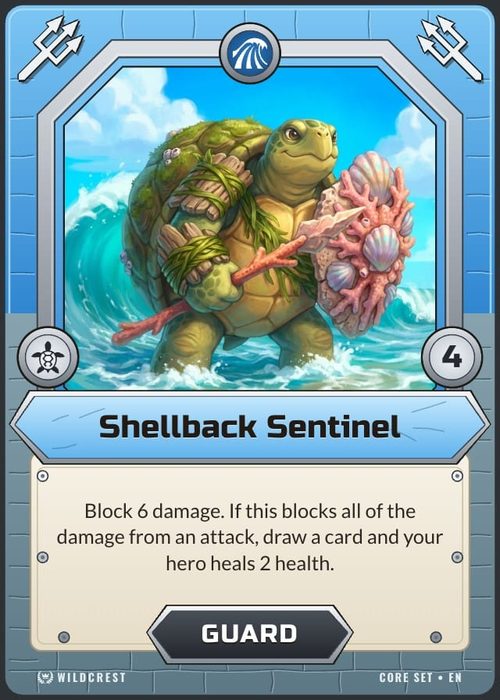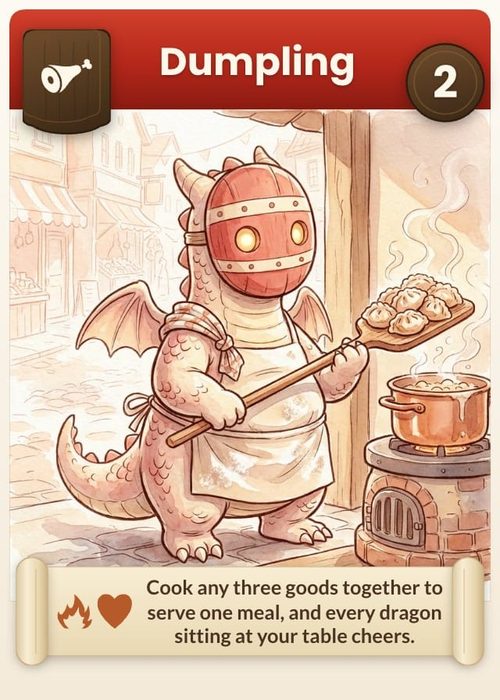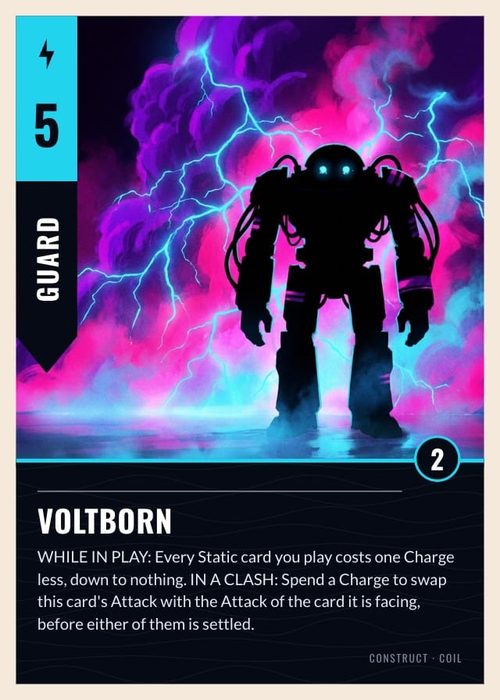
If you've got a card game idea and you're hunting for the right tool to build it, the search results get confusing fast. You'll see general design apps, print shops, playtest sandboxes, and a small number of tools actually built for designing a deck. They're not the same thing, and picking the wrong one can cost you weeks.
Plenty of popular names only cover one slice of this. Canva is a general design app. The Game Crafter and MakePlayingCards are printers. Tabletop Simulator is for playtesting (if TTS is your target, we compared the best card game makers for Tabletop Simulator separately). This list is about the tools built to design a full deck, from your card data through to a print-ready file.
ShuffleKit
Best for: designing, playtesting, and printing in one place.
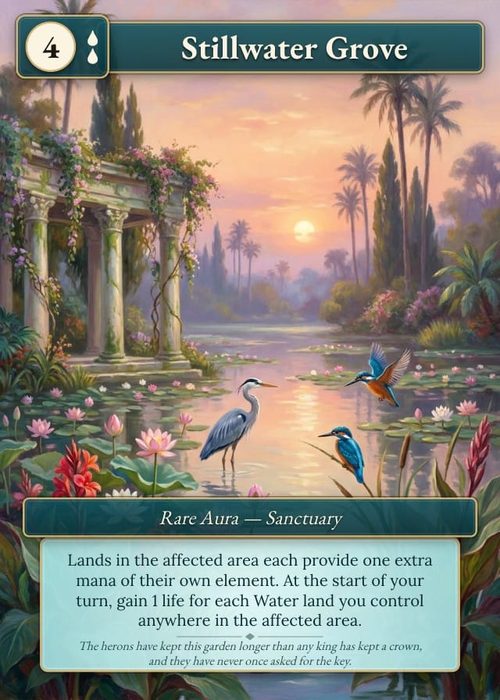
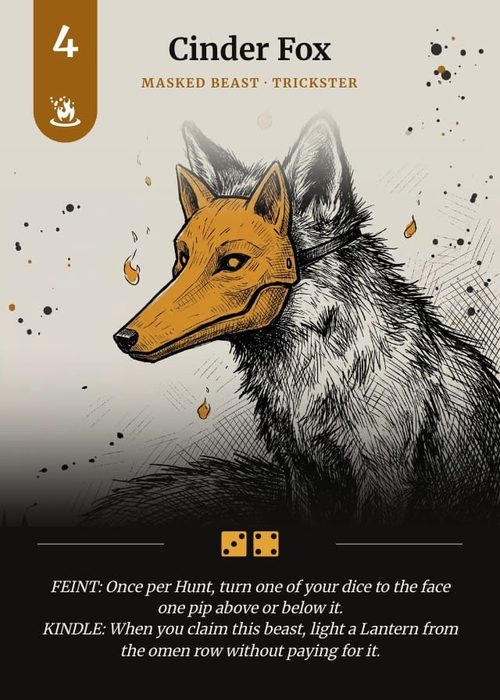
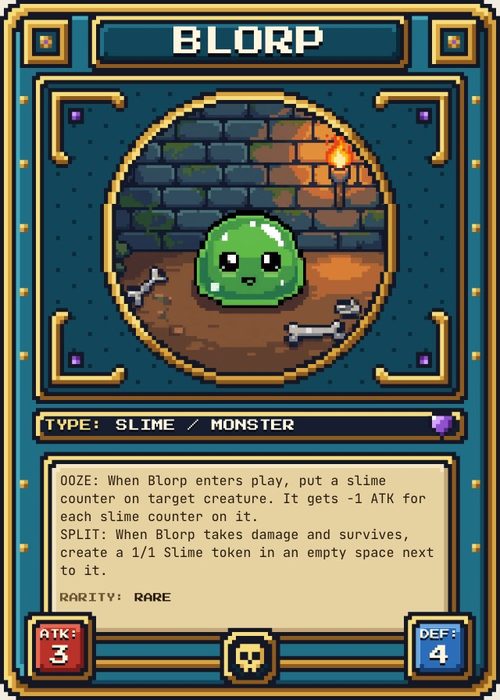
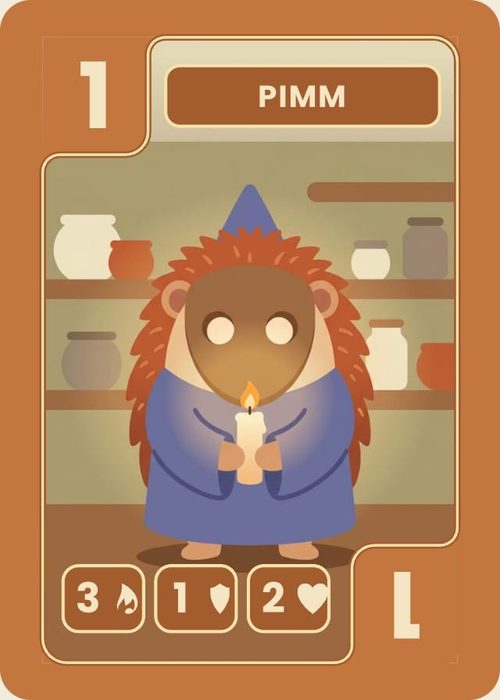
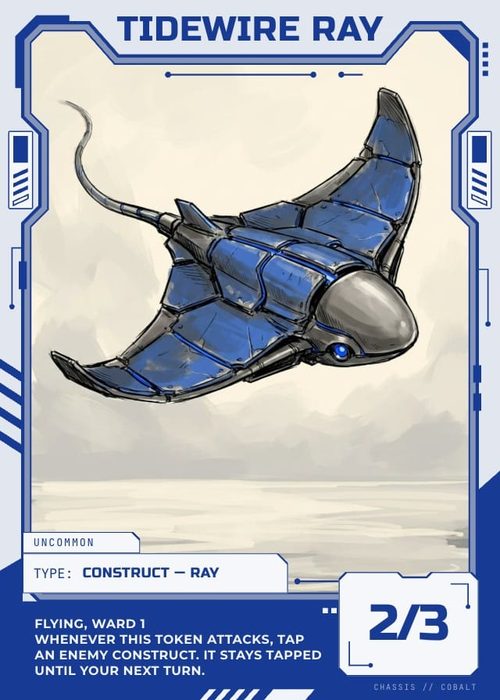
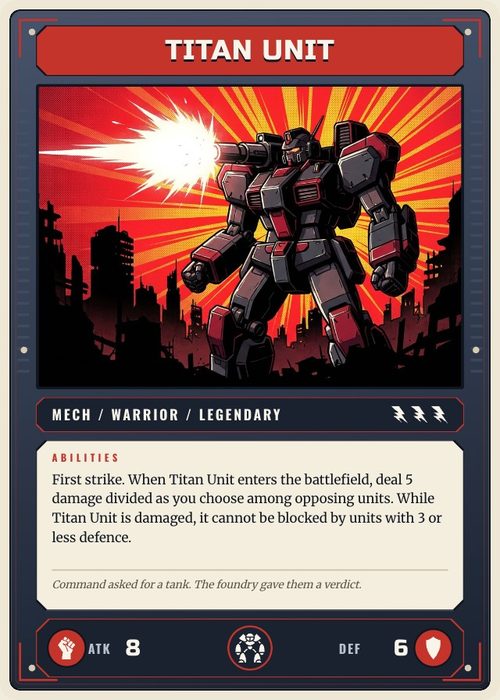
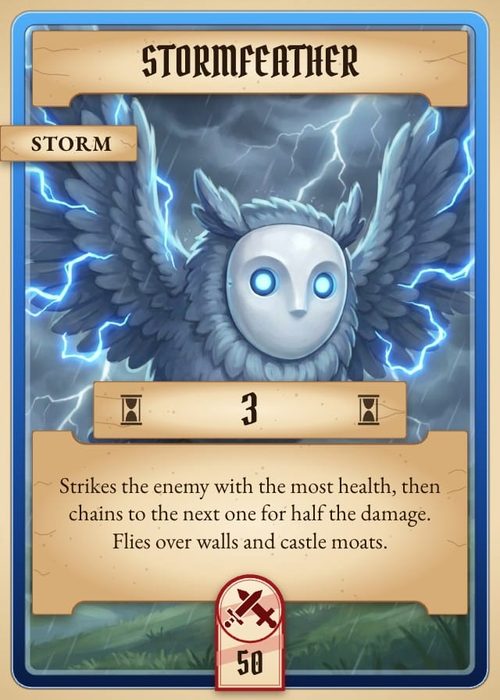
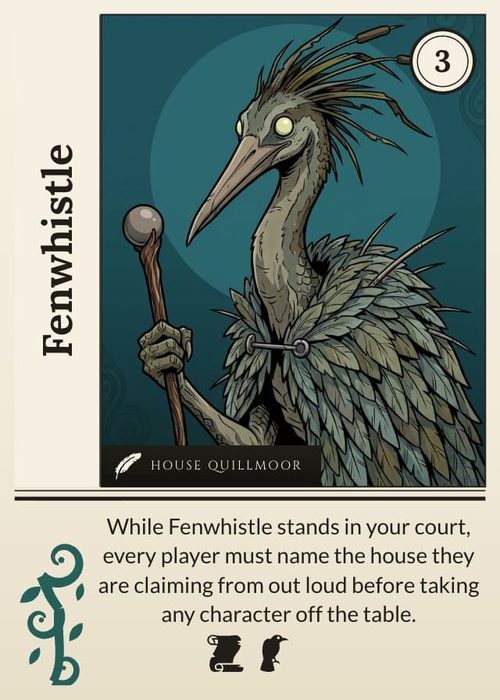
ShuffleKit runs in your browser, and the idea is that you never have to leave it. You import your cards from a spreadsheet, design one layout, and apply it across the whole deck. (We've written up how the whole workflow fits together on the card game maker page.) The built-in AI can help with the artwork, the card data, and picking a layout that fits. Once the deck feels right, you can playtest it online with up to five other players, then export print-ready files or send it straight to The Game Crafter to be manufactured.
It's free to start. Paid plans are $8 a month (Hobby) or $20 (Indie), and they unlock unlimited cards and visual export to PNG, SVG, PDF and Tabletop Simulator. Print and ship through The Game Crafter sits on the Indie plan. The part that matters most to a lot of people: you keep full commercial rights to everything you make, AI artwork included, so your deck can go to Kickstarter or retail.
It's young, and the community is smaller than tools that have been around for a decade.
nanDeck
Best for: free, data-driven decks if you do not mind a learning curve.
nanDeck is the classic. It's a free Windows program that has been a staple of card prototyping since 2006, and people still reach for it for a reason. You write a little script to describe your cards, link it to a spreadsheet, and nanDeck builds the whole deck and lays it out for print. For bulk, data-heavy decks it's ridiculously powerful, and it costs nothing.
The catch is that scripting. There's no drag-and-drop canvas, so you're writing commands to place every element, and the interface looks every bit its age. It's Windows-only too, so Mac and Linux designers are out of luck. If you can handle a bit of code, nothing free really beats it. If you can't, it'll feel like hard work. (We went deeper on this in our ShuffleKit vs nanDeck comparison.)
Dextrous
Best for: visual design with Tabletop Simulator and print-on-demand export.
Dextrous is where a lot of designers have been migrating lately. It's a visual editor that runs in Chrome and keeps your data, layouts, and exports together, no code required. It spits out print-and-play PDFs and pushes straight to Tabletop Simulator and Screentop, so getting a game onto the table to test is quick. Newcomers say it's the easiest and fastest of these to pick up, and that tracks.
There's a free tier, though it caps you at 2 projects and 10 layouts, and paid starts at $48 a year. Just know the good stuff scales with price. Unlimited projects and proper print-grade PDF export with bleed only arrive on the $96 plan and up, and the bulk spreadsheet workflow is thinner than nanDeck's, so very large decks get manual. It's quick to learn, even if the interface looks a little dated. There's no AI baked in, so think of it as a strong layout and export tool. (We put the two side by side in our ShuffleKit vs Dextrous comparison.)
Tabletop Creator
Best for: a visual builder across cards and other components.
Tabletop Creator is the odd one out here: it's a desktop app you download and install from Steam, not a website. You build from reusable blueprints, and reviewers like how much of the layout it handles for you, like resizing text so it fits the space. You watch each component take shape as you work. It imports CSV and Excel, exports print-and-play, and runs fully offline.
The free version is actually usable, just capped at 120 components and 10 variables. One payment of $59 unlocks the Pro app for good, and that gets you unlimited components and variables plus advanced panel properties. Output is watermark-free on both plans, and so is direct export to Tabletop Simulator. No subscription, which is refreshing. The complaints in user reviews are pretty consistent. The bulk-data workflow is weaker than a spreadsheet tool like nanDeck, the docs are thin and updates come slowly, and the blueprint system that keeps standard cards tidy can fight you on unusual layouts. A few people hit stability issues on big projects too. If you want a one-time-purchase visual builder for all sorts of components, it's a solid pick. (We went deeper in our ShuffleKit vs Tabletop Creator comparison.)
Which one should you pick?
- Want one tool from idea to printed deck, including AI help and online playtesting? Start with ShuffleKit (it's free to try).
- Want a free, powerful tool and don't mind scripting? Use nanDeck.
- Want a no-code, data-driven web designer? Use Dextrous.
- Want a visual builder for cards and other components? Try Tabletop Creator.
Whatever you pick, the thing that matters most is getting a deck to the table and starting to playtest. For the bigger picture, see our guide on how to design a card game, or read how to make your own card game from scratch. Curious about the AI side specifically? We have a companion post on the best AI card game makers.
If you'd rather not juggle four tools, that's exactly why we built ShuffleKit, and we'd love for you to try it. It's free to start, and I read every piece of feedback that comes in. Start free.