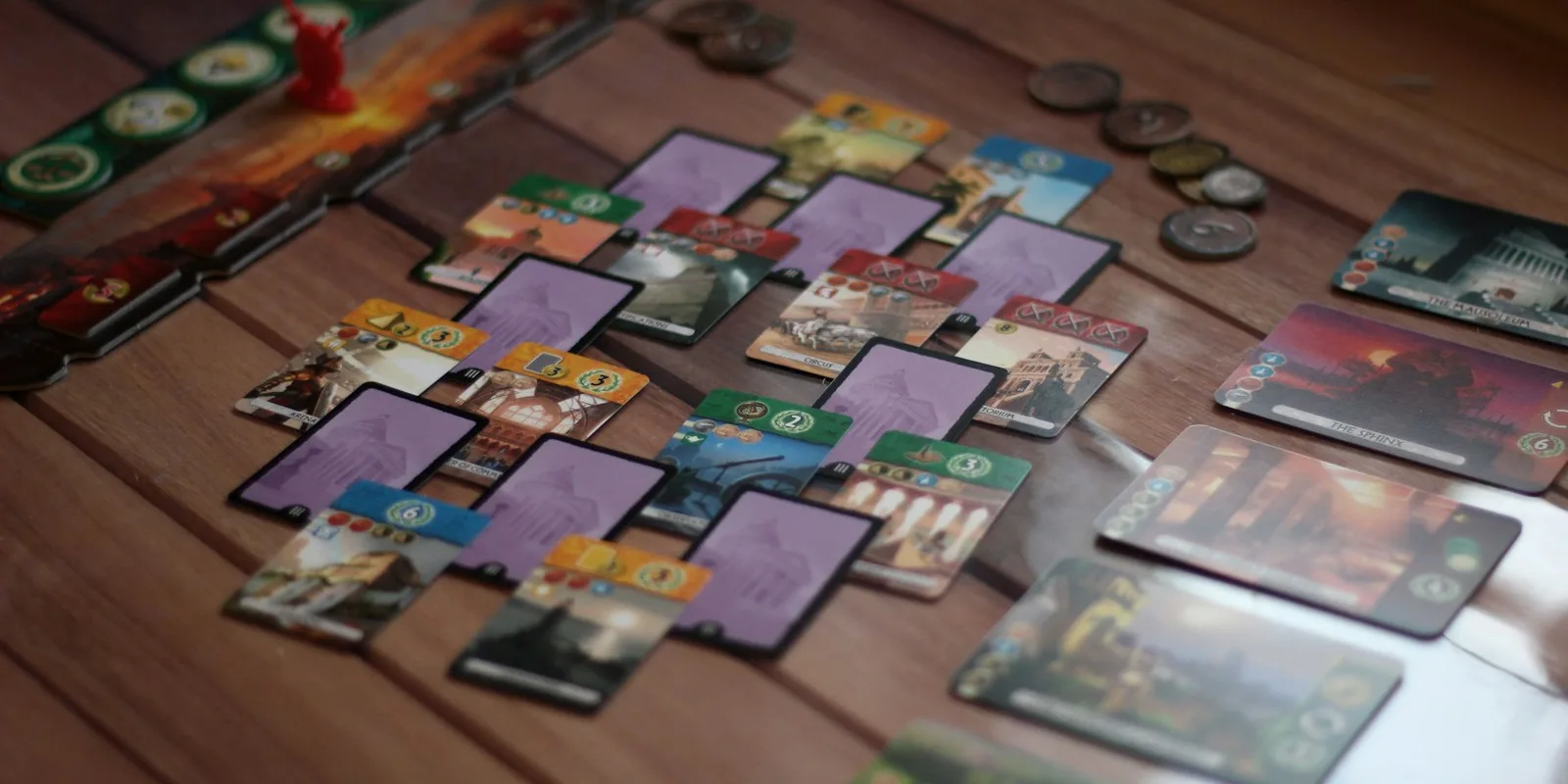
Tabletop Simulator is where a huge share of card game playtesting happens, and for good reason: it's twenty bucks once, your testers can be anywhere, and updating a prototype costs nothing but an image upload. What TTS is not is a design tool. It won't help you make the cards, and it's surprisingly picky about how it wants to receive them.
Here's the thing that trips up almost everyone the first time. TTS doesn't take a folder of card images. It wants a deck sheet: one big image with all your card faces arranged in a grid, up to 10 across and 7 down, which works out to 69 cards plus a reserved bottom-right slot. You spawn a Custom Deck object, point it at that sheet, tell it the grid size and card count, give it a back image, and only then do your cards exist. So when people search for a "Tabletop Simulator card maker", what they actually need is a tool that designs the cards and hands them that sheet without an hour of manual assembly in an image editor. (If you want the sheet, hosting and import settings step by step, we wrote how to make custom cards for Tabletop Simulator.)
That's the lens for this list. Every tool here gets your custom cards into TTS; they differ wildly in how much of the design work they do along the way.
ShuffleKit
Best for: designing the whole deck and exporting a TTS-ready sheet in one click.
ShuffleKit runs in your browser and covers the part TTS leaves out: actually making the cards. You bring card data in from a spreadsheet, design the layout once, and every card in the deck follows it. There's AI on hand for artwork, card data, and layout choices, and when the deck is ready you export a Tabletop Simulator spritesheet directly. It lays the cards out in the grid TTS expects, reserves the back slot, and if your deck is bigger than one sheet holds, it splits it into multiple sheets automatically. There's a matching Roll20 export too, plus print-ready PDF when you outgrow digital testing.
One workflow note: because ShuffleKit has its own online playtable for up to six players, a lot of early testing can happen before you ever open TTS. The pattern that works well is iterating fast in ShuffleKit, then pushing a sheet to TTS once you want scripting and 3D physics or your group already lives there. It's free to start, and the TTS export sits on the paid plans, which begin at $8 a month. You keep full commercial rights to everything you make.
The built-in TTS Deck Builder
Best for: free assembly when your card images already exist.
A lot of people don't realise Tabletop Simulator ships with its own deck tool. In your Steam folder under Modding/Deck Builder there's a little Java app: you drag your individual card images into a grid, drop a back into the last slot, and export the finished deck sheet. Pair it with the blank templates in the Deck Templates folder next door and you technically have everything you need for zero extra money.
The catch is that it assembles, it doesn't design. Every card still has to be made somewhere else first, and every change means regenerating the image and rebuilding the sheet. For a one-off deck of finished art it's genuinely fine. As a design loop, where card #37 changes for the ninth time during playtesting, it gets old fast. Think of it as the last step of a pipeline, not the pipeline.
nanDeck
Best for: free, spreadsheet-driven decks if you can handle scripting.
nanDeck is the veteran, a free Windows program that's been the backbone of card prototyping since 2006, and it speaks TTS fluently. You describe your cards in a script, link it to a spreadsheet, and nanDeck renders the deck images ready for Tabletop Simulator. The iteration loop is the best part: edit a few dozen cards in Excel, hit build, re-upload, and your TTS table has the new deck. Determined users even host their card images online so their TTS mod pulls the latest version on load, which is about as automated as this gets.
The price is the learning curve. There's no visual canvas, you place every element with script commands, the interface looks its age, and Mac and Linux users are out entirely. If you're comfortable with light code, nothing free is more powerful. If you're not, it will feel like fighting the tool. (We compared it to ShuffleKit in depth in our ShuffleKit vs nanDeck breakdown.)
Dextrous
Best for: no-code visual design with direct TTS export.
Dextrous is a visual editor in your browser with export to Tabletop Simulator and Screentop built in, no scripting required. It links to Google Sheets so your card data lives in a spreadsheet while the layouts live in Dextrous, and getting a deck from editor to TTS table is one of the smoothest rides on this list. Newcomers consistently call it the easiest of the dedicated tools to pick up.
The free tier is a real trial rather than a real plan: 2 projects and 10 layouts. Paid starts at $48 a year, and the print-grade features arrive at $96 and up, though if TTS is your only target the cheaper tier covers you. Bulk data handling trails nanDeck by a stretch, so decks that run into the hundreds of cards get manual, and there's no AI to lean on. As a straightforward design-to-TTS tool, it's a strong pick. (We put the two head to head in ShuffleKit vs Dextrous.)
Which one should you pick?
- Want to design the deck and get a TTS sheet in one click, with AI help and its own playtable for quick tests? Start with ShuffleKit (free to try).
- Already have finished card images? The built-in TTS Deck Builder does the assembly for free.
- Want maximum power for free and don't mind scripting? nanDeck.
- Want the simplest no-code editor with direct TTS export? Dextrous.
Whichever you choose, remember the deck sheet is just plumbing. The thing that makes a card game good is the loop of playing it, noticing what's broken, and fixing cards fast, so pick the tool that makes changing your cards cheapest, not just making them once. For the bigger picture, see our guide on how to design a card game, or compare the wider landscape in the best card game makers.
We built ShuffleKit so the whole loop, from spreadsheet to TTS table, lives in one browser tab, and we'd love for you to try it. Make your Tabletop Simulator cards free.