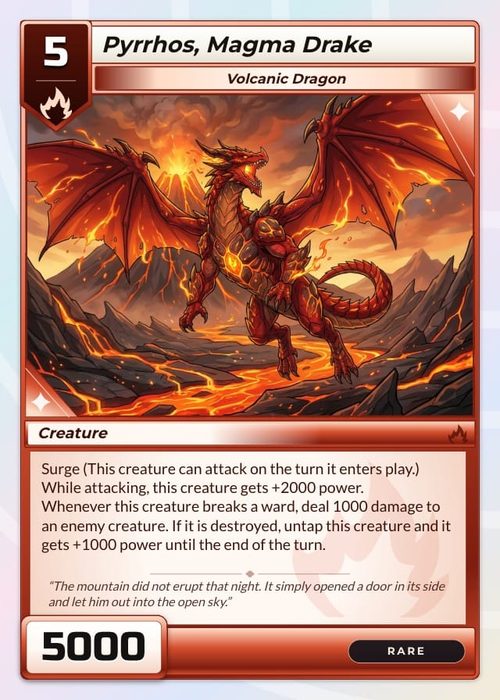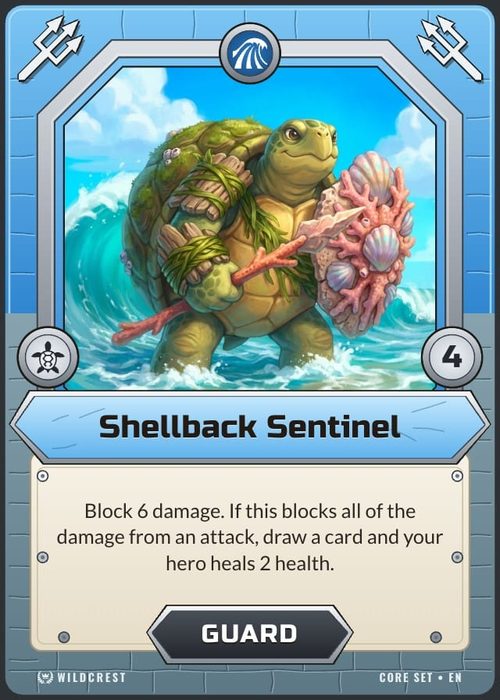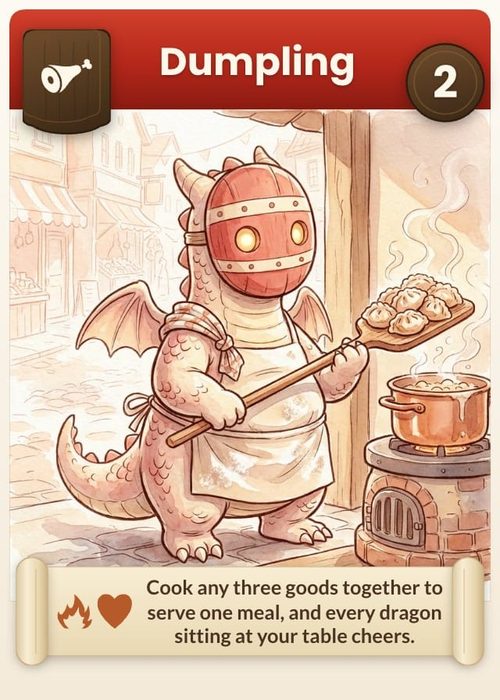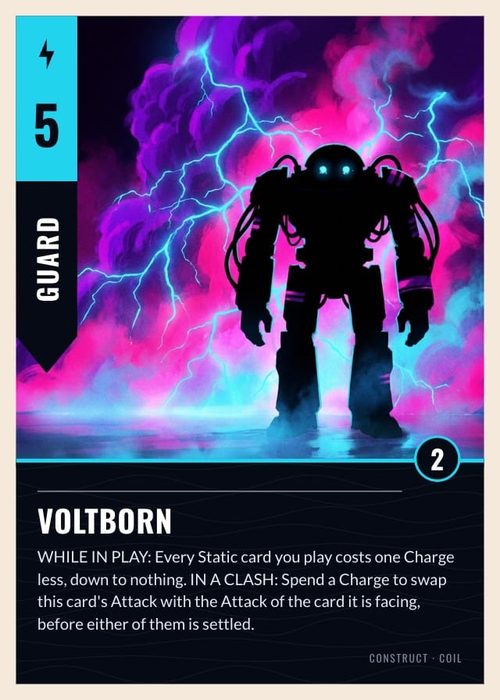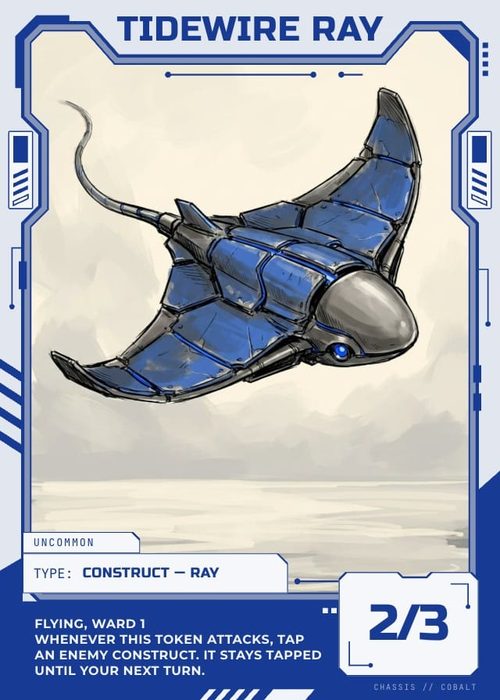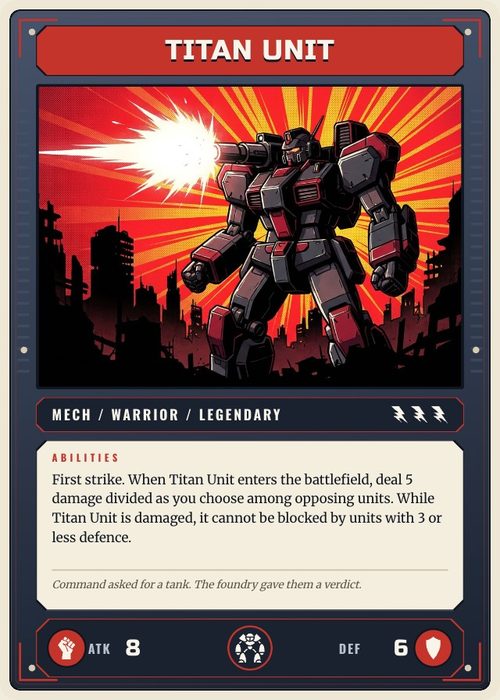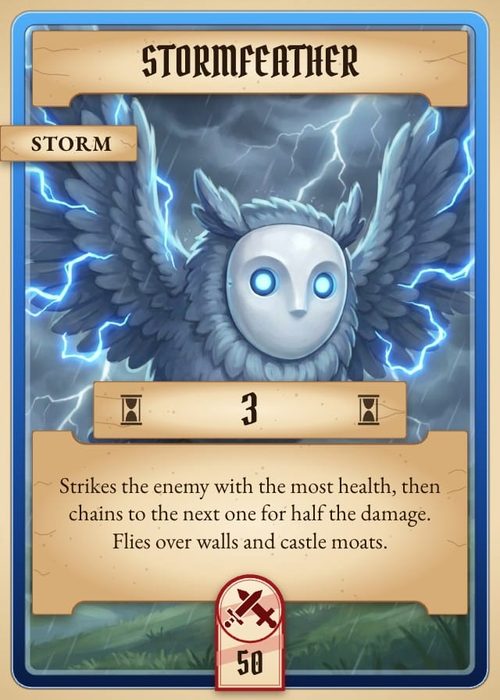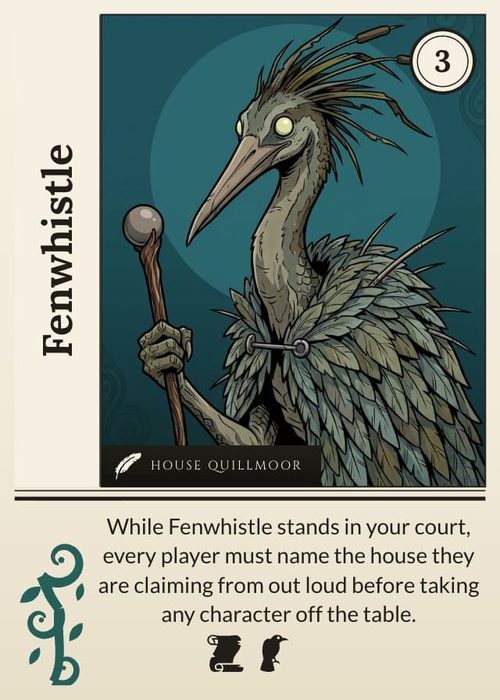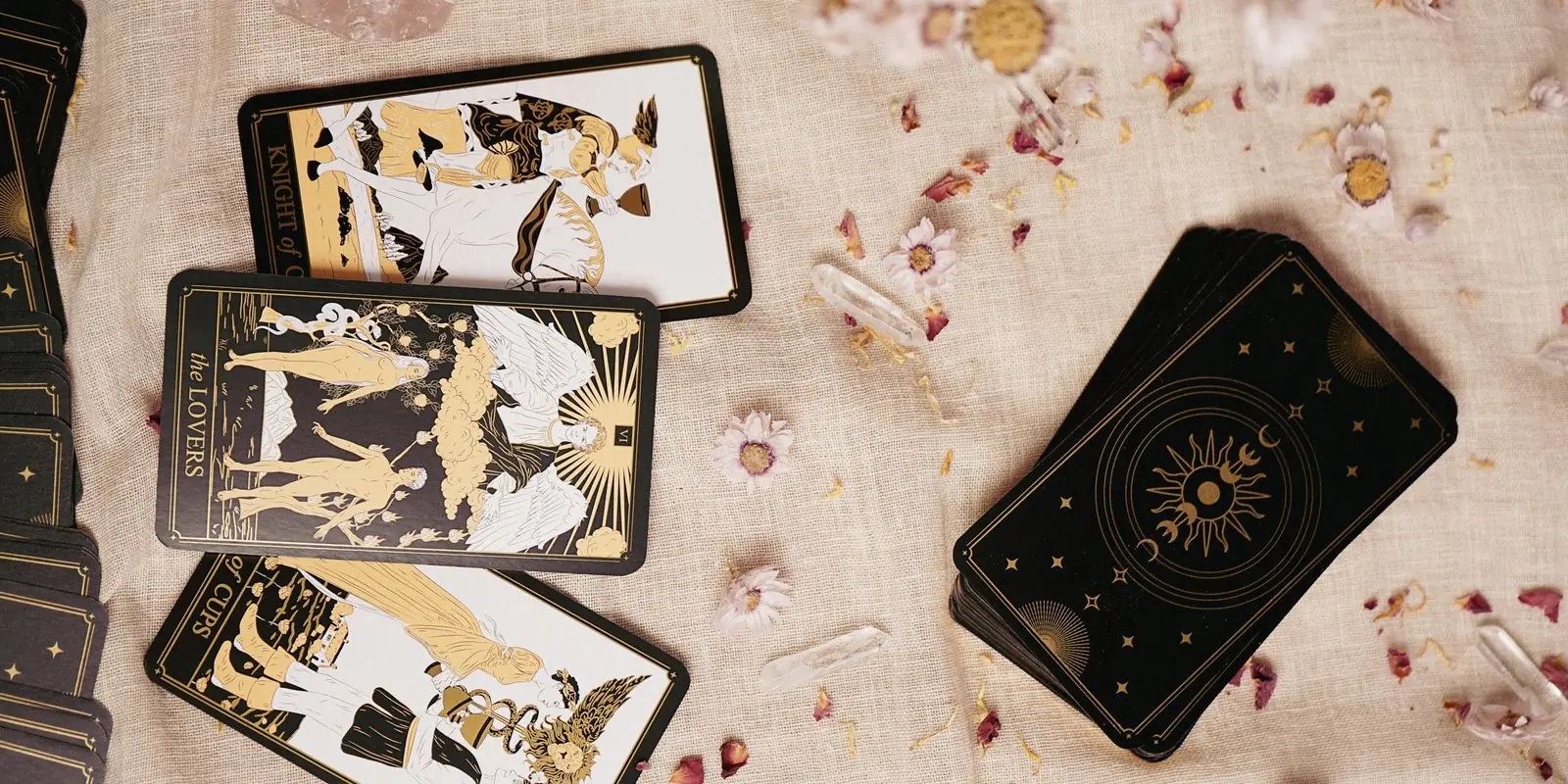
Search "AI card game maker" and most of what comes back are image generators with a card theme. They make art, sometimes great art, but they don't understand a deck: the card data, the layouts, balance, playtesting, or getting the thing printed. Those unglamorous parts are most of the actual work, so the real question isn't which AI makes the prettiest card. It's how much of the job each one does for you.
One quick note, because this part is touchy. AI art in tabletop is divisive, and rights vary by tool. Games have been review bombed for hiding it, so be open about using AI, treat what it gives you as a draft you refine, and pick tools that leave you owning the result.
ShuffleKit
Best for: AI across the whole card game pipeline, not just the art.
ShuffleKit is built for card games specifically, so the AI points at the parts that actually eat your time. It can generate artwork, draft and edit card data in bulk, suggest a layout and wire it to your cards, and kick around mechanics and flavour with you. From there you playtest online and export print-ready files, or push the deck to The Game Crafter. (The Shufflo AI tutorial shows the panel working on a real deck.)
The important bit: you keep full commercial rights to what you make, AI artwork included, so a deck you generate can go to Kickstarter or onto a shop shelf. It's free to start, and paid plans begin at $8 a month. It's worth being clear about what the AI is and isn't, though. It generates illustrations you drop into your own layouts. It's an assistant inside a real design tool, not a one-click "make me a game" button. That's deliberate, because you should be the one in control of the design.
ChatGPT
Best for: brainstorming rules, names, and flavour text, plus quick art.
ChatGPT is the best thinking partner on this list. Inventing mechanics, naming cards, writing flavour text, drafting a rulebook, talking through whether an idea is balanced, it handles all of it well. The image side has come a long way too. It follows a detailed prompt closely and puts readable text on a card better than most, so you can rough out art without leaving the chat.
What it isn't is a card pipeline. It doesn't know your deck's data, can't apply one design across 60 cards, can't playtest, and can't hand you a print file. Think of it as a brilliant ideas and copy tool that you then carry into a real card maker. The rights are refreshingly simple. OpenAI lets you own and sell what you generate, with no separate commercial tier to worry about.
Google Gemini
Best for: multimodal ideation and image generation in one place.
Gemini is ChatGPT's closest rival for this. It's strong on the writing side (mechanics, rules, flavour) and can generate images in the same conversation, so it's handy when you want to explore an idea and some art at once.
It hits the same wall, though. Gemini makes ideas and images, not decks. No card data, no shared layout, no playtable, no print path. Where it really stands out is editing. It's surprisingly good at changing one part of a card and leaving the rest untouched, even if its raw image quality has tended to lag the dedicated art models. On rights, Google says it won't claim ownership of what you generate and commercial use is fine, with one rule worth flagging: don't pass AI work off as purely human made to deceive anyone. One honest aside from us: purpose-built tools like ShuffleKit often run on models like Gemini under the hood, then add the card pipeline that raw Gemini leaves out.
Midjourney
Best for: the highest-quality card artwork.
If what you want is straight up beautiful illustration, Midjourney still sets the bar. For hero art and evocative concept pieces, very little touches it on pure visual quality.
It's art and nothing else, on a paid subscription, so it won't go near your card data, layouts, balance, or printing. The thing card designers will care about is its style reference feature, including reusable --sref codes, which lets you hold one consistent look across an entire deck. That is exactly what a trading card set lives or dies on. The rights are worth reading closely. The free tier is non-commercial, you need a paid plan to sell anything, and any company pulling in more than $1 million a year has to be on the Pro or Mega plan. By default your images are public in the Midjourney gallery unless you pay for stealth mode, and it's still the loudest lightning rod in the AI-art backlash. Use it as an art source that feeds a separate design tool.
Stable Diffusion
Best for: free, self-hosted art with maximum control.
Stable Diffusion is the open one. You run it on your own hardware, load or train custom models for a specific style, and generate as much as you want without paying per image. If you're technical and you want total control over the look, nothing else comes close.
Add ControlNet and a custom LoRA or two and you can pin a style down across a whole deck, which is gold for a coherent set. The price is setup. Getting it installed and dialled in is a project on its own, and like everything else here it only makes images, not a finished deck. A couple of things to watch on rights. Commercial use depends on the exact model's licence, and while most allow it under a revenue threshold, you should check the one you're using. And some community models are trained on a single game's art, which can land you in legal trouble if you sell work in that style. For anyone who wants a repeatable art workflow they fully own, it's still the most flexible option.
The honest takeaway
Four of the five tools here are general AI that happen to be good at art or ideas. They're useful, and plenty of designers (us included) lean on them. What none of them does is turn a folder of art into a structured, playtested, print-ready deck. That last stretch, from raw AI output to an actual game, is the whole reason a purpose-built tool like ShuffleKit exists.
If you're just starting out, see how to make your own card game from scratch, or compare the wider tool landscape in the best card game makers. For the full picture, read our guide on how to design a card game.
Want AI that works on the whole deck, not just the art? That's exactly what we built ShuffleKit to do, and I'd love for you to try it and tell me what you think. Start free.