CSV to Card Game
Drop in a spreadsheet, get a deck. Map columns to card fields, bulk-edit in grid view, and push print-ready files in one click.
Your game already lives in a spreadsheet. Let it become a deck.
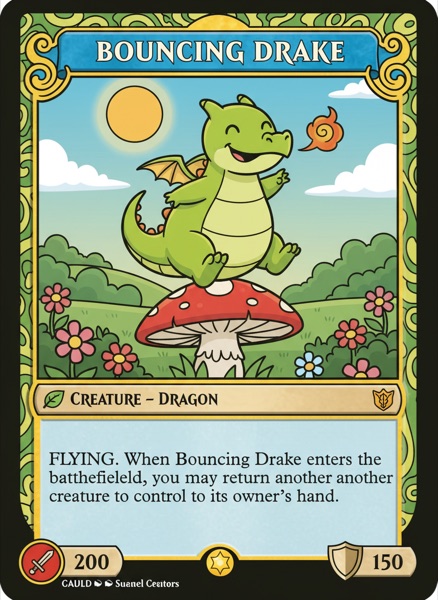
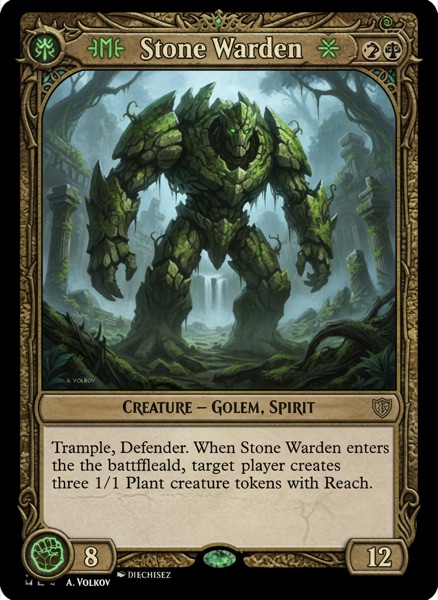
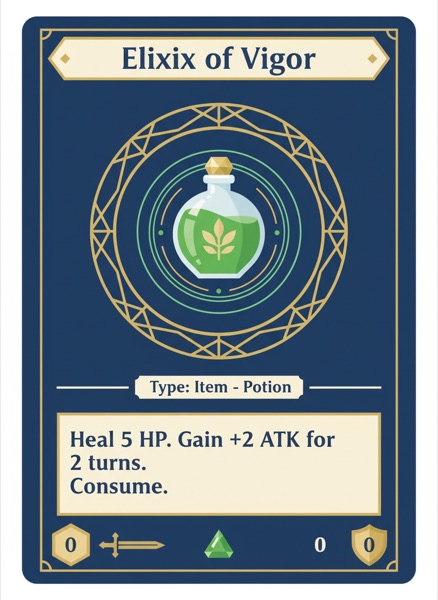
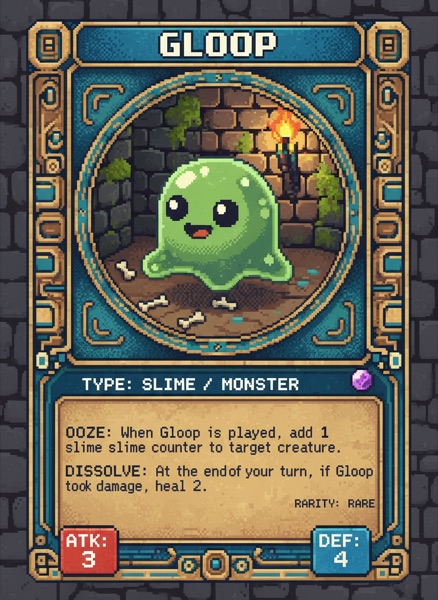
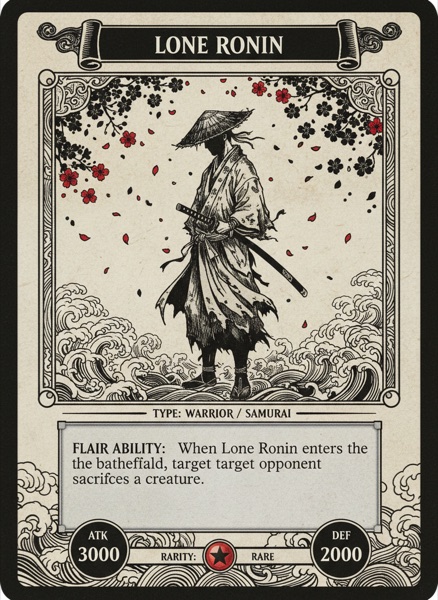
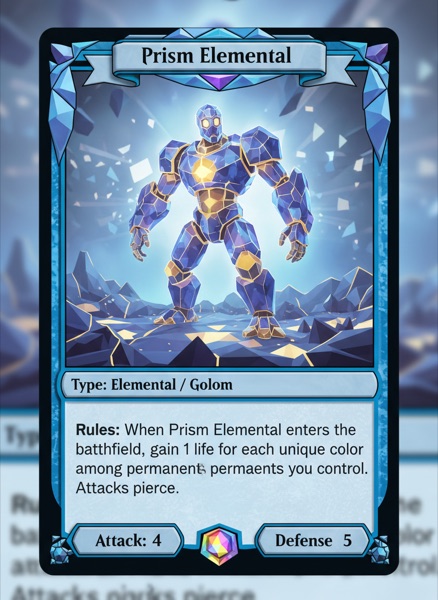
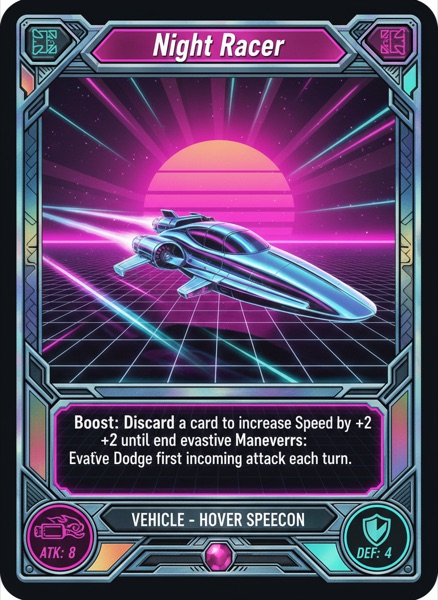
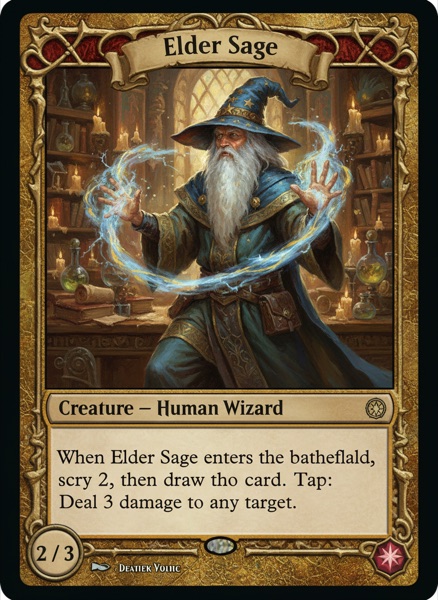
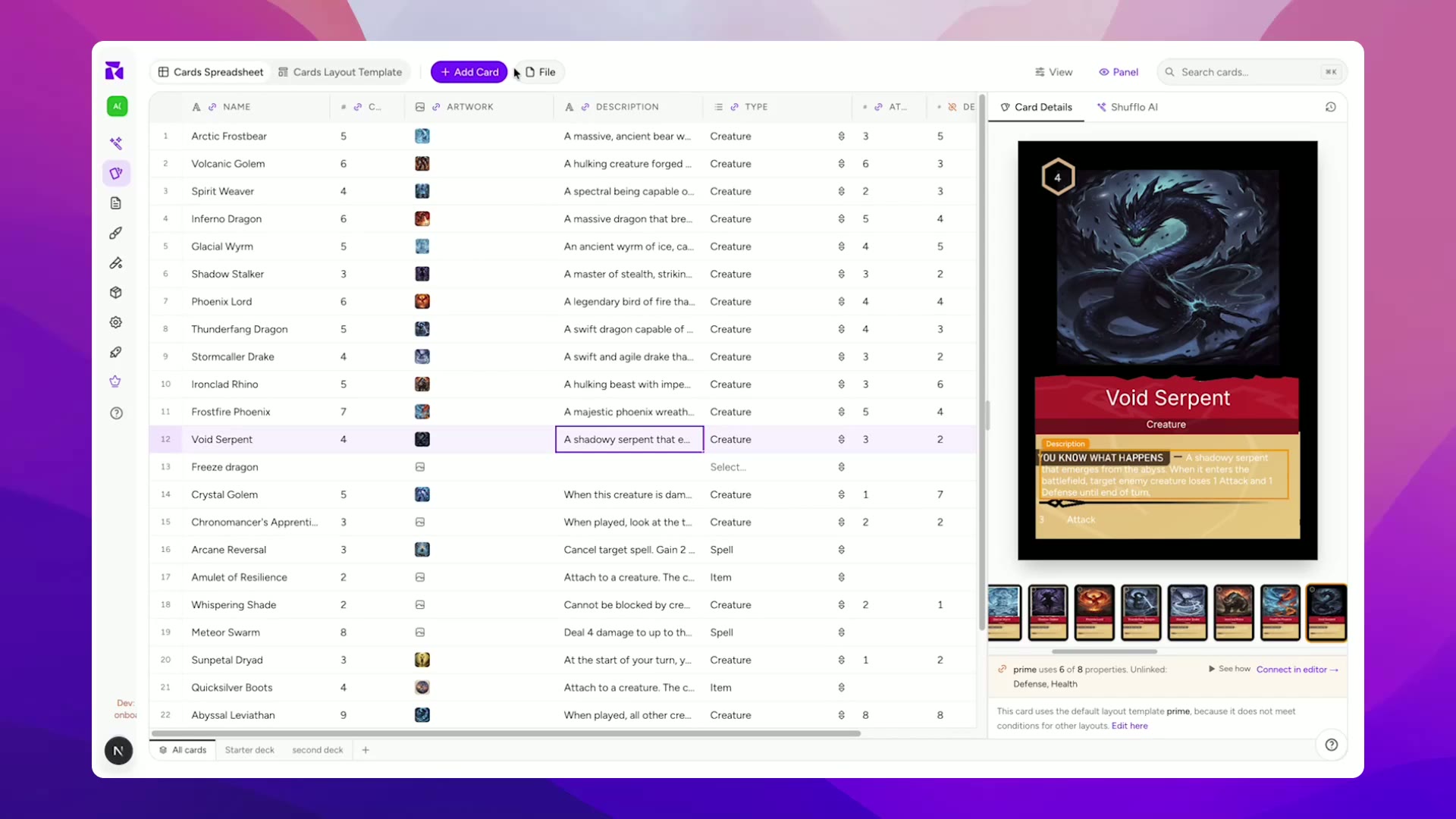
Designers prototype in Google Sheets because it's fast and familiar, but turning 60 rows into 60 designed cards usually means hand-placing every value in Photoshop. ShuffleKit reads your CSV directly, map columns once and get a complete deck.
 1
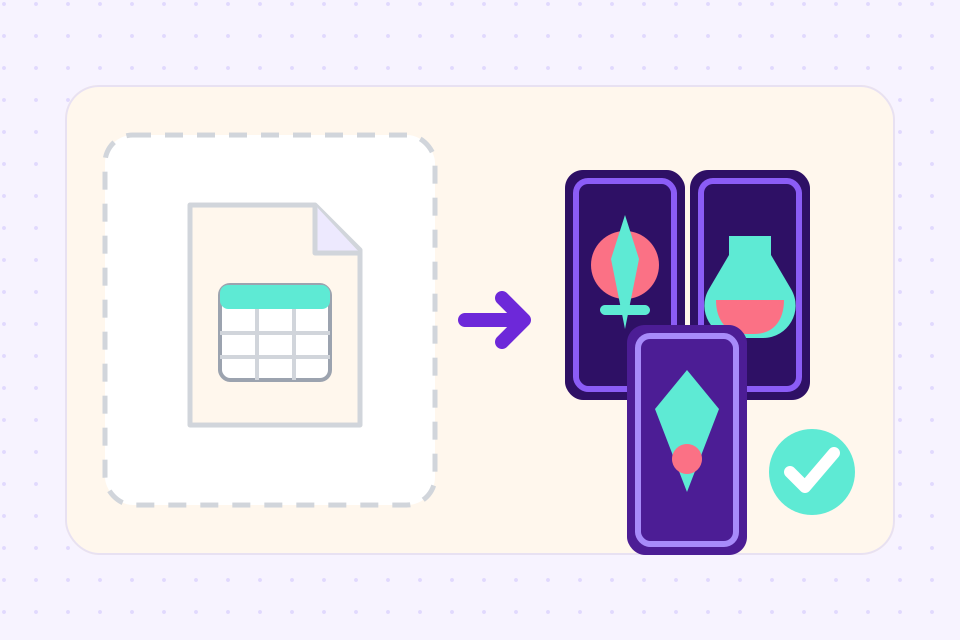
1Upload your CSV
Drop a CSV from Google Sheets, Excel, Numbers, or any export. Headers in the first row, one card per row.
 2
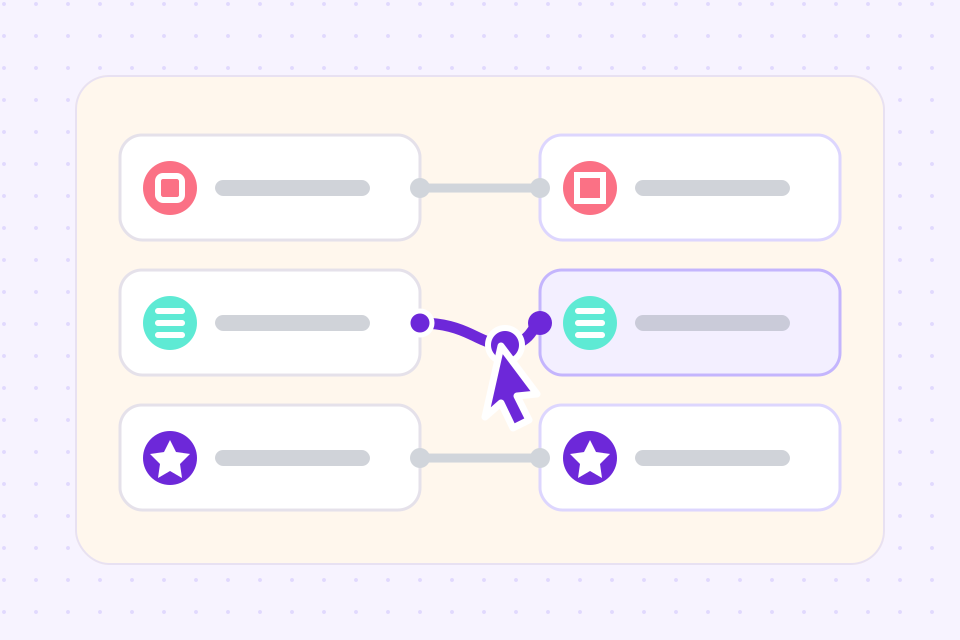
2Map columns to a layout
ShuffleKit auto-detects names, costs, types, and rules, then fills any of 36+ layouts with your data across every card.
 3
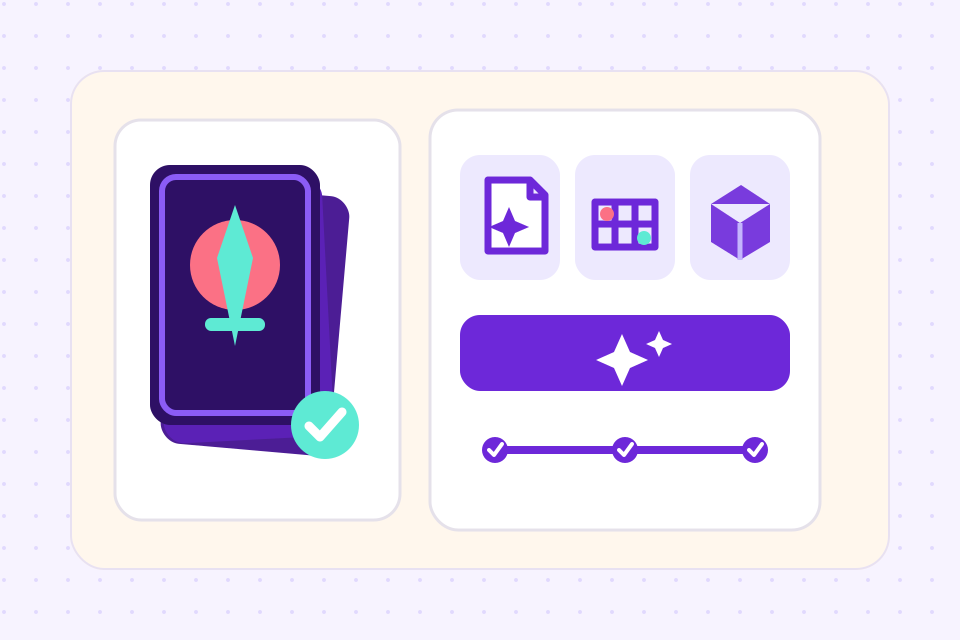
3Edit, test, export
Edit in spreadsheet view or per-card. Playtest online. Export to print, TTS, Roll20, or PDF.
From spreadsheet to deck, automatically
ShuffleKit guesses which column is the name, cost, art URL, or rules text. Override any mapping in seconds.
Edit cards in a familiar grid view inside ShuffleKit, no need to round-trip through Google Sheets.
Update your spreadsheet, re-import, and ShuffleKit reconciles changes, no duplicate cards, no lost edits.
Include URLs to card art in your CSV and ShuffleKit pulls them in automatically. AI art generation also available.
Change a keyword across 200 cards at once. Update one property, every card reflects it instantly.
Round-trip your data, export any project back to CSV, version it in git, share it with collaborators.
Frequently asked questions
Everything you need to know before getting started.
Still have questions? Contact us
Related tools
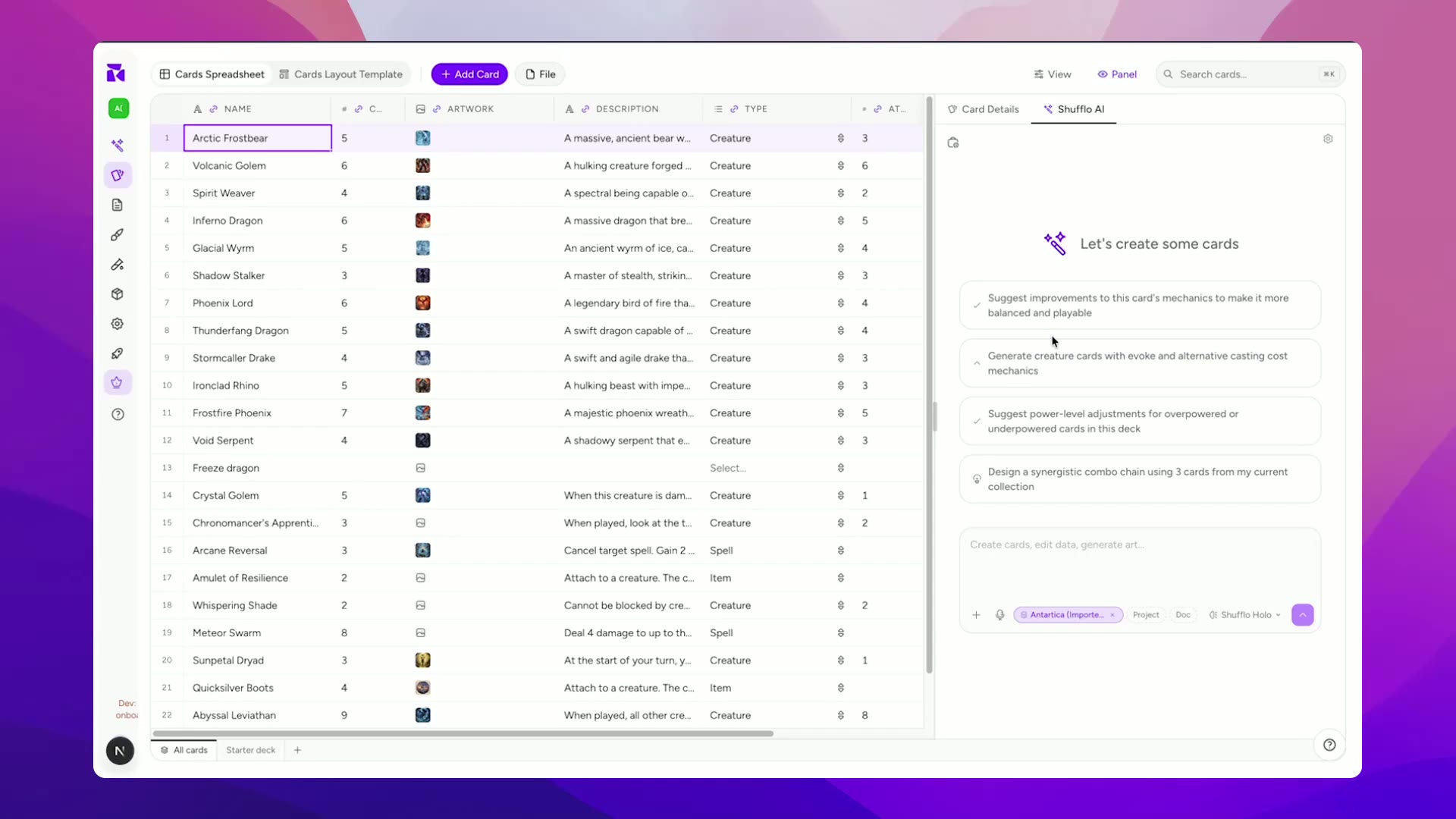
AI Card Game Maker
Generate cards, art, and rules with an AI built for game design, not a generic chatbot. Iterate fast, keep creative control, export print-ready files.
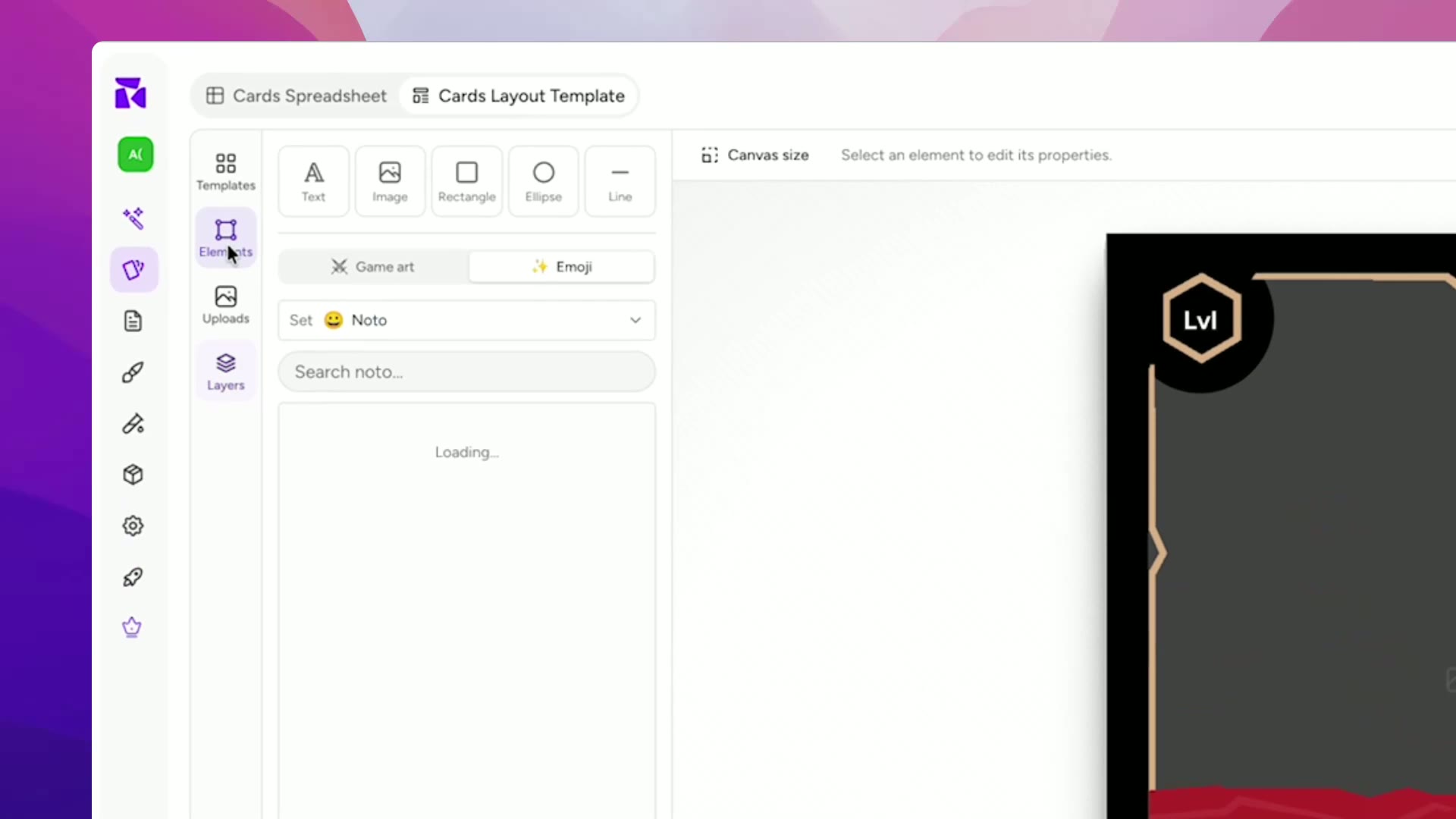
Card Game Prototype Software
Build a deck, playtest it online the same afternoon, and revise before your testers leave the table. The design-test-iterate loop, minus the paper cutouts, the Photoshop, and the Tabletop Simulator setup.
Tabletop Simulator Card Maker
Design custom cards, export TTS-ready spritesheets in one click, and skip the manual sprite slicing. Built for modders, prototypers, and game designers.
Ready to build it?
Start free. Upgrade only when you're ready to publish.