Board Game Maker: Design Your Whole Game Online
A board game is never one component. Design the board, the deck, the tokens, the dice and the box in one project in your browser, playtest them together, and send the whole thing to print at once.
Card tools stop at the cards
Most card makers assume the deck is the game. For a board game it is one component out of six, and the others usually end up scattered across Illustrator files, a spreadsheet, and a printer's template pack. Keeping them in one project is what stops the box drifting out of sync when the art direction changes in month four.
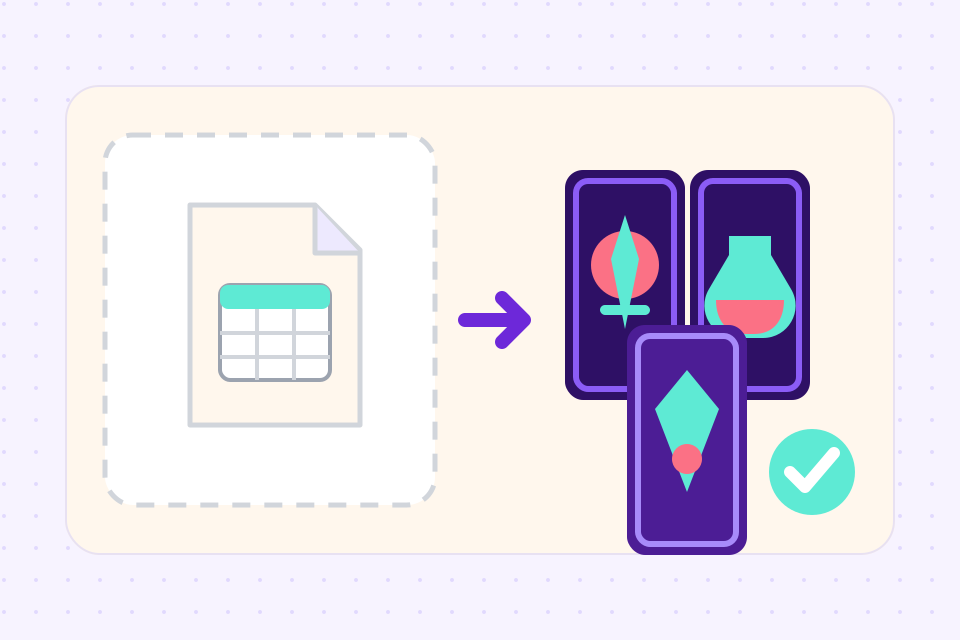 1
Start with the board, the deck or a template
Pick a board size, from a 4 × 4in square up to an 18 × 18in quad-fold with its creases drawn, import your event and item cards from a spreadsheet, or open one of the board games further down this page and change it. Tokens, mats and dice join the same project as their own collections.
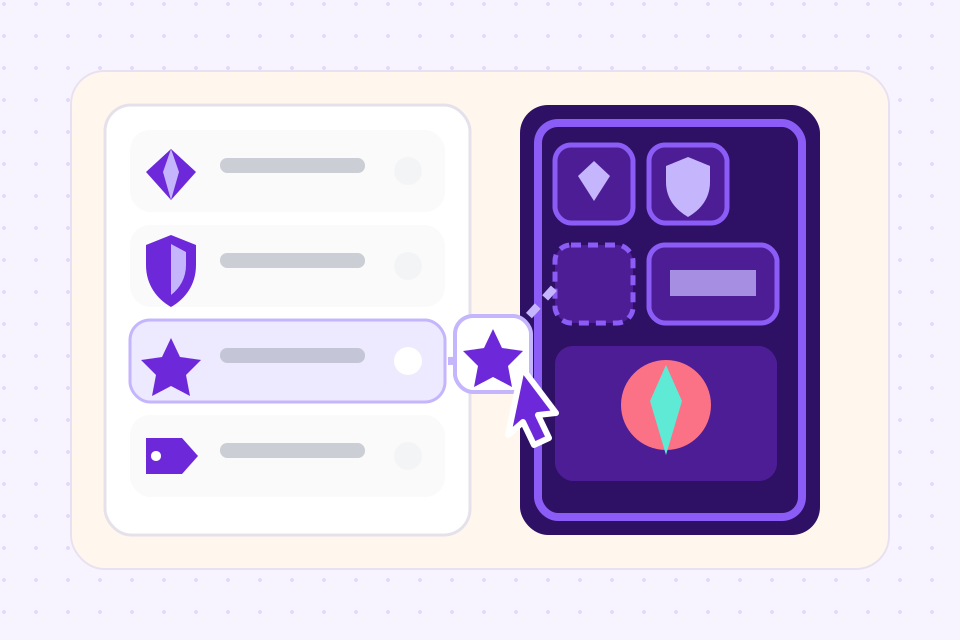 2
Design once, match everywhere
Build one layout with your properties bound into it. Reuse the same palette, icon set, and typography on the tokens and board so the box reads as one game rather than six commissions.
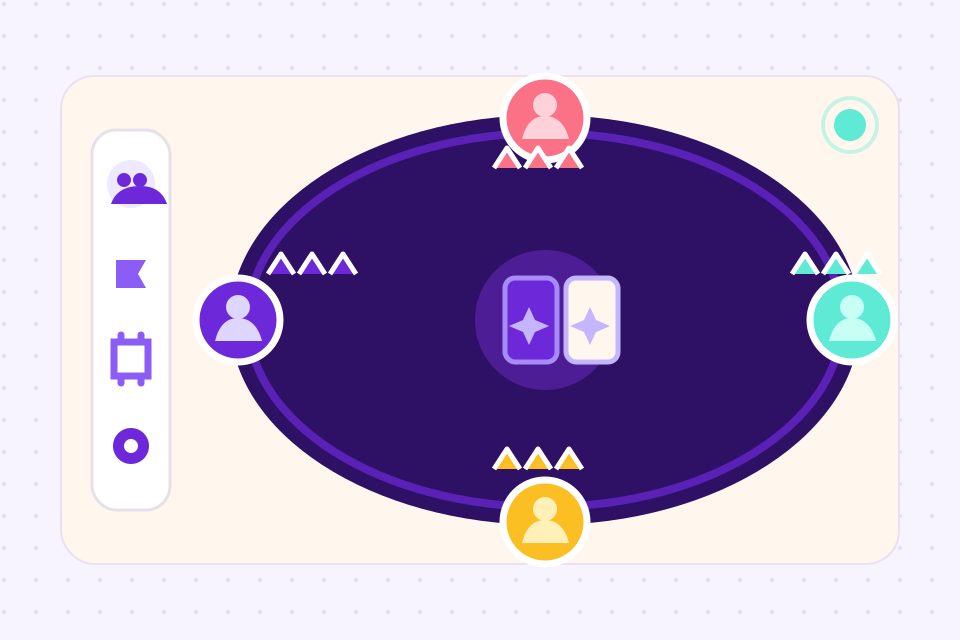 3
Playtest online, then print
Put the board, decks and tokens on the online table and play a few rounds with up to six players. Then export print-ready PDFs on the Hobby plan, or on Indie order the whole box through The Game Crafter without leaving the project.
What ShuffleKit covers, component by component
Nine component types are offered, each with size presets mapped to real manufacturer products. Every number below comes from the registry the editor actually uses, so it is what you will see in the size picker.
One more limit worth knowing before you start: a component at a custom size with no matching manufacturer product exports fine but cannot be ordered, and the size picker says so rather than letting you find out at checkout.
Built for a box, not a deck
Cards, boards, mats, tokens, meeples, dice, score pads, screens, and the tuck box live as typed collections in the same project, sharing properties and art direction.
Edit the whole deck in a table view. Rebalance every encounter card's difficulty in one pass instead of opening 60 files.
Deal the deck on the online playtable with the board and tokens in place, so you find the broken card before it is printed 500 times.
Bleed, cut lines, and per-component sizing are handled at export, and every registered type maps to a real manufacturer product.
Generate the forty flavour-text variations you have been avoiding, or art for a token set, with the project's existing properties as context.
Full commercial rights to everything you make, AI art included, so the box can go to Kickstarter or retail.
Board games you can start from
Each of these is a complete game in our template gallery, made in ShuffleKit. Add one to a project and every part of it is yours to rewrite, recolour or throw out.
- Property-trading game
Hueborough
Two boards, Fortune and Treasury decks with their backs, and a title deed for every street. Fernmint, the printable play money, pays for them.
- Dinosaur race for kids
Rumblenest
A trail from a nest to a lake, 30 dinosaur cards with a fact, a period and a length on each, Boost and Hazard cards, baby dinosaur standees, a number die, a score sheet and a tuck box.
- Trivia game
Witbloom
A four-petal flower track with 48 question cards in six categories, four bulb pawns and a number die to move them.
- Pirate board game
Knucklecove
Two to four explorers race up a treasure island trail and settle duels by thumb wrestling on the way to the chest.
- Snakes and ladders
Ladderlark
Two boards of a hundred squares: a spiral with a picture on every square, and the classic ten-by-ten grid.
- Blank boards for your own game
Slatemoor
Four plain boards to try a new idea on, with an event deck and an item deck that work on any of them. The loop track keeps a space for the draw pile and one for the discards.
Frequently asked questions
Everything you need to know before getting started.
Still have questions? Contact us
Can I make a board game online for free?
Yes, for your first game. The free plan runs in the browser with nothing to install, and covers one project with up to 120 cards and 10 layouts, plus unlimited playtest sessions on the online table. Exporting print files starts on the Hobby plan at $4 a month billed yearly, and ordering the box through The Game Crafter is on Indie.
How do I make my own board game?
Start on paper. A hand-drawn board and a deck of index cards will tell you in an evening whether the core loop is fun. Once it is, move it here: set the board up at the size you plan to print, keep the decks in a spreadsheet so a rules change is one column edit, add tokens and dice as their own collections, and playtest online until the numbers stop moving. Then export the files or order a printed copy.
What size should my game board be?
That depends on the box. There are six rigid boards, from a 4 × 4in small square to a 10 × 10in large square, plus 4 × 10in and 5 × 10in strips, and two folding boards: a 9 × 18in bi-fold and an 18 × 18in quad-fold, a common size for a full main board. Each one maps to a product The Game Crafter makes, so the board you design is the board that gets printed.
How much does it cost to print a board game?
It depends on what is in the box: a quad-fold board with two decks and a bag of tokens costs more than a card game in a tuck box. On Indie, Print & Ship prices your game from The Game Crafter's own catalogue, counted in whole printed sheets, and shows you the total before you order a copy. If you only want to play it, the PDF export prints on a home printer and costs you the cardstock.
Is there a game board generator?
Not one that draws a board from a sentence. The AI assistant writes cards, and boards are still laid out by hand. The quickest start is a blank board: a square grid, a loop track, a race path, a hex map or a spiral, free to download as a PDF, or Slatemoor's four blank boards opened as an editable set where you recolour the track, retype the spaces and add your own art. Free game board templates.
Is there a blank game board template I can edit?
Yes. Plotwright is four blank boards in dark ink on white: a square grid, a hex grid, a loop track and a point-to-point route map, each with a title, a one-line goal and a key you retype. Add it to a project, set which board each row draws on, and playtest it on the online table before you print it. The Plotwright blank game board template.
Can I make a board game for kids or a class?
Yes. Several of the games above are built for young players, with big spaces, a number die and cards that teach something, like Rumblenest's dinosaur facts or Witbloom's trivia. Print them at home, or put the board on the online table and play it with a class on one screen. There are no student accounts, so each player who joins from a link plays as a guest.
Can I play my board game online with friends?
Yes. Put the board, the decks and the tokens on the online table and send the link. Only you need an account: up to five other players join as guests in their browser, with nothing to install.
Can I design only the cards and handle the rest elsewhere?
Yes, and plenty of people do. The deck is the component that benefits most from data binding, so it is a reasonable place to stop. Nothing forces you to move the board or tokens in.
Will the cards match components I made in Illustrator?
You can import existing artwork as images and place it in a layout, and export at the size and bleed your printer specifies. What you lose by keeping components outside is the shared palette and property set, so a late art-direction change means editing in two places.
Do I have to design at a specific size?
Each component type carries its own size presets, mapped to real manufacturer products, and the table above lists what those are. You can work at a custom size instead, but a size with no matching product exports fine and cannot be ordered, so the picker tells you which is which before you start designing.
Can I order everything as one physical box?
Through The Game Crafter, yes, with one exception. Cards, boards, mats, tokens, meeples, dice, score pads, screens, and the tuck box are all registered component types with matching manufacturer products, ordered from the same project. The rulebook is not: booklets print, but there is no rulebook editor yet, so that one is still a job for elsewhere.
How do I choose a board game maker?
Work back from what you need at the end. A print shop such as The Game Crafter makes a boxed copy from files you bring, and this tool sends to it from inside the project. A classroom board builder is quicker for a one-off quiz board played on a screen. When the game is still changing week to week, you want the board, the decks and the pieces kept in one place so a rules change reaches all of them. We compared the main options side by side, ShuffleKit included. The best board game makers, compared.
Is this a board game design tool or a card tool?
Honestly, it is a card tool that grew components. The deck workflow is the deepest part and the reason most people arrive. If your game is mostly a board with almost no cards, you will feel that emphasis.
Related tools
Card Game Maker
Most tools make you design cards one at a time. ShuffleKit treats your deck as data: import a spreadsheet, design one layout, and watch it fill 200 cards at once.
Card Game Printing
Design the deck here, then send it to The Game Crafter from the same project. They print it on demand and ship it worldwide, so your first order can be a single proof copy.
Playtest Card Game Online
Share a link, sit your playtesters at a virtual table, and watch your game in motion. No TTS license, no install, no setup.
Ready to build it?
Start free. Upgrade only when you're ready to publish.