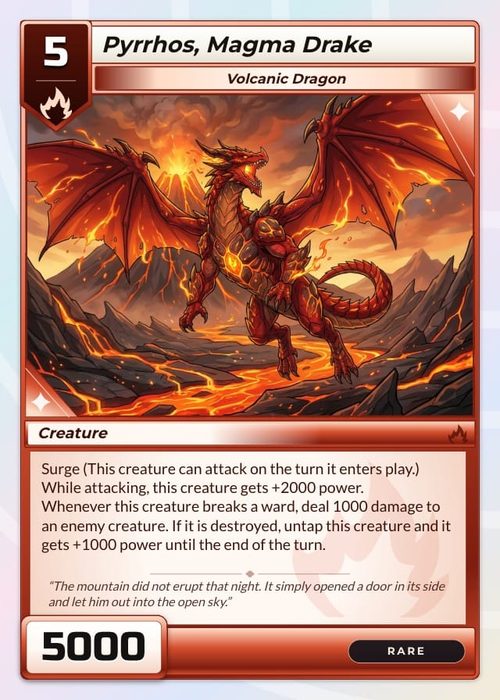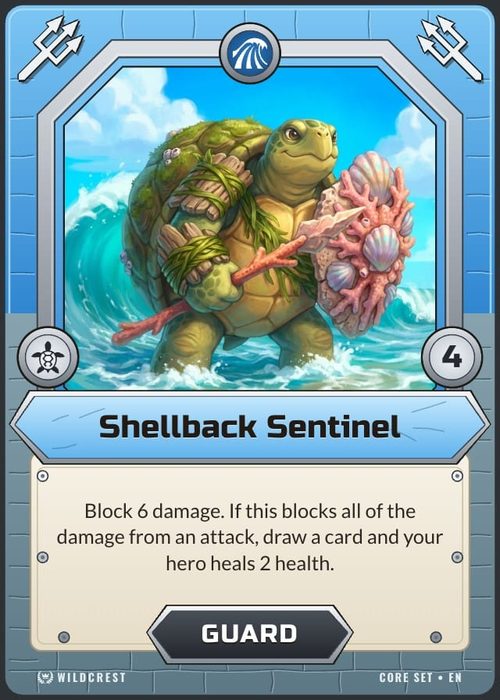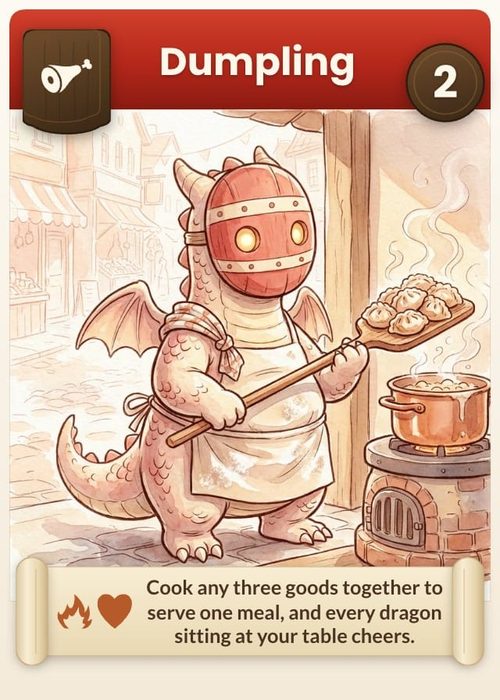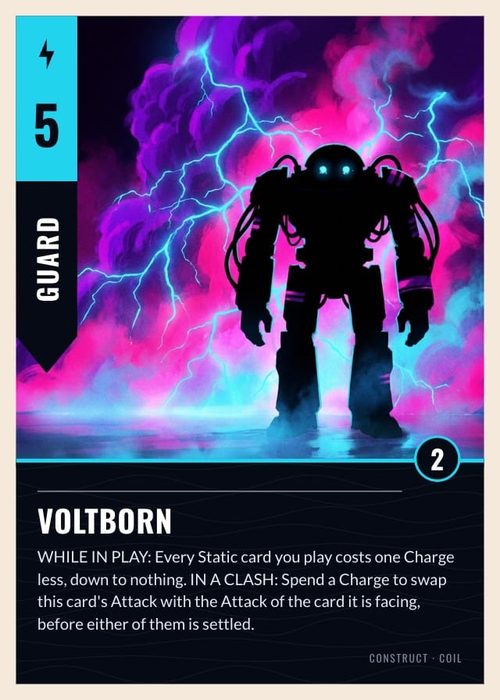
The phrase "board game maker" hides a problem. A card game is one component repeated sixty times, so a single tool can reasonably handle all of it. A board game is a board, a deck or two, tiles, tokens, player mats, a rulebook and a box, and every one of those wants something different from your software. That's why the results are so scattered: component designers, playtest sandboxes and print shops, all under one phrase.
Making a board game breaks into three jobs, and most tools do exactly one of them well:
- Designing the components. Turning your data into cards, tiles, tokens and boards that look like a game.
- Getting it to a table. Playtesting, in person or online, over and over.
- Getting it manufactured. Print-ready files, then a printer who will actually make it.
Most of what follows is job one, because that's where these searches land. I'll cover the other two at the end.
ShuffleKit
Best for: every component in the box, tested and ordered from one place.
ShuffleKit started as a card game maker, and until recently the honest answer here was "use it for the deck, find something else for the rest of the box." That changed. It covers nine component types now: cards, boards, mats, tokens and tiles, dice, meeples, score pads, GM screens and tuck boxes, each a collection carrying its own size, columns and layouts. Our board game maker page lists every one of them with its real sizes.
The workflow is data-driven. Import a spreadsheet into a collection, design one layout, and it renders across every item in it, so 200 hex tiles come from 200 rows. Boards and screens open as rendered thumbnails rather than spreadsheet rows, punchouts preview as their actual die-cut shape, folding boards draw their creases, and a tuck box is designed on its real flat dieline with the panels marked, so a title doesn't end up on a fold.
Then the other two jobs. Boards and mats drop onto the online table locked at the bottom of the stack while tokens move as loose pieces and dice roll, and the whole box publishes to The Game Crafter, costed off their catalogue in whole printed sheets first. Or export print-ready PDF, PNG and SVG and print it yourself. The limits are real. Rulebooks are the gap: booklets print, but the editor is a canvas rather than a word processor, so they aren't offered yet. The online table seats six and still wants a card deck in the session, and custom dice stop at a D8, which is The Game Crafter's ceiling rather than the tool's. Free to start, then $8 a month (Hobby) or $20 (Indie), which adds Print & Ship, and you keep full commercial rights to everything you make.
Component Studio
Best for: the widest component range, straight through to manufacturing.
Built by The Game Crafter, and that heritage shows. You bring a spreadsheet, build a template once, and it generates every card, tile, token and chit from your data. Change a number and the set updates. For an asset-heavy game maintaining 200 components across six types, that's the whole pitch, and it works.
The export path is unusually complete: PNG, ZIP, print and play PDF, production PDF, Tabletop Simulator, Screentop.gg, Playtest Parlor, or components sent straight into a Game Crafter project to be manufactured. Real-time collaborative editing is built in too, so a co-designer works in the project with you rather than passing files back and forth.
Pricing is a single plan at $9.99 a month, with 20GB of storage and a 3-day free trial. That trial is the catch. There's no free tier to sit on while you poke at it, which makes this the one tool here you can't keep using for nothing. It's components only, as well, so no built-in playtesting and no rules writing, and the learning curve is real once you're into conditional layouts.
Dextrous
Best for: a no-code visual editor with the strongest export list.
The friendliest thing here if you'd rather not write a script. Link a Google Sheet or CSV, design the layout visually in your browser, and it generates the set. The exports are the argument for it: direct handoff to Tabletop Simulator, Screentop.gg and Dustin's Designer Den on the digital side, print and play PDFs auto-laid out on Letter, A4 or A3 for print, and high-resolution PNGs for everywhere else, which is how people get a deck into Tabletopia. One source of truth feeds both your online playtests and your print run.
You get 2 projects, 10 layouts and 100MB on the free Tester tier, with unlimited components on every plan. Paid runs $6 a month for Prototyper, $12 for Designer and $24 for Designer Pro, a third off yearly, and the good stuff scales with price: unlimited projects and layouts plus advanced PDF export start at Designer. Bulk data is lighter than a scripting tool, so a heavy component count gets manual, and there's no AI in it.
nanDeck
Best for: free, unlimited, script-driven components if you'll tolerate the learning curve.
The veteran, and anyone dismissing it as a card tool is working from old information. It generates boards, tiles and counters as happily as cards, it's still actively developed after nearly twenty years (version 1.29 landed on 1 May 2026), and in the developer's own words it's free to "download it and use freely, without limitations." You can run it as a plain executable or take the installer, and there's an active Discord where the developer answers questions directly. You describe your components in a scripting language, point it at a spreadsheet, and it lays out the whole set for print. For bulk, data-heavy games it stays absurdly powerful for zero money.
The catch hasn't changed: that scripting. No drag and drop canvas, so you're writing commands to place every element, an interface that looks its age, and Windows-only. If you can handle a bit of code, nothing free comes close. If you can't, it'll feel like homework. We went deeper in our ShuffleKit vs nanDeck comparison.
The other two jobs
If your component tool stops at design, here's the rest of the pipeline, briefly:
Playtesting. Tabletop Simulator is $20 once and remains the standard for making a prototype feel real in 3D, at the cost of a slower build and a heavier session. Screentop.gg is browser-based and simply free, for players and creators alike, which makes it the lowest-friction way to get strangers testing. Tabletopia sits between them, free with limits and roughly $5 to $10 a month for premium. We compared this layer properly in the best card game playtesting software, and most of it carries over to board games.
Manufacturing. The Game Crafter is still the default for print on demand. In their words there's no minimum order size, so you "buy 1 copy or as many as you need," with bulk discounts starting at ten. For a real run of a thousand plus you move to an offset printer like PrintNinja or Panda, where minimum order quantities and unit economics become the whole conversation.
Which one should you pick?
- Want the components, the playtest table and the print order in one place? ShuffleKit's board game maker, free to try.
- Lots of components across several types, and a clean path to manufacturing? Component Studio.
- Want a visual, no-code editor with the best export list? Dextrous.
- Zero budget and comfortable with a bit of code? nanDeck.
The honest summary used to be that you end up with two or three of these, not one: a component tool, a playtest table and a printer. That's still how most designers work, and it's a perfectly good pipeline. What changed is that all three can now sit in one place, which is worth testing against your own project before you commit to stitching a pipeline together.
Whatever you pick, what matters is getting a rough version onto a table fast, because the design work is in the testing, not the software. For the bigger picture see our guide on how to make a board game, or the companion post on the best AI board game makers.
If you're tired of stitching three tools together to get one box made, that's exactly why we built ShuffleKit, and I'd love for you to try it. It's free to start, and I read every piece of feedback that comes in. Start free.