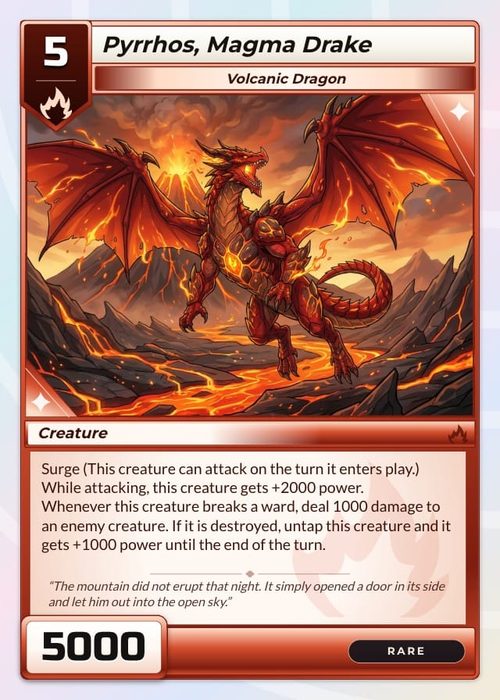
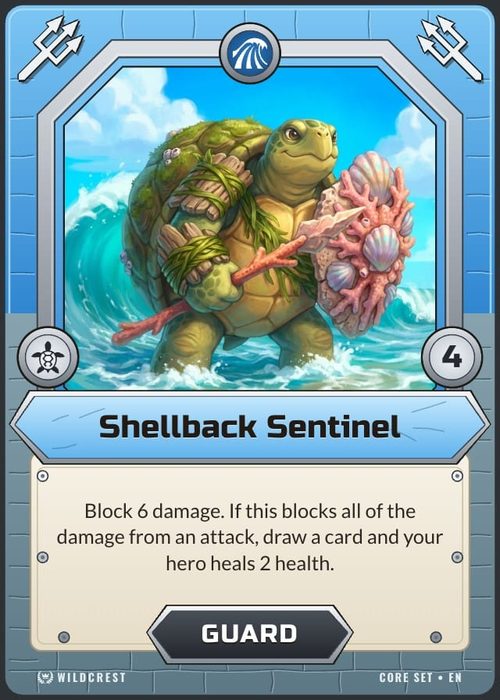
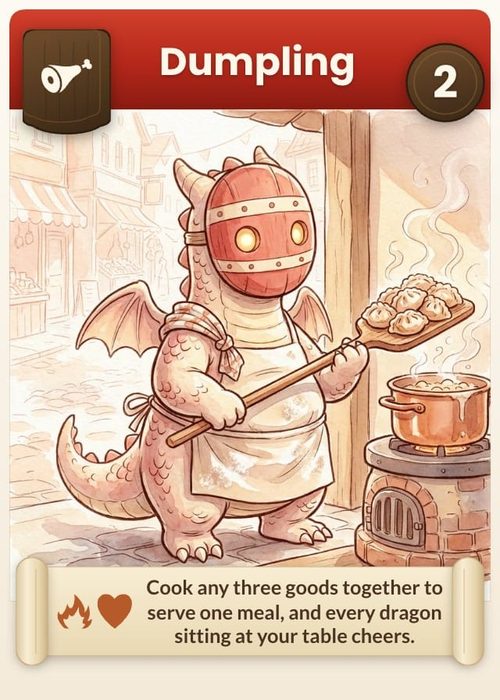
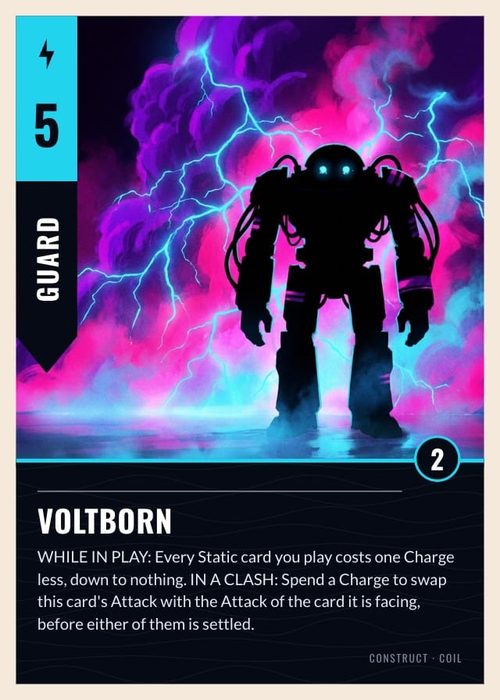
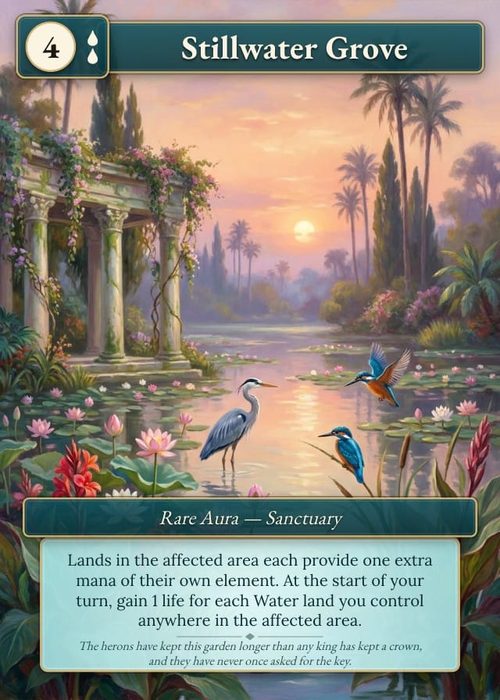
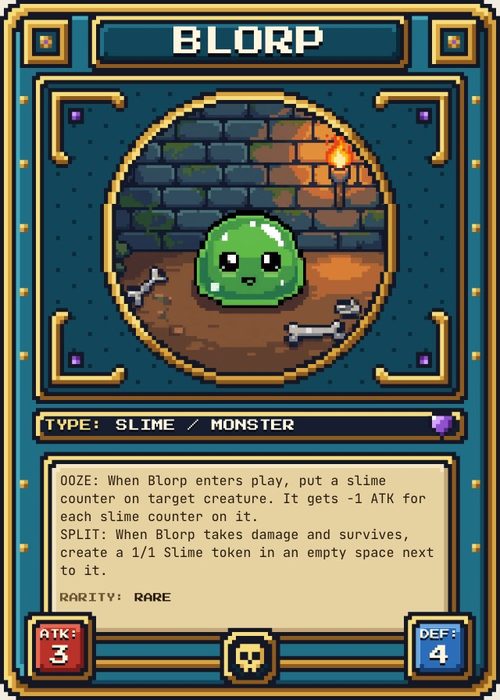
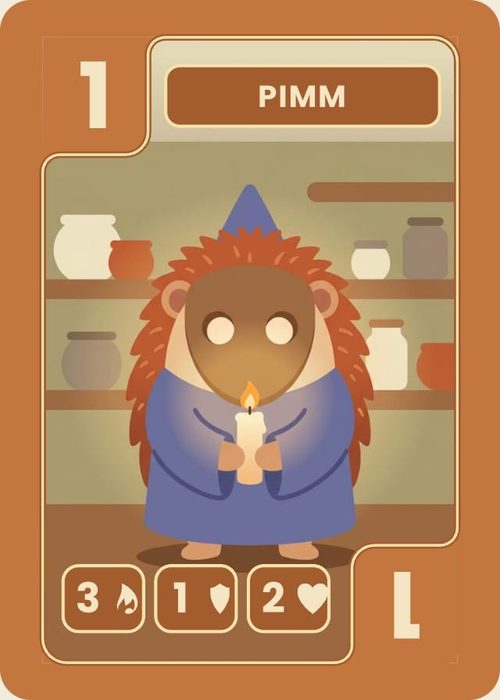
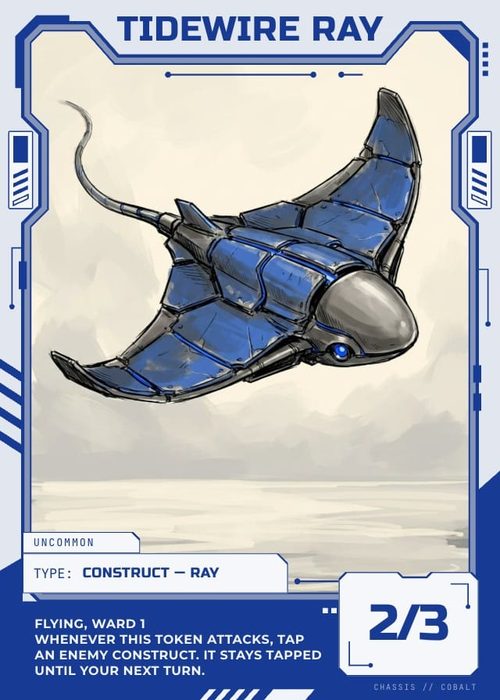
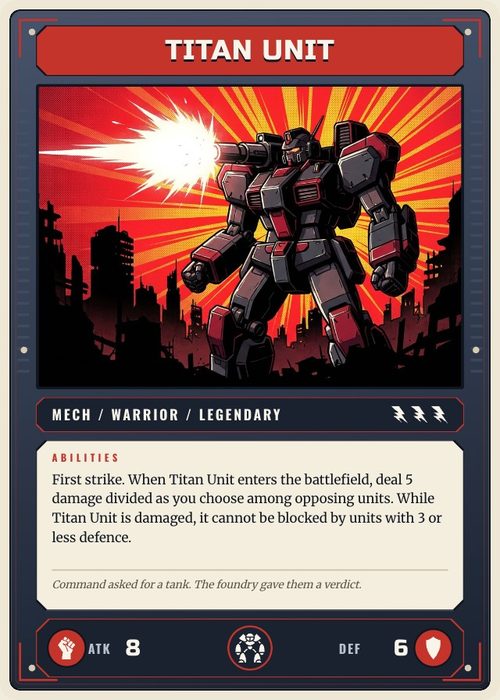
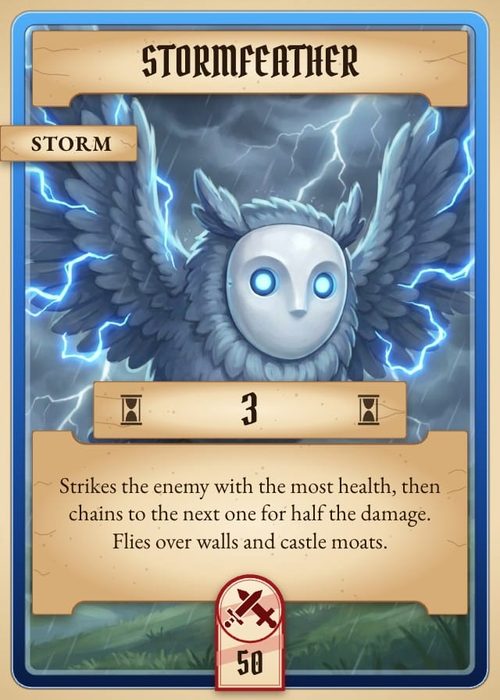
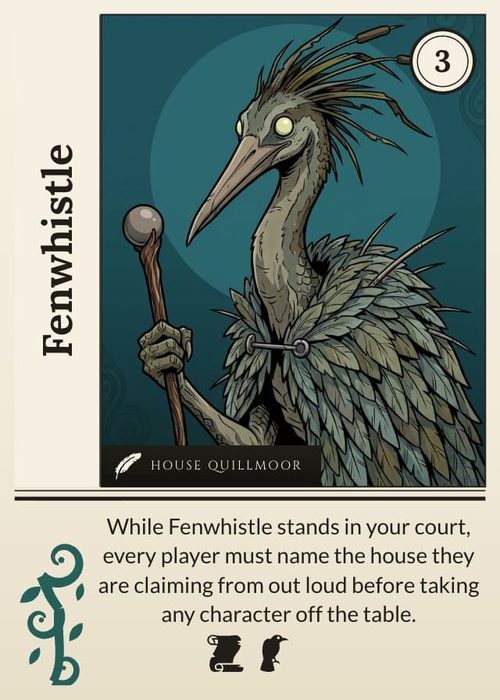
The Playtable can start with more than a deck of cards. Select the collections your session needs and ShuffleKit resolves their real layouts, artwork, faces, and physical sizes before placing them on the table.
Start by creating and designing the collections in Components & Collections. A component with no matching layout is skipped, so check its gallery preview before you start a session.
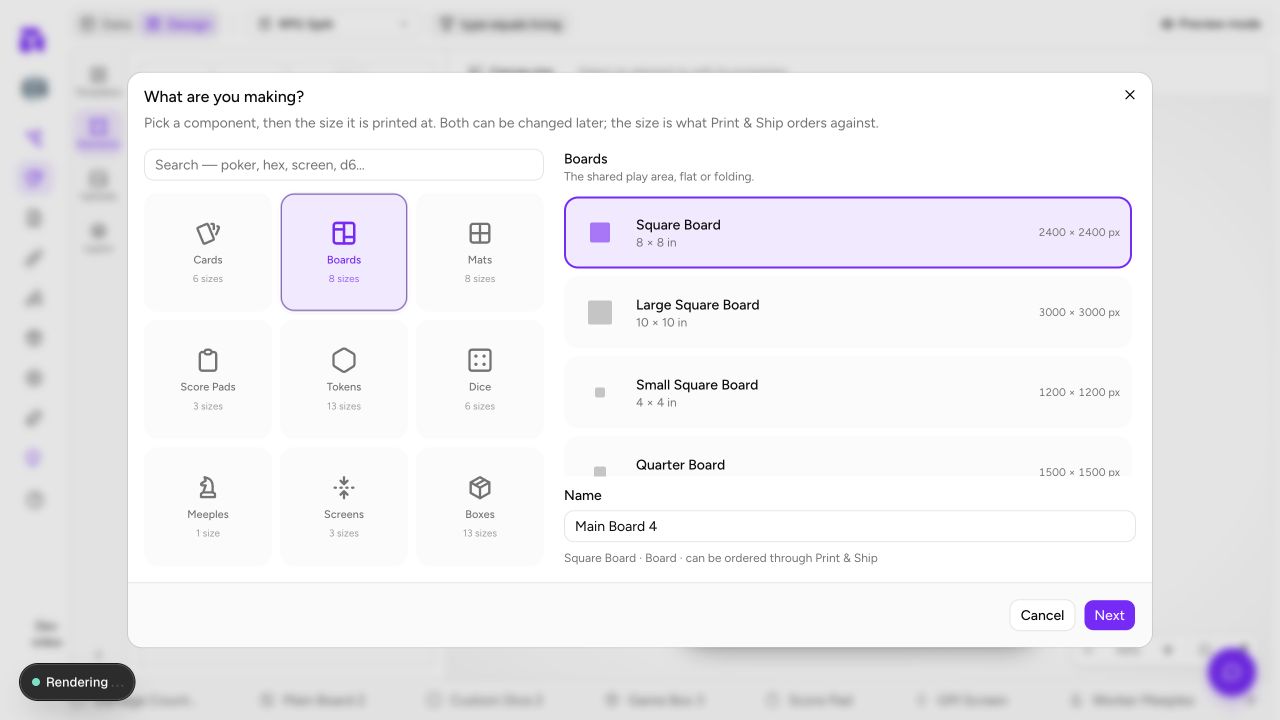
Choose what goes on the table
Open Playtable, select the project, then find On the table.
- With All cards on, every card in the project goes into the deck, and your boards, mats, tokens, meeples and dice are listed beneath it to add one by one.
- Turn All cards off to choose individual collections. Select at least one card deck as well as the board, mat, tokens, meeples, or dice you need.
- Each selected collection has a copies stepper on its tile. The table places every item in the collection, at its quantity, times that number.
- A board or token collection is placed on the table; it is never shuffled into the draw pile or dealt into a hand.
The Playtable still needs a card deck to deal. Choosing only boards, mats, or tokens produces a clear prompt to add cards rather than starting an empty game.
What each component does
| Type | Table behavior |
|---|---|
| Boards and mats | Start as locked, anchored surfaces beneath the card piles. They retain their real physical scale, so a large board reads as larger than a card. |
| Tokens and meeples | Start as movable pieces. Select, drag, duplicate, rotate, lock, or remove them like other table objects. Collection quantity controls how many copies spawn. |
| Dice | Start as designed, rollable dice. Right-click a die and choose Roll, press S over it, or use Roll from the multi-selection bar. Its own face count controls the result: D4, D6 or D8, or the playtable-only D10, D12 and D20. |
| Score pads, screens, boxes, and booklets | Print-only components. With All cards off they are named beneath the picker as printed rather than played, so their absence from the table is intentional. |
Slots and hidden areas on a board
A board or mat can say where cards go. In the Design editor, open a board or mat layout and use Add slot in the Elements panel's Slots section to draw a slot on the canvas. Each slot has a Label, an Owner seat, a Face (keep as dropped, face up or face down), a Capacity and a Rotation. On the table, a card dropped into a slot snaps into place and lands the way the slot says.
Give a slot an Owner seat and it becomes a hidden area: cards in it show their face to that seat and their back to everyone else. If nobody sits in that seat, the slot is public. Slots are never printed or exported.
A reliable first setup
- Select your main card deck, then the Main Board or player mats.
- Add token and meeple collections only at the counts you want to test. You can duplicate a piece during the session, but setting the collection quantity or the copies stepper first makes the opening state repeatable.
- Add a custom die collection if the rules use one; design every face before the session so a roll never lands on an unfinished design.
- Start the session. Boards and mats tile into the surface area, loose pieces stay in their own play area, and card piles avoid the anchored surfaces. When the boards do not fit the standard table, the table grows to hold them, and the setup preview's caption says so ("bigger table, about 60 × 45 in").
- Boards and mats start locked; lock any loose piece that should not move either. Use a named snapshot after the session, then turn feedback into data changes back in the workspace.
Multiplayer and recovery
Choose Play online on the setup screen and share the table's invite link. The host's selected card deck and component collections become the session's table plan, so every player sees the same board, pieces, and die faces. Reopening a saved session restores its table objects and resolves their artwork again from the project; it does not turn components into cards.
Card notes are still card feedback. Use the session to test component placement, readability, count, and scale, then make those design changes in the relevant collection. For the post-session loop, see Notes & Version History.