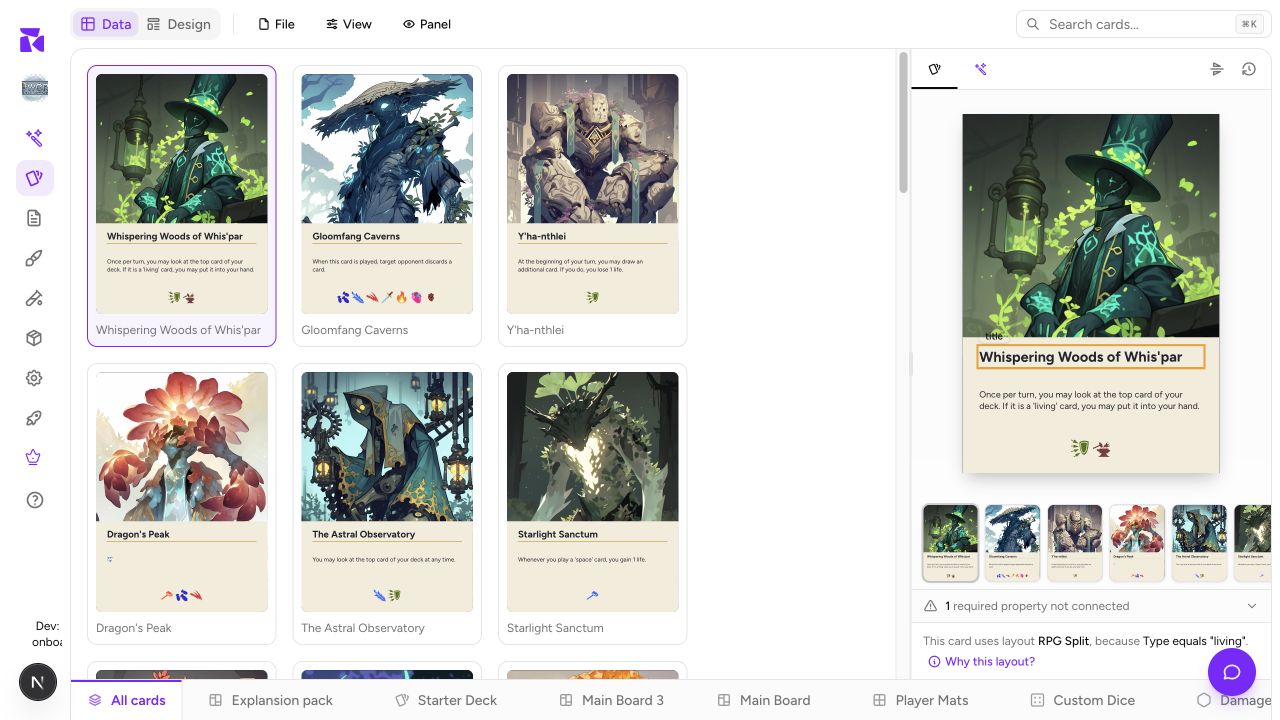
Shufflo in the sidebar opens ShuffleKit's assistant full screen, with your past chats alongside. Use it when you want to pressure-test a premise, find a cleaner rule, or turn a fuzzy idea into a useful next design task, before or between concrete data changes.
It is the same assistant as Shufflo AI on the Cards page and the Shufflo button in a document, with the same abilities: it can create and edit cards, write documents and draw artwork from here too. The difference is the room around it. This page gives the conversation the whole screen and keeps your chat history open beside it, which suits game-level discussion. When you are working through card data, the Cards panel is handier, because your sheet updates in view as Shufflo writes.
Scope the conversation first
A new chat opens on Let's brainstorm something, three suggested prompts and a composer that reads Describe your card game idea.... The composer has the same controls as the Cards panel: attach, voice input, project and Doc chips, the model selector, and the gear for the image model. They are explained in Shufflo AI.
The project chip in the composer decides which game Shufflo can see, and the page remembers your choice between visits. Check it before you start: a new chat is filed under the project it starts in. Project context lets your prompts refer to the game by name instead of re-explaining the entire premise every time. Keep unrelated games in separate chats and projects so a great idea for one prototype does not silently become an assumption in another. Add a rules document with the Doc chip when the discussion depends on what you have already written.
Prompts that make good design work
Ask for a decision, a comparison, or a constraint. "Make my game better" gives Shufflo nothing to work against. For example:
- "Give this drafting game three win-condition directions; each must finish in 45 minutes."
- "What information should a player see on a faction card in this asymmetric game?"
- "Turn this resource loop into a six-card starter deck and identify the missing role."
- "Find edge cases in this once-per-turn rule and propose tighter wording."
- "Suggest a small playtest question that tells us whether turn order feels fair."
Follow up with the rule, card, or player constraint you care about. A short iteration is usually more valuable than asking for a whole game at once.
Turn ideas into workspace changes
When a direction is promising, capture the durable version where it belongs:
| Result | Where to keep it |
|---|---|
| Theme, rules language, keyword definition, balance notes | Docs & Rules |
| Fields, cards, decks, boards, tokens, dice | Components & Collections |
| Candidate illustration prompt or a reference-assisted variation | Image Generator |
| Questions about actual table behavior | Playtable Basics |
You can ask Shufflo to do the first step for you. "Write this up as a Rules document" creates the document in the project in scope, and "make these six cards" adds them to that project's sheet, each with Undo on the result. Treat the chat as your design notebook and move accepted decisions into structured project content, so a chat is never the only copy of an important rule.
Find an earlier chat
The Chat History sidebar opens on the left of the page. Its + starts a new chat, its x closes it, and the Chat history icon at the top left brings it back. Drag its edge to make it wider. It lists your chats newest first, grouped by date. Each chat gets a short title after its first reply, and a line under it says what it made, such as "6 cards · 12 images". When the current project has chats, the list starts on This project; pick All projects from the dropdown to see the rest, or search by title or project name. One-line chats that made nothing, and chats with no saved reply, are tucked behind a Show … short or empty chats link at the foot of the list. Open a chat's ⋯ menu for Rename or Delete; a deleted chat can be restored with Undo on the notice for a few seconds.
Keep the conversation useful
Start a fresh chat for a new design question and use the suggestions as a jump-start rather than a required path. State the real constraints: player count, physical components, session length, available art, or rules you will not change. The stronger the constraint, the more actionable the next step becomes.