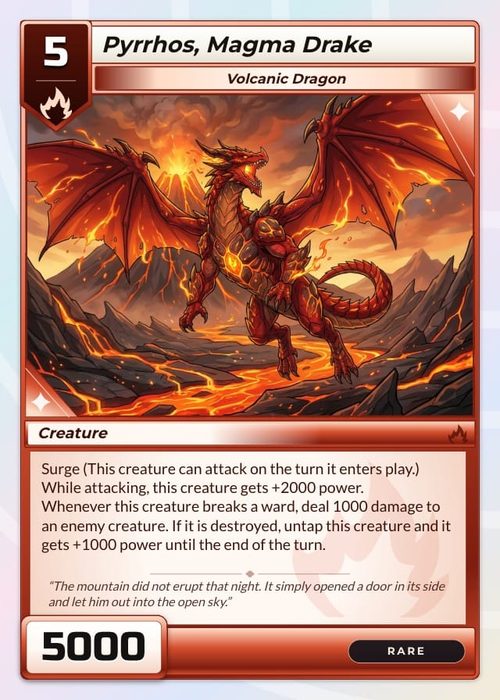
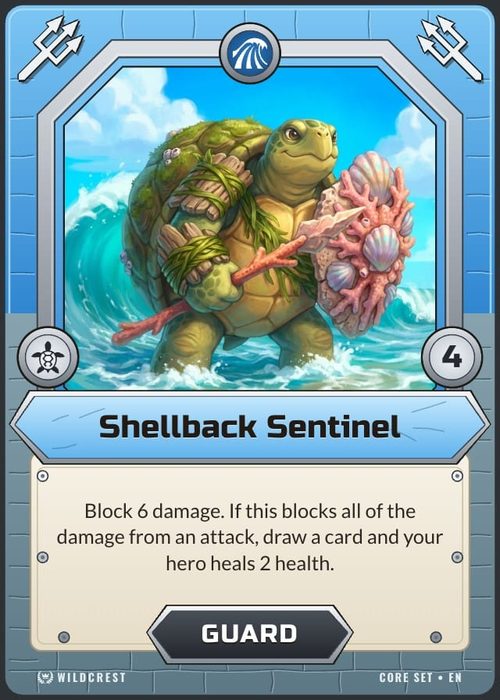
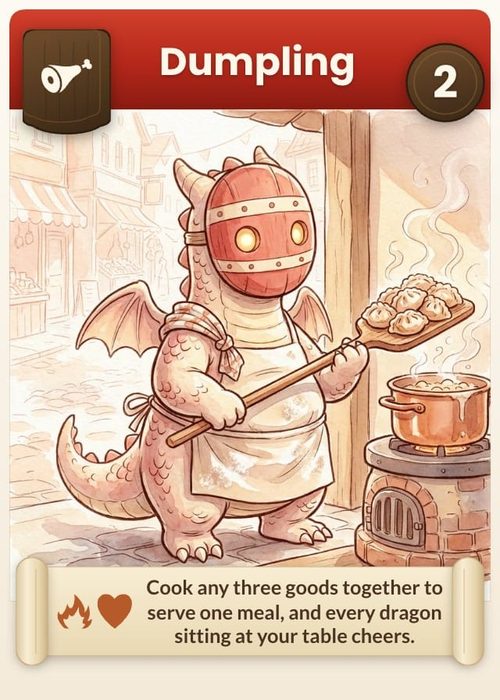
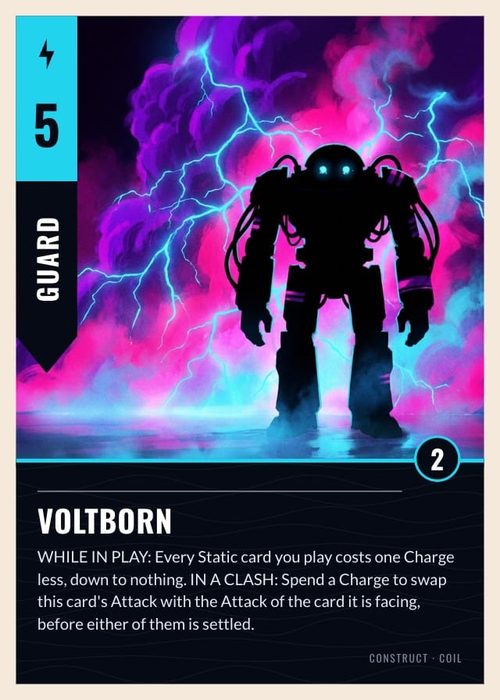
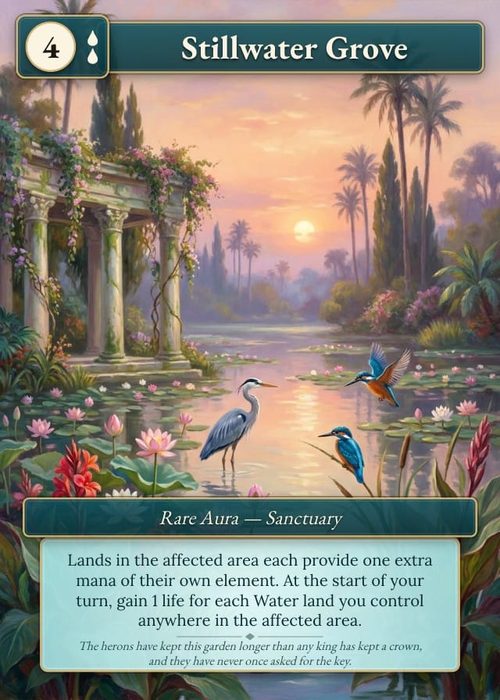
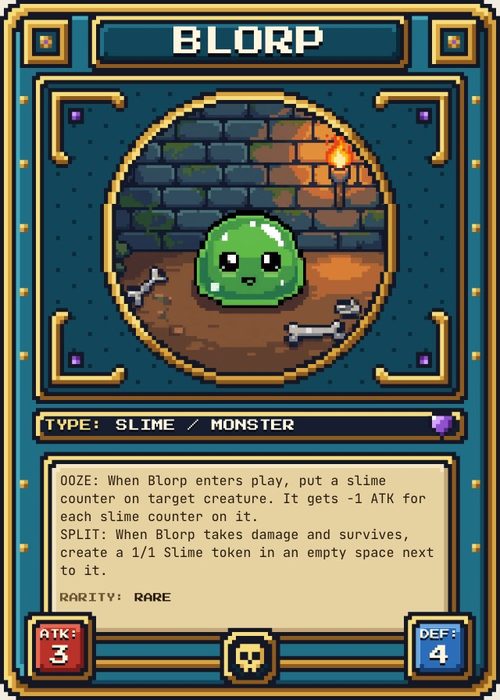
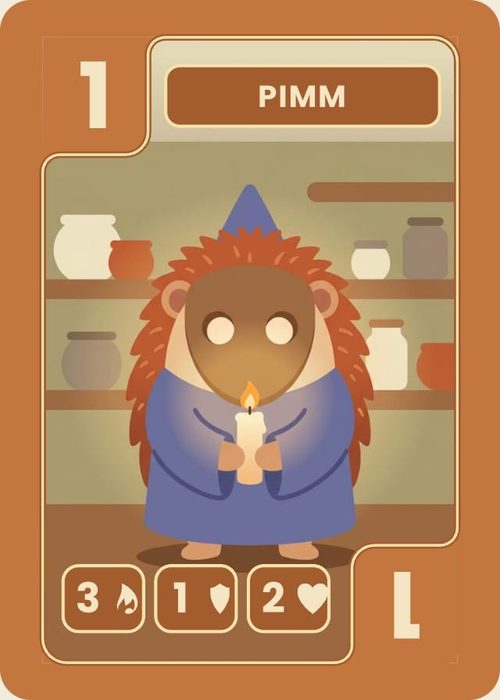
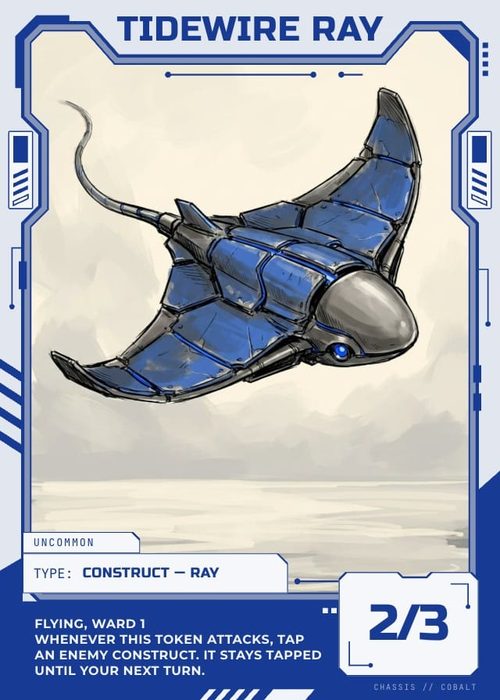
The Playtable is a live tabletop for testing a game before you print it. Its setup lets you control which cards enter the session and how the table begins, so a playtest can reproduce the game state you actually want to evaluate.
Choose the test contents
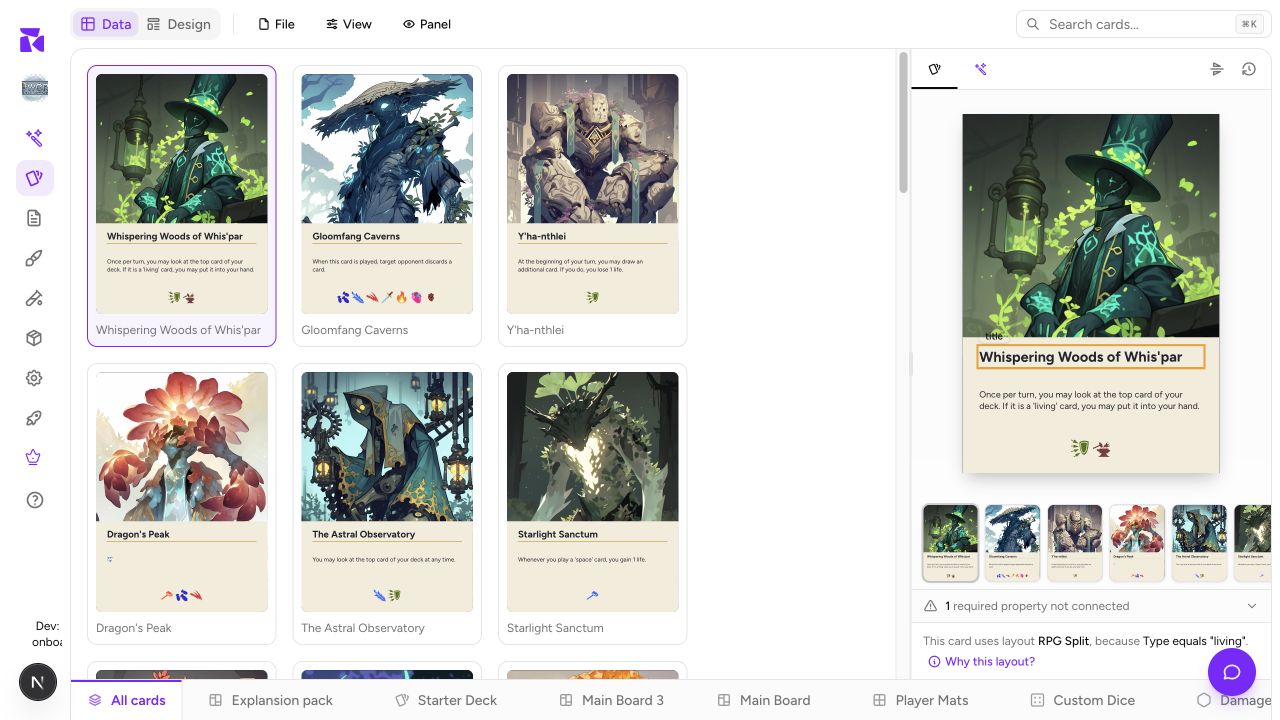
Open Playtable and pick the project from the picker at the top of the screen. On a phone there is no picker: the Playtable opens the project you used last, most recently played first. The setup screen draws a preview of the table as you change it, with a caption counting what is on it; under it, On the table lists what goes into the session. On a phone, On the table and Game options are two panes you switch between, and the start buttons stay pinned to the bottom of the screen.
- Leave All cards on for a fast test of the project's complete card library.
- Turn it off to select one or more specific card collections. Each selected tile has a copies stepper, so you can put two copies of a starter deck in. This is the better choice for a starter deck, expansion, or scenario test.
- Click a collection's tile to add it or take it out. A project with no cards shows Create cards, and one with no collections shows Create components; both take you to the Cards page.
- Boards, mats, tokens, meeples, and custom dice stay selectable beside All cards. See Playtesting Boards, Tokens & Dice for their type-aware setup.
The session needs a card deck for dealing. A board-only or token-only selection cannot replace the deck; those components enter the table as objects, not hand cards.
Card backs on the table are drawn with each card's own data, so a back that shows the card's name or type colour looks the same as it does in an export.
Configure the opening state
Game options has four tabs. Everything you set is saved for this project.
- Deal: Starting hand, Hand limit (0 means no limit; the table shows it as 5/7 and offers "draw up to"), Discard piles, and Shuffle on start. With more than one card collection chosen, Separate draw piles gives each its own pile instead of one shuffled deck.
- Turns: Track turns from the start, and for online games Only the active player moves pieces and a Turn timer. The timer warns; it never ends a turn for you.
- Table: the felt colour everyone sees (a row of presets, or the rainbow swatch for any colour; the screen warns when a colour is too light to read labels on), how many d4 to d20 dice, coins and counters to place when the game starts, and Custom coins. Add coin type gives a coin a name, a count to place on start, a Heads and a Tails face, and a disc colour.
- Rules: pick a document from Docs & Rules to show in a Rules panel at the table, including to testers.
These options turn a vague "try the game" into a repeatable scenario you can compare against the last session. If you are testing a particular turn or puzzle, choose the smallest relevant card collection and a known starting hand. For a first-read test, use the full deck and default shuffle instead.
Start solo, or play online
Start playtest opens a solo table. Solo tests are great for turn flow; bring in another person for clarity, pacing, hidden-information, and rules-teaching feedback.
Play online opens the table straight away and gives it an invite link. Nobody waits in a lobby: copy the link from the player list at the top left of the table (Copy invite link) and people join as they arrive. A table seats six players. Anyone who opens the link can play as a guest in their browser without making an account. Once every seat is taken, later arrivals can still watch.
Someone who opens the invite link sees the table itself and a door: Play as a guest or Take a seat (signed in), Join the game in progress once it has started, Back to the table if they already have a seat, and Watch instead when the table is full. As the host you can open your own link and choose Watch my playtest.
The starting hand is dealt to whoever is at the table when it opens, and a player who takes a seat later is dealt theirs from the deck as they arrive. Each seat is dealt once, so a refresh or a reconnect keeps the hand that player already has. Watchers are never dealt a hand.
The host's project, selected content, and game options define the shared session. Confirm the project name and selected collections before you open the table; changing them later is not a substitute for a clean setup.
Publish a table others play without you
If you own the project, Publish online at the top of the setup screen turns the current table into a link. Whoever opens it hosts their own game of it, can bring friends to their table, reads your rules from the table's Rules button, and can flag cards and leave feedback, all while you are offline. Give the link a name and a How to play line; players read it before they press Play, and chat apps show its first line in the link preview.
Your links lists everything you have published, with how many times each was opened. Each row can preview the page players see, Copy link, Show feedback (the ratings and comments players left), or Delete link, after which it no longer opens. A link published from a position also offers Deal fresh instead.
Players land on a page with the game's name, your How to play text and a Play now button; a guest gives the name the table should call them. When they leave, the game asks How was it: three 1 to 5 ratings (fun, clear rules, balance) and an optional comment that only you see. A guest can keep their account afterwards with Google or an email, and their notes and games come with them.
The link keeps the table's game options, hand limit, turns and rules document. Every game played from it is recorded. Free keeps one published table at a time, Hobby three, and Indie as many as you like; see Settings & Plan.
Save a position and start from it
In a game, More → Save this table as a scenario keeps the table exactly as it stands. Saved scenarios appear on the setup screen with a preview, what is in the position, and when you saved it; Start solo opens one, and its … menu offers Play online, Publish this position, so testers open the game at turn twelve instead of a fresh deal, and Delete scenario. A scenario is kept in this browser. One you save while playing your own published link goes into that link instead, so every player opens there, and it carries a Published badge.
Use the table deliberately
The table gives a card deck, player hand, discard pile, and play area their own roles. Drag cards to arrange the board state. Use a pile's context menu to draw one or several cards, deal cards, shuffle, or view the pile. From a hand or pile view, send a card to the hand, play it, discard it, or move it back to the deck.
Right-click table objects for their available actions. A card can be managed in context; counters can be named or reset; dice roll and coins flip. Lock surfaces or objects that should stay put so a movement mistake does not become a false playtest result. Playtable Controls lists every key and menu.
End each session with evidence
Write down the question being tested before you start: "Can a player understand this opening hand?" or "Does this resource rate stall turn three?" Afterward, record the observed answer in Docs & Rules, update the card data or layout, and run the exact same setup again. That loop is much more useful than treating a playtest as a general impression.
Review recordings and results
Online games are recorded automatically; solo games are not. Free keeps recordings for 30 days, Hobby for 6 months and Indie for a year. Switch between Table, Recordings and Results with the section menu at the top of the Playtable.
Recordings lists each project's sessions by day. Choose the project, and Games only or All sessions (games only hides tables that were opened for less than a minute or a handful of moves). Each tile shows who played, the published link it came from, the time, how many actions and how long it ran, card notes, the players' rating, and a badge for Abandoned (everyone left without ending it) or Cut off (it hit the recording's length cap).
Open a tile to replay it. The bar at the bottom scrubs through the game, with a flag on the rail wherever a card was flagged; beside it are previous event, play or pause, next event, the time and event count, and speeds from 0.5× to 8×. Hands shows every player's hand, the game log runs alongside, and Debrief with AI sends the session to Shufflo. You can pan, zoom, magnify and open piles, but nothing on the table moves. Recordings takes you back to the list.
Results shows what happened to every card across ended sessions. Choose the project and All sessions or one published link. Tiles at the top give sessions, typical length, how often games were finished, the mean turn, card notes and feedback. The card table sorts by any column (Drawn, Played, Discarded, Time on table, Sessions) and filters to All cards, Drawn at least once, Never drawn or Drawn, never played. Open a card's row for its sessions, each linked to the replay. Beside the table are the sessions, dice roll charts, and Tester feedback. Results summarise your newest session on Free and Hobby, and every session together on Indie.