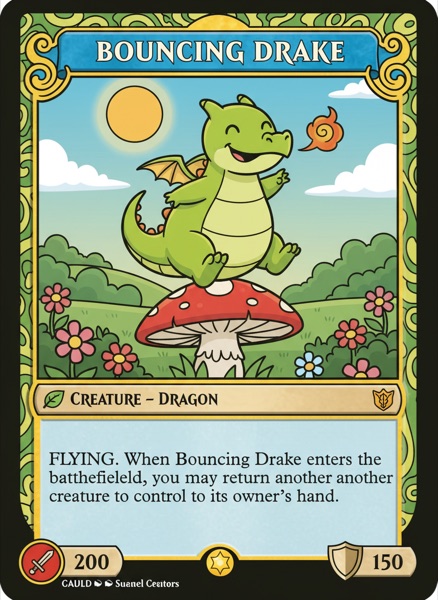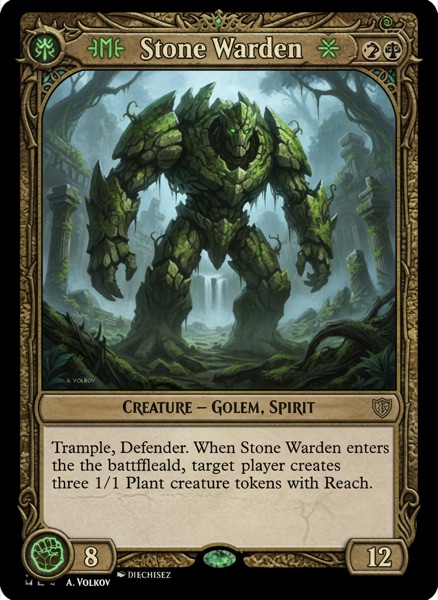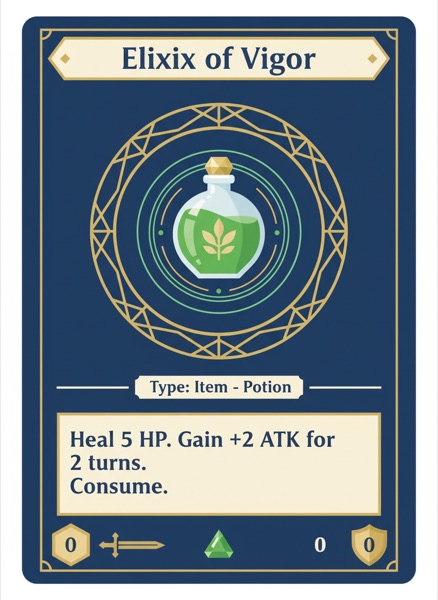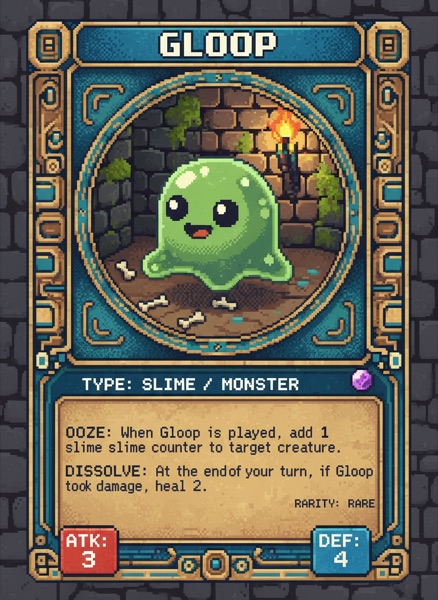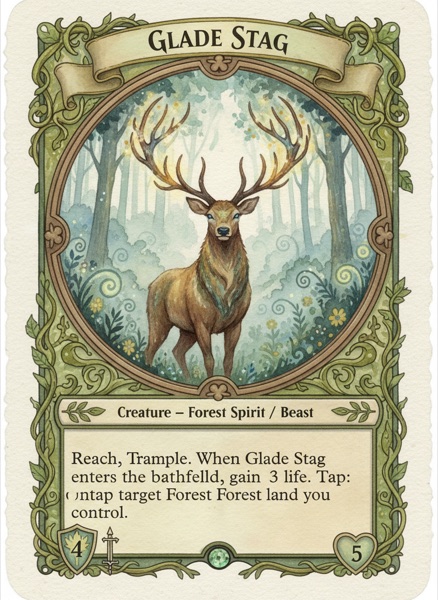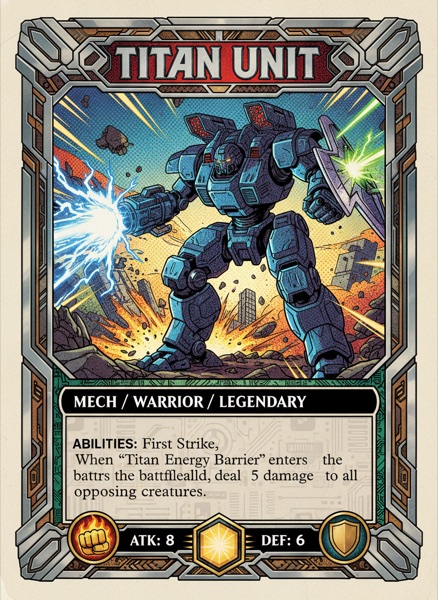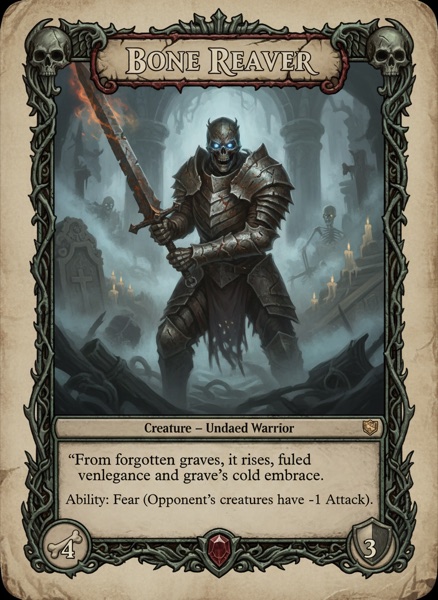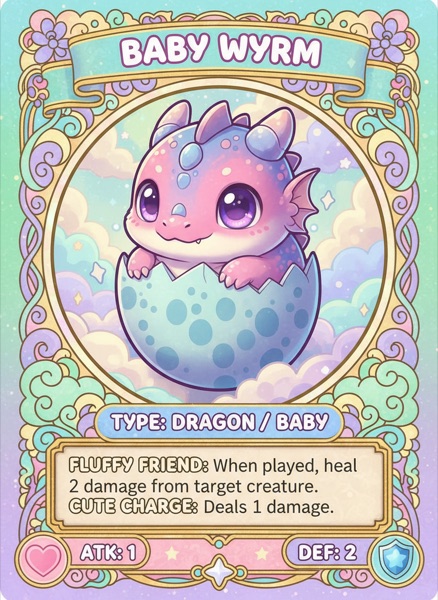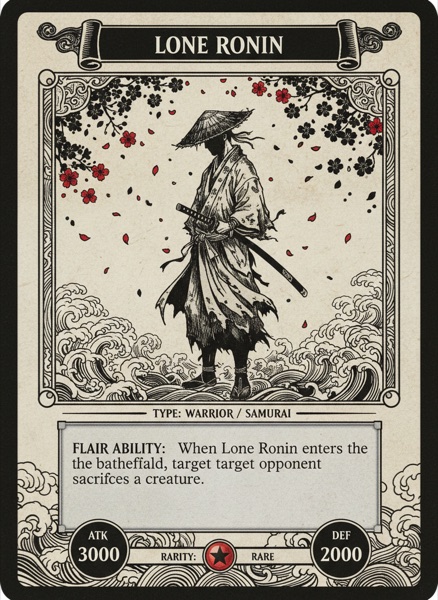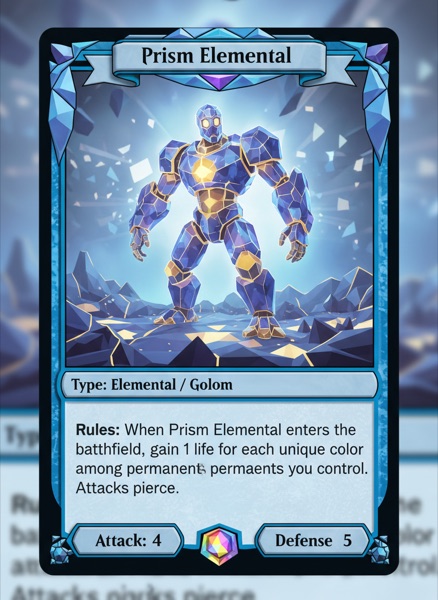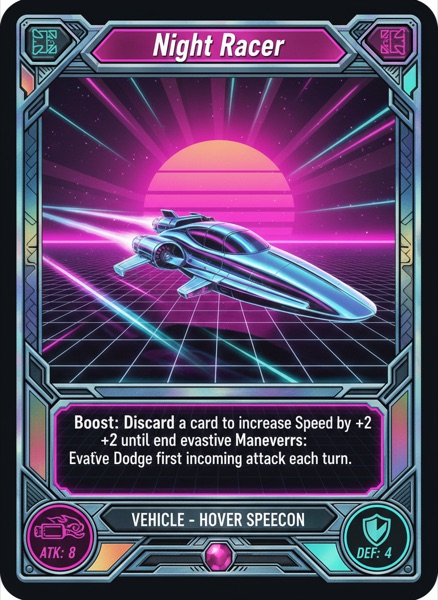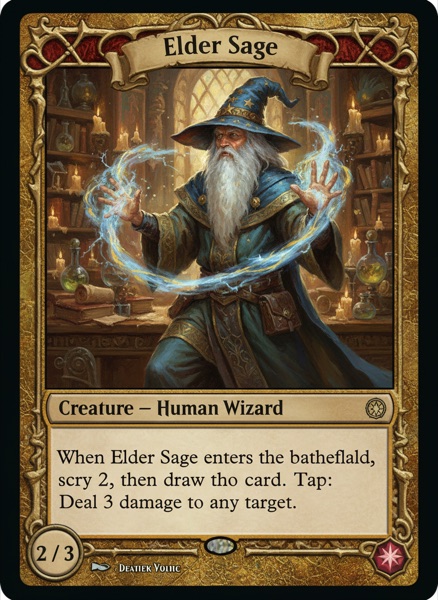
"Tabletop game maker" hides a fork in the road. Some of the people typing it are making a 60 card duelling game, some are making a box with a board and a bag of tokens, and plenty are making a 40 page RPG supplement with a stat block on every spread.
Here's what they all share, and what tool roundups keep skipping. A tabletop game is two artefacts, not one. There's the stuff on the table, and there's the book that explains it. Component tools are excellent at the first and mostly pretend the second doesn't exist. Page layout apps are the reverse. Pick badly and you'll do one half beautifully and the other half in Google Docs at 1am before your Kickstarter video.
So every tool below is judged on which half it does, and what the handoff costs you.
ShuffleKit
Best for: keeping the components, the rules document and the playtest table in one project.
ShuffleKit runs in the browser and treats a project as the whole game rather than one deck. Collections cover cards, boards, mats, score pads, tokens, dice, meeples, screens and tuck boxes, each with real printable sizes attached, and card data behaves like a spreadsheet you can import from CSV.
The half that matters here is Docs & Rules, which lives in the same project as the cards it governs. Rules, keywords, lore and balance notes are separate documents, existing drafts import as .md or .docx, and version history shows which wording a playtest broke. A deck, a board, tokens and custom dice then go onto the online playtable with no export step.
The board game maker page walks through the same workflow end to end. Free covers one project, 120 cards, 10 layouts and a playtest session a month. Hobby at $8 lifts those caps and turns on export to PNG, SVG, PDF, Tabletop Simulator and Roll20; Indie at $20 adds print and ship through The Game Crafter. You keep full commercial rights to what you make.
Docs & Rules is a writing environment rather than a typesetting one, so a rulebook needing facing pages and CMYK wants the next entry for its final pass. The playtable is two players for now.
Affinity (by Canva)
Best for: the book, the box art and anything needing real page layout.
Rewrite your assumptions on this one. On 29 October 2025 Canva relaunched Affinity as a single app folding the old Designer, Photo and Publisher together, and made it free. Not a trial. You activate it with a free Canva account, it runs on Windows and macOS, and only Canva's AI Studio sits behind a subscription.
That matters because the rulebook is where most self published games give themselves away. You get master pages, linked text frames, real typography, and PDF/X export with bleed and CMYK, which is what an offset printer asks for. Its data merge tool will also fill a repeating template from a CSV, so it can technically produce a deck, and it opens PSD files intact.
The catch is that it knows nothing about games. No card grid, no bleed aware card preset, no Tabletop Simulator export. You build that scaffolding yourself, on a professional learning curve.
Homebrewery and GM Binder
Best for: RPG supplements that need to look like a published sourcebook.
If your project is a book first, this is the corner of the internet you want. Homebrewery turns Markdown into a D&D style page: two columns, parchment, stat blocks, drop caps. It's free, MIT licensed, and self hostable. GM Binder does the same job with a different editor and a fanbase that swears by it.
Plan around the known complaints, though. Documents can be tied to a URL and people do lose work, so back your Markdown up. Long documents get sluggish, printing goes through the browser so your PDF depends on which browser made it, and GM Binder users regularly grumble about support. Great for a draft in front of readers, not for a book going to an offset printer.
Squib
Best for: designers who'd rather write code and keep the game in git.
Squib is a Ruby library where your deck is a script. Point it at a CSV or XLSX, describe the cards in code, and it renders PNGs, PDFs and print and play sheets. MIT licensed, free, Windows, macOS and Linux, Ruby 3.0 or later.
Everything being a text file means everything diffs, branches and reverts, and regenerating 200 cards after a balance change is one command. Be clear eyed about the state of it: version 0.19.0 landed in April 2023 and the repo only ticks over now (a commit in April 2026), so it's stable rather than lively. No canvas, and nothing here helps with the rulebook, playtesting or printing. (We weighed the trade in ShuffleKit vs Squib.)
Tabletop Creator
Best for: an offline desktop builder you pay for once.
Almost everything else here is a subscription in a browser tab. Tabletop Creator is a desktop app for Windows and macOS whose free version isn't a teaser, and Pro is $59 once. You work from blueprints, reusable component designs that resize text to fit, with CSV and Excel import, print and play export, and Tabletop Simulator export plus git based collaboration on Pro.
Free caps you at 120 components and 10 variables, which a small game fits and a trading card game does not. Reviews land on the same complaints. Documentation is thin, updates are slow, blueprints argue with unusual layouts, and big projects hit stability trouble. (We compared the two in ShuffleKit vs Tabletop Creator.)
If you're making one specific thing
This post stayed wide on purpose. If your project already has a shape, we've gone deeper elsewhere:
- Just a deck: the best card game makers.
- A board, tiles and tokens: the best board game makers, which covers Component Studio, Dextrous and nanDeck.
- Testing before you print: the best card game playtesting software.
- Getting into Tabletop Simulator: the best card game makers for Tabletop Simulator.
- Starting from a layout: the best card game template tools.
Which one should you pick?
- Components, rules and playtesting in one project? ShuffleKit, free to try.
- A rulebook or box that has to look published? Affinity, and it costs nothing now.
- An RPG supplement finished today? Homebrewery, or GM Binder if you prefer its editor.
- A game you'd rather keep in version control? Squib.
- Offline, no subscription? Tabletop Creator.
Most designers end up with two of these, one for the components and one for the book, and that's fine. The pairing worth trying first keeps the rules document beside the cards, because then the rulebook stops being a separate panicked project at the end. For the bigger picture, our guide on how to design a card game covers the design side rather than the software. That's the bet we made with ShuffleKit, and I'd love to know whether it holds up on your game. It's free to start, and I read every piece of feedback that comes in. Start free.