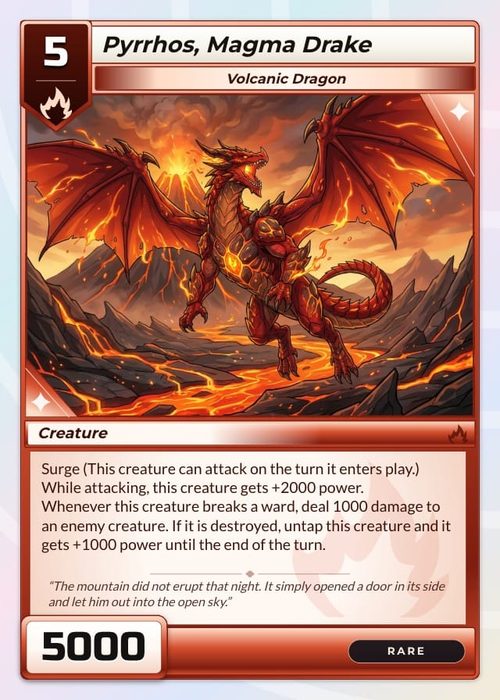
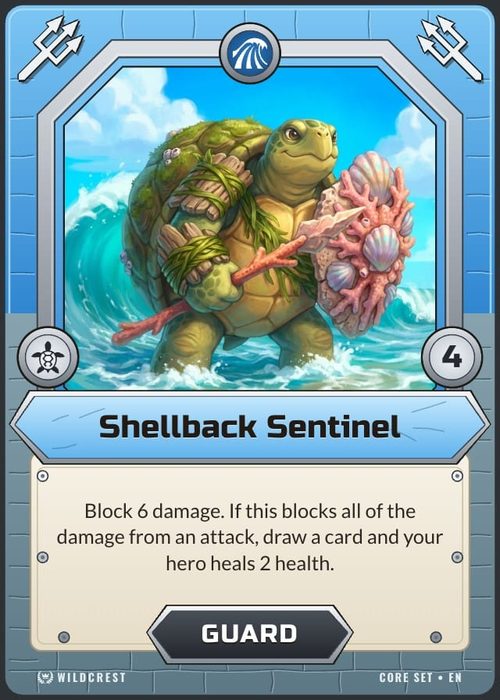
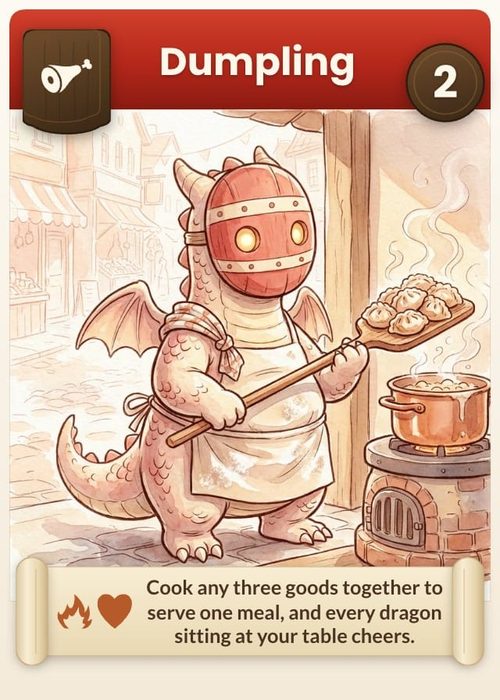
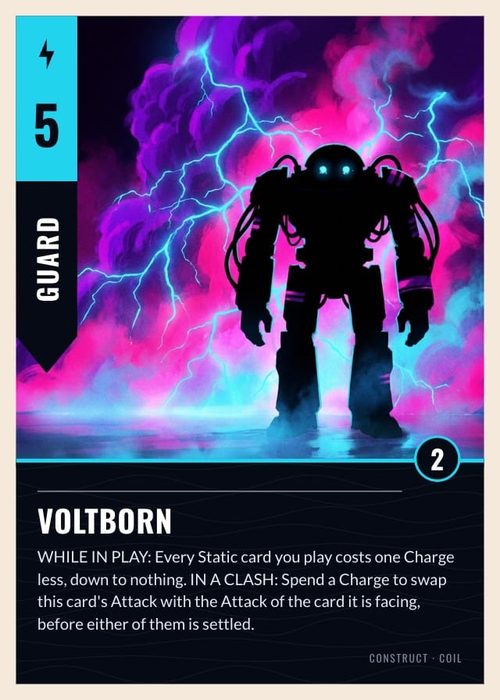
Design, playtest, and print the card game you're imagining.
The card game maker for indie designers. Your deck is a spreadsheet, and one card template turns every row into a finished card. Playtest online, then print through The Game Crafter. Free to start.
The full card game design workflow, in five steps
From a template to a printed box, here is how a deck comes together in one card game maker.
Start from one of 35 free template packs
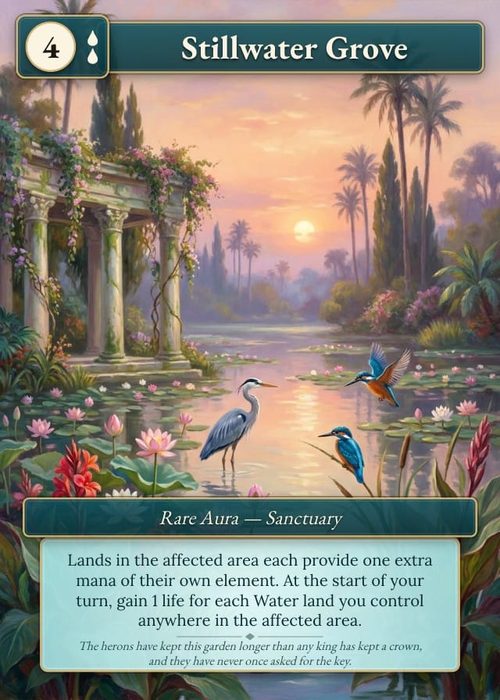
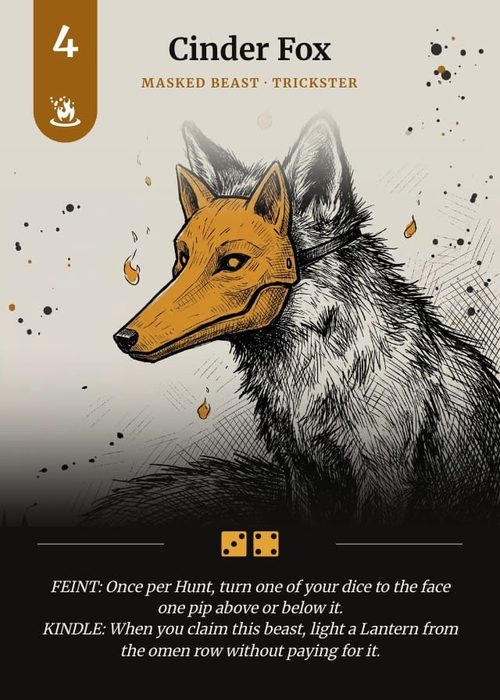
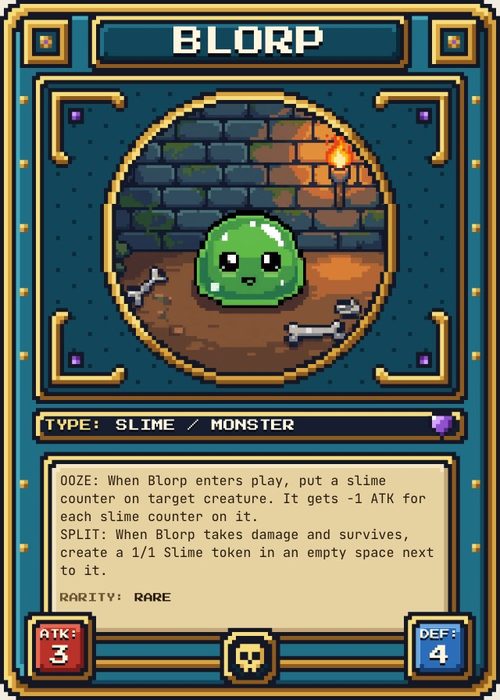
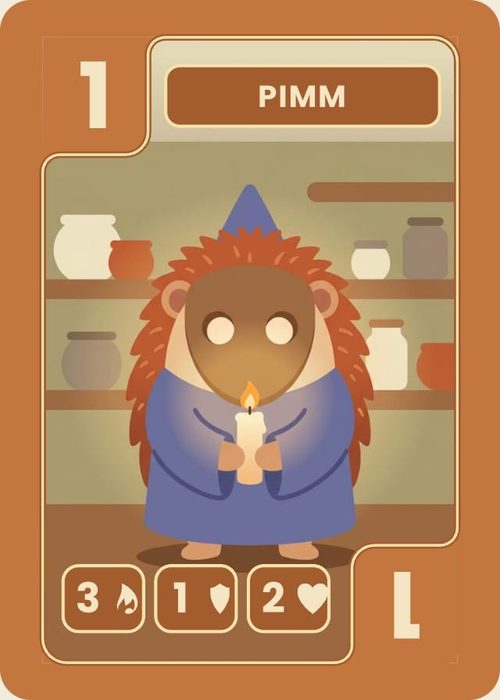
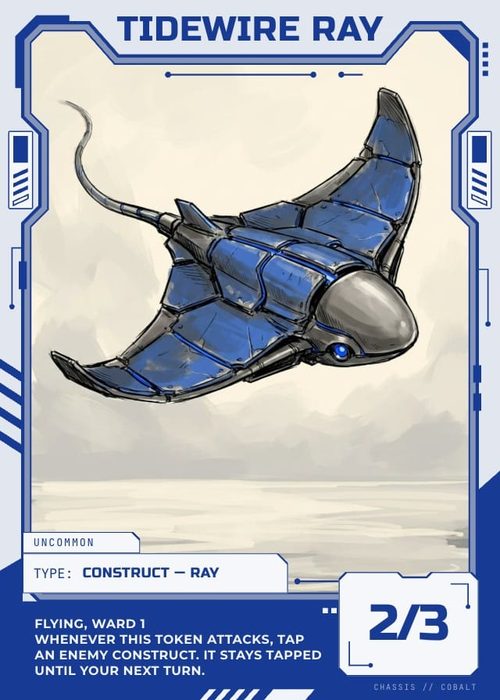
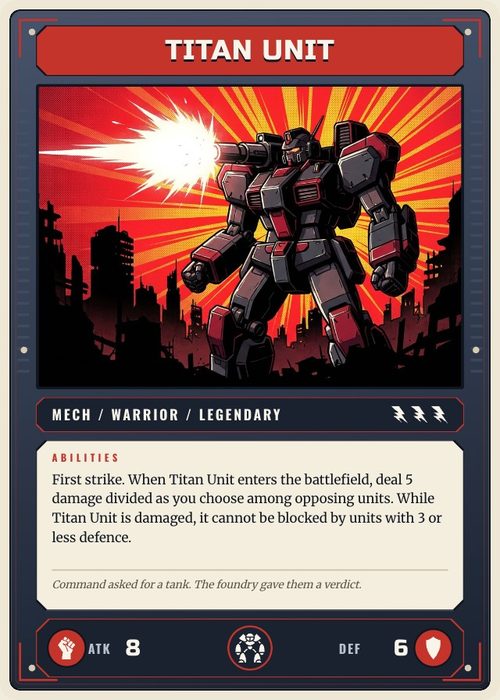
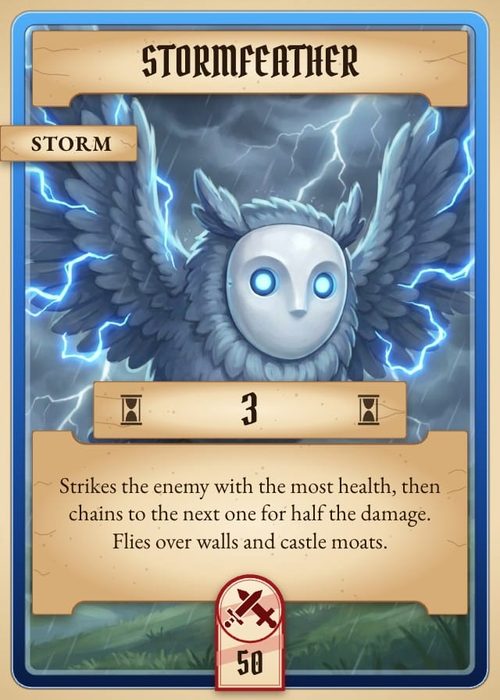
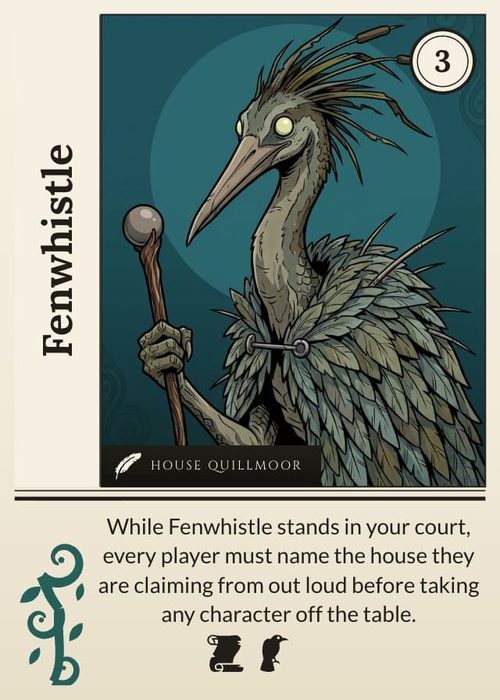
Trading cards, playing cards, tarot and board game cards, each pack with its designs and a sample deck already filled in. Pick one and your project opens with finished cards you can change.
- Browse every pack on the templates page, in portrait and landscape, from poker-size cards to player boards
- Or import a Photoshop PSD, and every layer becomes editable
Your whole deck in one editable spreadsheet
Each row is a card. Change a cost in the sheet and that card redraws, and a change to a column reaches every card at once.
- CSV import and paste from Excel or Google Sheets, with auto column mapping
- Link a Google Sheet and press Sync, or import the file again: the cards you already have update in place
Card game design software with 4,000+ game icons built in
Design the card once on a visual canvas. Every row in the sheet fills the same design, so a deck of 200 cards is still one design to look after.
- Drag-and-drop visual editor with snap guides, alignment toolbar, layers, and gradient styling
- 4,133 game icons, 8 emoji sets, and 25+ Google Fonts, ready to drop in
- Upload your own font filesFrom Hobby
Playtest your card game online, solo or with friends
Open your deck on a browser playtable with the boards, tokens and dice from the same project, and play it the minute the cards exist.
- Real-time multiplayer for up to 6 players, with private hands, each seat's view turned to face them, and room for 10 more to watch
- Boards and mats sit anchored beneath the table, tokens and meeples move freely, and your own dice roll
- Send playtesters a link: they join as a guest, with no account, at a table dealt the way you set it up
Print it at home, or order the whole game from The Game Crafter
Print & Ship sends every component to The Game Crafter at the exact size its product prints at. Before anything goes out, print checks flag text past the safe zone and art under 300 DPI.
- PDF print sheets with crop marks for print-and-play, and card images as PNG or SVGFrom Hobby
- Tabletop Simulator decks with the sheets hosted for you, so the deck loads from two linksFrom Hobby
- 21 TGC deck types (Poker, Bridge, Tarot, Jumbo, Square, Hex, Domino, and more), plus tuck boxes, boards, punchout tokens, dice and rulebooks in the same orderIndie
Every tool serious card game designers ask for
For the work after the first draft, when a rule breaks at the table and every size has to print right.
Each card picks its frame from its own data, and any layer can show or hide per card.
Everything else your game needs
In the same project as your deck, on every plan, Free included.
Version history
Read the guideSnapshot cards, decks and docs whenever you like, and roll any of them back.
- Automatic snapshots before every import and every AI edit
- The current state is backed up before each restore
- Each document keeps its own history
When it's ready, put it out there
A playable version online the day the cards exist, and a printed one on sale when the game is done.
A link anyone can open to play your game in the browser as a guest, with your rules on the table. You see who played and what they thought.
Start free, upgrade when you're ready to export
Design and playtest at no cost. Pay when you're ready to export or print.
Hobby
Print it and play it with friends

Billed yearly
- 10 projects
- Unlimited cards, boards, mats, dice and tokens
- Unlimited card designs
- 80 AI image credits a month to generate or edit art
- 80 Shufflo AI messages a month
- Unlimited playtable sessions
- Publish 3 game setups at a time
- Share with unlimited viewers and testers
- Print-ready export in PDF, PNG, SVG, Tabletop Sim and Roll20
- Playtest results and analytics
- Print and ship real decks
Indie
Publish it, online and in print

Billed yearly
- Unlimited projects
- Unlimited cards, boards, mats, dice and tokens
- Unlimited card designs
- 400 AI image credits a month to generate or edit art
- 400 Shufflo AI messages a month
- Unlimited playtable sessions
- Publish unlimited game setups for testers
- Share with unlimited viewers and testers
- Print-ready export in PDF, PNG, SVG, Tabletop Sim and Roll20
- Playtest results and analytics
- Print and ship real decks
14-day money-back guarantee: just email us at yaman@shufflekit.com
Frequently asked questions
Everything you need to know before getting started.
Still have questions? Contact us
Do I need design experience?
No. Start from one of 35 template packs: each comes with its designs and a sample deck already filled in, so your first cards are finished ones you change. You can also generate artwork to prototype with while you test the idea.
Can I make board games, not just card games?
Yes. A project holds typed collections, so alongside your deck you can add boards, mats, punchout tokens, custom dice, meeples, GM screens, score pads, and tuck boxes. Each one gets its own sizes and layouts. Boards, mats, tokens, dice and meeples go on the online playtable beside your cards, and the whole box goes to print through The Game Crafter.
Do I own what I create, and can I sell it?
Yes, fully. Everything you make in ShuffleKit is yours: artwork, rules, card data, all of it. You can sell your game, publish it, print it, or take it anywhere.
Can I import my existing game?
Yes. Card data comes in from a CSV, Excel or JSON file, or pasted straight from Google Sheets. Link a Google Sheet and Sync pulls your edits into the cards you already have, and importing a file again does the same. Designs come in from Photoshop, Illustrator or a PDF with one card per page, artwork from any image format, and rules from Word, Markdown or plain text. You can also attach a PDF rulebook to Shufflo, the AI assistant, and ask it to turn the rules into cards.
Does it work with Tabletop Simulator?
Yes. Export a deck for Tabletop Simulator and ShuffleKit hosts its card sheets for as long as the project exists. Paste the face and back links into a custom deck, or drop the saved object into your Saved Objects folder, and everyone at the table sees the same cards. Tabletop Simulator export comes with Hobby and Indie.
Can I design with a partner?
Yes. On Indie you can invite 2 teammates who edit the project with you, and you see who else is in it while you work. Playtesting works on every plan, Free included: send anyone a link to your table.
What happens when I use all my monthly credits?
Shufflo keeps answering. Past your monthly messages it switches to its standard model, so the chat never stops mid-project. Image credits run 15 past your allowance before generation pauses, and the allowance refills 30 days after it started. Hobby includes 80 image credits a month and Indie 400.
Can I cancel anytime?
Yes, no commitment. You can cancel or change your plan whenever you want. If you're not satisfied, we offer a full refund within the first 14 days, no questions asked. Refunding ends the subscription, and your projects stay in your account on the free plan.
Ready to build your card game?