
Lodestar Player Board Template
by ShuffleKit
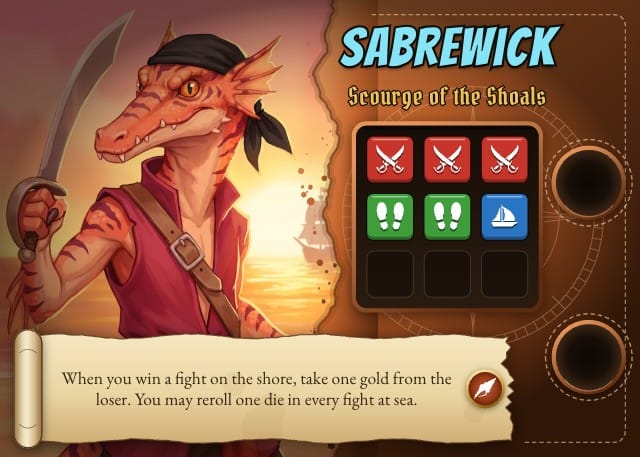
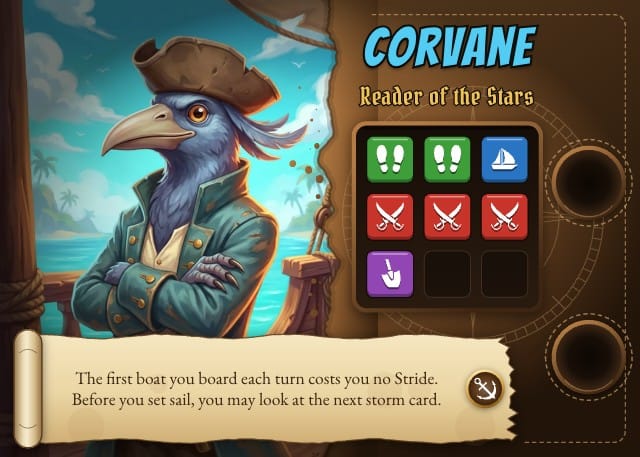
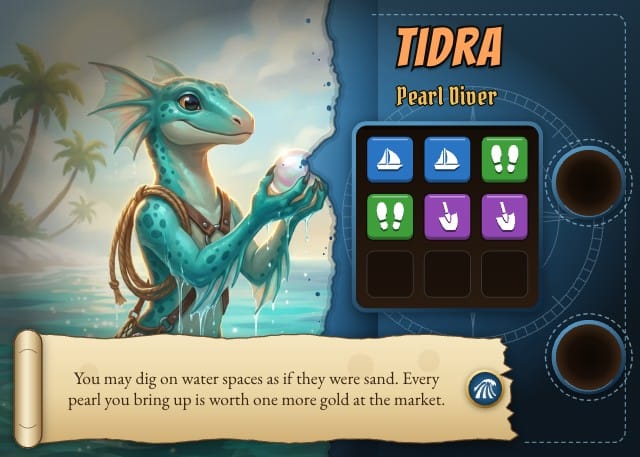
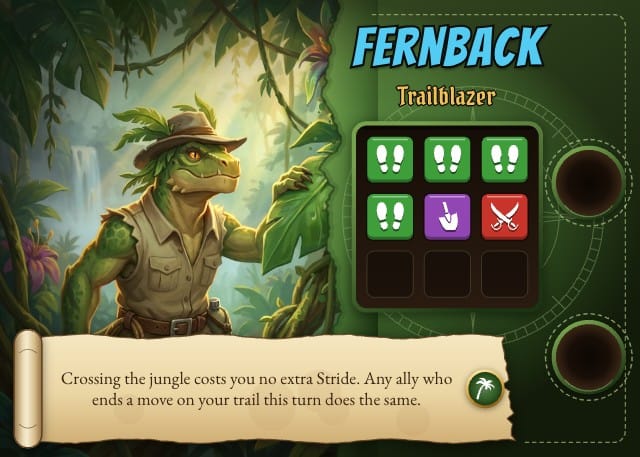
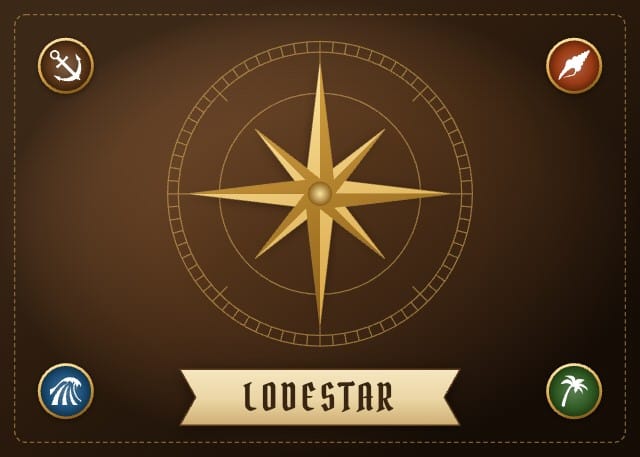
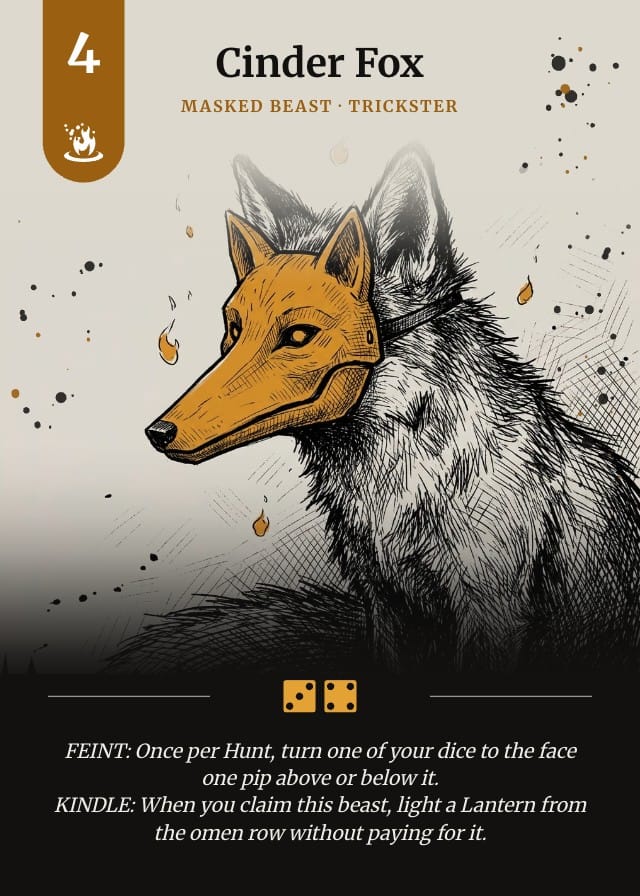
A landscape player board set for an island adventure board game, with Driftwood, Coral, Lagoon and Jungle fronts and a shared back, drawn on a poker card turned on its side and print-ready. The character's painting fills the left of a tooled leather board and dissolves into it along a brush edge, the name and an epithet run across the top, a dark tray holds up to nine action tiles, two token wells are punched down the right edge, and a parchment scroll across the foot carries the character's ability beside the crew's mark. Every part of the frame is an editable shape, so the leather, the tray, the wells and the scroll are fills you can recolour, and the crew you pick on a card chooses its front. The action tiles are an icon column with Stride, Strike, Dig and Sail ready to pick, each on its own coloured tile. Comes with an eight-card sample deck of invented beast-folk adventurers, two from each crew.
- Designs
- 5
- Sample cards
- 8
- Card size
- 3.5 × 2.5 in
- 88.9 × 63.5 mm · 1050 × 750 px at 300 DPI
- Card fields
- Name
- Subtitle
- Artwork
- Traits
- Description
- Crew
Adding a template copies its designs, fields, and sample cards into your own project. Your copy is yours, and later changes by the author never touch it.
Part of board game card templates
What’s in Lodestar Player Board Template
Five designs: Driftwood Player Board, Coral Player Board, Lagoon Player Board, Jungle Player Board and Lodestar Player Board Back.
Your cards live in a sheet, one row each, with a column for every field the designs read: Name, Subtitle, Artwork, Traits, Description and Crew. Eight of those rows arrive filled in, so there is something on the design before you type a word.
Printing at 3.5 × 2.5 in
3.5 × 2.5 in, 88.9 × 63.5 mm, 1050 × 750 pixels at 300 DPI.
Export a print-ready PDF with bleed and cut lines, or send it to a print-on-demand partner through Print & Ship. PNG and SVG come out at the same size, which is what Tabletop Simulator wants.
A printer asks for an eighth of an inch of bleed on every edge on top of those numbers, so this card goes out as 1125 × 825. The export adds it. Let the artwork run into the bleed and keep the text inside the cut line, and nothing arrives trimmed.
Questions about Lodestar Player Board Template
Everything you need to know before getting started.
Still have questions? Contact us
What happens when I add Lodestar Player Board Template to a project?
The five designs, the six fields and the eight sample cards are copied into a project of yours, with the fields already pointed at the design. Nothing stays linked to this page afterwards, so the author's later edits never reach your copy.
What size does Lodestar Player Board Template print at?
3.5 × 2.5 in, 88.9 × 63.5 mm, 1050 × 750 pixels at 300 DPI. Those are the numbers to hand a print shop, and the ones to check a sleeve against.
Is Lodestar Player Board Template free?
Yes, and so is the editor it opens in. A paid plan buys export volume and printing, never access to a template.
Can I change the designs?
Yes. They land in your project as ordinary layouts, so you can drag an element somewhere else, put your own art behind the frame, restyle the type or rename a field. Edit a design once and every card on it follows.
Can I use my own cards instead of the samples?
Yes — the samples are rows in a sheet, and they are there to be overwritten. Type over them, add rows of your own, or bring a CSV and match its headers to the fields.
Can I sell a game made with Lodestar Player Board Template?
Yes. This one is ours, and you keep commercial rights to what you build from it, crowdfunding and retail included.
Ready to build your card game?
This template is free, and so is the editor it opens in.