ShuffleKit vs Canva
Canva is a superb general design app and a perfectly good way to make ten cards. A card game is not ten cards, it is a dataset that has to stay in sync while you rebalance it. That is the difference this page is about.
When Canva is fine, and when it stops being fine
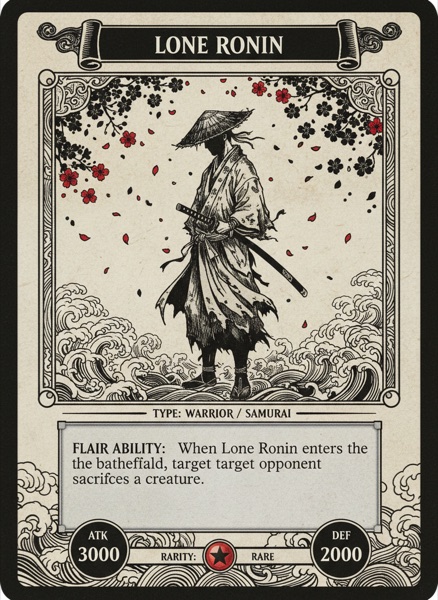
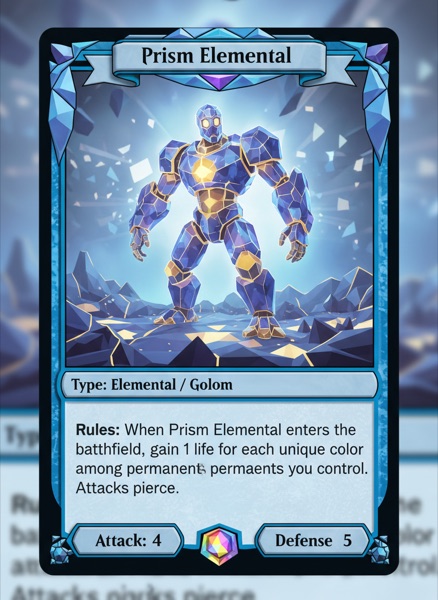
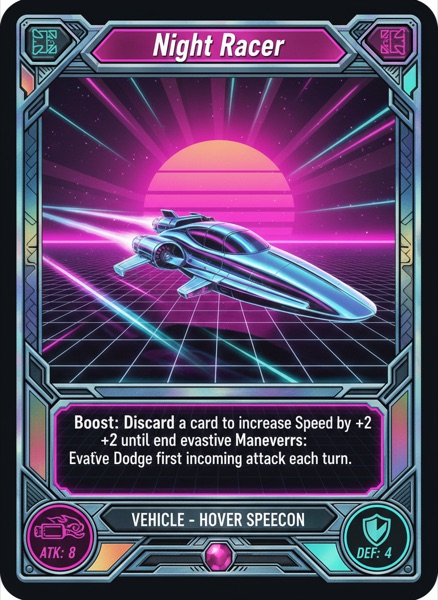
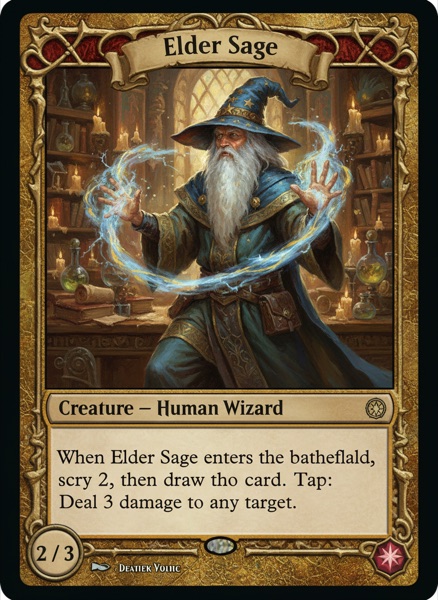
If you are making a small deck, a party game with twenty cards, or a prototype you just want to look nice, Canva will do it and its template library is far bigger than ours. Canva stops being fine at the point your game becomes data. Rebalancing a stat across 80 cards, giving rare cards a different frame, keeping card text in step with the rulebook, exporting a Tabletop Simulator spritesheet, or ordering a real deck with a tuck box are all jobs Canva was never built for, because it is a design tool and not a game tool. ShuffleKit treats the deck as a spreadsheet bound to a layout, so one edit propagates everywhere.
Feature comparison
Side-by-side, no spin.
| Feature | ShuffleKit | Canva |
|---|---|---|
| Built for | Card and tabletop game design | General graphic design |
| Deck as data | Cards are rows with typed properties you sort and filter | Each card is a separate design |
| Bulk edit hundreds of cards | Spreadsheet view, edit in place | Bulk Create merges a CSV, but re-running replaces designs |
| Data binding | Text, images, shape colour and icons bind to properties | Text and image fields only, via Bulk Create |
| Conditional layouts | Different frames per card type or rarity, automatically | Build and manage each variant by hand |
| AI card generation | Generates mechanics and balanced sets against your rules | General-purpose AI design tools, not game-aware |
| Online playtesting | Built-in multiplayer playtable, up to 6 players | None |
| Tabletop Simulator export | One-click spritesheet at correct TTS dimensions | None |
| Roll20 export | Yes | None |
| Rules documents | Versioned docs in the same project as the cards | A separate Canva Doc, unlinked to the cards |
| Print on demand for games | Direct to The Game Crafter, decks and tuck boxes | Canva Print covers stationery and marketing, not game components |
| Version history | Snapshots with per-card rollback | Design-level version history |
| Template library | 36+ card layouts, fully editable | Enormous, across every design category |
| Commercial rights | Full rights to everything you make, AI art included | Original designs can be sold; stock and templates cannot be resold as-is |
| Pricing | Free plan; paid from $4/month billed yearly | Free plan; Pro subscription for Bulk Create and print |
How we compared: Checked on 9 September 2026 against Canva's published pricing and its Content License Agreement. ShuffleKit's limits come from our published plan configuration. Check Canva directly, since software pricing changes.
Why designers switch
One edit, the whole deck updates
Change a keyword or a stat once and every card carrying it updates. In Canva the same change means opening each affected design and retyping it.
Rarity and type change the frame automatically
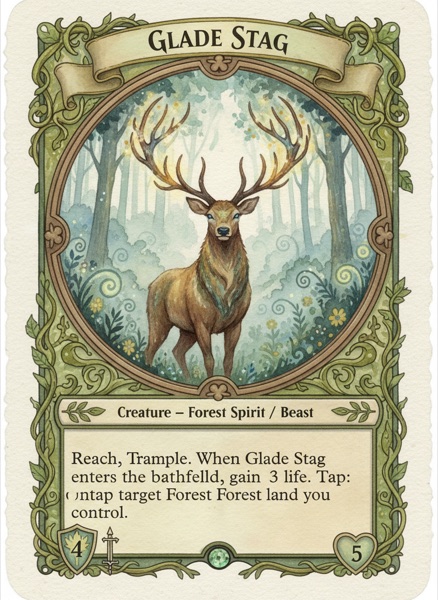
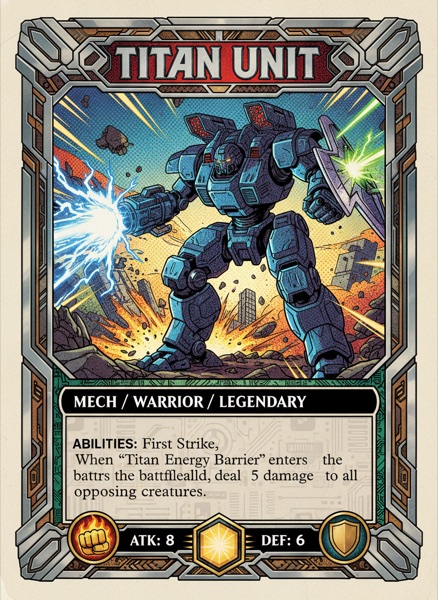
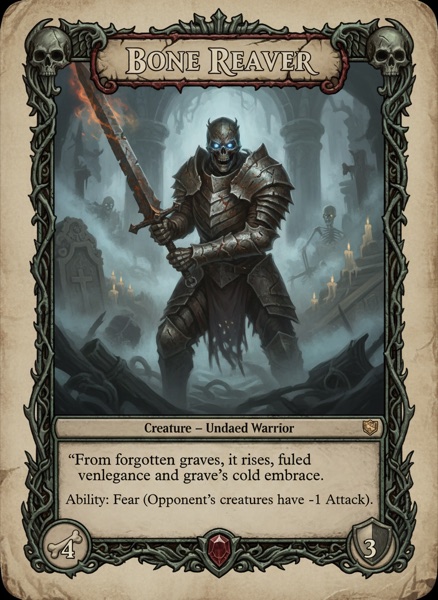
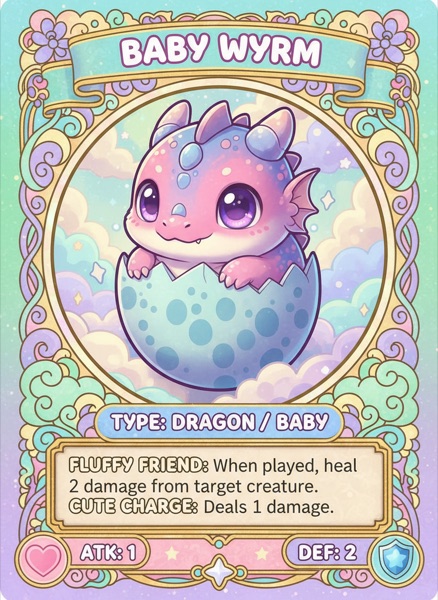
Conditional layouts mean legendary cards get the gold frame and spells get the spell frame without you managing separate files.
Your spreadsheet stays the source of truth
Import a CSV, keep editing the data in the table view, and re-import to sync. Canva's Bulk Create is a one-way merge that replaces designs rather than updating them.
Playtest without exporting anything
Share a link, testers join in the browser, and the cards they draw are the cards you just edited.
Export formats games actually use
Tabletop Simulator spritesheets, Roll20 decks, and print-ready PDFs with crop marks, bleed and validated safe zones.
Order a real deck, not a poster
Publish straight to The Game Crafter with the right card stock, sizes and a custom tuck box, and have it shipped worldwide.
Frequently asked questions
Everything you need to know before getting started.
Still have questions? Contact us
Other comparisons
Still weighing the options? These cover the rest of the field.
- ShuffleKit vs nanDeckThe script-driven desktop classic since 2006, against a browser editor with AI, playtesting and print fulfillment built in.
- ShuffleKit vs DextrousTwo no-code browser editors, closely matched on price. What separates them is AI, playtesting, rules docs and printing.
- ShuffleKit vs Tabletop CreatorA $59 one-time desktop app for Windows and macOS, against a browser tool with AI, online playtesting and print on demand.
- ShuffleKit vs SquibKeep the deck in Ruby and git, or get the same data-driven cards without the code, plus playtesting and printing.
- ShuffleKit vs Screentop.ggA free browser table your testers join with a link, against designing and playing in the same tab with no upload step.
See for yourself
Start free. No credit card. Migrate when you're ready.