
Pairwick Printable Memory Game Template
by ShuffleKit
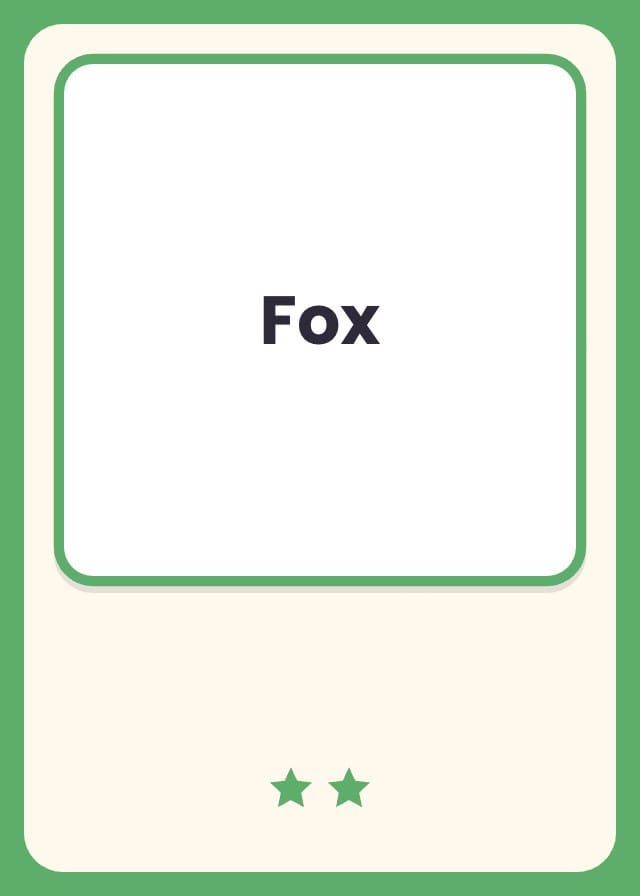
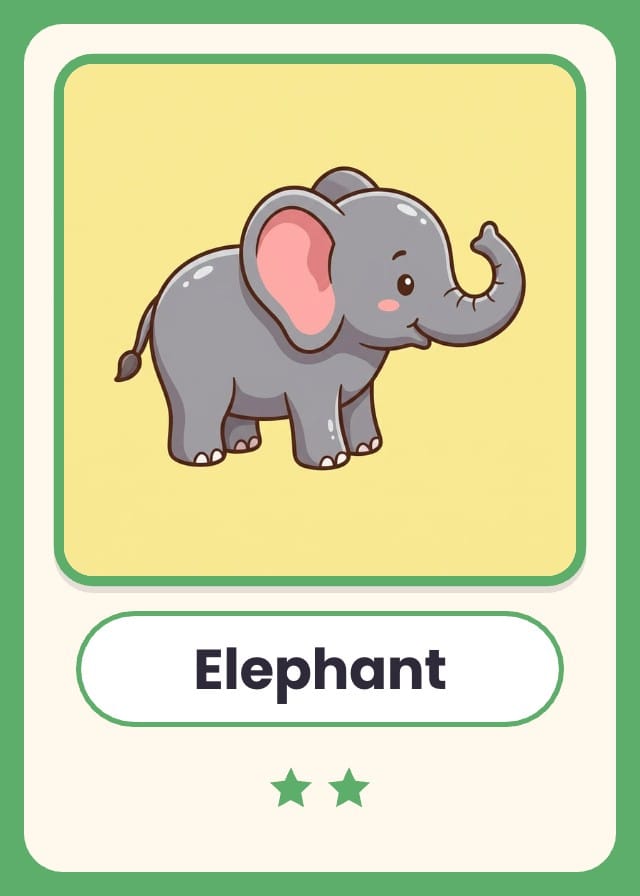
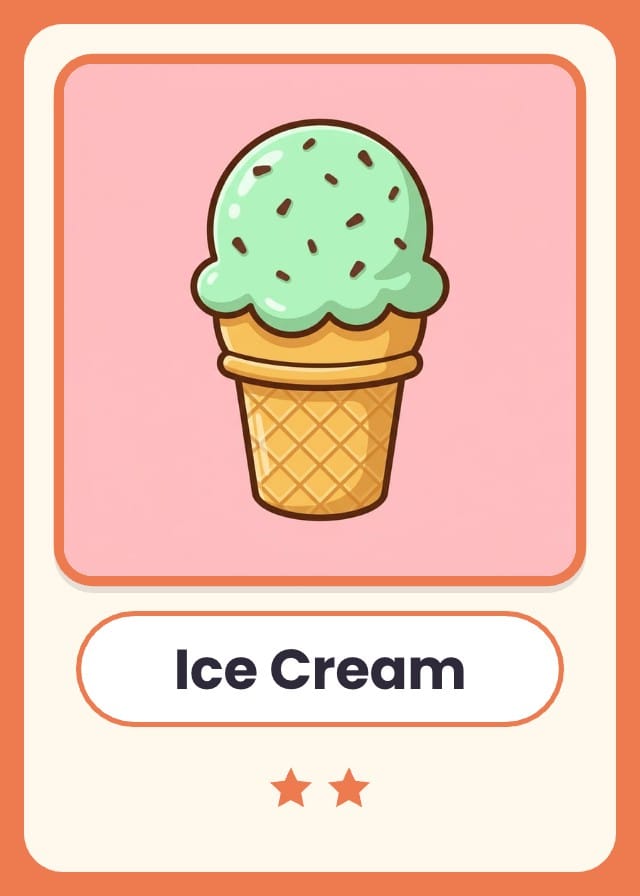
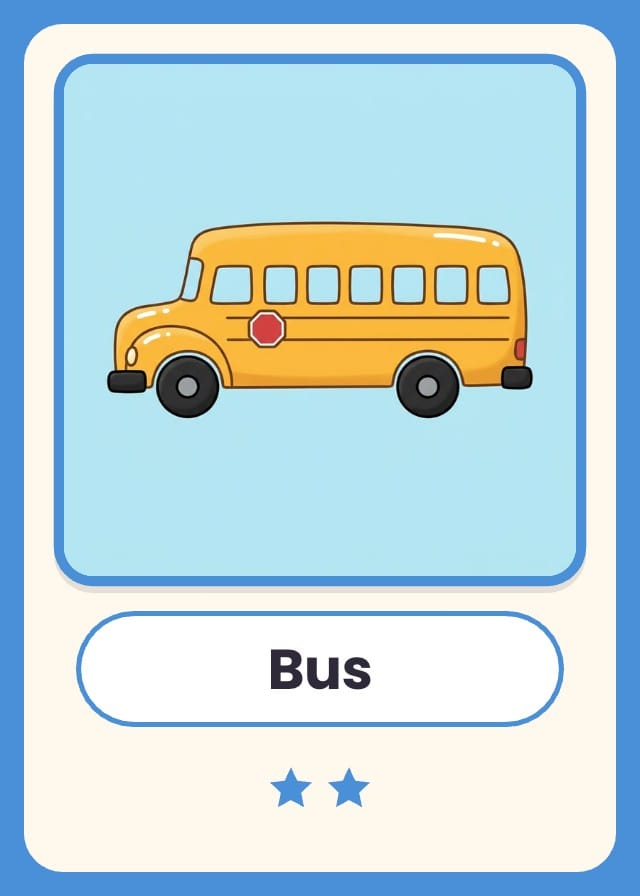
A printable memory game template with 27 picture pairs, ready to print and play as a matching game or to fill with your own photos. Every picture comes twice with its name under it, in themes of nine: Animals, Food and Vehicles. A young child can start with one theme and older players can lay out all 54 cards. To make a pair of your own, type a name on two rows and add a photo, and a card with no picture prints its word instead, for picture-to-word matching. Poker size (2.5 × 3.5 in), nine cards to a sheet of Letter or A4, so the deck prints on six sheets with one back for every card.
- Designs
- 2
- Sample cards
- 54
- Card size
- Poker — 2.5 × 3.5 in
- 63.5 × 88.9 mm · 750 × 1050 px at 300 DPI
- Card fields
- Name
- Picture
- Theme
Adding a template copies its designs, fields, and sample cards into your own project. Your copy is yours, and later changes by the author never touch it.
Part of print and play games
What’s in Pairwick Printable Memory Game Template
Two designs: Picture Card and Card Back.
Your cards live in a sheet, one row each, with a column for every field the designs read: Name, Picture and Theme. 54 of those rows arrive filled in, so there is something on the design before you type a word.
Read the 27 sample cards
| Name | Theme | Copies |
|---|---|---|
| Elephant | Animals | 2 |
| Giraffe | Animals | 2 |
| Penguin | Animals | 2 |
| Frog | Animals | 2 |
| Owl | Animals | 2 |
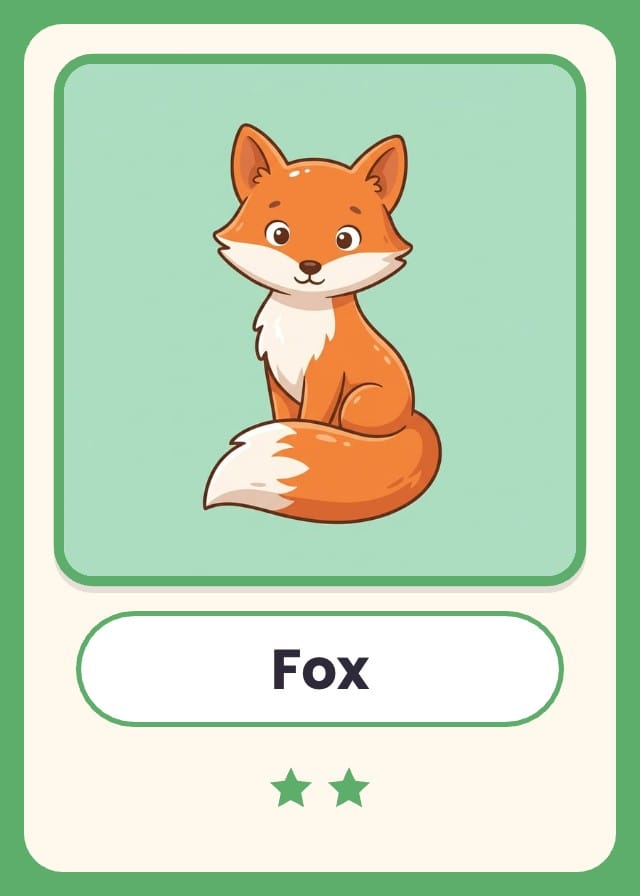
| Fox | Animals | 2 |
| Whale | Animals | 2 |
| Ladybug | Animals | 2 |
| Pig | Animals | 2 |
| Apple | Food | 2 |
| Banana | Food | 2 |
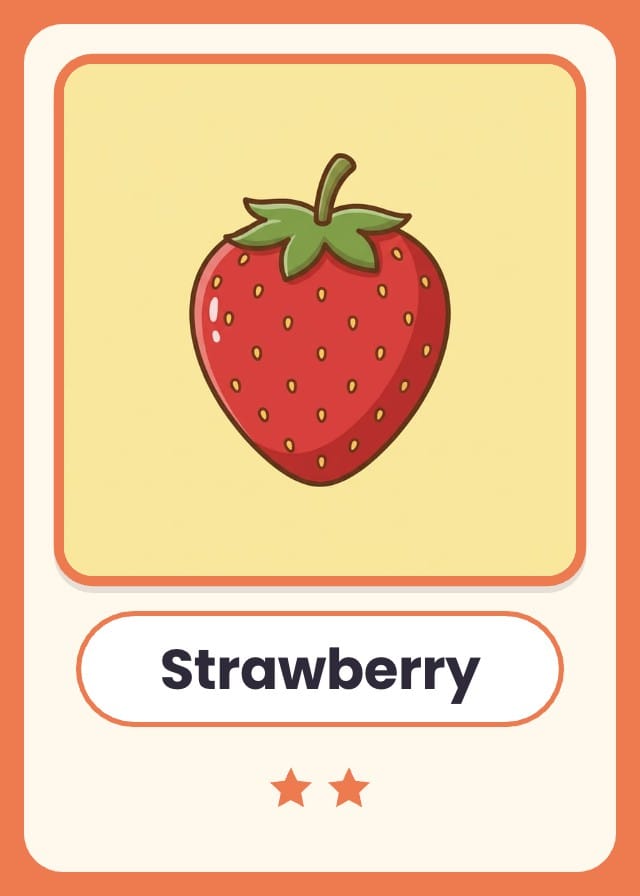
| Strawberry | Food | 2 |
| Carrot | Food | 2 |
| Watermelon | Food | 2 |
| Grapes | Food | 2 |
| Pizza | Food | 2 |
| Donut | Food | 2 |
| Ice Cream | Food | 2 |
| Car | Vehicles | 2 |
| Bus | Vehicles | 2 |
| Train | Vehicles | 2 |
| Airplane | Vehicles | 2 |
| Sailboat | Vehicles | 2 |
| Bicycle | Vehicles | 2 |
| Fire Truck | Vehicles | 2 |
| Helicopter | Vehicles | 2 |
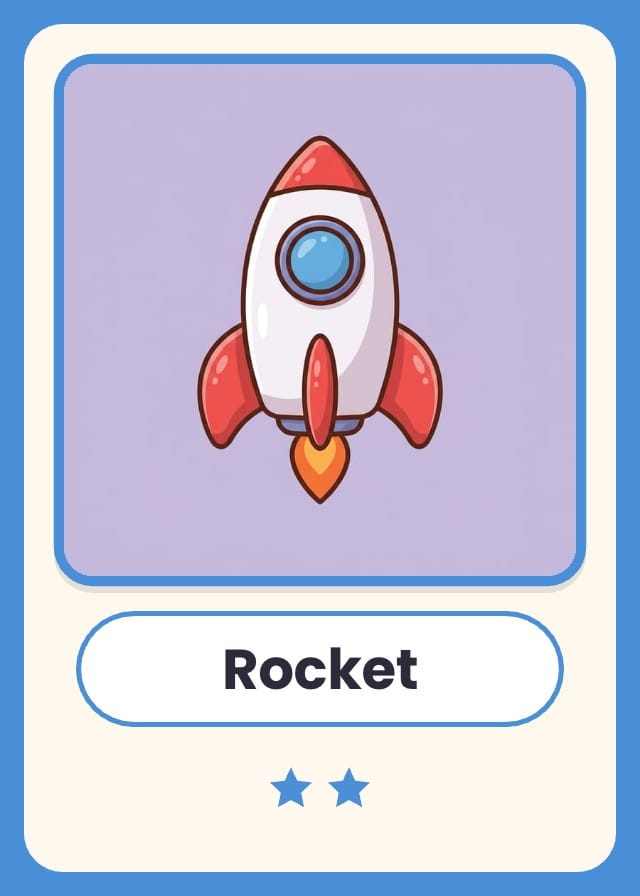
| Rocket | Vehicles | 2 |
How to play the memory matching game
- Print the cards and cut them out. For young children, start with one theme, nine pairs: the border colour sorts the deck back into Animals, Food and Vehicles.
- Shuffle the cards and lay them face down in a grid, in rows that do not touch. Eighteen cards make three rows of six, and all 54 make six rows of nine.
- On your turn, turn over any two cards so everyone can see them, and say what is on them.
- If the two cards match, they are a pair: keep them and take another turn. If they do not, turn them face down again in the same places, and the next player takes a turn.
- Watch every card that turns over and remember where it is. When the last pair is picked up, the player with the most pairs wins.
Printing at poker size
Poker: 2.5 × 3.5 in, 63.5 × 88.9 mm, 750 × 1050 pixels at 300 DPI.
On the Hobby plan, export a print-ready PDF with bleed and cut lines. PNG and SVG come out at the same size, which is what Tabletop Simulator wants. On Indie, send it to a print-on-demand partner through Print & Ship.
A printer asks for an eighth of an inch of bleed on every edge on top of those numbers, so this card goes out as 825 × 1125. The export adds it. Let the artwork run into the bleed and keep the text inside the cut line, and nothing arrives trimmed.
How to design a board game, from the first rule to a printed copy
Questions about Pairwick Printable Memory Game Template
Everything you need to know before getting started.
Still have questions? Contact us
How do I make a memory game with my own photos?
Each card is a row in the sheet, so a pair is two rows with the same name. Type each name twice, such as Grandma on two rows, and name the photo the same way, Grandma.jpg. Then choose Add images by file name… on the Picture column and pick the folder: both cards of each pair get the photo. A square photo works best, because the picture window is square and crops to fill it.
Can I make a matching game with pictures and words?
Yes. A card with no picture prints its name in big letters where the picture would be. Clear the picture from one row of each pair and every pair becomes a picture and its word, a matching game for children learning to read. The sample deck has the words already: Elephant, Banana, Fire Truck and 24 more.
How do I print the memory cards at home?
Export a print PDF, which comes with the Hobby plan, at actual size: nine poker cards to a sheet of Letter or A4, so the 54 cards are six sheets, and each theme is two. The backs come out lined up for two-sided printing. Use card stock if your printer takes it. The back is a dark pattern that runs off every edge, so a picture does not show through and a back printed a little off-centre still looks like every other back.
What happens when I add Pairwick Printable Memory Game Template to a project?
The two designs, the three fields and the 54 sample cards are copied into a project of yours, with the fields already pointed at the design. Nothing stays linked to this page afterwards, so the author's later edits never reach your copy.
What size does Pairwick Printable Memory Game Template print at?
Poker size: 2.5 × 3.5 in, 63.5 × 88.9 mm, 750 × 1050 pixels at 300 DPI. Those are the numbers to hand a print shop, and the ones to check a sleeve against.
Is Pairwick Printable Memory Game Template free?
Yes. Adding it, editing it, filling it with your own cards and playtesting it online are all free. Exporting print files starts on the Hobby plan, and Print & Ship through The Game Crafter is on Indie. No template sits behind a paid plan.
Can I change the designs?
Yes. They land in your project as ordinary layouts, so you can drag an element somewhere else, put your own art behind the frame, restyle the type or rename a field. Edit a design once and every card on it follows.
Can I use my own cards instead of the samples?
Yes — the samples are rows in a sheet, and they are there to be overwritten. Type over them, add rows of your own, or bring a CSV and match its headers to the fields.
Can I sell a game made with Pairwick Printable Memory Game Template?
Yes. This one is ours, and you keep commercial rights to what you build from it, crowdfunding and retail included.
Ready to make your own memory games?
This template is free, and so is the editor it opens in.